Conclusion
Pitch successfully bridges the gap between automated AI slide generation and enterprise-grade presentation editing. Its AI Agent follows complex structural instructions accurately, while native integrations for live spreadsheets, CSVs, and asynchronous video recording make it ideal for professional teams. While it lacks automated AI speaker notes and a one-click full-theme redesign command, its ability to export PowerPoint and PDF files on lower tiers makes it a top-tier contender.
Pros:
- Highly dependable AI Agent that accurately executes multi-part slide additions and restructuring
- Fully interactive charts supporting live data imports from CSV, Google Sheets, and analytics tools
- Built-in asynchronous video recording for presenting decks via interactive links
- Free tier includes actual PowerPoint and PDF file downloads with minimal branding
Cons:
- Lacks automated AI speaker note generation, requiring manual note drafting
- AI Agent cannot execute full-deck visual theme redesigns in a single prompt
- Initial deck generation is slightly slower than lightweight competitors, taking 3 to 4 minutes
- Free starting credit pool (100 credits) exhausts quickly during thorough testing
Table of Contents
- First Impressions & User Experience
- Core Features
- Performance, Reliability & Everyday Usability
- Pricing Breakdown & Limitations
- Privacy & Data Handling
- Comparison With Gamma and Presentations.AI
- Final Verdict
Pitch was the seventh tool I tested in this series, and by this point I was honestly getting a little tired of watching AI agents mess up instructions that really shouldn’t have been that difficult. So when I got to Pitch, I was mostly curious to see if its AI editing would actually be any different.
From what I saw, Pitch is less about being a quick “give me a prompt and here’s your deck” kind of tool and more about combining AI presentation generation with a proper presentation editor. It felt much more business-focused to me, especially with all the branding, team and collaboration features. I could see it being a really good option for someone working in a company where presentations need to look consistent and actually use real data in their charts, rather than just having nice-looking slides.
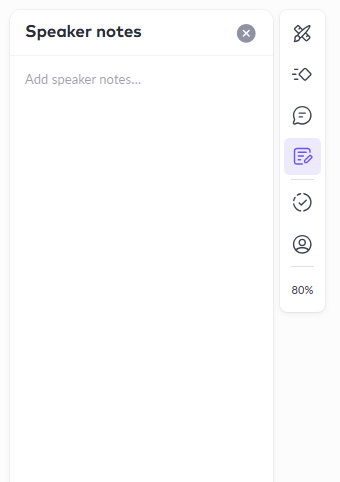
That said, there was one thing I definitely missed. If AI-generated speaker notes are something you specifically want, Pitch isn’t going to be my first recommendation. It has a place for speaker notes, but I had to write them myself. After testing Presentations.AI and seeing how useful its generated notes were, this felt like a pretty noticeable omission to me.
First Impressions & User Experience
The interface was clean and polished, and I didn’t really have to figure anything out before getting started. No dark mode again, which is a small annoyance for me by now, but nothing that actually affected the experience.
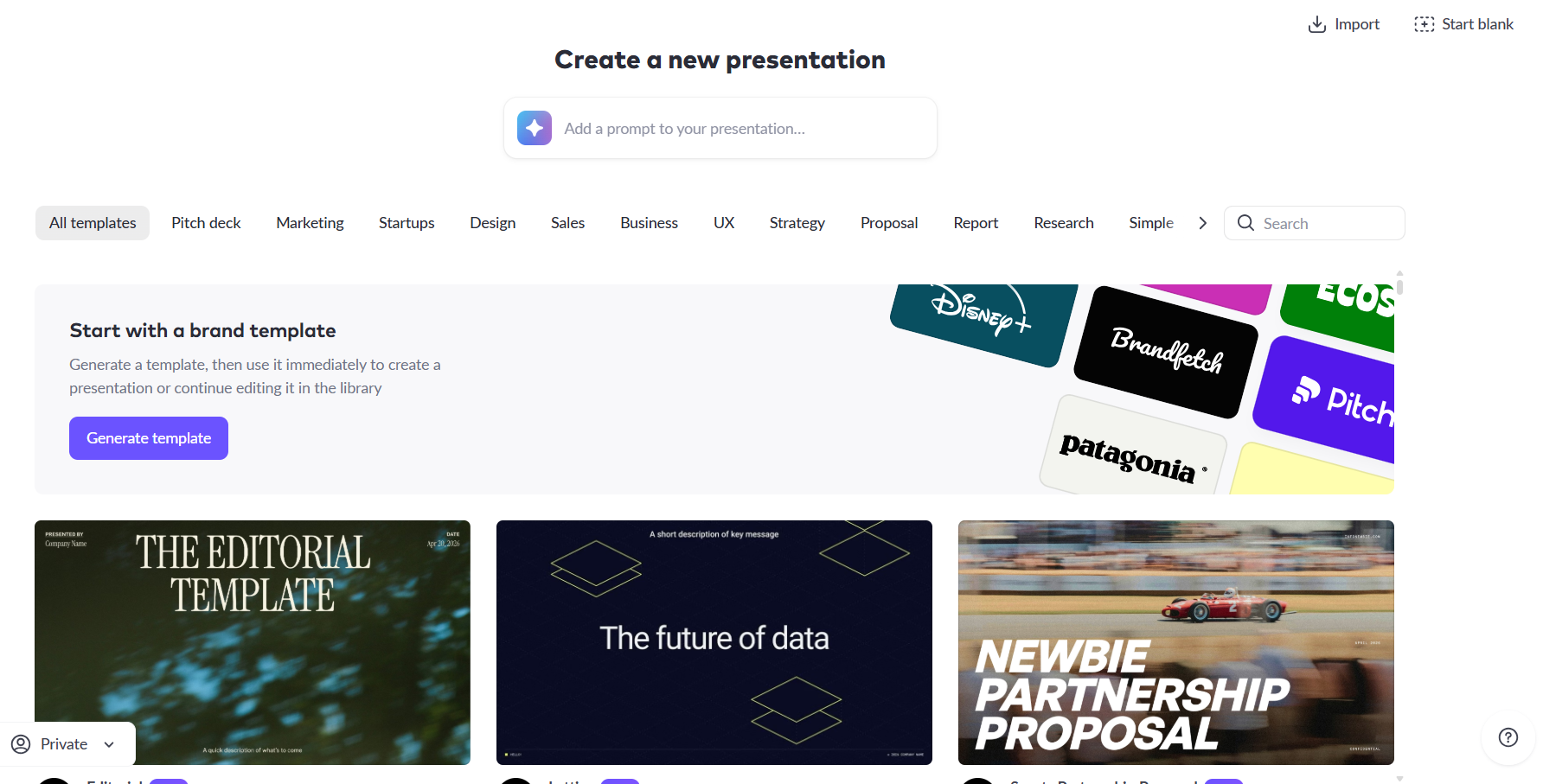
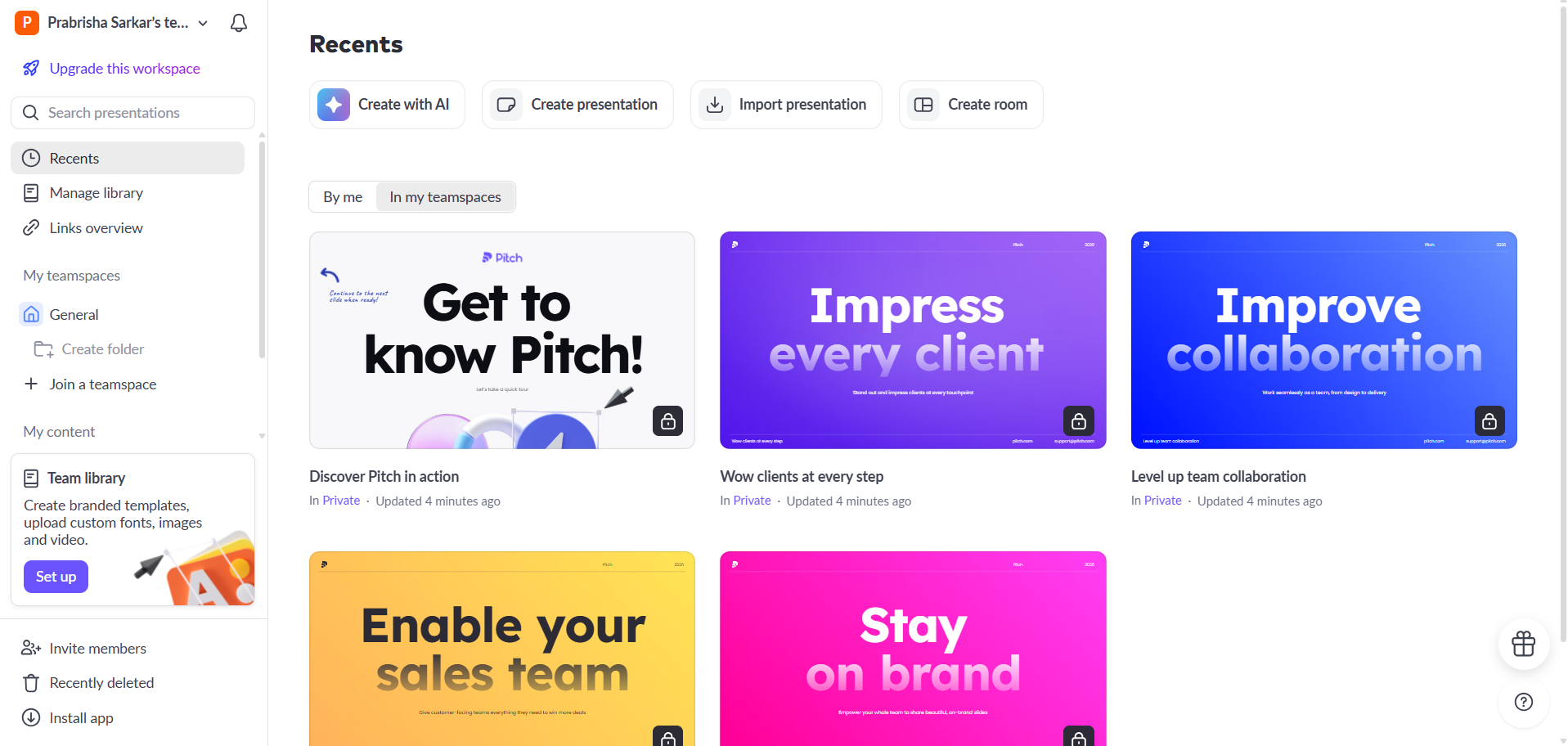
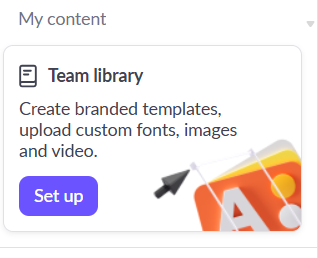
From the home screen, I could create a presentation, import one, or generate it with AI. I tested the PDF-to-presentation workflow and the main prompt-to-presentation one. The template library was also pretty big, covering things like pitch decks, marketing, startups, sales, strategy and research. There was also a Team Library for custom fonts, images, videos and branded templates. Overall, Pitch felt like it was made for actual teams and businesses, not just someone who wants to generate a quick deck and leave.
Core Features
PDF to presentation. I reused the same source PDF I’d fed into Presentations.AI earlier so I could compare the two fairly, and Pitch actually came out ahead here. The content translated into something more usable, it felt like Pitch was building an actual deck out of the material rather than just condensing it down into thinner slides. I went in expecting the prompt based generation to be the stronger half of my test, so this was a nice surprise early on.
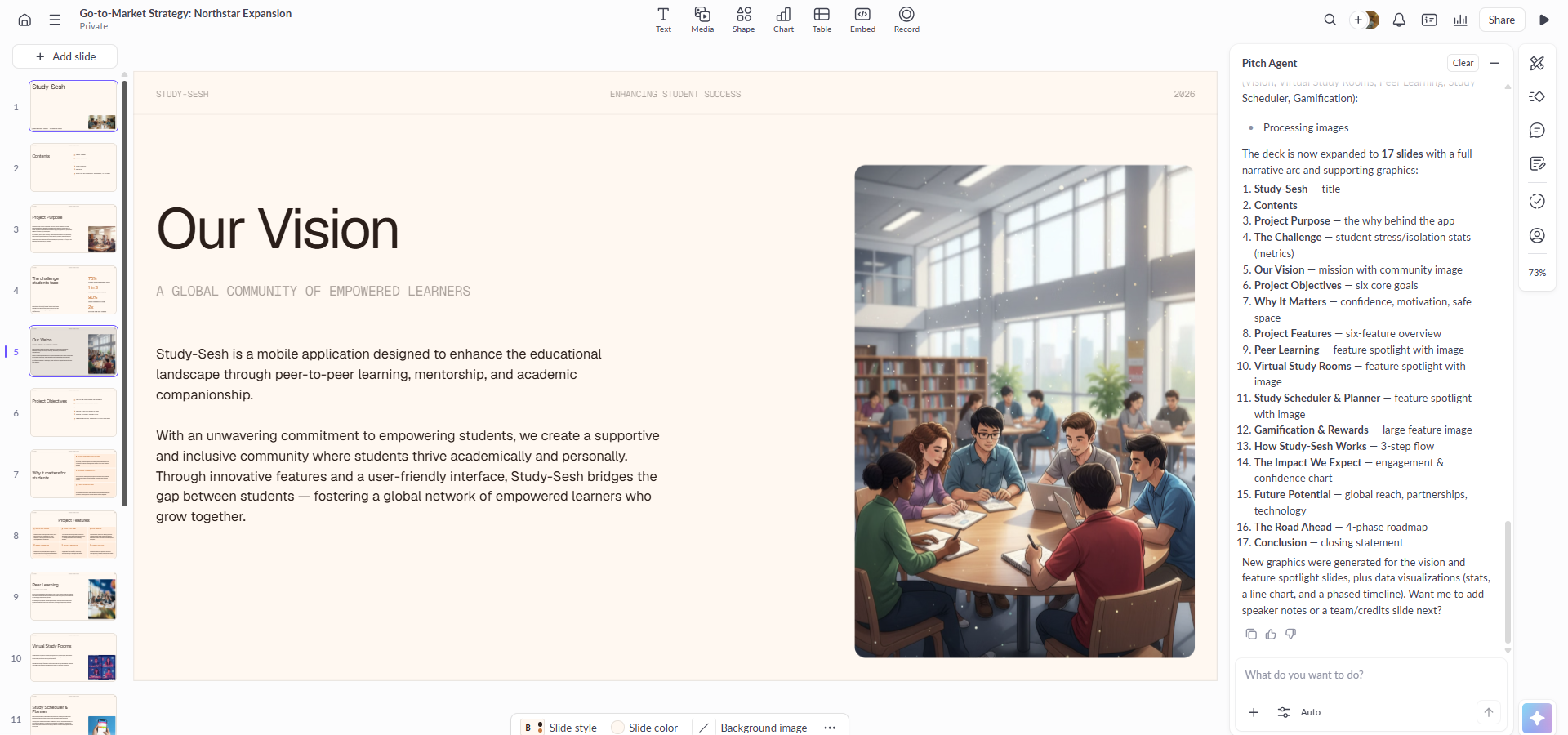
Pre generation controls. There wasn’t a huge amount to choose from before generating the presentation. I basically had two options: Auto, which was the higher-quality default, or Faster, which was more geared towards writing and text edits. It was definitely less detailed than some of the other tools I tested, but I actually didn’t mind that. There weren’t loads of settings to go through before I could just get on with making the presentation.
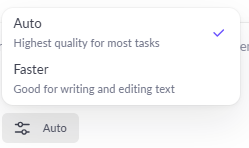
Output Quality. The generation was a little slower than most of the tools I’d tested, taking around three to four minutes, which was longer than I would’ve liked. But honestly, once I saw the result, I didn’t really mind the extra wait. I deliberately picked a pretty plain template because I wanted to see how much of the final look was actually coming from Pitch itself rather than the template doing all the work. The result was genuinely good. The layout felt coherent, the overall presentation looked professional, and it actually used charts alongside the explanatory text instead of turning everything into a wall of paragraphs. So in this case, I thought the wait was worth it.
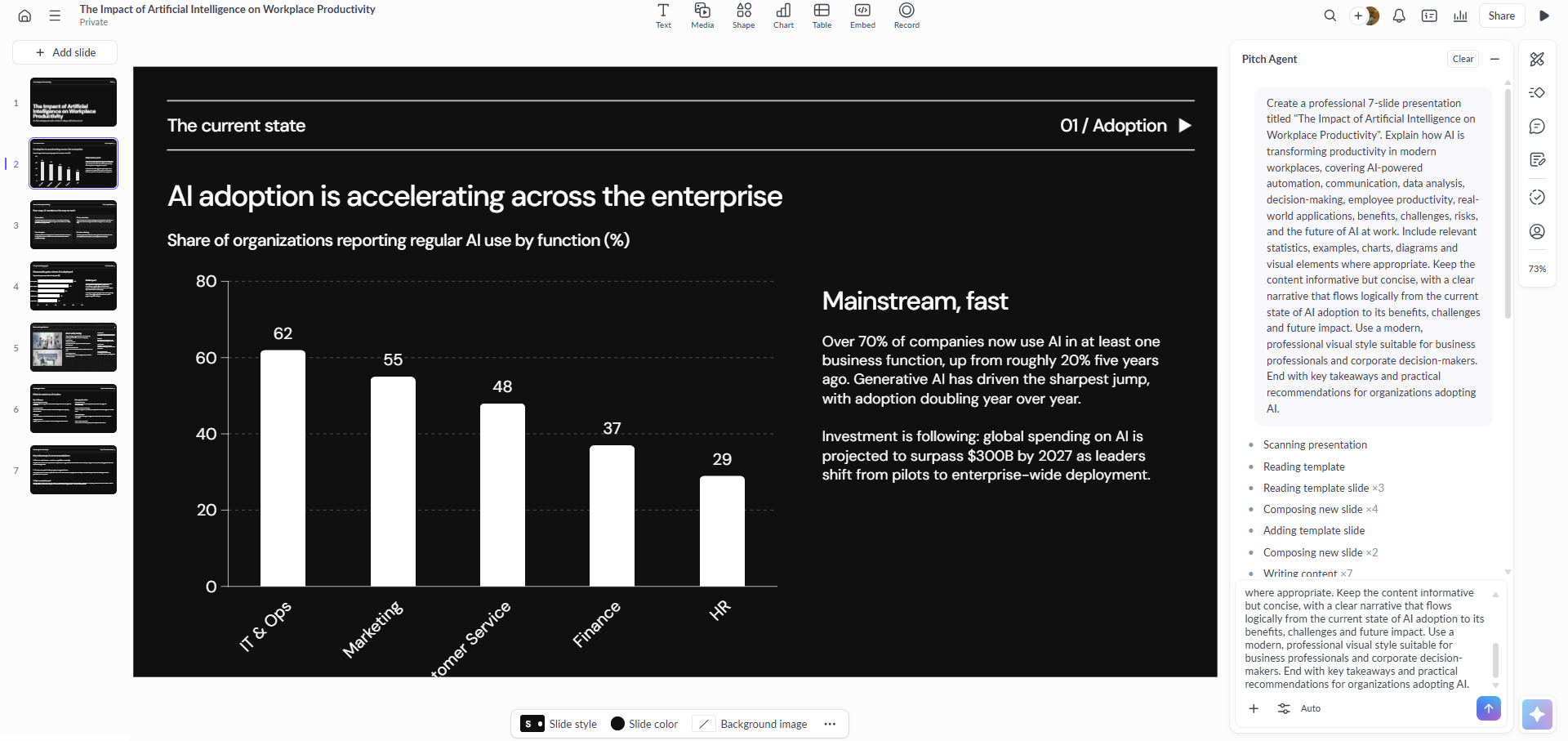
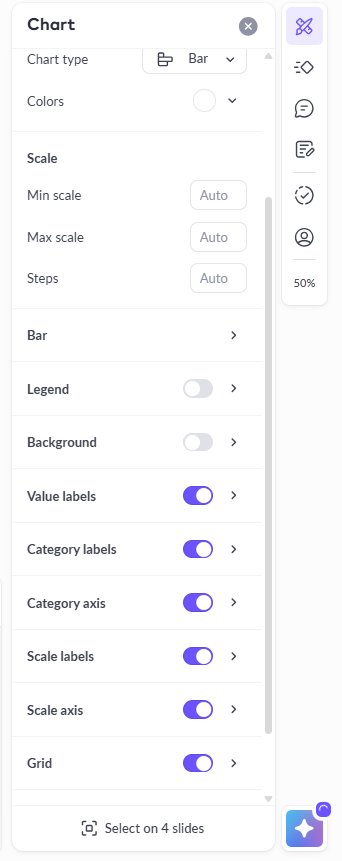
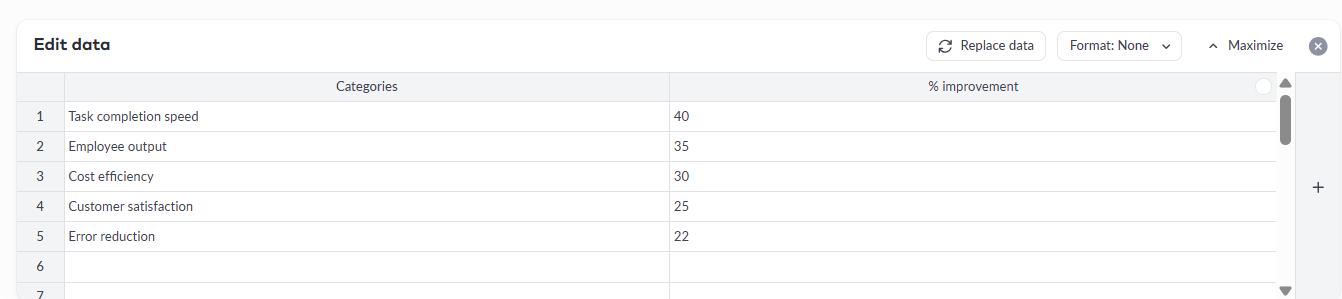
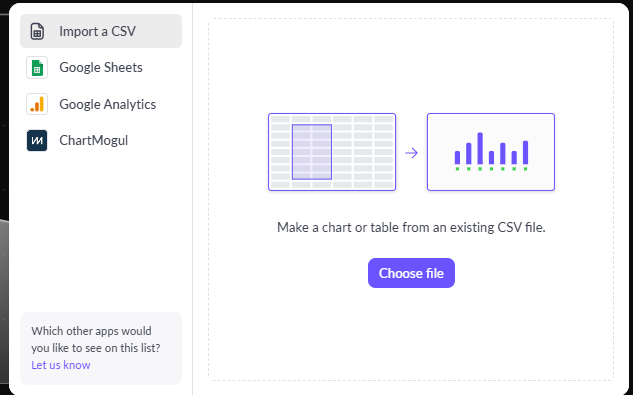
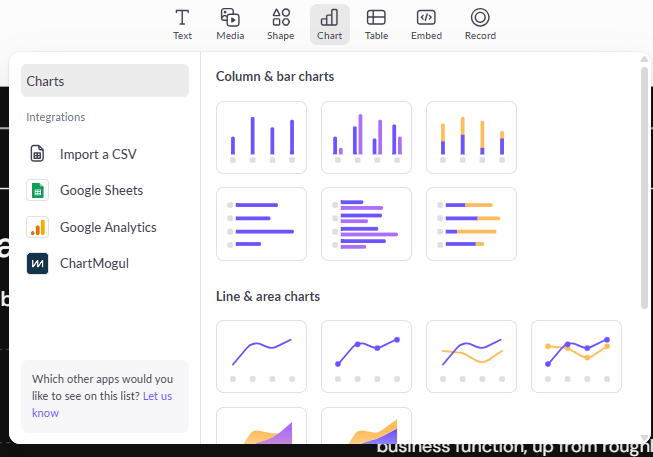
Chart editing. This part actually impressed me a lot.The chart editing was probably one of the things that impressed me most. The charts weren’t just static images that happened to look like data. I could actually change the chart type, edit the numbers, adjust the colours, scales, legends, labels and grids. More importantly, I could bring in my own data from a CSV or Google Sheets, and there were even integrations for Google Analytics and ChartMogul. I really liked that because it meant I wasn’t stuck using whatever numbers Pitch had generated. I could just take the chart and replace them with my actual data, which makes the whole thing much more useful for a real presentation.
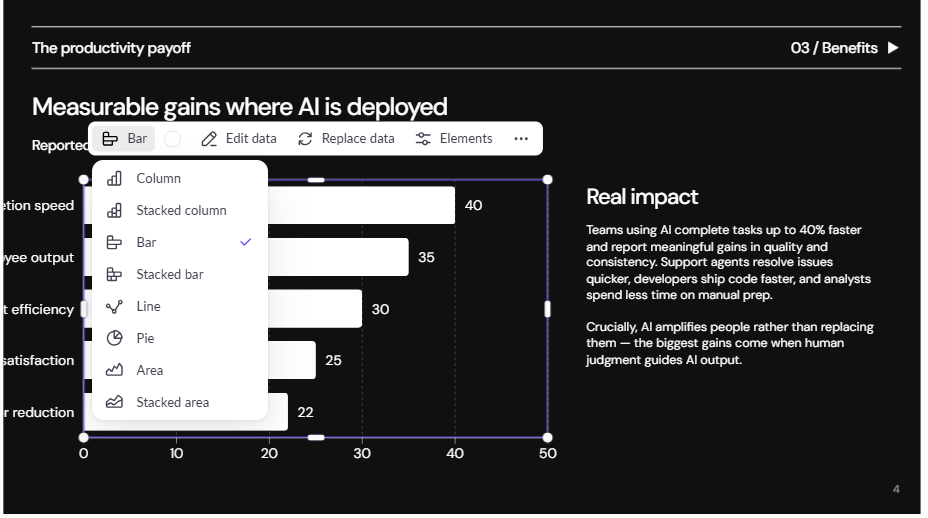
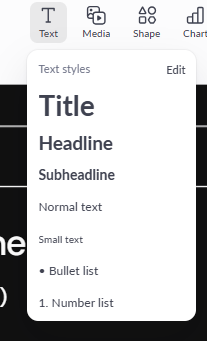
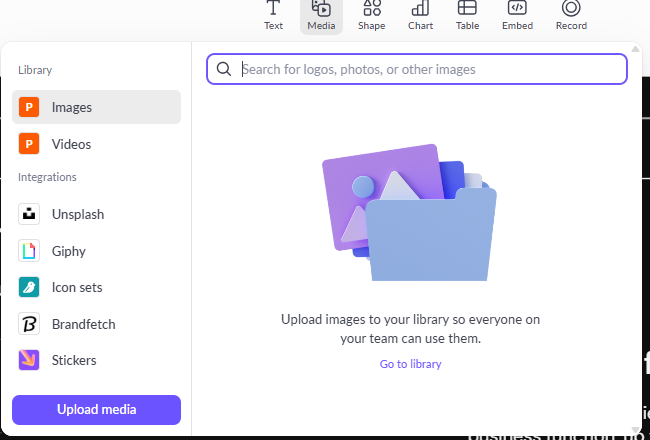
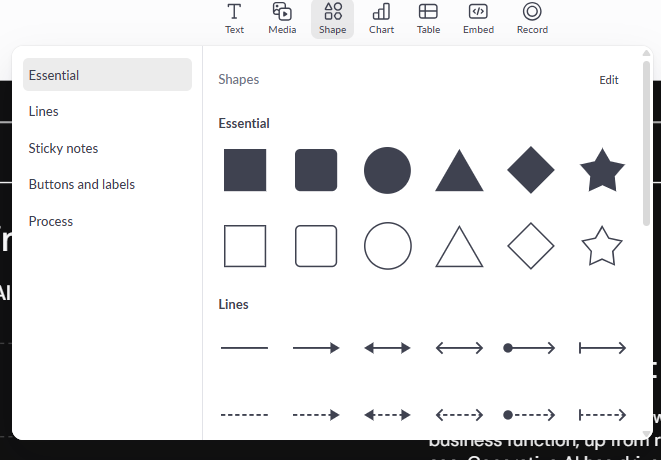
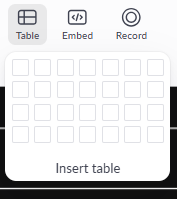
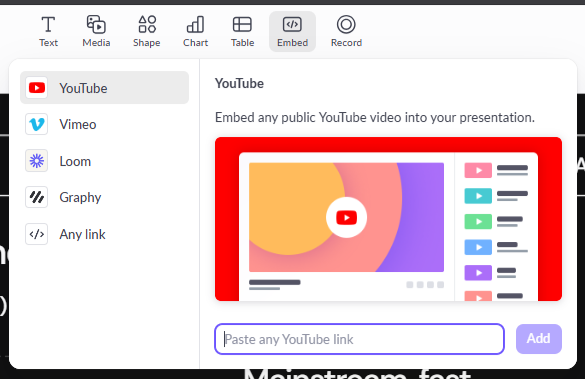
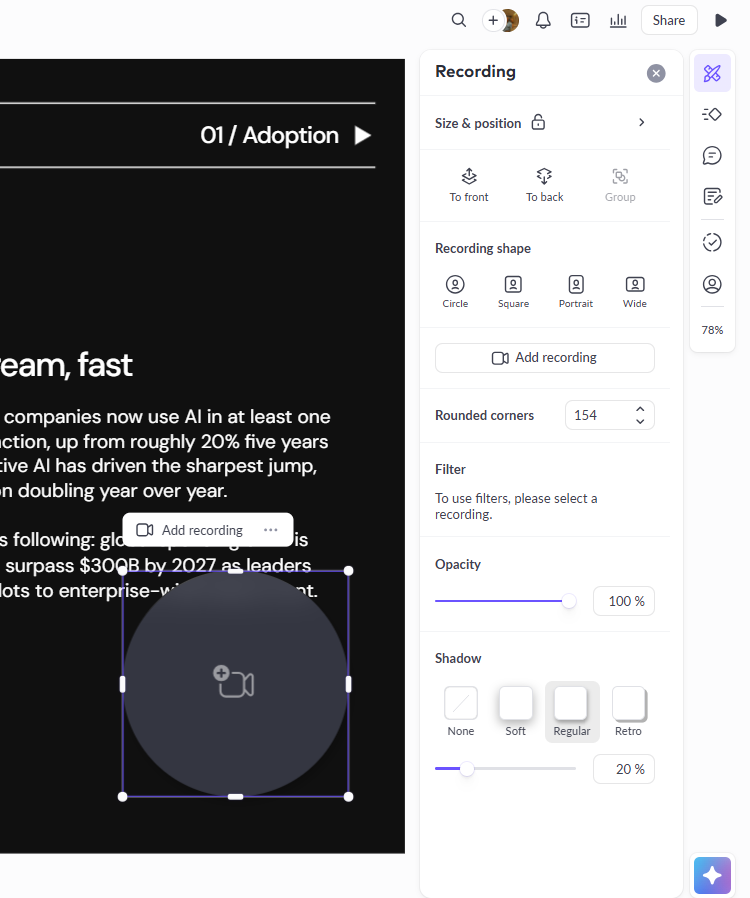
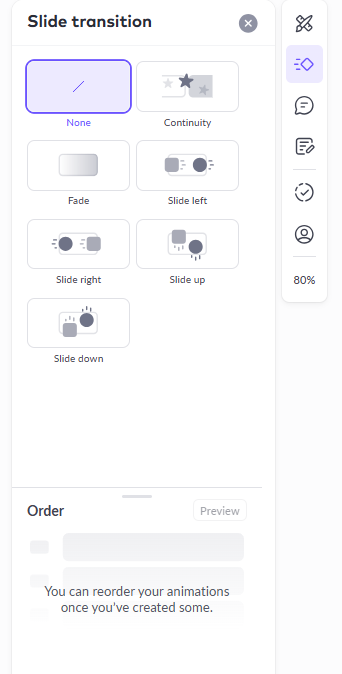
Manual editor. The editor was pretty comprehensive overall. I had all the usual stuff like text, media, shapes, charts and tables, but there were also a few features I hadn’t really come across in the same way in the other tools. The Record feature was probably the one that stood out most to me. I could attach an actual recording to the presentation, which makes a lot of sense if I want someone to watch it asynchronously instead of having to present it live. That also fits quite well with Pitch’s whole focus on sharing presentations through links. There were also slide transitions and animation controls, which weren’t a huge part of my testing, but they were nice to have and made the editor feel more complete.
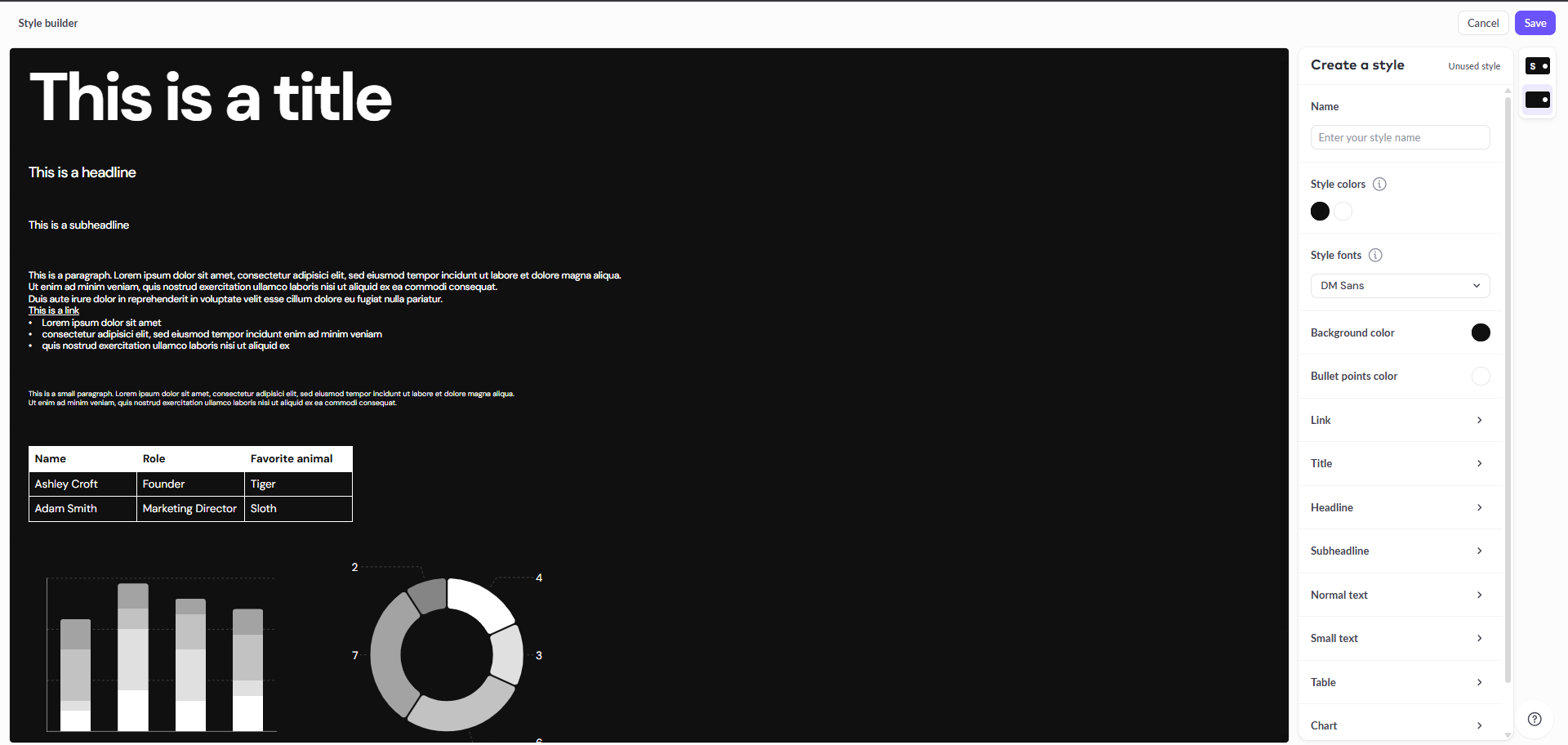
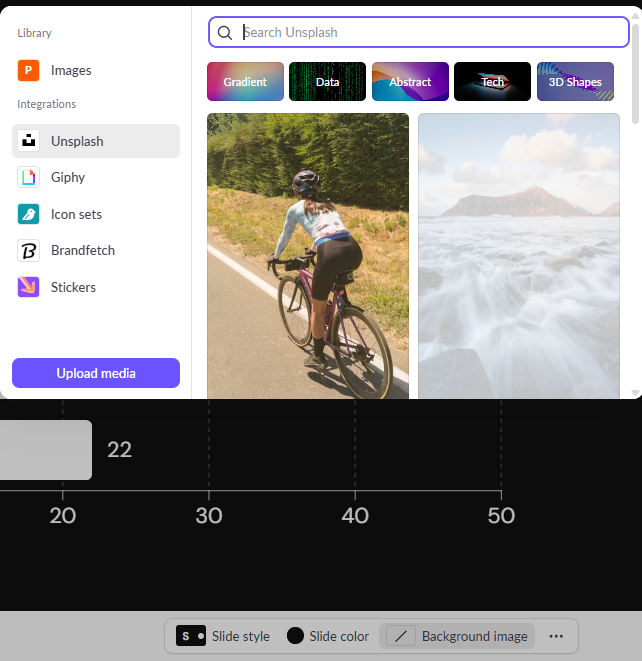
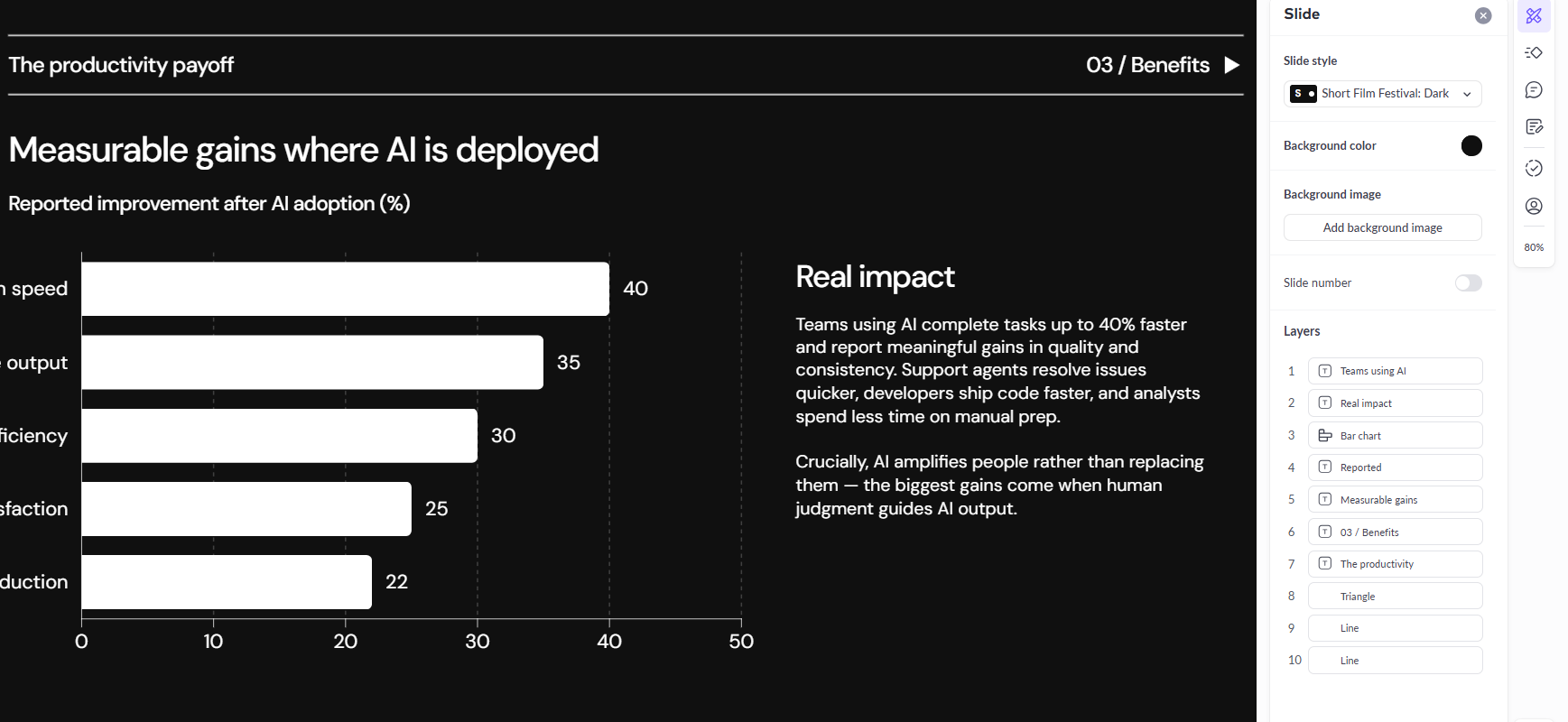
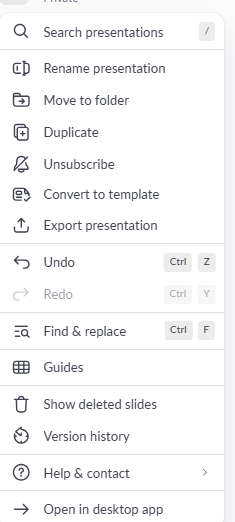
The AI Agent. The AI Agent was probably the biggest surprise for me because, for once, it actually did what I asked. I told it to take a seven-slide presentation, expand it to ten slides, and add some more relevant images and charts. It did exactly that. The slide count was right, the extra visuals actually fit the presentation, and I didn’t have to keep repeating the same instruction or go back and fix what it had done. After seeing other AI agents completely fumble requests this basic, it was honestly a relief to get a result that just worked. This was the first AI editor I’d tested since Gamma that felt like it was actually understanding what I was asking for instead of making its own version of the request.
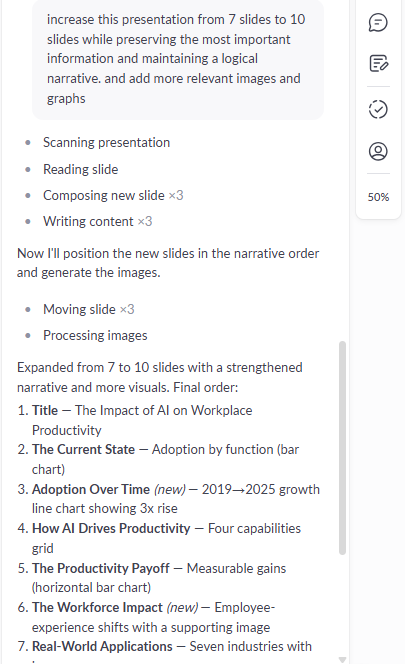
There was one limitation, though. I couldn’t find a straightforward way to tell the Agent to completely change the visual theme of the presentation through one natural-language instruction. For those bigger design changes, I still had to go through the colour, text and slide styling controls myself. It’s not a huge issue, especially since the content editing worked so well, but I would’ve liked the option to just tell it to completely redesign the presentation and let it handle the whole thing.
Missing AI speaker notes. This was a genuine miss for me. Pitch does have a speaker notes section, but there was no AI feature to actually generate the notes for me, so I’d have to write everything myself. It’s not something that would make me rule out Pitch altogether, but after seeing how good the AI-generated notes were in Presentations.AI, I definitely noticed the difference. That feature had become one of the more useful parts of my testing, so not having the same option here felt like a step backward specifically in this area.
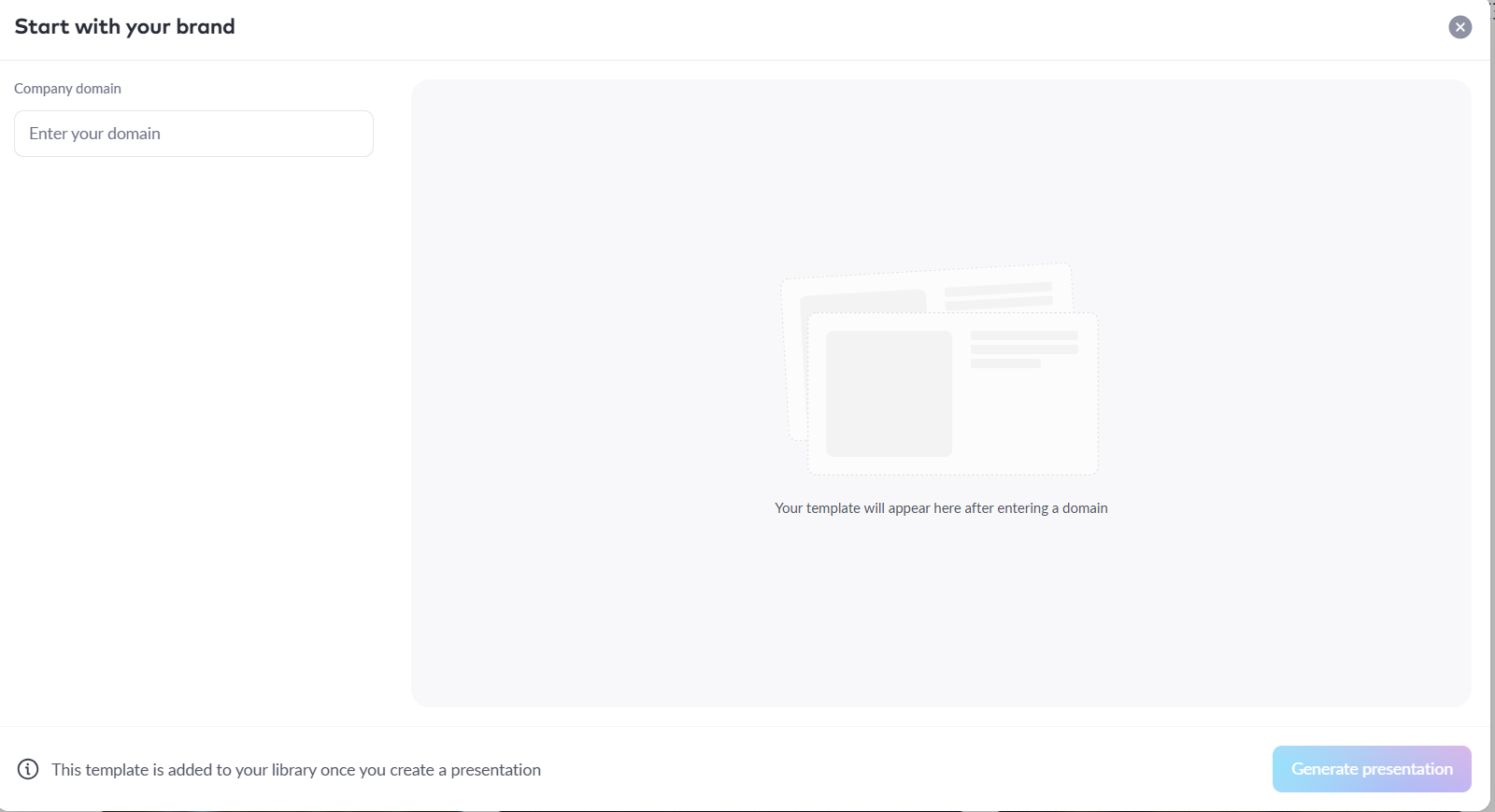
Brand and team features. The brand and team features were another part of Pitch that made it feel much more geared towards companies. There was a Team Library where I could keep custom fonts, images and videos, along with options for creating branded templates. It didn’t really feel like a tool built just for one person making the occasional presentation. The whole setup felt more like something a company could actually roll out across a team and keep its presentations consistent, and the pricing definitely reflects that too.
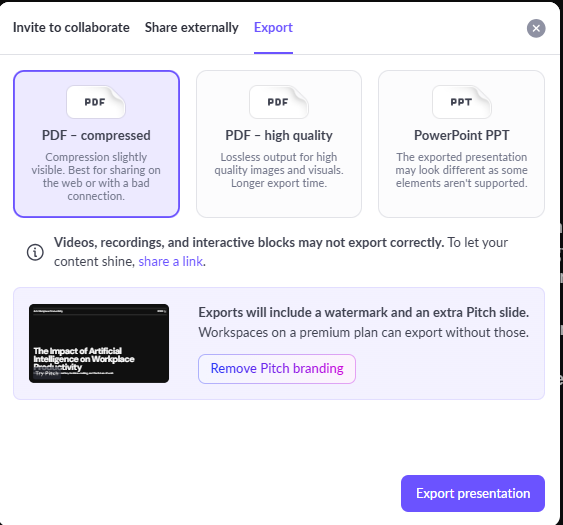
Export. The export options were honestly a welcome surprise. Since Gamma, most of the tools I’d tested had made exporting feel like something I had to pay for, so it was nice to finally be able to download the presentation. Pitch let me export it as a PDF or PowerPoint even on the lower tier, although the export did come with Pitch branding and the platform definitely pushed me towards sharing a link instead. Still, just having the option to actually download my presentation put Pitch ahead of quite a few of the tools I’d tested before it.
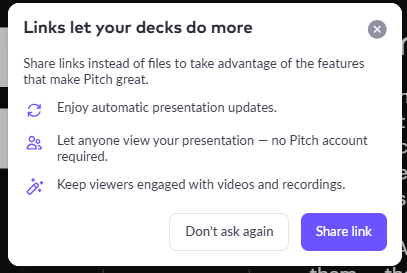
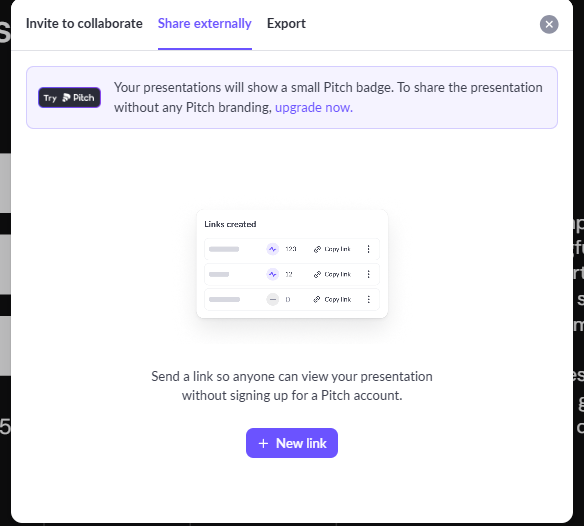
It’s pretty clear that Pitch would rather have people sharing presentations through links. That comes with some useful features, like the deck updating automatically when you make changes, viewers being able to open it without a Pitch account, and support for things like videos and recordings. I can see why that’s useful, especially for teams, but personally, I still prefer having an actual file I can download. For me, link sharing is a nice extra, not something I’d want to use instead of having the presentation itself.
Performance, Reliability & Everyday Usability
Other than the slightly longer generation time, Pitch felt pretty stable throughout my testing. I didn’t run into any crashes or weird behaviour while I was editing, and things generally worked the way I expected them to. The biggest thing for me was that the AI Agent stayed reliable across multiple requests. It wasn’t one of those cases where it works perfectly once and then completely loses the plot the next time I ask it to do something. After seeing that happen with a couple of the other tools in this series, having an agent that consistently followed my instructions was honestly a pretty big plus for me.
Pricing Breakdown & Limitations
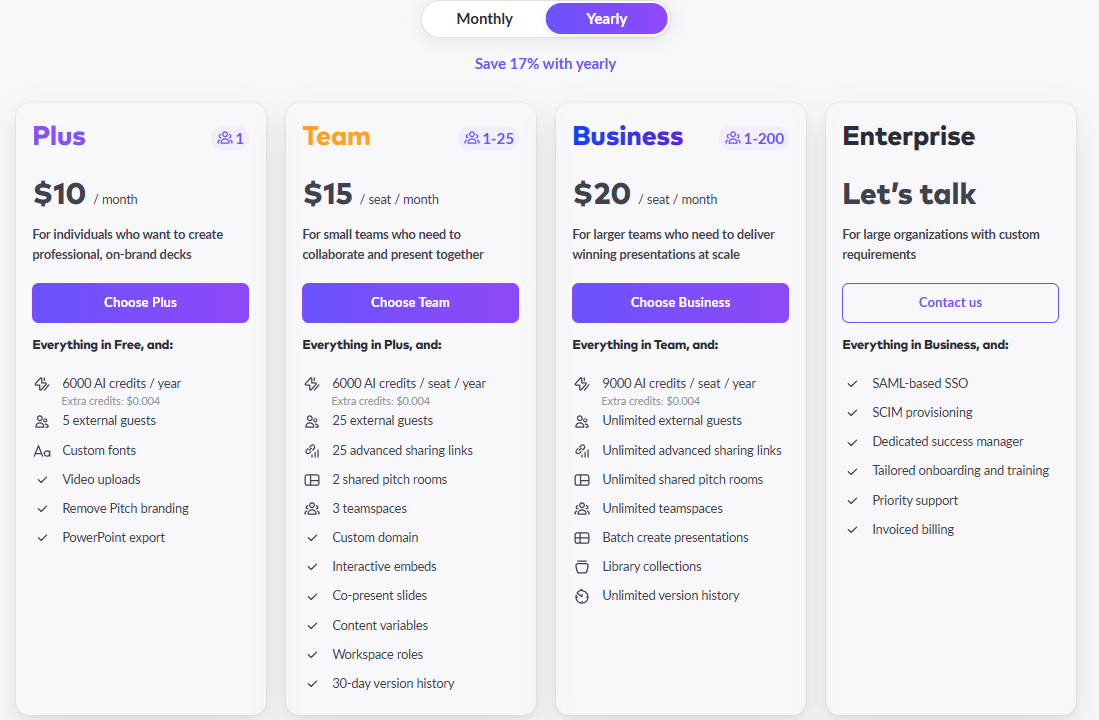
The pricing actually felt pretty reasonable to me for what Pitch offers, especially considering how much control there is in the editor. The plans I saw were:
- Plus: $10/month, billed annually
- Team: $15/month, billed annually
- Business: $20/month, billed annually
- Enterprise: A separate tier for larger organisations
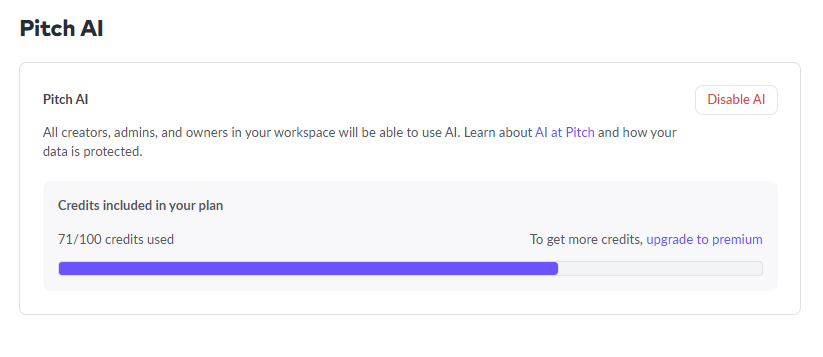
My account started with 100 AI credits, and after generating and editing the two presentations I tested, I’d used around 71 of them. So the free allowance was enough for me to properly test the platform and get a decent idea of what it could do. I just wouldn’t expect it to last very long if I were using Pitch heavily. For regular AI generation and editing, I’d probably end up waiting for the credits to refresh or moving to a paid plan fairly quickly.
Privacy & Data Handling
Pitch collects standard server log data on every website visit, browser type, operating system, IP address, referrer URL, and for mobile users, device and OS details too. Data processing runs through third party providers based in both the EU and US, with the policy stating EU level data protection standards are maintained even for the US side of that. There’s an opt out cookie available for anyone who wants to stop that collection going forward. They also run occasional product surveys, processing email address and responses only with explicit consent under GDPR. I didn’t find a specific statement addressing whether uploaded deck content itself feeds into AI training, so that’s worth a direct email to their privacy contact if that specifically matters for sensitive material, but the overall practices here read as fairly standard and transparently documented.
Comparison With Gamma and Presentations.AI
Category | Gamma | Presentations.AI | Pitch |
|---|---|---|---|
AI presentation quality | Polished, consistent, ready to present | Strong, diagrams genuinely tied to content | Strong, especially from PDF source material |
Design quality | Clean and professional | Polished, corporate friendly | Professional, brand and team oriented |
Visual assets | Automatic charts and diagrams | Editable infographics and diagrams | Fully editable charts with real data import |
Template variety | Solid range | Genuinely varied, not paywalled on free | Extensive, plus Team Library and brand templates |
Editing experience | AI editor plus full manual tools | Curated AI actions plus manual editor | AI Agent plus deep manual and chart editing |
AI assistance | Reliably executes instructions | Predefined but effective actions | Reliably executed a multi part instruction |
Export options | PDF, PowerPoint, Slides, PNG free | All formats locked behind Pro | PDF and PowerPoint available even on lower tier |
Pricing | Roughly $8 to $20 a month | $20 to $100 a month | $10 to $20 a month |
Free plan | Genuinely usable | Only two generations before credits ran out | 100 credits, enough for real testing |
Honestly, Pitch might be the strongest all-around package I’ve tested in this series so far. Gamma still has a slight edge for me when it comes to how quickly it generates a presentation and how naturally I can give it instructions for bigger, more complicated redesigns. But Pitch makes up for that with the chart editing, the ability to work with my own data, and, most importantly, an AI Agent that actually did what I asked it to do. Being able to export the presentation on a lower tier is another big plus for me, especially after running into so many tools where that was locked away behind a paywall. So at this point, I’d say it’s a pretty close call between Pitch and Gamma, just depending on what I actually need from the tool.
Final Verdict
I came out of testing Pitch with a very positive impression, arguably the most positive since Gamma itself. The PDF workflow beat my expectations, the prompt generated deck looked professional even starting from a plain template, and the chart editing with real CSV and Google Sheets import felt like a genuinely practical feature rather than a nice to have. The Record function was a clever addition I hadn’t seen handled quite this way elsewhere, and the whole platform clearly understands it’s building for teams, not just individuals knocking out a single deck.
Most of all, the AI Agent actually did what I asked it to do, expanding my deck and adding relevant visuals exactly as requested, no wrong counts, no dropped instructions. After several tools where I’d learned to double check every AI edit, that reliability alone changed how I felt about the whole platform. The missing AI speaker notes and the lack of a one shot full theme redesign are real gaps, and the free credits do run down fast with any real testing, but neither of those took much away from the overall experience.
It’s a mature, genuinely capable presentation platform that happens to have AI built in well, rather than an AI generator wearing a presentation editor as an afterthought, and that distinction matters a lot after everything else I’ve tested in this series so far.
Overall score: 8.2/10.
Frequently Asked Questions:
Yes. Pitch features deep chart editing that allows users to adjust scales, change chart types, and import live external datasets directly from CSV files, Google Sheets, Google Analytics, or ChartMogul.
Yes, Pitch permits exporting decks to PDF and PowerPoint format on its entry-level tier, though free exports include a small Pitch watermark and branding slide.
Unlike many competitors, Pitch’s AI Agent reliably executed compound prompts in testing—such as expanding slide counts from 7 to 10 while curating topic-relevant images and charts without dropping context.
No. While Pitch provides a dedicated speaker notes drawer for presenters, it does not currently generate talking points automatically using AI.
Abonneer je op onze nieuwsbrief en ben als eerste op de hoogte van tijd- en geldbesparende AI-tools!
Comments