Conclusion
SlideSpeak stands out as an exceptionally capable presentation platform within a sprawling 153-tool productivity ecosystem. Its transparent credit system (charging a straightforward 1 credit per slide), reliable multi-slide AI editing assistant, and detailed speaker notes make it a pleasure to work with. Unlike many competitors, it provides unrestricted free downloads to PowerPoint, PDF, Google Slides, and SCORM packages. While premium branding, AI-generated images, and video creation remain paywalled, it delivers one of the most dependable and practical free presentation experiences available.
Pros:
- Highly transparent credit system charging exactly 1 credit per slide and 1 credit per AI edit
- Dependable AI assistant that reliably executes compound instructions and multi-slide changes without layout glitches
- Completely free export options to PowerPoint, PDF, Google Slides, and LMS SCORM packages
- Strong privacy framework ensuring user data is anonymized and never used for training AI models
Cons:
- AI image generation and custom brand kits are locked behind the paid tier
- Paid Premium plans start at a higher entry point ($24.65/month) than several competitors
- Built-in AI video generation from slides requires an upgrade to test
Table of Contents
- First Impressions & User Experience
- Core Features
- Performance, Reliability & Everyday Usability
- Pricing Breakdown & Limitations
- Privacy & Data Handling
- Comparison With Gamma and Visme
- Final Verdict
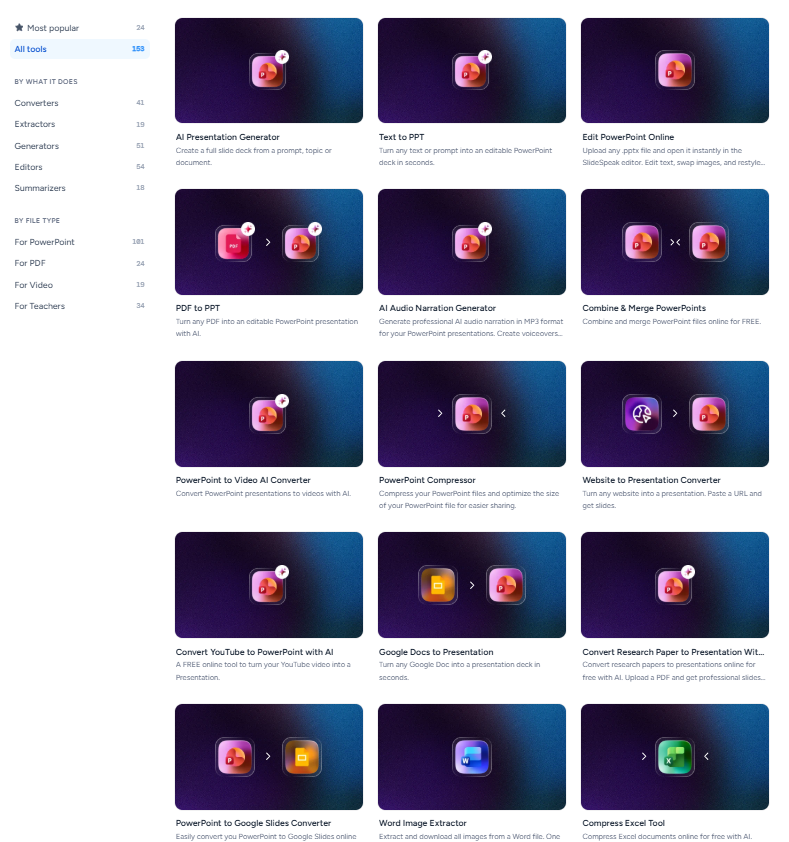
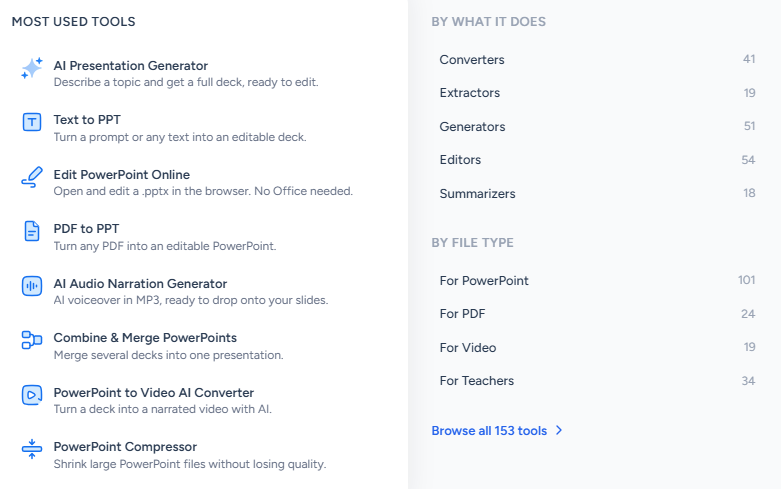
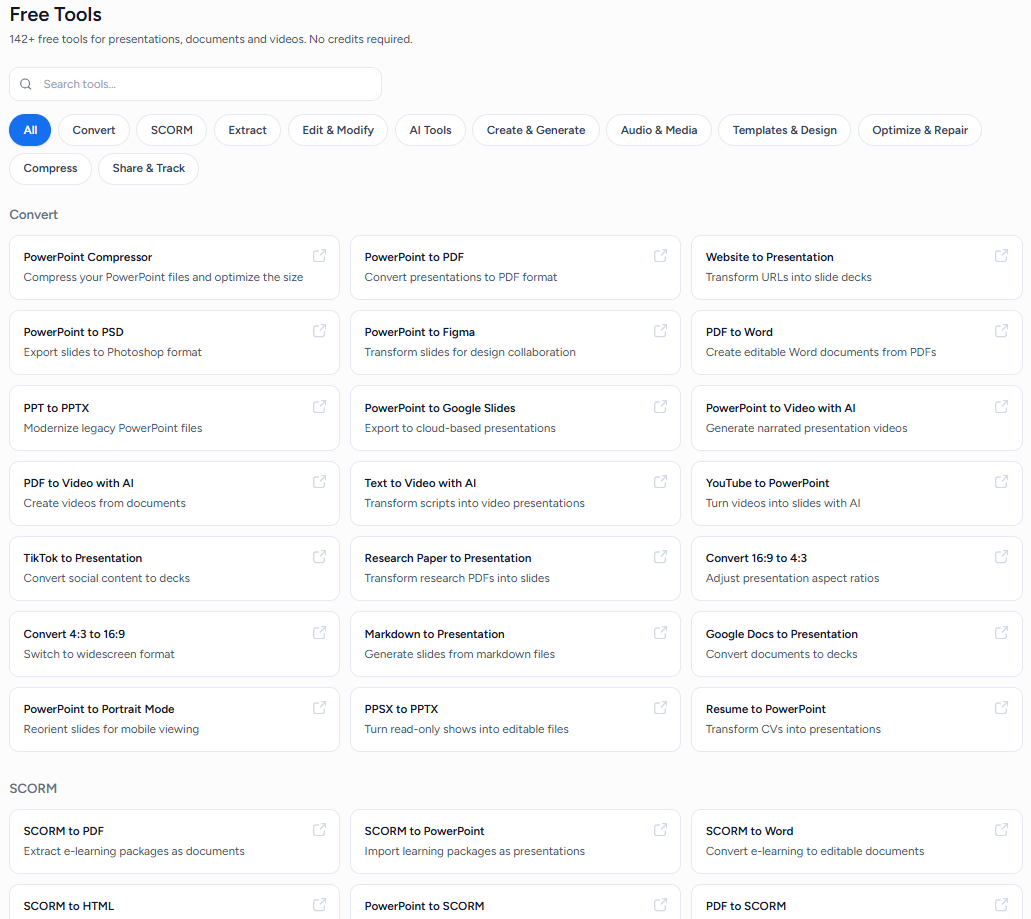
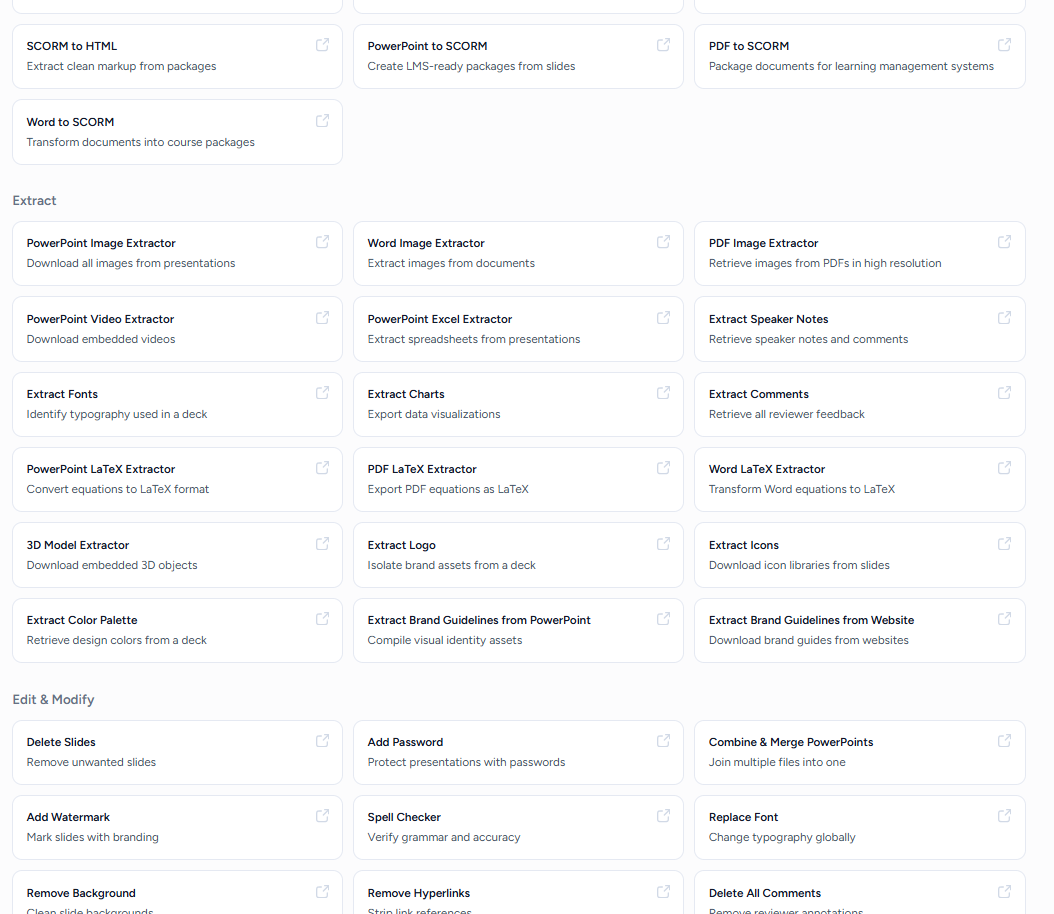
SlideSpeak was next in my testing, and this one is huge. The platform says it has over 153 tools, covering everything from chatting with documents and working with PDF, Word and Excel files to AI video generation, quizzes, courses, LMS content, and a whole lot more. As usual, I ignored most of that and stuck to the presentation maker because that’s what I’m actually comparing across this series.
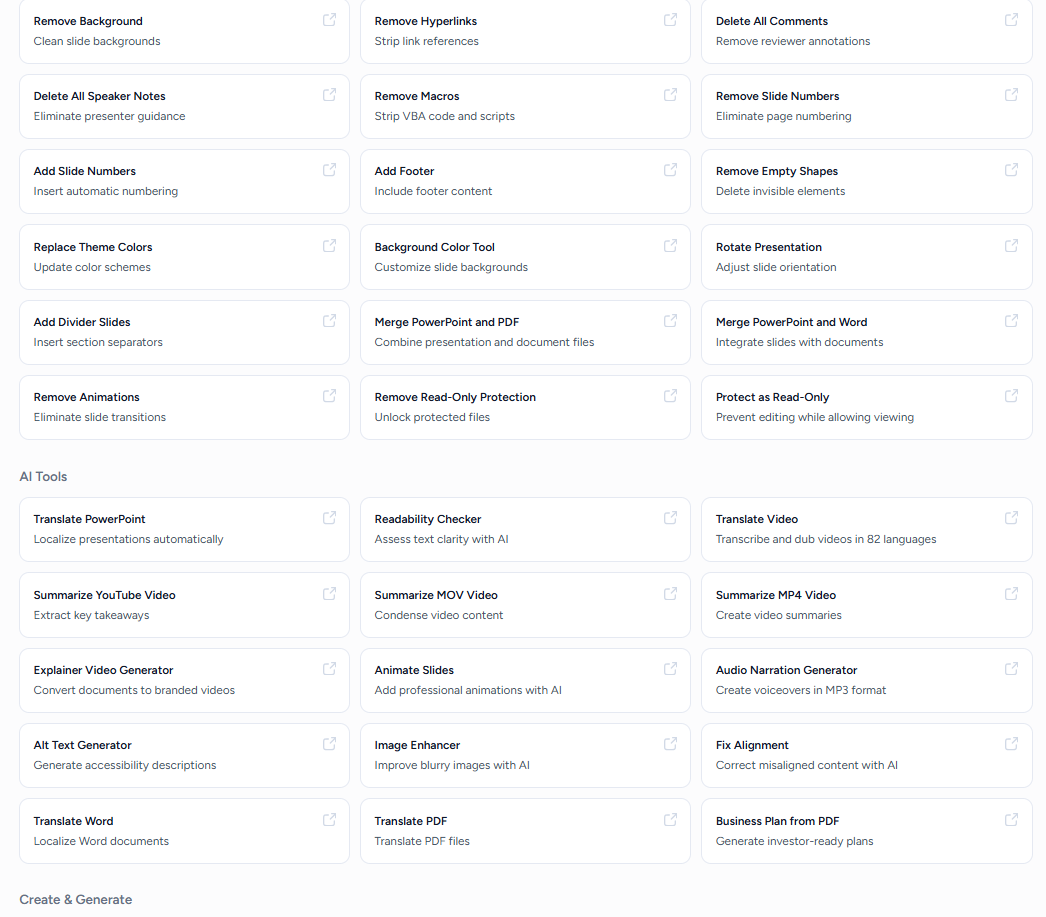
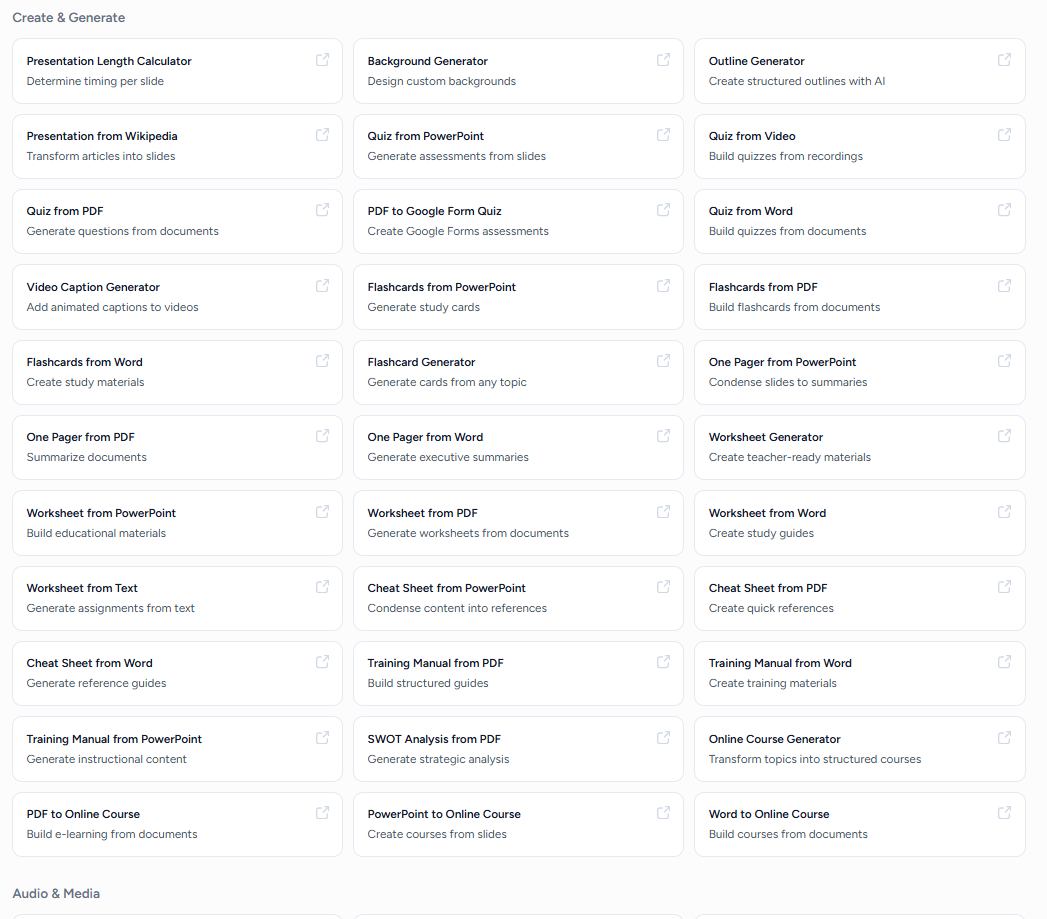
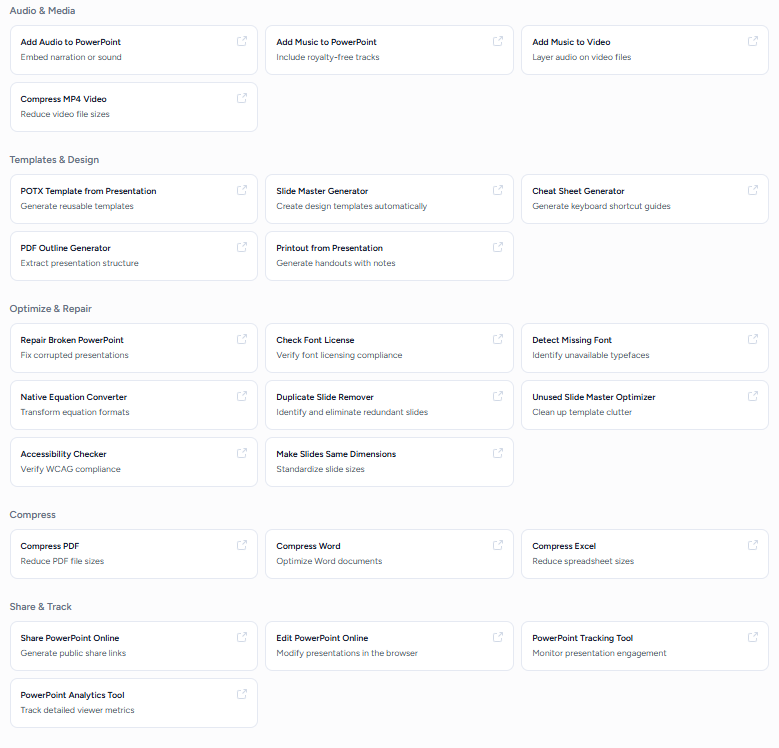
What surprised me was that, despite being such a broad platform, the presentation side didn’t feel like some extra feature that had been squeezed in just because they could. It actually felt like a proper presentation tool. I could get quite a lot of control before generating anything, the first decks came out looking genuinely good, and the editing side was probably the biggest surprise for me because the AI assistant actually followed my requests properly. I could add slides, add images, and even make changes across multiple slides without constantly having to fix what it had done.
So far, this is probably the strongest presentation experience I’ve had from one of these big multipurpose platforms. It’s one of the few where I came away thinking I could genuinely use the presentation maker on its own and not feel like I was settling for the presentation feature just because the platform happens to offer one.
First Impressions & User Experience
The interface was genuinely easy to get around, and I didn’t really have to figure anything out before I could start using it. There was also a good number of free templates, which I thought were actually pretty decent. They didn’t all feel like slight variations of the same thing, and I found enough variety to have a proper choice when starting a presentation.
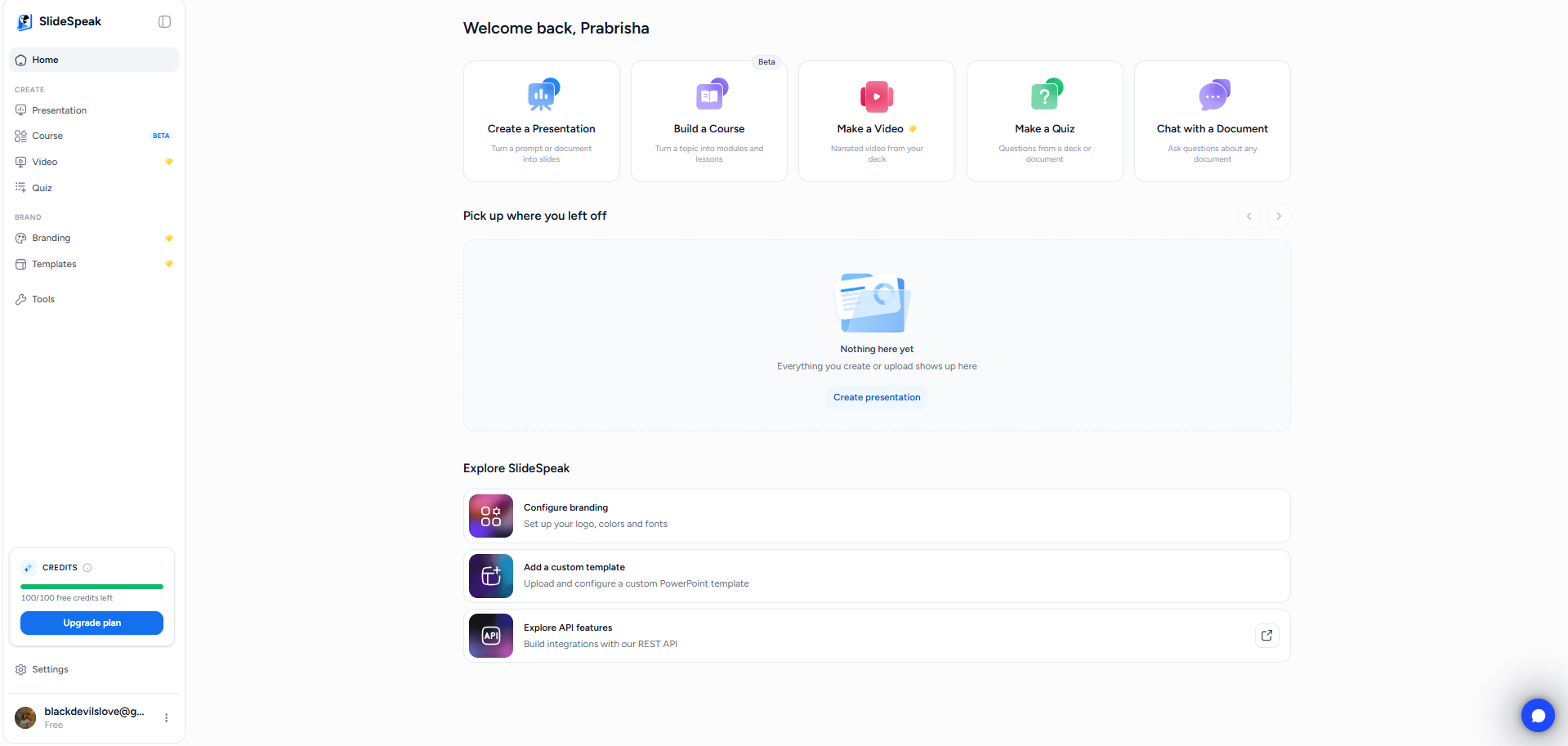
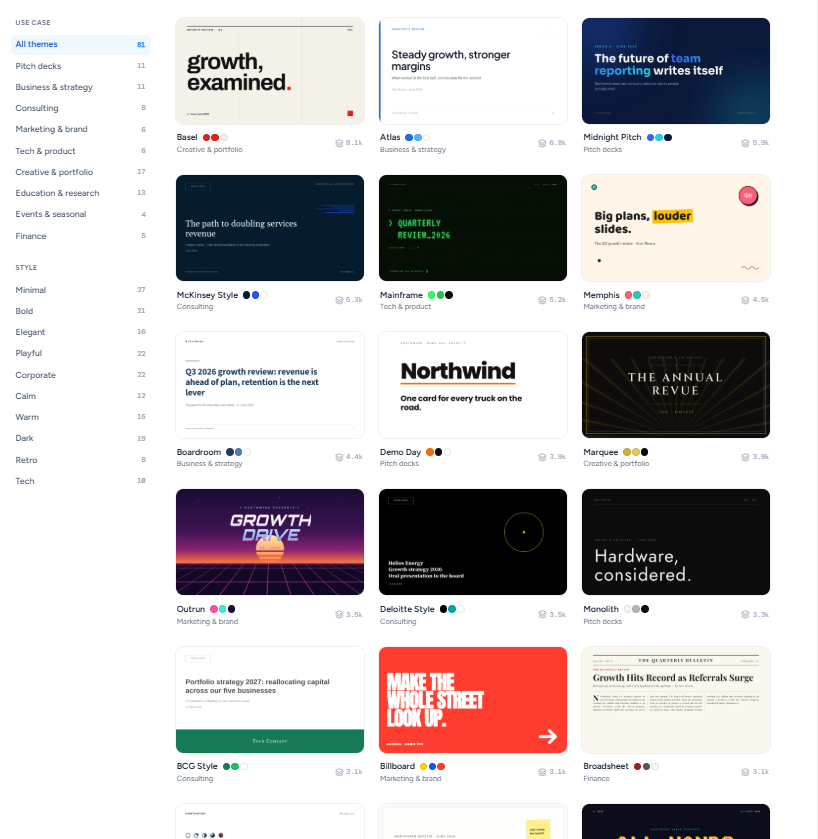
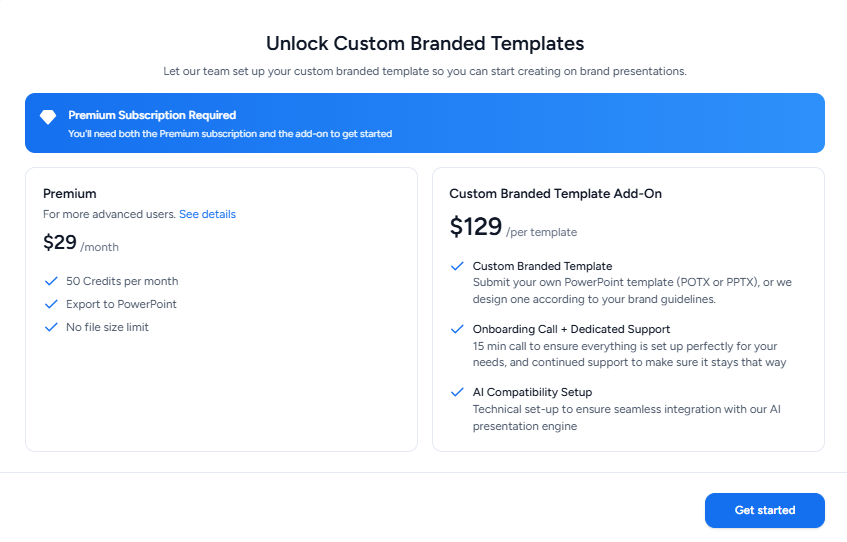
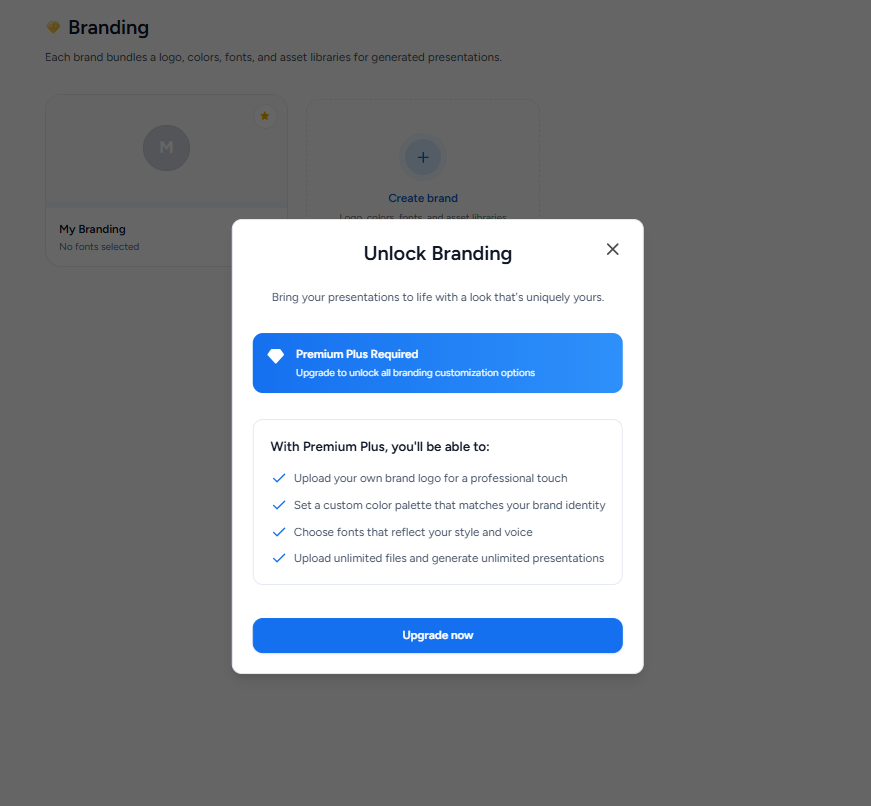
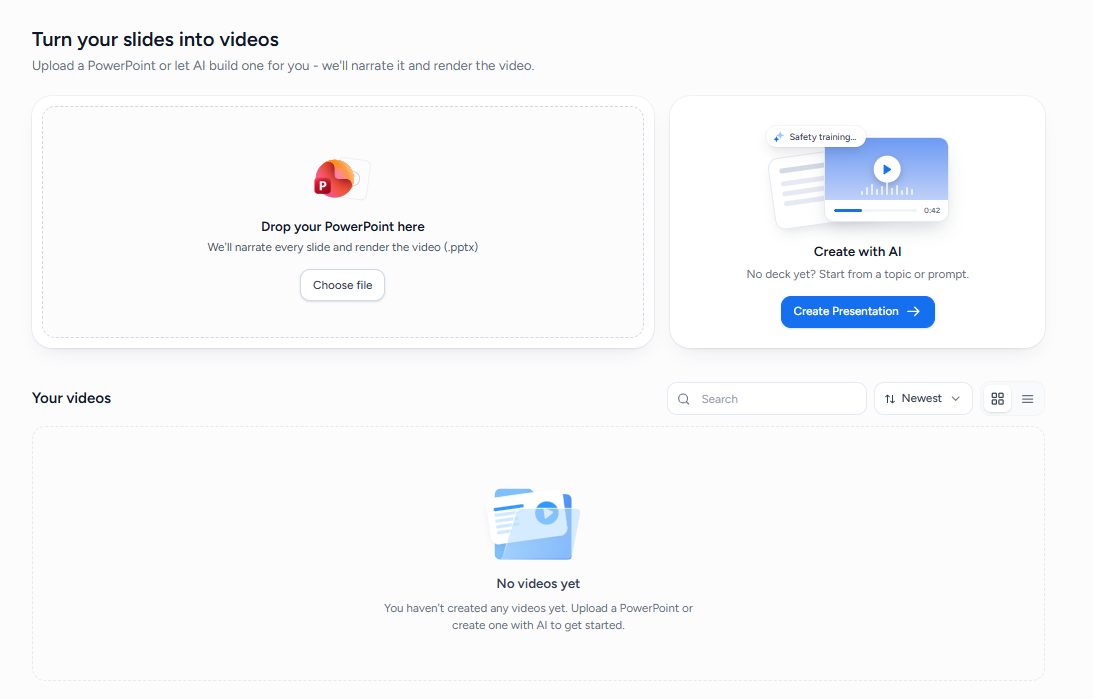
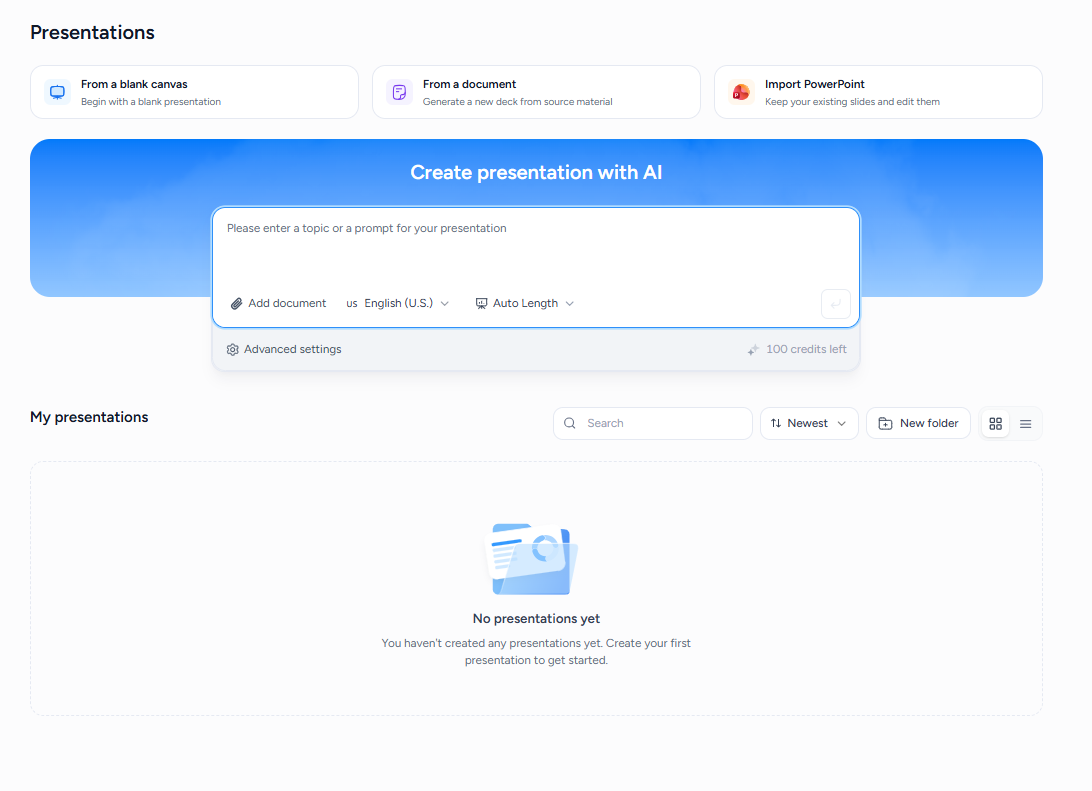
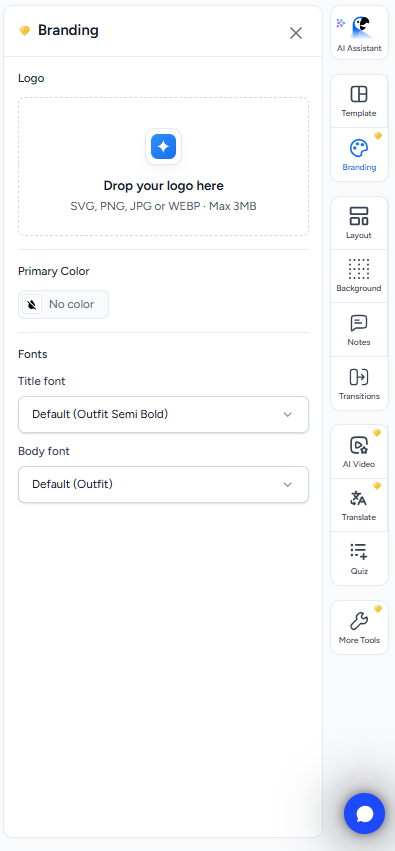
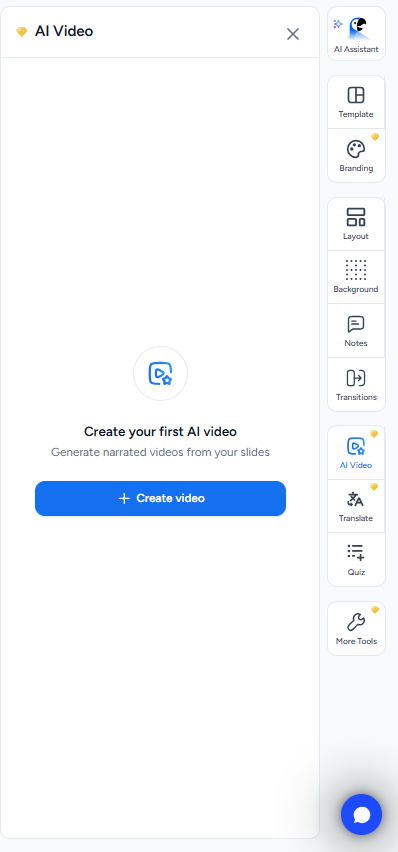
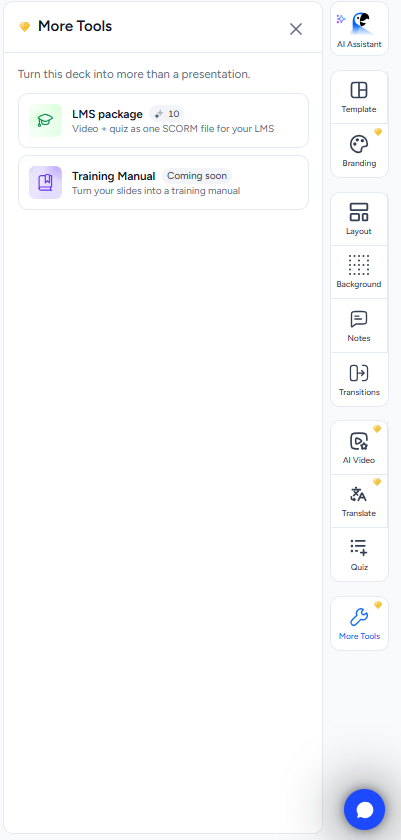
There are also free and branded templates and more branding options if I want to take things further, but those are behind Premium. The same goes for some of the other stuff packed into the platform, like AI video generation, LMS content and tutorials. I couldn’t really test those on the free plan, but I did like that they were still visible in the interface. It gave me a pretty good idea of how much more there is to the platform without making the presentation workflow itself feel cluttered or confusing.
Core Features
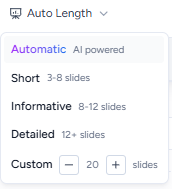
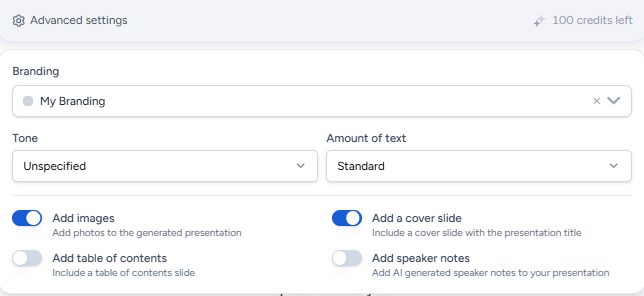
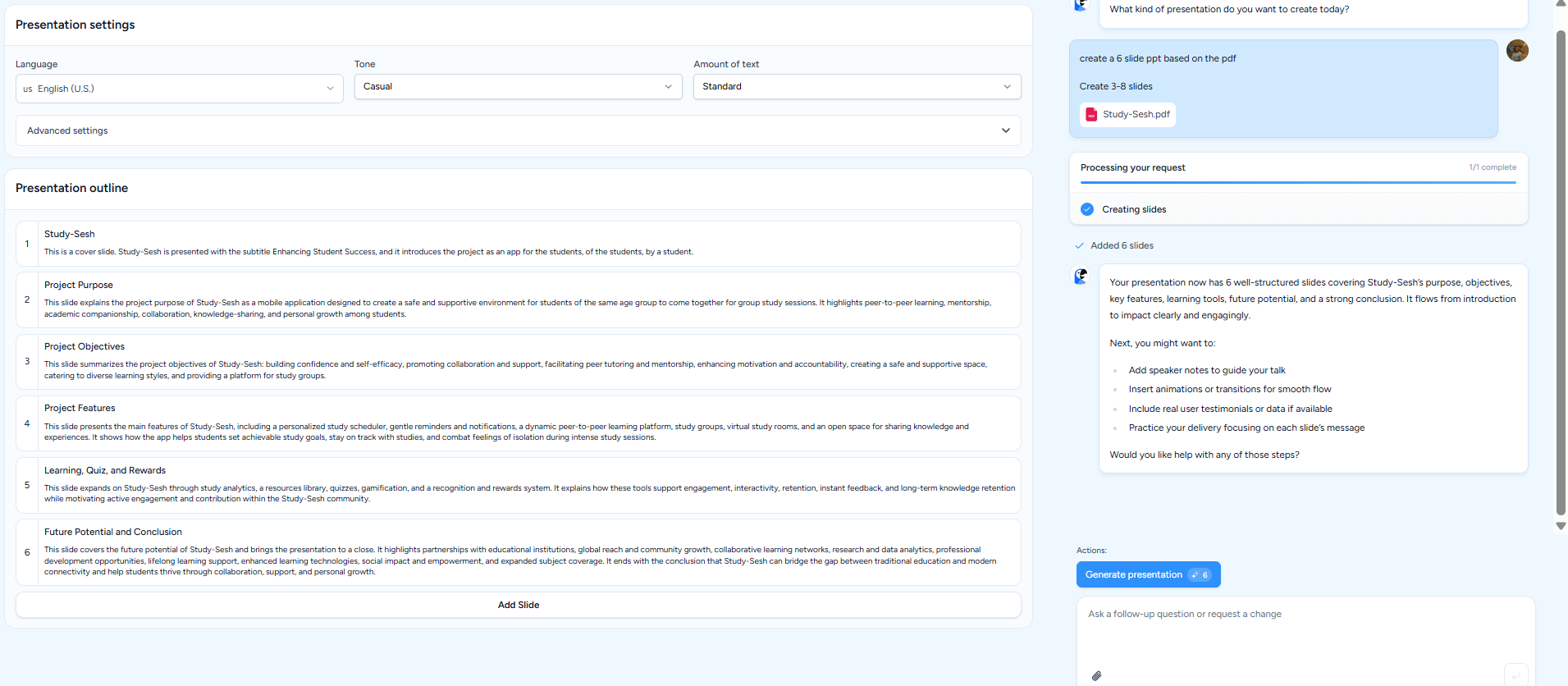
Pre-generation controls. Before I even generated the presentation, SlideSpeak gave me quite a bit to play around with. I could choose the number of slides, control how much text I wanted on each slide, set the tone, and switch things like images, a cover slide, a table of contents, and speaker notes on or off. I liked having that control upfront because it meant I wasn’t just throwing in a prompt and hoping for the best. It also built an outline before making the full presentation, which I’ve found myself really appreciating with the better tools in this series. I can quickly look through the structure, see if it makes sense, and then let it actually build the deck.
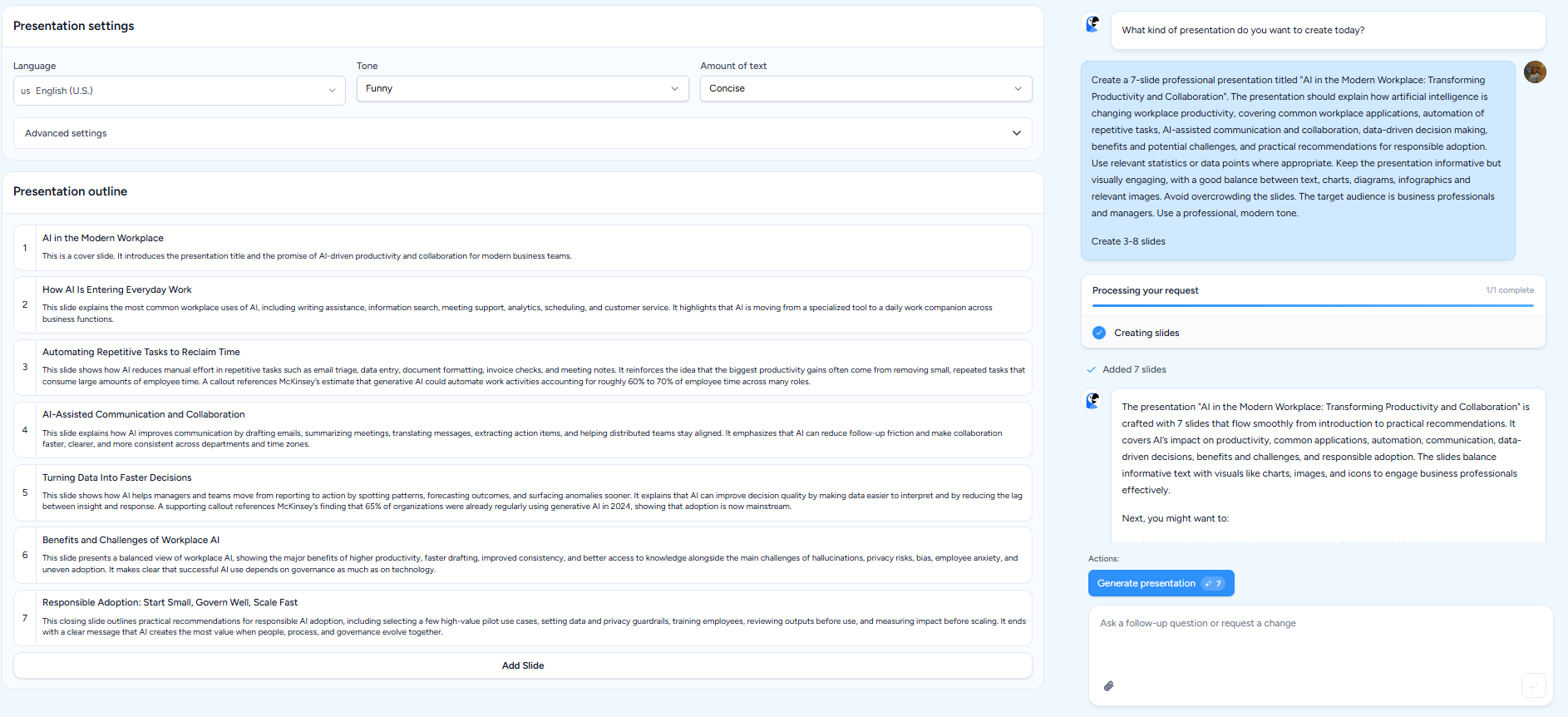
The credit system. This is probably my favourite credit system I’ve come across so far. I started with 100 credits, and the whole thing was ridiculously easy to understand. Seven slides cost seven credits, and when I separately tested the PDF workflow, six slides cost six credits. That’s basically it. I wasn’t sitting there wondering why one action had suddenly eaten 12 credits or trying to work out some complicated points system. I knew what I was spending every time, and that made me much more comfortable experimenting instead of constantly worrying about running out.
Generation quality. The presentations were generated quickly, in about two to three minutes and came out genuinely good for me. The visuals were one of the things I liked most, especially the way it used images and infographics. The decks also felt more finished compared with a lot of the other multipurpose tools I’ve tested. They didn’t give me that feeling of, “Okay, the information is here, but now I have to do all the actual presentation work myself.” I still wanted to make my own tweaks, obviously, but the starting point was already pretty solid.
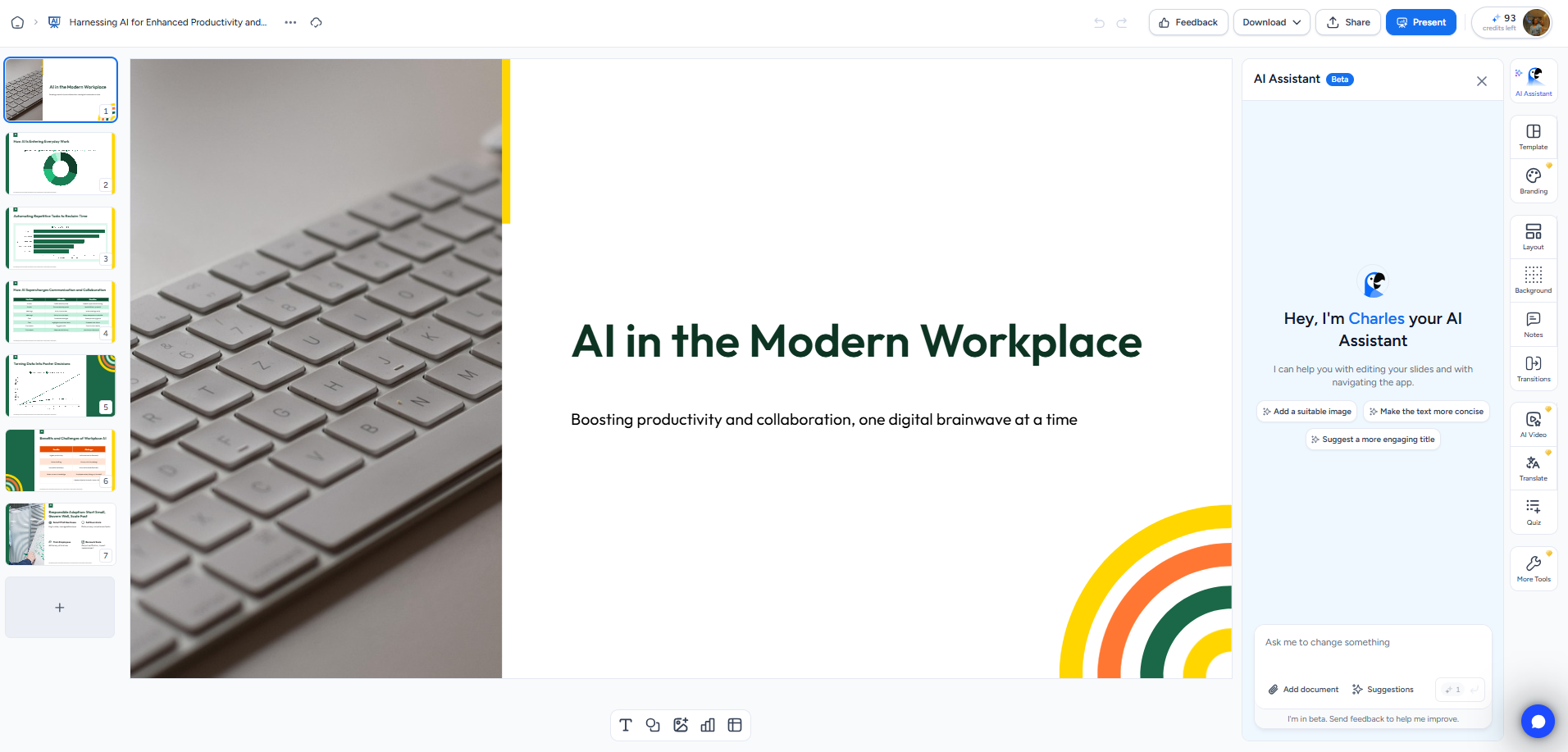
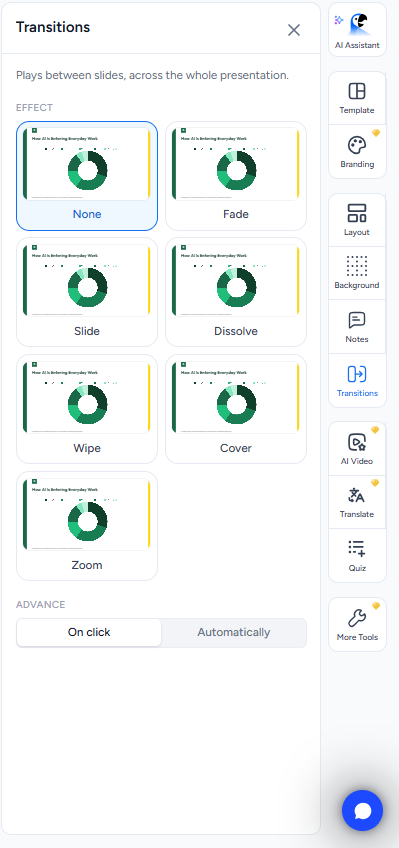
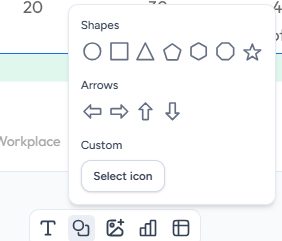
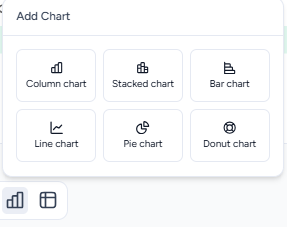
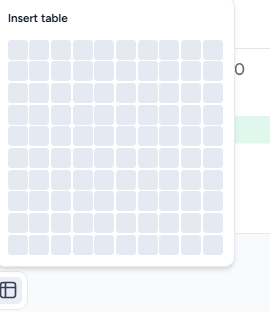
Manual editor. It was good too. I could completely change the template or theme, play around with layouts and backgrounds, add transitions, and add things like charts, tables, sheets, arrows, custom icons, images, and text boxes. So I wasn’t stuck with whatever SlideSpeak generated for me. If I wanted to take over and manually change things, there was enough there to actually do it.
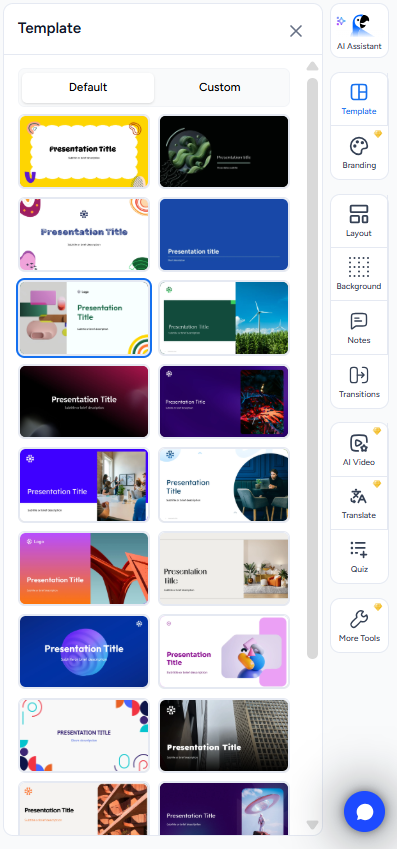
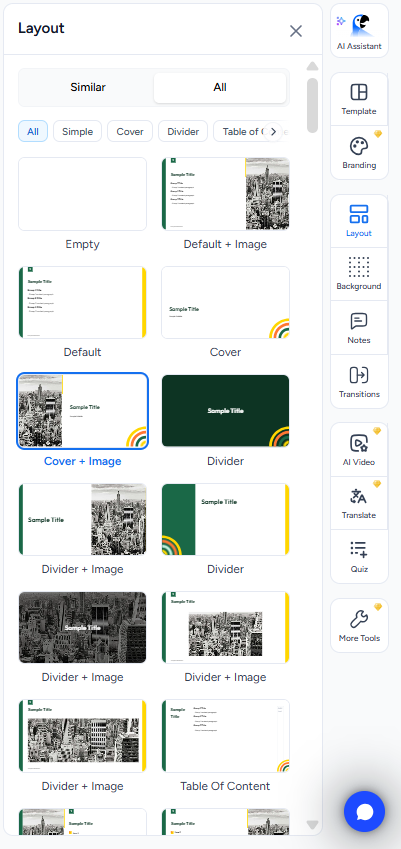
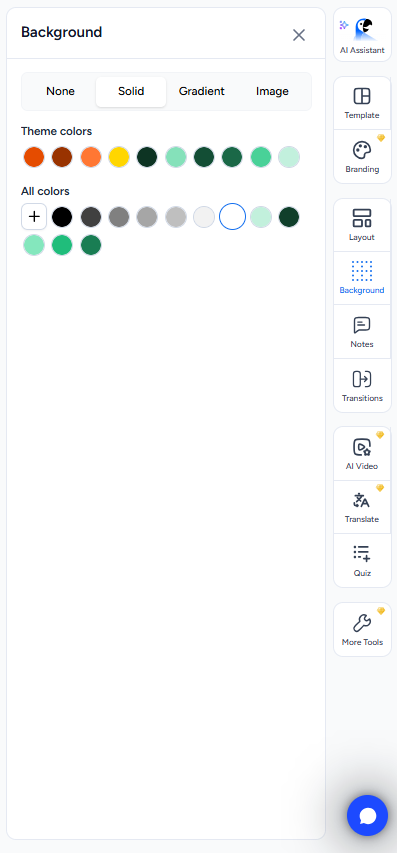

Speaker notes. I turned speaker notes on during the initial setup, so SlideSpeak generated them along with the presentation. They weren’t something I’d use completely untouched, because I’d still want to read through them and make a few changes before presenting. But they were actually useful. I got proper talking points that followed the presentation rather than the usual one vague sentence that technically qualifies as speaker notes. For me, that makes the feature much more worthwhile.
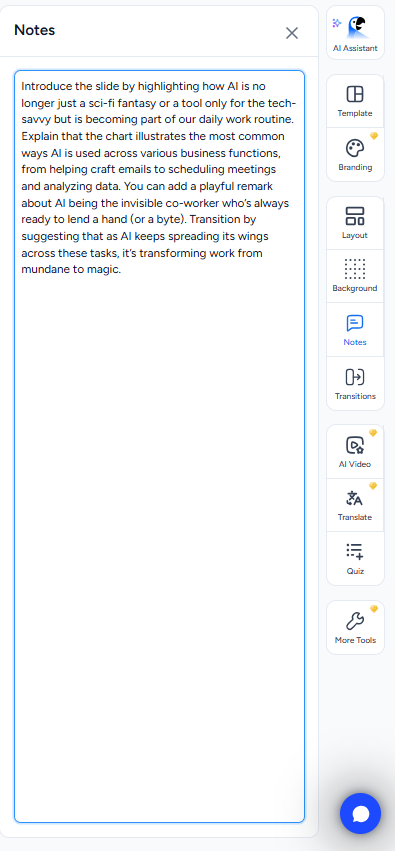
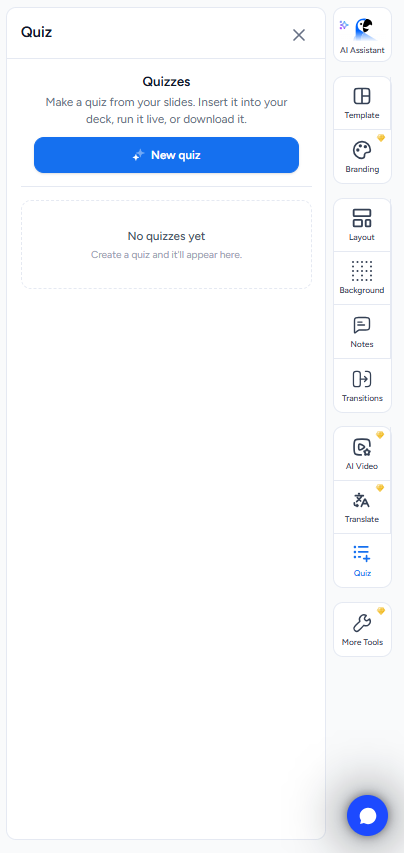
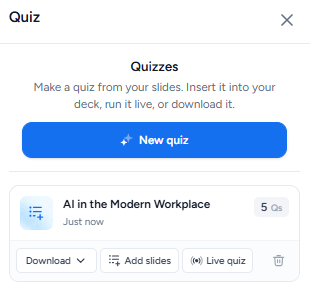
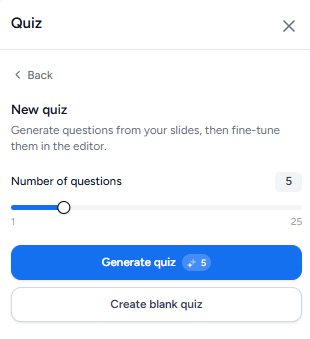
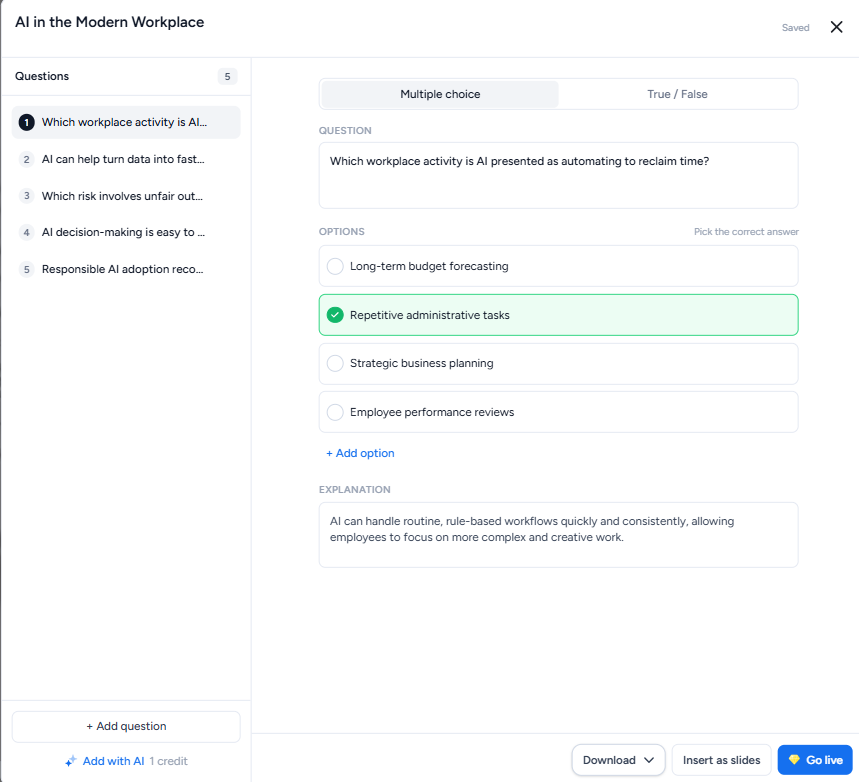
Quizzes. This was one of those little features that genuinely surprised me because I hadn’t seen it in the other tools I’d tested. I could take the content from my presentation and generate a quiz from it, then decide whether I wanted to put the quiz into the deck or keep it separate. I tested a five-question quiz and it used five credits, so again, the pricing was really straightforward. One question, one credit. I liked that the credit system stayed consistent even when I moved beyond just making slides.
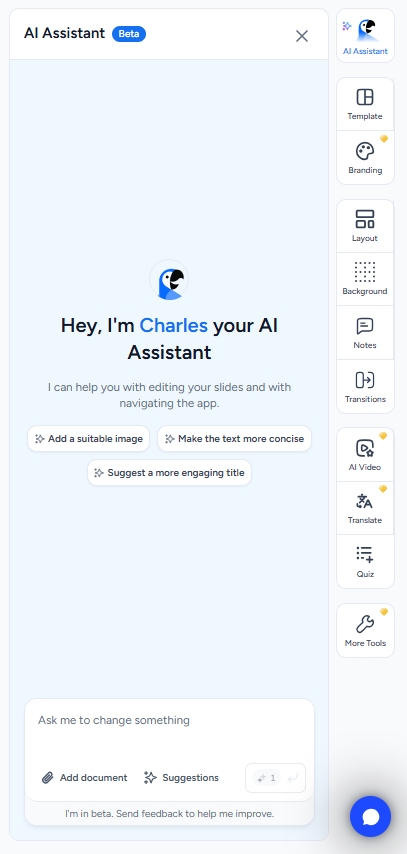
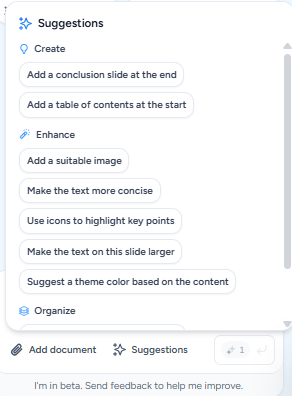
The AI assistant. This was easily my favourite part of the whole experience. The AI edits generally cost around one to two credits, and SlideSpeak gave me some suggested actions to choose from, like adding an image, highlighting key points with icons, adding a conclusion or table of contents, or splitting a slide into two. But what I liked more was that I wasn’t restricted to those options. I could just tell it what I wanted in my own words.
I asked it to add a new slide, and it actually made sense in the context of the presentation. It didn’t feel like I’d suddenly dropped a completely unrelated slide into the middle of my deck. Then I asked it to add an image to that new slide, and it picked something appropriate and rearranged the slide to make room for it. Nothing overlapped, nothing got shoved into some weird position, and I didn’t have to spend five minutes fixing the layout afterwards.
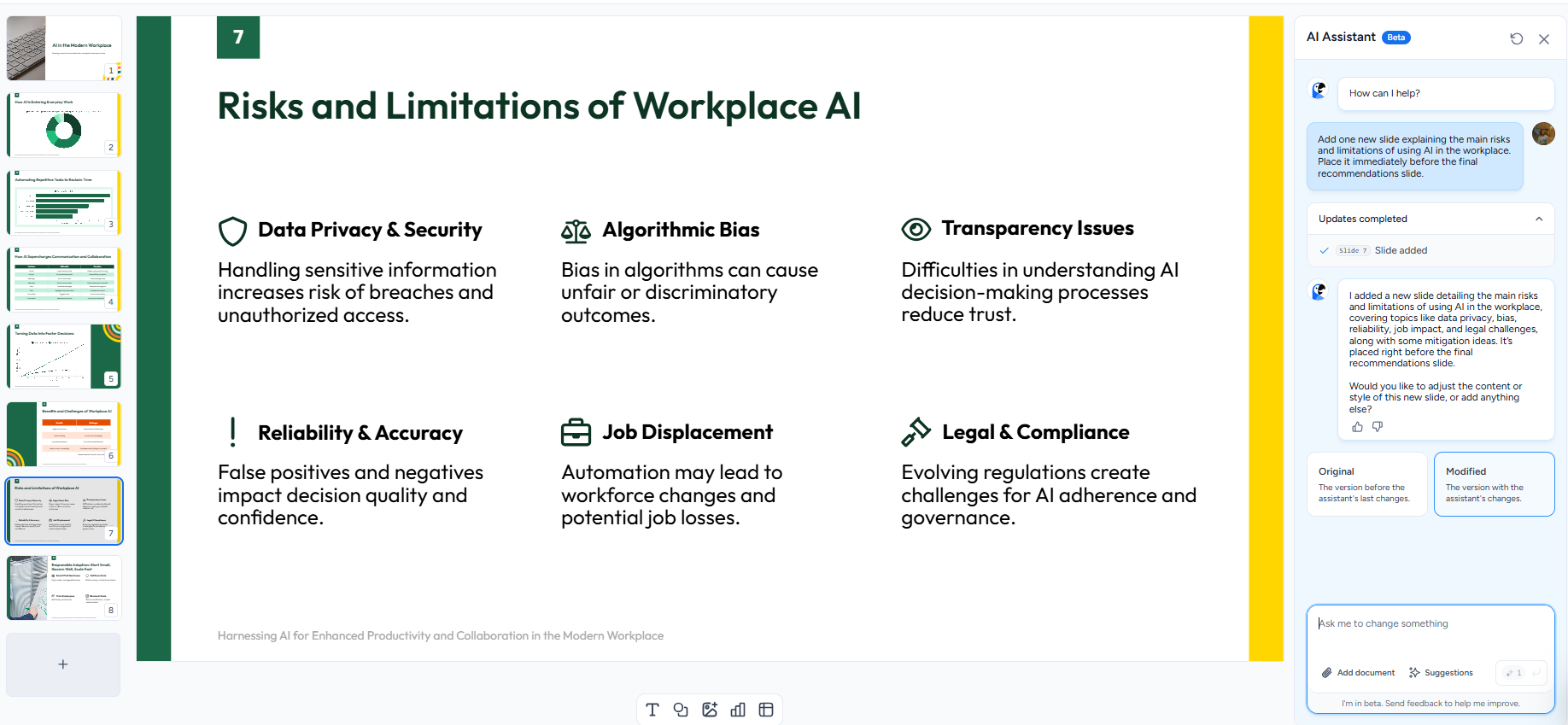
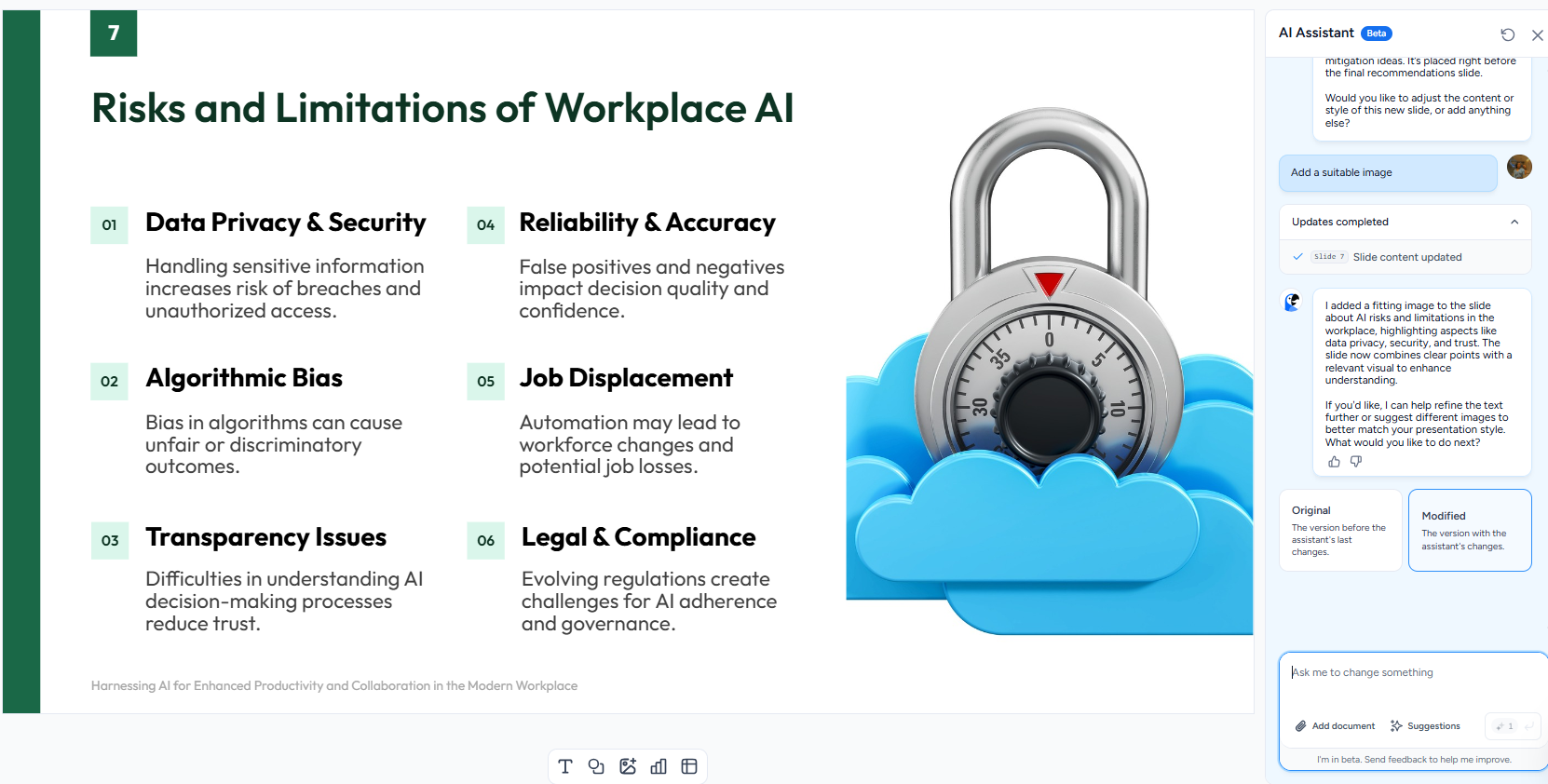
That probably sounds like a fairly basic thing to expect from an AI presentation editor, but after testing all of these tools, I really don’t take it for granted anymore. A lot of the time, making one change means creating another problem somewhere else. Here, I could actually ask for something and then move on.
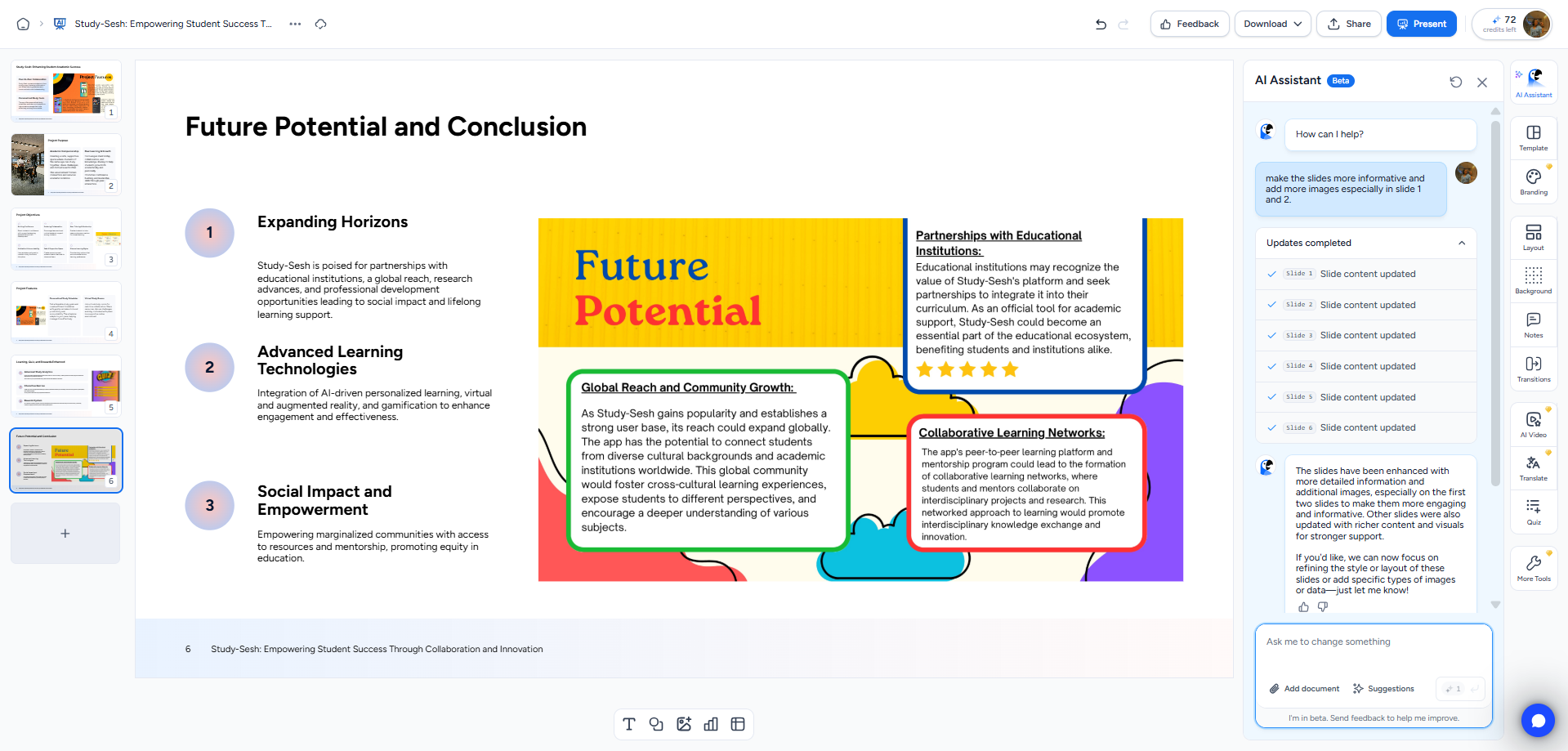
Multi-slide editing. I wanted to push the AI assistant a bit further, so with the PDF-generated presentation, I asked it to make changes across multiple slides in one request rather than doing everything one slide at a time. It handled that properly too. There were no errors, and the changes ended up where I had asked for them. This was probably what made me trust the editor the most. It wasn’t just good when I gave it one very simple instruction. It stayed reliable when I made the request more complicated.
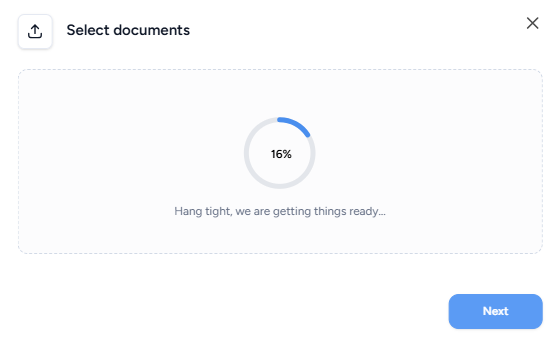
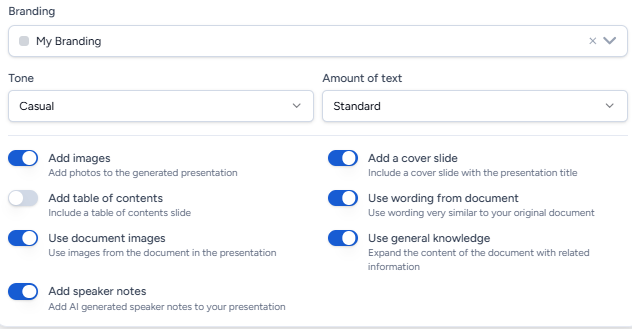
PDF to PPT. The PDF workflow gave me a few extra options that I didn’t get in the normal prompt-based generation. I could choose whether it should use images from the original document, whether it could use general knowledge, and whether it should directly use wording from the source document. I asked it for six slides, which used six credits, and I liked how closely the resulting presentation stayed tied to the actual source material. It didn’t just take the general topic and make a completely separate presentation around it. For me, that’s a pretty important distinction when I’m working from an existing document.
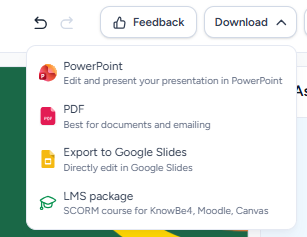
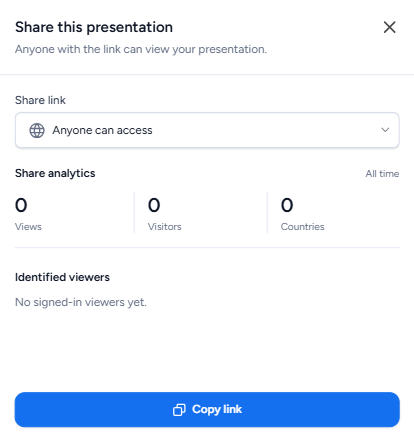
Export. Export being completely free was something I really appreciated. I could download the finished presentation as PowerPoint, PDF, or Google Slides, and there was even an LMS package option for SCORM courses. I could also share the presentation through a link. So I wasn’t doing all this testing only to get to the end and find out that actually getting my presentation out of the platform was a paid feature. Compared with some of the other tools I’ve tested, this felt like a much more usable free experience.
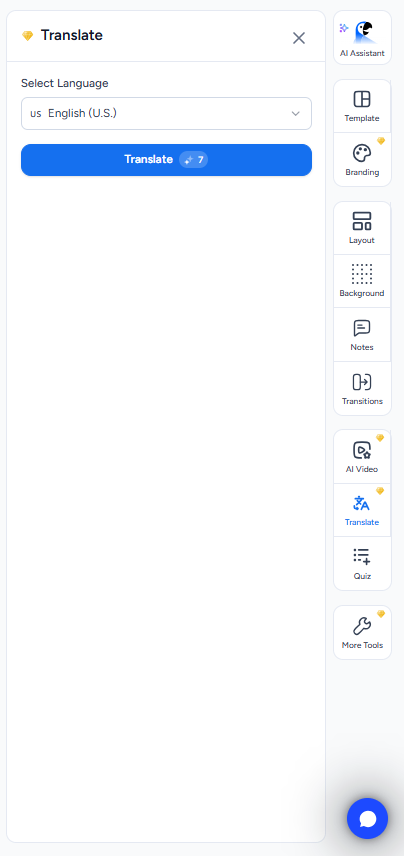
What’s locked behind Premium. AI-generated images, branding options, and AI video generation are all locked behind Premium. Those would definitely matter if I wanted to push the platform further, but they didn’t really get in the way of testing the core presentation features. I could still generate, edit, and export properly without feeling constantly restricted.
Performance, Reliability & Everyday Usability
SlideSpeak was consistently stable across both workflows I tested. I didn’t run into any crashes, strange behaviour, or moments where it suddenly did something completely different from what I’d asked. The AI assistant was especially predictable, whether I gave it an instruction for one slide or asked it to make changes across several slides at once. That made a pretty big difference for me because I didn’t feel like I had to keep checking whether every change had actually worked or whether I’d created another problem somewhere else. Overall, this was genuinely one of the more dependable tools I’ve tested in this series, and I came away feeling like I could actually trust what it was doing.
Pricing Breakdown & Limitations
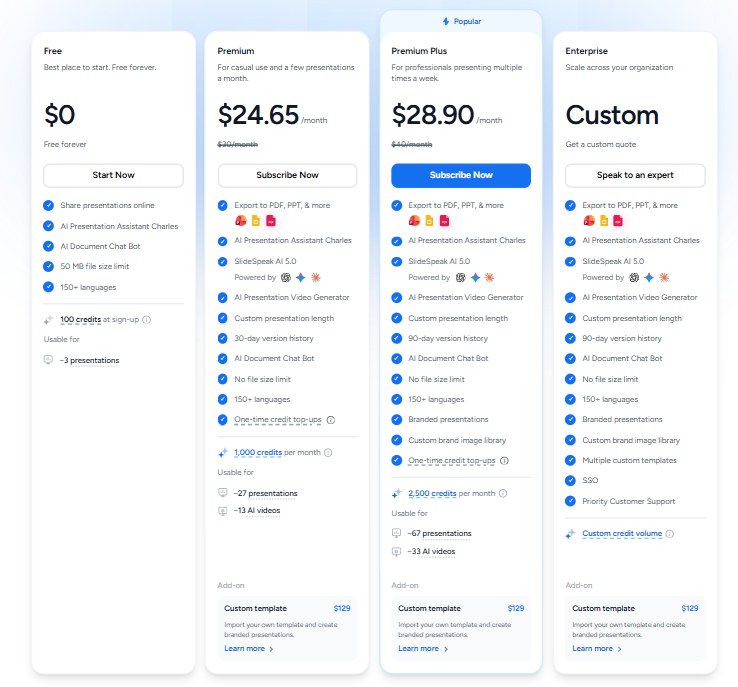
The free tier was actually pretty generous for me, especially considering how much I was able to test before running into any limits. I started with 100 credits, and that was enough for both presentation workflows, several AI edits, and a quiz without me ever feeling like I had to ration my credits.
- Free: $0, 100 credits on signup
- Premium: $24.65/month, 1,000 credits per month
- Premium Plus: $28.90/month, 2,500 credits per month
- Enterprise: Custom pricing
- Custom branded template: $129 per template, with a Premium subscription also required
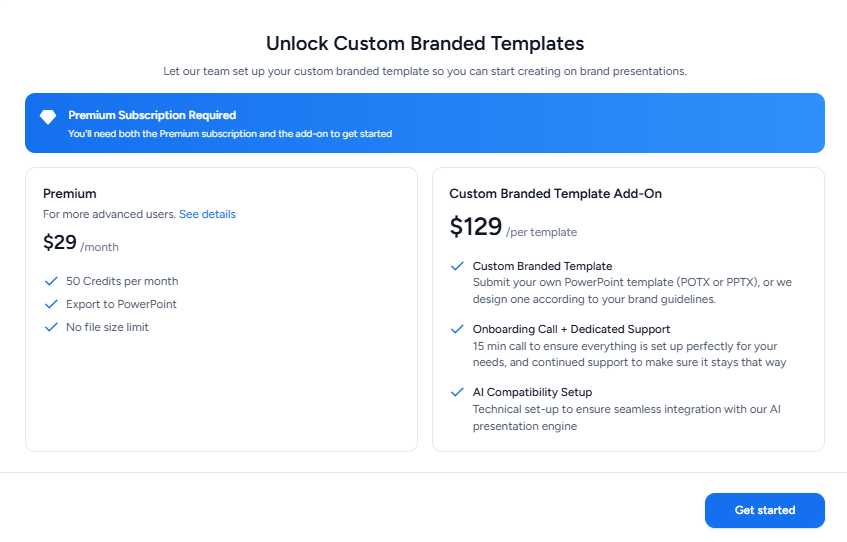
Premium is definitely a noticeable jump from free, and it’s pricier than several other tools I’ve tested in this series. But honestly, I didn’t come away feeling like the free version was just there to give me a taste of the platform. I could actually test the core presentation features properly, including both generation methods, AI editing and quizzes, without constantly being stopped by the credit limit.
Privacy & Data Handling
I found SlideSpeak’s privacy policy to be much more specific than what I’ve seen from most of the other tools in this series. They state that customer data is anonymized before it goes through any AI processing, and they’re very clear that customer data is never used to train AI models. Their AI service providers, specifically Microsoft Azure and AWS, also don’t get independent rights to use that data or use it to train their own models.
I really liked how clearly this was spelled out. A lot of the other platforms I’ve looked at have privacy policies that leave me digging through general wording trying to work out what actually happens to my data. Here, the commitment was much more direct, so this ended up being one of the stronger and clearer privacy policies I’ve come across in the whole series.
Comparison With Gamma and Visme
Category | Gamma | Visme | SlideSpeak |
|---|---|---|---|
AI presentation quality | Polished, consistent, ready to present | Strong visuals, basic slide count and text formatting errors | Strong visuals and infographics, second only to Gamma for me |
Design quality | Great. Clean and professional | Good | Strong, good use of images and infographics |
AI assistance | Reliably executes instructions | Reliable at individual task level, missed slide count | Reliable on single and multi slide edits alike |
Speaker notes | Comprehensive on request | Manual only, no AI generation | Generated automatically, useful starting point |
Credit clarity | Reasonably usable free tier | Genuinely clear for a multipurpose tools | Extremely transparent, one credit per slide |
Export options | PDF, PowerPoint, Slides, PNG free | Link sharing and direct download both free | PowerPoint, PDF, Google Slides, LMS package, all free |
Free plan | Genuinely usable | 10 credits, clear usage breakdown | 100 credits, never felt close to a wall |
Pricing | Roughly $8 to $20 a month | $12.25 to $24.75 a month per person | $24.65 to $28.90 a month |
Best use case | Fast AI assisted decks, minimal cleanup | Deep manual control, don’t mind cleanup | Serious presentation work inside a broader toolset |
Gamma still holds the top spot for me overall, mainly because the visual harmony and overall polish are still hard to beat. But SlideSpeak is definitely closer to it than any other multipurpose platform I’ve tested in this series. The presentations looked good, but more importantly, the AI generation and editing actually behaved the way I expected them to, which made the whole experience feel much more dependable.
Compared with Visme specifically, I think they each have a pretty clear advantage. SlideSpeak was more reliable when it came to AI generation and editing, especially with the multi-slide edits I tested. Visme, on the other hand, still wins when it comes to the manual editor and the sheer number of visual assets and tools available. If I wanted maximum control over manually building a presentation, I’d lean toward Visme. But if I wanted to generate a deck and then actually trust the AI to help me edit it, I’d pick SlideSpeak.
Final Verdict
Coming out of this one, I genuinely liked SlideSpeak. After testing so many multipurpose platforms, this was one of the few where I felt like the presentation maker could actually stand on its own. I liked how the slides looked, the infographics were actually useful, and the AI assistant consistently did what I asked, even with multi-slide edits. The credit system was also one of my favourites because I always knew exactly what I was spending. Being able to export for free to PowerPoint, PDF, Google Slides, and even an LMS package made the free plan feel surprisingly complete.
The Premium price is definitely a jump at $24.65 a month, and I couldn’t test AI image generation, branding, or video because those were locked. But honestly, I didn’t feel particularly restricted while testing the presentation features themselves. I could still generate, edit, test the PDF workflow, make a quiz, and export everything.
Gamma is still number one for me because I haven’t found anything that matches its visual polish and harmony. But SlideSpeak came much closer than any other multipurpose tool I’ve tested, so for me, it’s a very comfortable second place.
Overall: 8.6/10.
Frequently Asked Questions:
SlideSpeak uses a clear, 1-to-1 credit model: generating a 7-slide presentation costs 7 credits, a 5-question quiz costs 5 credits, and minor AI edits typically cost 1 credit each. Users receive 100 free credits upon signup.
Yes, SlideSpeak allows free exports to PowerPoint (.pptx), PDF, Google Slides, and LMS-compatible SCORM course packages without hitting a paywall.
In testing, the AI assistant (“Charles”) was remarkably dependable, executing complex tasks such as adding specific topical slides, inserting layout-friendly images, and making simultaneous changes across multiple slides without breaking existing content.
No, SlideSpeak’s privacy policy explicitly states that uploaded documents and customer data are anonymized before processing and are never used to train general AI models.
Abonneer je op onze nieuwsbrief en ben als eerste op de hoogte van tijd- en geldbesparende AI-tools!
Comments