Conclusion
Felo AI produces visually harmonious, content-rich presentations equipped with relevant infographics and structured data points. Its expansive canvas view offers a fantastic holistic look at your entire deck, and free PPTX/PDF downloads make it practically useful. However, its AI agent suffers from a major architectural limitation: it cannot make deck-wide revisions to an existing presentation, forcing users to regenerate the entire deck and rapidly drain credits. It works brilliantly as a “one-and-done” draft generator, but falters for iterative multi-step editing.
Pros:
- Expansive canvas interface lets you view, navigate, and manage the full presentation at a glance
- Strong graphic generation producing coherent, professional infographics and statistical charts
- Completely free export options for both PowerPoint (.pptx) and PDF files
- Generous free tier offering 200 daily credits alongside unlimited web search
Cons:
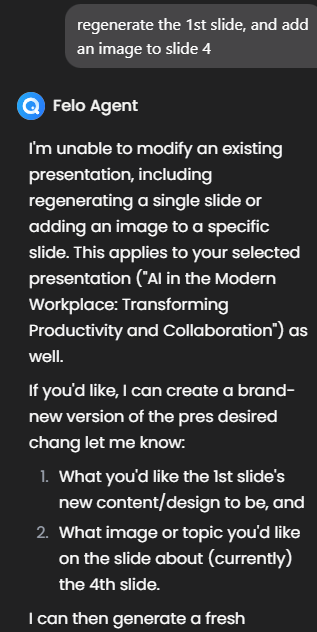
- AI agent cannot edit across the existing deck as a whole, requiring full regenerations for broad changes
- Full regenerations consume large credit chunks, quickly exhausting the daily allowance
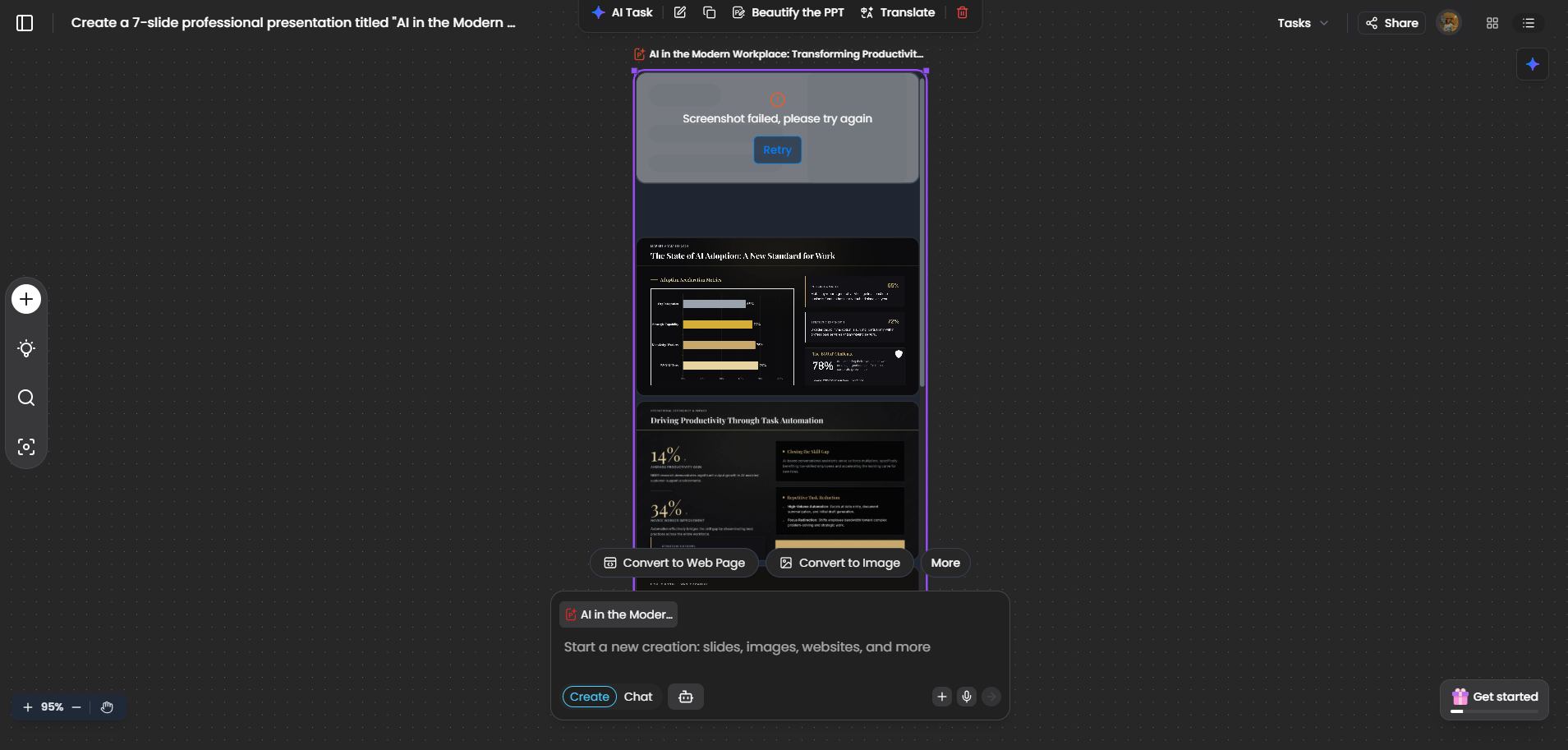
- Occasional initial rendering bugs, such as failing to generate the opening title slide
- No-training privacy guarantees are explicitly limited to Enterprise workspaces rather than free accounts
Table of Contents
- First Impressions & User Experience
- Core Features
- Performance, Reliability & Everyday Usability
- Pricing Breakdown & Limitations
- Privacy & Data Handling
- Comparison With Simplified
- Final Verdict
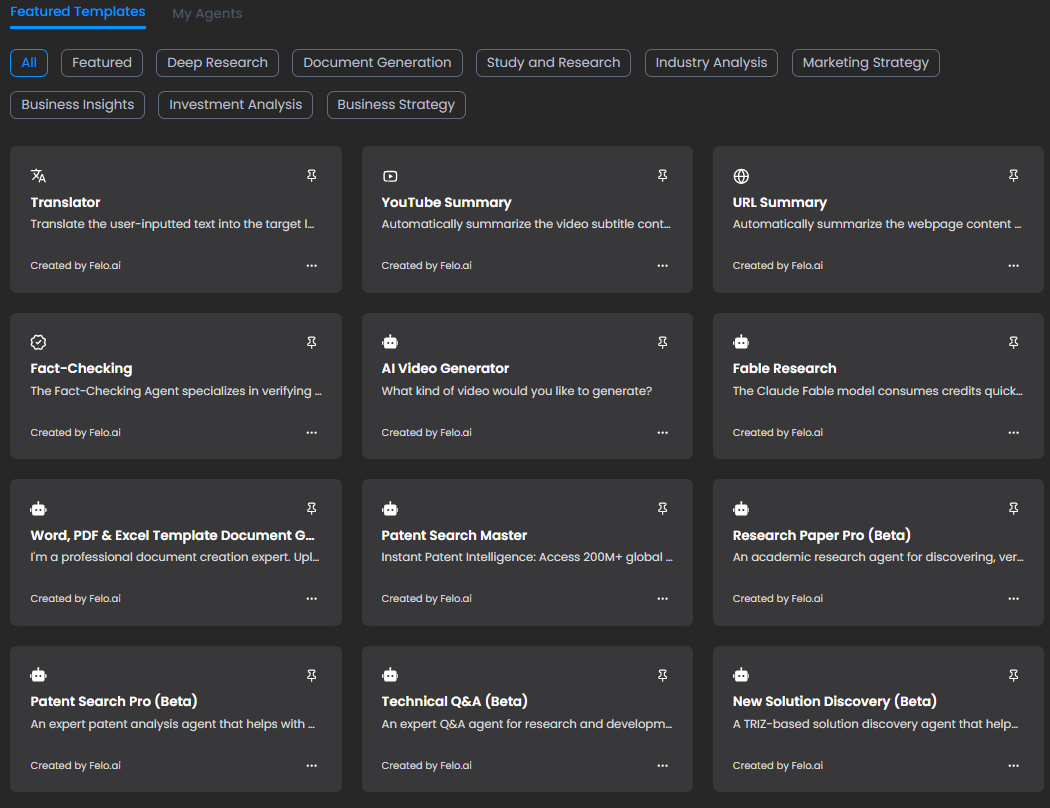
Felo AI came next in my testing, and like a lot of the tools I’ve been looking at in this part of the series, it’s doing way more than just presentations. There’s research, document generation, translation, fact checking, different agents and a whole bunch of other stuff, but I ignored pretty much all of that and stuck to the presentation and slides side of things since that’s what I’m actually testing here.
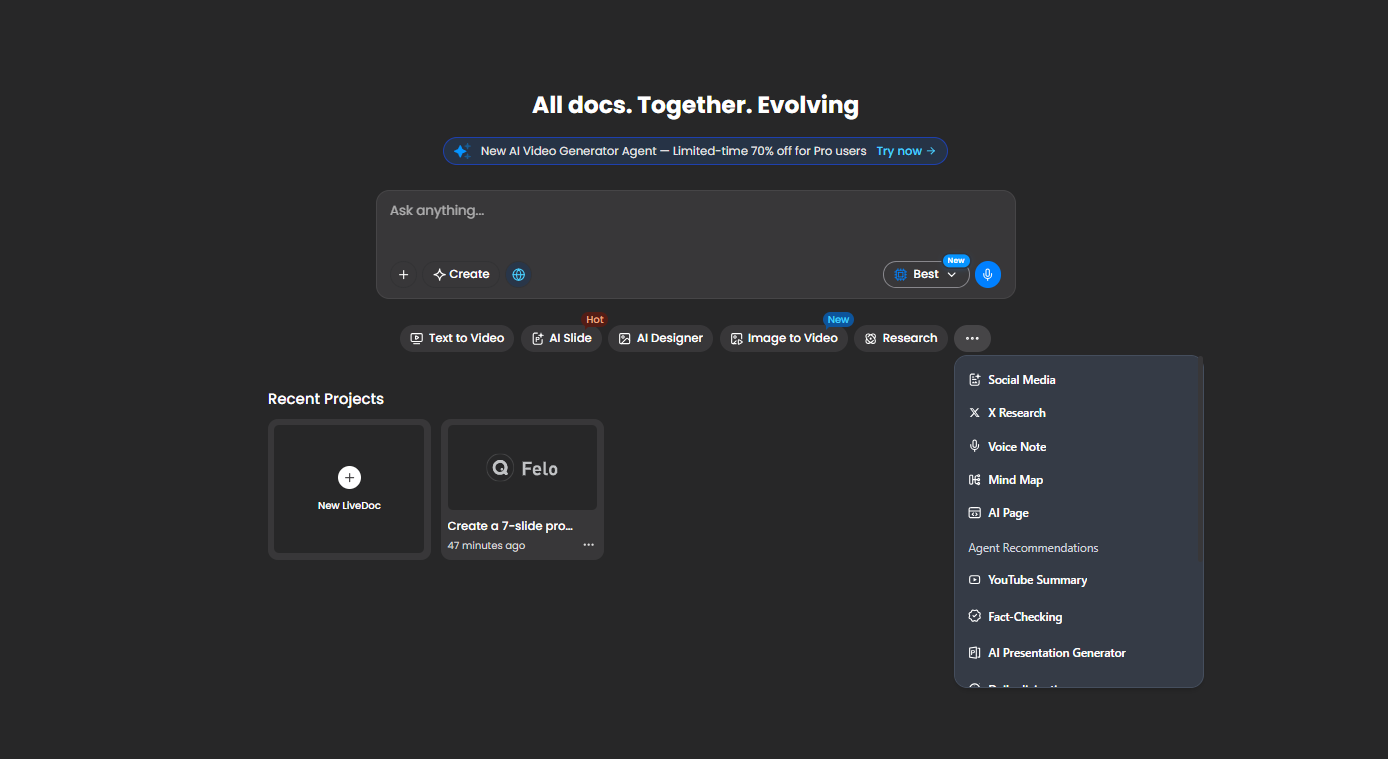
For me, Felo worked best when I wanted to get a good-looking, fairly cohesive deck together without planning on making loads of changes afterward. The actual presentation it generated was one of the better parts of the experience, especially the way it used visuals and infographics. Where I started getting frustrated was once I tried to edit it. There’s a pretty strange limitation around how the AI can make changes to an existing deck, and I ran into it more than once. So if I’m someone who likes generating a deck, going back and forth with it, changing a few slides, adding things, fixing things and generally refining it, I don’t think Felo is the most comfortable fit for that kind of workflow.
First Impressions & User Experience
The interface was pretty easy to get around, and I didn’t really feel like I had to learn anything before getting started. Even though Felo has a lot of different things packed into it, the presentation side itself felt straightforward enough.
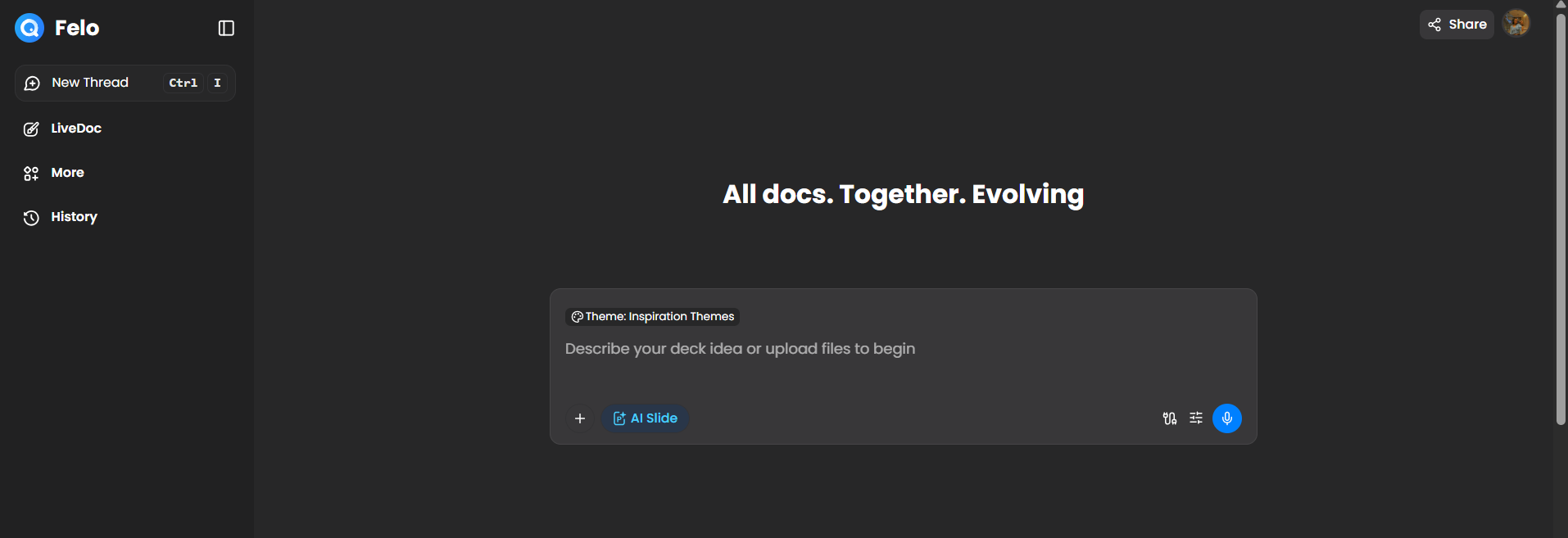
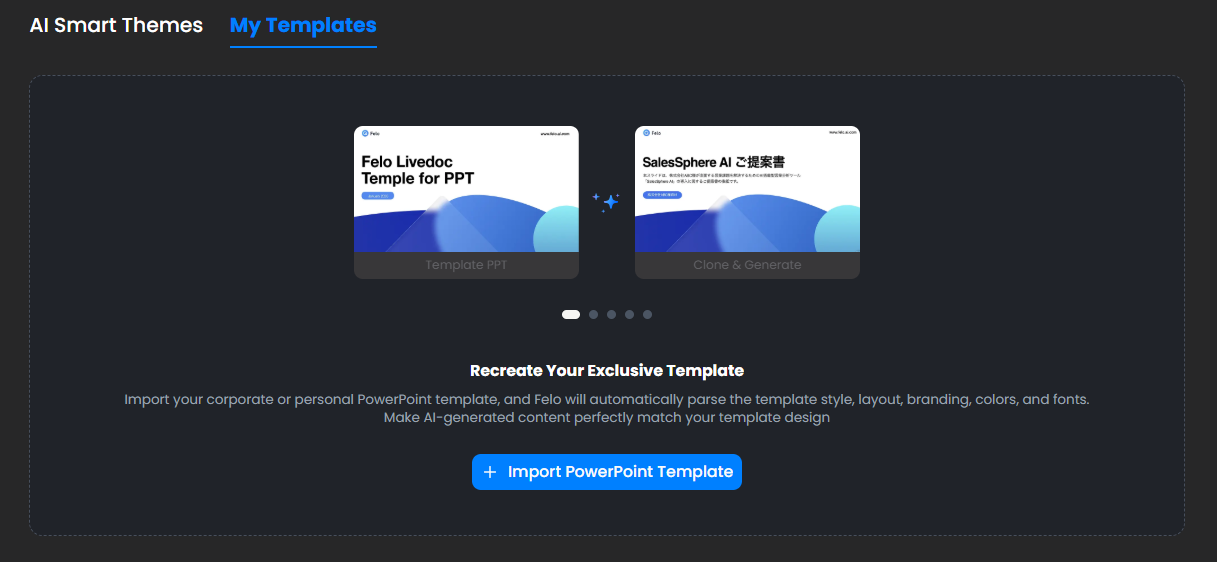
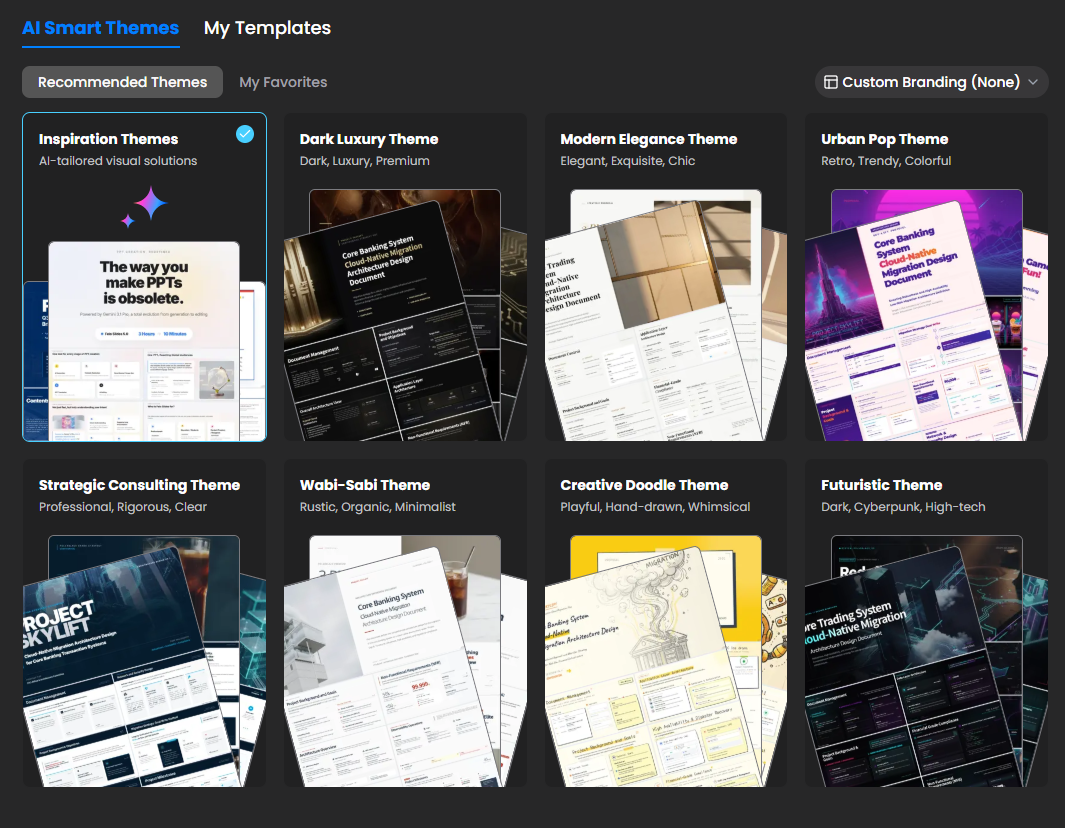
The template library was definitely on the smaller side compared with a lot of the other tools I’ve tested, so there wasn’t a huge amount of choice. That said, I actually liked most of what was there. The templates looked properly put together, had good visual balance, and didn’t have that bare-bones feel where it looks like a template was just thrown together to fill a slot. So I would’ve liked more variety, but I can’t really complain much about the quality of the options I did get.
Core Features
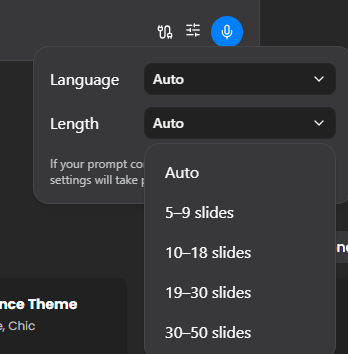
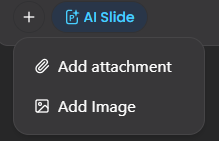
Pre-generation controls. Before I actually started generating the presentation, Felo kept the setup pretty simple. I could choose the length and language, and I could also attach files or images along with my prompt if I wanted to give it some additional material to work from. I liked that it didn’t make me go through a huge checklist of questions before getting started. There were enough options to give it some direction without making the whole process feel like work. The length options also covered everything from shorter decks to much longer presentations, so I could decide roughly how much content I wanted it to produce.
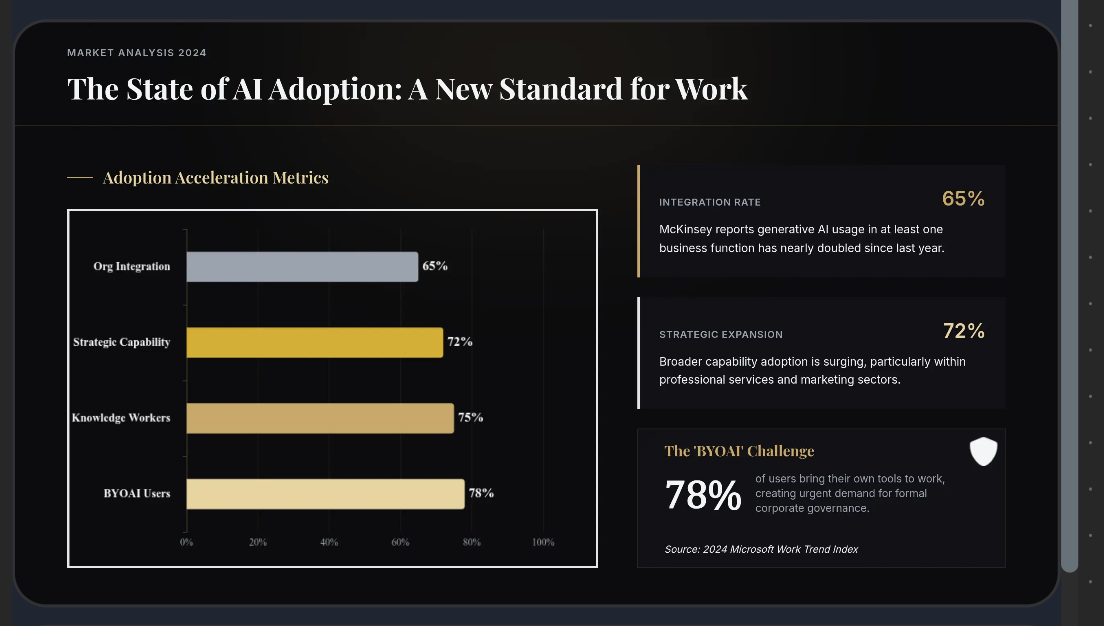
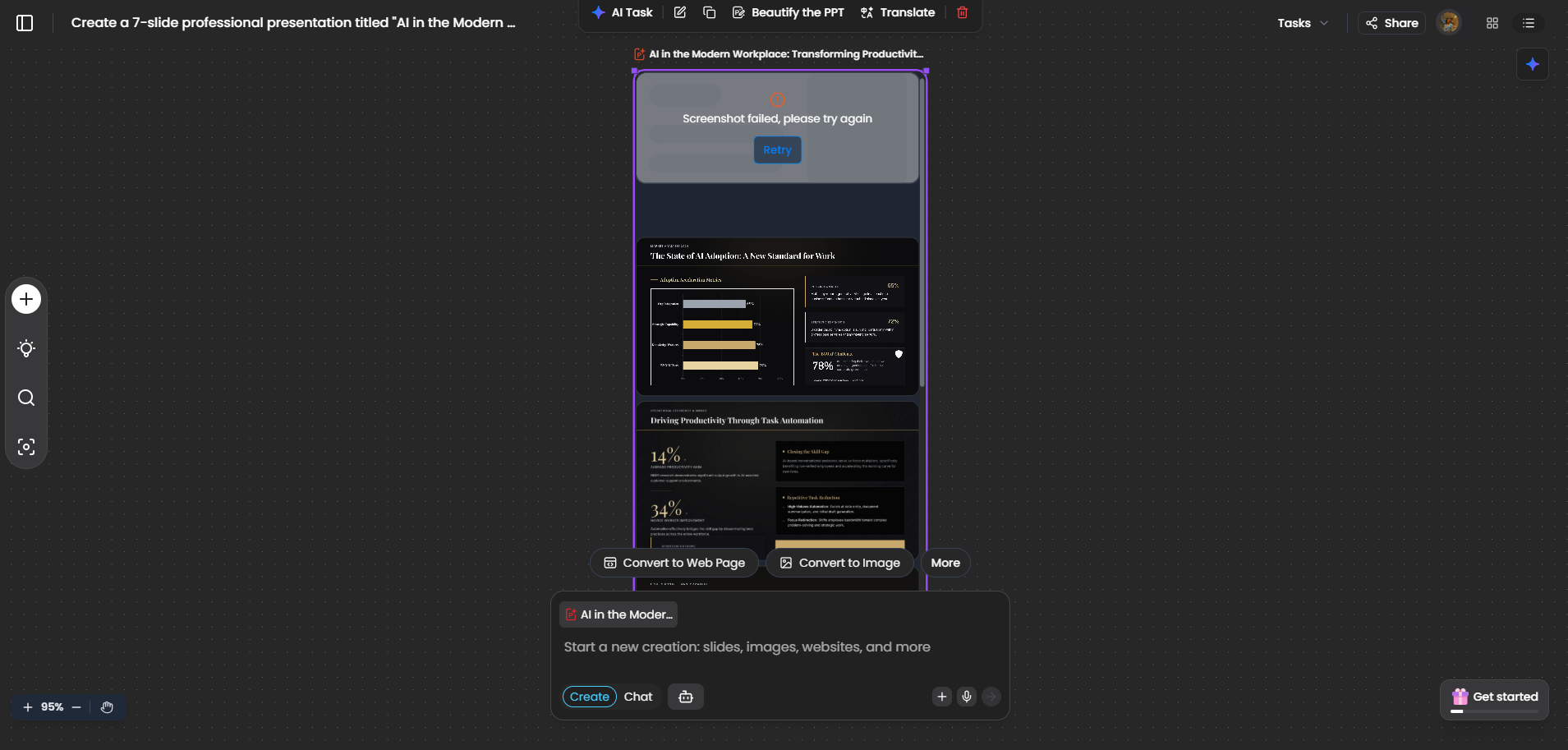
Generation speed and initial quality. The actual generation was definitely slower than some of the other tools I’d tested, taking me around three to five minutes. I did find myself wondering how long it was going to take at first, but once the presentation showed up, I thought the result was pretty decent. Felo opened it in a canvas where I could see the entire deck together and then click into individual slides when I wanted to look more closely. The content was one of the things I liked most about the first version. It had enough information to actually say something, rather than giving me a few lines of text spread across a bunch of slides. The infographics were also a nice touch, and there was a good mix of text and visuals throughout. It felt like a proper first draft that I could work with, rather than something I’d have to completely redo from scratch.
The title slide problem. There was one pretty obvious issue when I first went through the deck, though. The title slide hadn’t generated properly. Everything after it was there and generally looked fine, so it was quite strange to have the opening slide be the one thing that was missing. It’s not something that completely ruined the presentation for me, especially because I knew I could work around it, but it definitely wasn’t the kind of thing I expected to see after waiting several minutes for the deck to finish. And, as I found out when I tried to fix it, this actually became more annoying because of how Felo handles edits to an existing presentation.
The editing limitation. This was probably the biggest thing that bothered me. I wanted to fix the missing title slide from my first attempt and add another image somewhere else in the deck, so I asked Felo to make both changes. Instead, it told me that it couldn’t edit the existing presentation as a whole and would have to generate an entirely new version. That honestly caught me off guard. Most of the other tools I’ve tested at least let me try making changes across the deck, even if they don’t always get those changes right. With Felo, I couldn’t even take that route.
Regenerating the whole deck was also pretty expensive in credits. Since that was basically my only option, I went ahead and regenerated it. Thankfully, the second version came out properly and I didn’t run into the missing title slide or any other rendering problems that time. The frustrating part was seeing how quickly my credits disappeared. I was essentially generating the same presentation twice just because I wanted to fix a couple of things, and by the end of that process, my credits were pretty much gone. If I wanted to keep tweaking the deck and had to regenerate the whole thing every time I needed a broader change, I can see that becoming expensive very quickly.

Individual slide editing. This was actually much better to do. When I stopped trying to change the whole presentation and worked on one slide at a time, Felo was much more useful. I could ask it to make changes to a specific slide and it handled those requests without much trouble. So I wouldn’t say Felo’s editing was bad in general. It was more that there’s a very specific limitation in how it works. One-slide changes were fine, but the moment I wanted to give it instructions that affected different parts of the deck, that’s where I ran into the problem. For me, that made the editing workflow feel much more restrictive than it initially seemed.
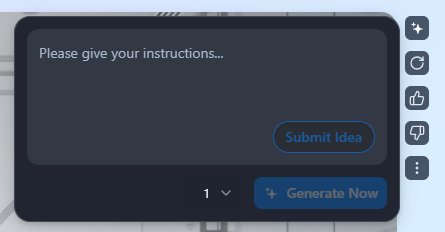
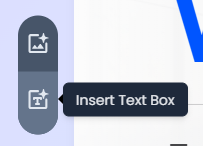
Manual editing. The manual editor was pretty straightforward, and honestly, it did what I needed for basic cleanup. I could change fonts, move around text boxes, swap images and make the usual small adjustments. There was also a Beautify option that helped tidy up the overall look of a slide. It’s not the kind of editor where I could sit there and completely redesign every little element, but for fixing small things after generation, it was perfectly usable.


The canvas view. This was probably one of my favourite parts of the whole interface. Instead of immediately throwing me into a slide-by-slide editor, Felo showed me the whole deck together on a canvas first. I really liked being able to see how everything looked as a complete presentation and then click into individual slides when I wanted to make changes. It just felt more natural to me, especially when I was trying to judge whether the deck looked consistent as a whole.
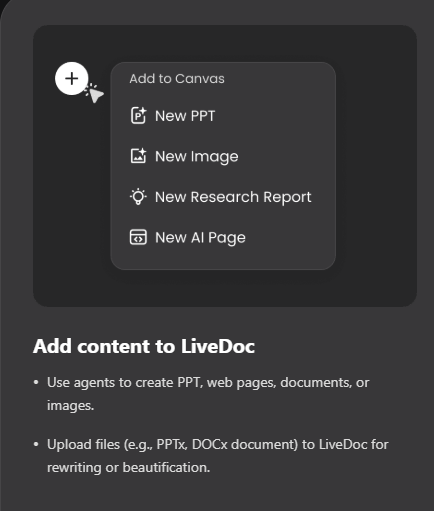
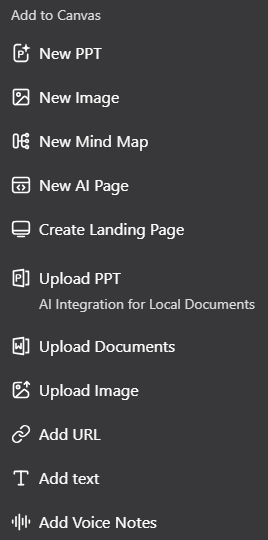
Knowledge base. There’s a section for uploading documents to build context the AI could draw from, which I didn’t end up using for this particular test but noted as available.
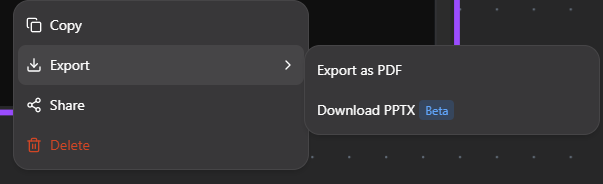
Export and sharing. This was an easy win for me. I could actually download the finished presentation as both PPTX and PDF, without having to jump through a paywall just to get my own file. I could also share it through a link, with the option to keep it limited to collaborators or make it accessible to anyone who has the link. After testing so many tools where export is either restricted or comes with some annoying catch, having a straightforward download option here was genuinely nice.

Performance, Reliability & Everyday Usability
Apart from that missing title slide on my first attempt, Felo was pretty stable throughout my testing. The regenerated version came back clean, and I didn’t run into any crashes or random errors while working through the presentation. So the reliability issue for me wasn’t really about the tool breaking or failing to generate something.
It was much more about that whole deck editing limitation. I wouldn’t really call it a bug because Felo is clearly designed to work that way, but from my point of view, it still created a real usability problem. If I wanted to make a broader change to the presentation, I couldn’t just ask it to edit what was already there and move on. I had to regenerate the whole thing, which took more time and used up a lot more credits than a simple edit should have. So technically the tool was stable, but that design choice definitely made the overall experience less convenient for me.
Pricing Breakdown & Limitations
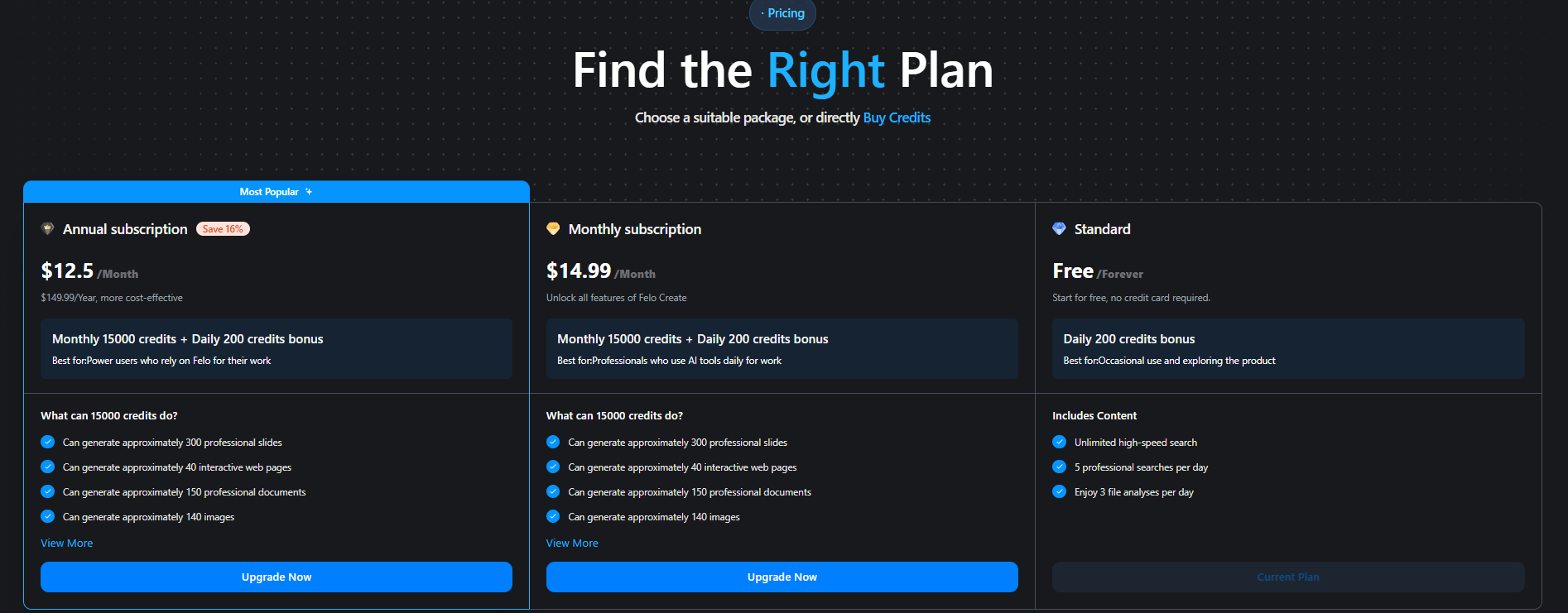
The free plan gives me 200 credits a day, along with unlimited high-speed searches and a limited number of professional searches. That’s actually a decent amount if I’m just using Felo casually, but for presentations, I found the credits could disappear pretty quickly once I started regenerating things.
- Free: 200 credits/day + unlimited high-speed searches + limited professional searches
- Standard: $14.99/month, or $12.50/month when billed annually, with 15,000 monthly credits, daily bonus credits and access to premium AI models
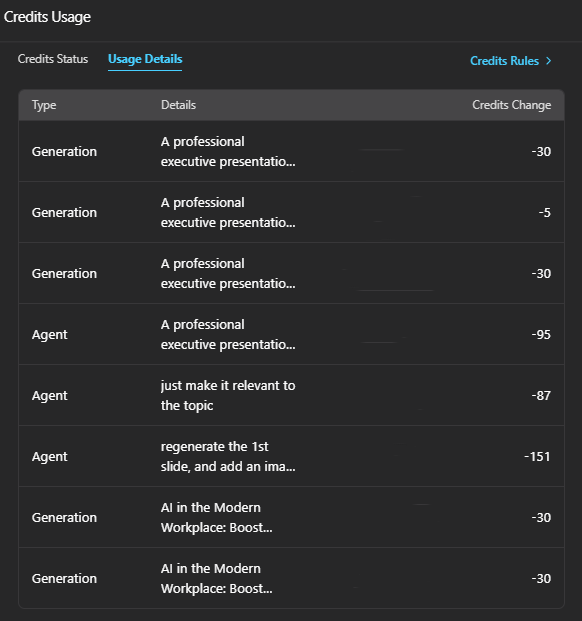
The main thing to keep in mind is how quickly the credits can get used when making presentations. My first generation followed by a full regeneration used up most of what I had available, and because Felo makes me regenerate the whole deck instead of letting me make broader edits directly, those credits can disappear much faster than I’d expect. If I wanted to keep making changes and iterating on presentations regularly, I can see myself needing the paid plan fairly quickly.
Privacy & Data Handling
Felo is built by Felo Inc., a Tokyo based company. From what I found in their privacy policy, they collect the usual account details like your name and contact information, along with the content I actually put into the platform, including my prompts, uploaded files and the content it generates for me.
The part that stood out was their Enterprise plan, where they explicitly say customer data isn’t used to train their AI models, alongside things like ISO certification and single sign on. The catch is that this specific no training guarantee is clearly stated for Enterprise, not the regular free or consumer plans. So if I were uploading anything particularly sensitive on a personal plan, I wouldn’t automatically assume the Enterprise level protection applies. I’d want to confirm that with Felo first.
Comparison With Simplified
Category | Simplified | Felo AI |
|---|---|---|
AI presentation quality | Strong content, informative first draft, but visually plain | Strong visuals and content, but a missing title slide on first attempt |
Design quality | Basic throughout, didn’t improve even after direct requests | Visually harmonious templates, good infographic use |
Visual assets | Added one chart on request, never became genuinely engaging | Strong infographic and visual usage right out of the initial generation |
Template variety | Reasonable, felt slightly stronger overall | Limited library, but high quality within that smaller selection |
Editing experience | Manual editor very limited, AI editor handled single asks well | Individual slide AI editing worked, whole deck editing unavailable entirely |
AI assistance | Reliable for single instructions, failed on compound requests | Reliable slide by slide, refused whole deck edits outright |
Speaker notes | Claimed to add them, didn’t actually appear | Not a specific focus of my testing |
Export options | PDF and PNG available free | PDF and PPTX both available free |
Credits | Full workflow completed using around half the allowance | One generation plus one regeneration exhausted the allowance |
Felo comes out ahead for me on the actual first result. The deck looked better, the visuals were stronger, and the content felt more complete straight away. It was honestly one of the better first drafts I got in this series. Where it lost points for me was everything I wanted to do afterward. The whole deck editing limitation meant that even fairly small broader changes could turn into a full regeneration, and that burned through my credits pretty quickly.
Simplified was much easier on the credits, and even though its editor had trouble when I gave it multiple requests together, at least it actually let me make bigger changes to the existing deck. So between the two, I’d say Felo is the one I’d pick if I just wanted a good presentation quickly and didn’t expect to mess around with it much afterward. If I know I’m going to keep editing, tweaking and moving things around, Simplified was the less frustrating option for me.
Final Verdict
My overall impression of Felo AI was pretty split. The actual generation impressed me quite a bit. The deck looked good straight away, the information felt substantial, and I liked that it used infographics instead of just filling every slide with text. The canvas view was also genuinely nice to work with because I could see the whole presentation at once instead of having to go through everything slide by slide. And being able to export both PPTX and PDF for free was a big plus for me.
Where I got frustrated was when I actually tried to edit the thing. The fact that I couldn’t make broader changes to an existing deck and instead had to regenerate the whole presentation felt like a pretty major limitation. It’s not just a small inconvenience when every regeneration also eats into my credits. I also had that missing title slide on my first generation, which was a pretty basic thing to get wrong in the first place, and having to regenerate the entire deck to sort things out made that issue feel even more annoying.
So I came away liking Felo quite a lot as a “give me a good deck quickly” tool, but much less as a tool I’d want to keep refining over multiple rounds. The first result is genuinely strong, but the editing experience makes it harder for me to recommend for more involved presentation work.
Overall Score: 6/10.
Frequently Asked Questions:
No, Felo AI cannot perform structural or deck-wide edits across an existing presentation. While you can edit individual slides one by one, making broad changes requires generating a completely new deck.
Yes, Felo AI allows users to download their finished presentations directly as both editable PPTX files and PDFs without hitting a paywall.
The Canvas view displays all generated slides together on a wide, interactive workspace, allowing you to review the visual flow of the entire presentation at once before zooming into individual slides.
Felo’s privacy policy guarantees zero model training for Enterprise tier customers, but this guarantee is not explicitly extended to regular consumer or free accounts.
Abonneer je op onze nieuwsbrief en ben als eerste op de hoogte van tijd- en geldbesparende AI-tools!
Comments