Conclusion
Notion transcends traditional note apps to function as an interconnected operating system for documentation, relational databases, tasks, and team projects. Its block-based slash editor, contextually aware AI, and built-in automation builder make it an indispensable single source of truth for modern teams and solo professionals alike. However, its sheer breadth presents a noticeable learning curve for newcomers, and standout capabilities like AI Meeting Notes and autonomous Custom Agents are restricted behind higher-tier plans. For users wanting an all-in-one digital command center to replace multiple subscriptions, Notion remains unmatched.
Pros:
- Deep relational databases with customizable properties, custom formulas, and versatile views
- Seamless connectivity linking notes, projects, tasks, and meeting records across a single workspace
- Automated AI Meeting Notes with structured summaries and extracted action items
- Powerful workflow automations supporting triggers like page creation, status changes, and webhooks
Cons:
- Initial interface density and sheer scale can easily overwhelm beginners
- Advanced AI tools (like Custom Agents and full AI Meeting Notes) require expensive plan upgrades
- Web-published pages visually resemble basic raw notes rather than fully designed websites
- Ad-tech partnerships mean user usage data may be shared for targeted marketing unless opted out
Table of Contents
- First Impressions and User Experience
- Core Features
- Performance, Reliability and Everyday Usability
- Pricing, Plans and Limitations
- Privacy, Data Handling and Trust
- Notion vs Mem
- Final Verdict
Going into this one I quite frankly thought I already knew what to expect. Another workspace tool, another sidebar full of features, another AI bolted on somewhere. Notion proved me wrong pretty fast, and not in a small insignificant way either. This is probably the most feature dense thing I have tested in this whole series, and by the time I was done I genuinely hadn’t touched everything it offers, which says a lot on its own.
Notion suits someone who wants one single place to run their entire work life instead of juggling five different apps for notes, tasks, projects, meetings and documentation. It suits teams especially, since so much of what makes it shine is the way everything links together across a shared workspace. Where it does not suit as well is anyone who wants something dead simple and quick, because the sheer scale of options here can genuinely overwhelm someone who just wants to jot a note down and move on with their day.
First Impressions and User Experience
The very first thing that struck me was just how much there was to explore. Most productivity tools I have tested open with one obvious purpose, a blank note, a blank page, whatever. Notion does not really do that. Instead it feels like an entire workspace where notes, projects, tasks, meetings, documents and AI all exist together right from the first screen. I will admit it was a little overwhelming for the first few minutes because there is simply so much sitting on that sidebar staring back at me.
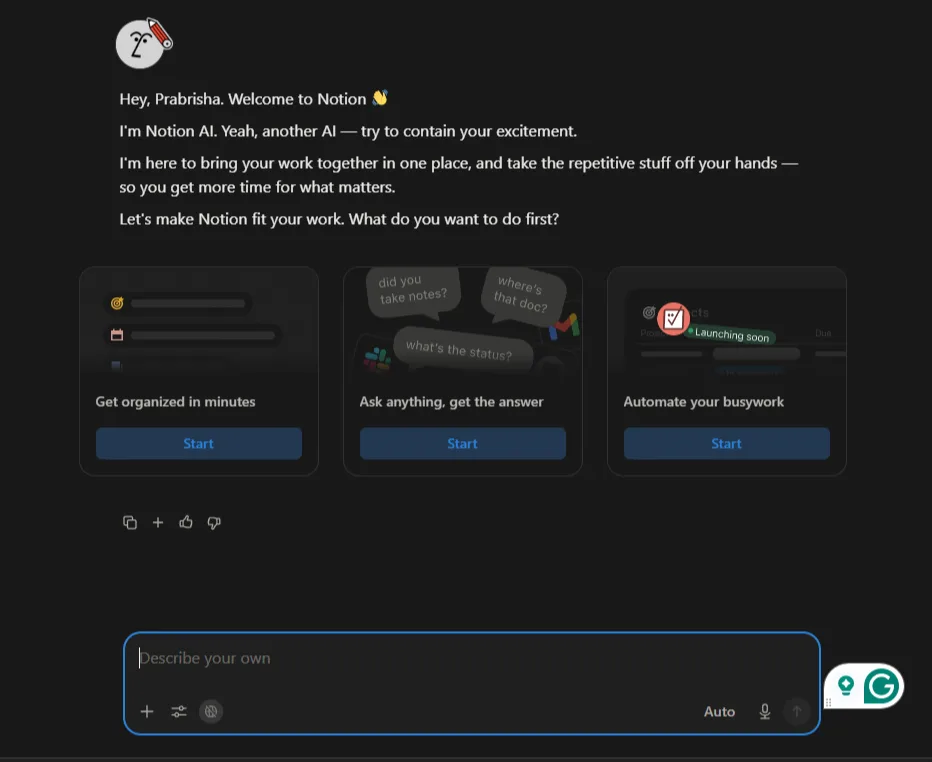
That said, the onboarding actually helped a lot more than I expected. Notion AI walked me through each section one at a time, Notes, Tasks, Projects, Docs and Meetings, explaining what each one was meant for rather than just leaving me to figure it out on my own. It even opened with a slightly self aware joke about being yet another AI, which I did not expect and honestly appreciated. That kind of guided walkthrough made the learning curve feel a lot less intimidating than it could have been.
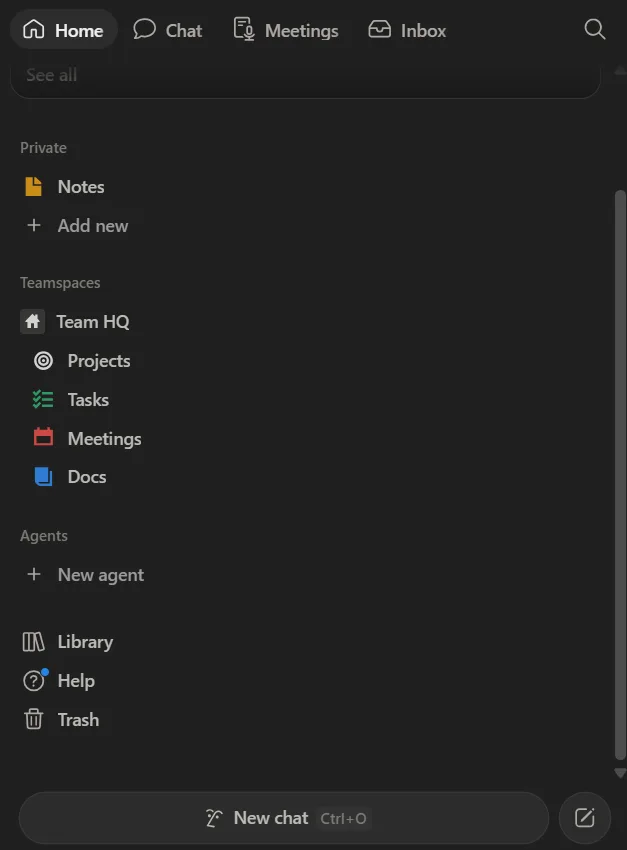
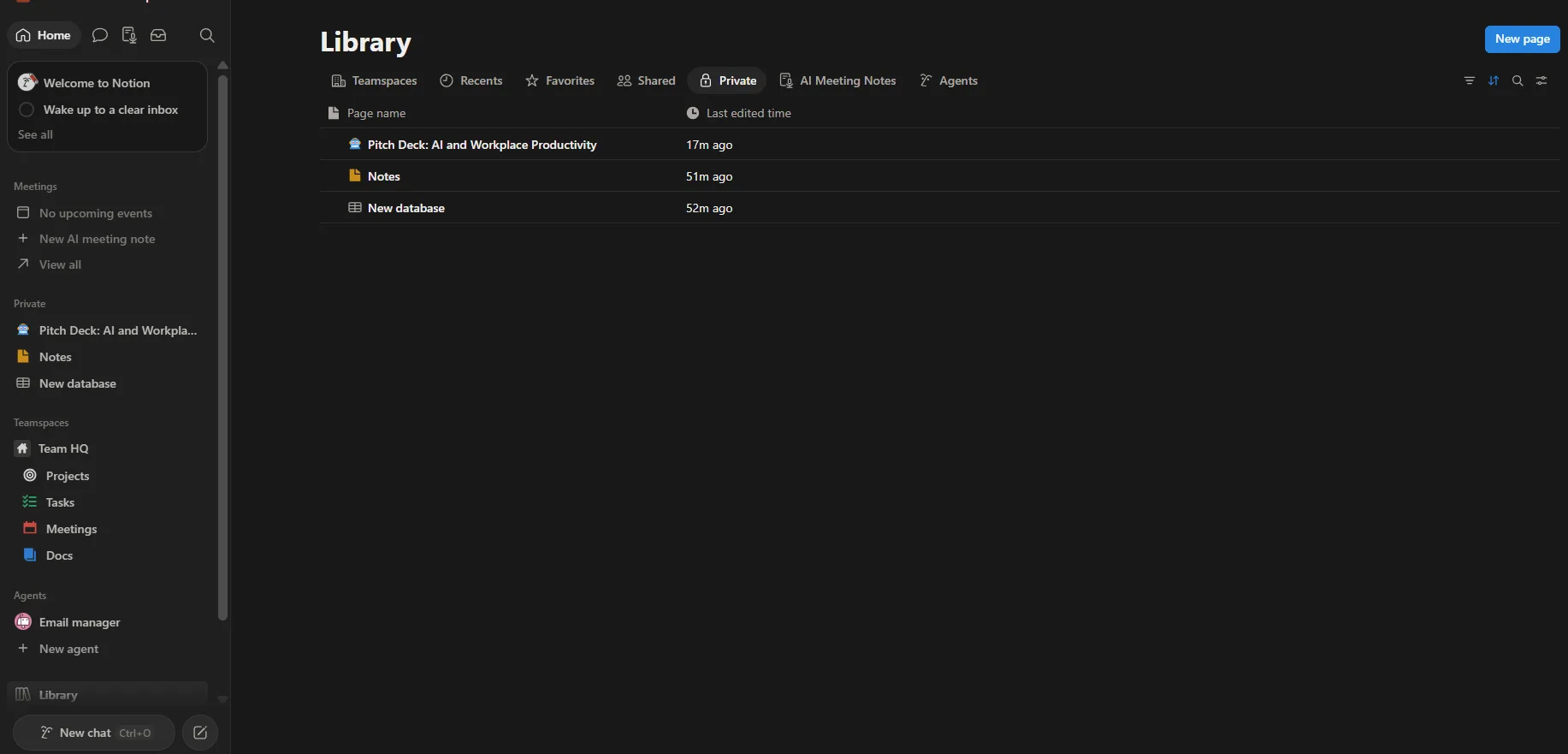
I also liked the overall design straight away. The interface feels modern and polished without being cluttered, and once I spent a bit of time clicking around, things started feeling pretty logical pretty quickly. I preferred using it in dark theme, which made the long stretches I spent testing it much easier on the eyes.
Core Features
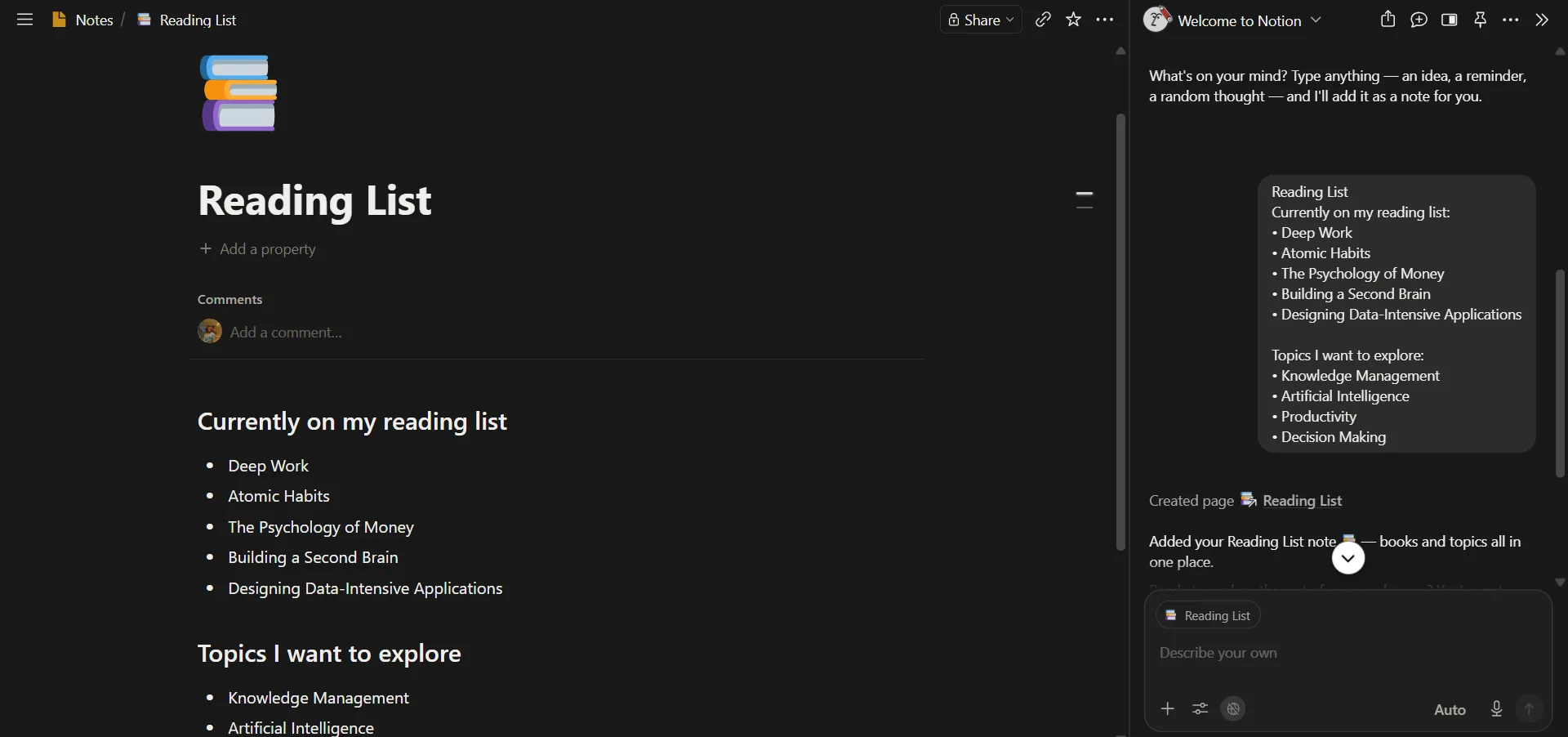
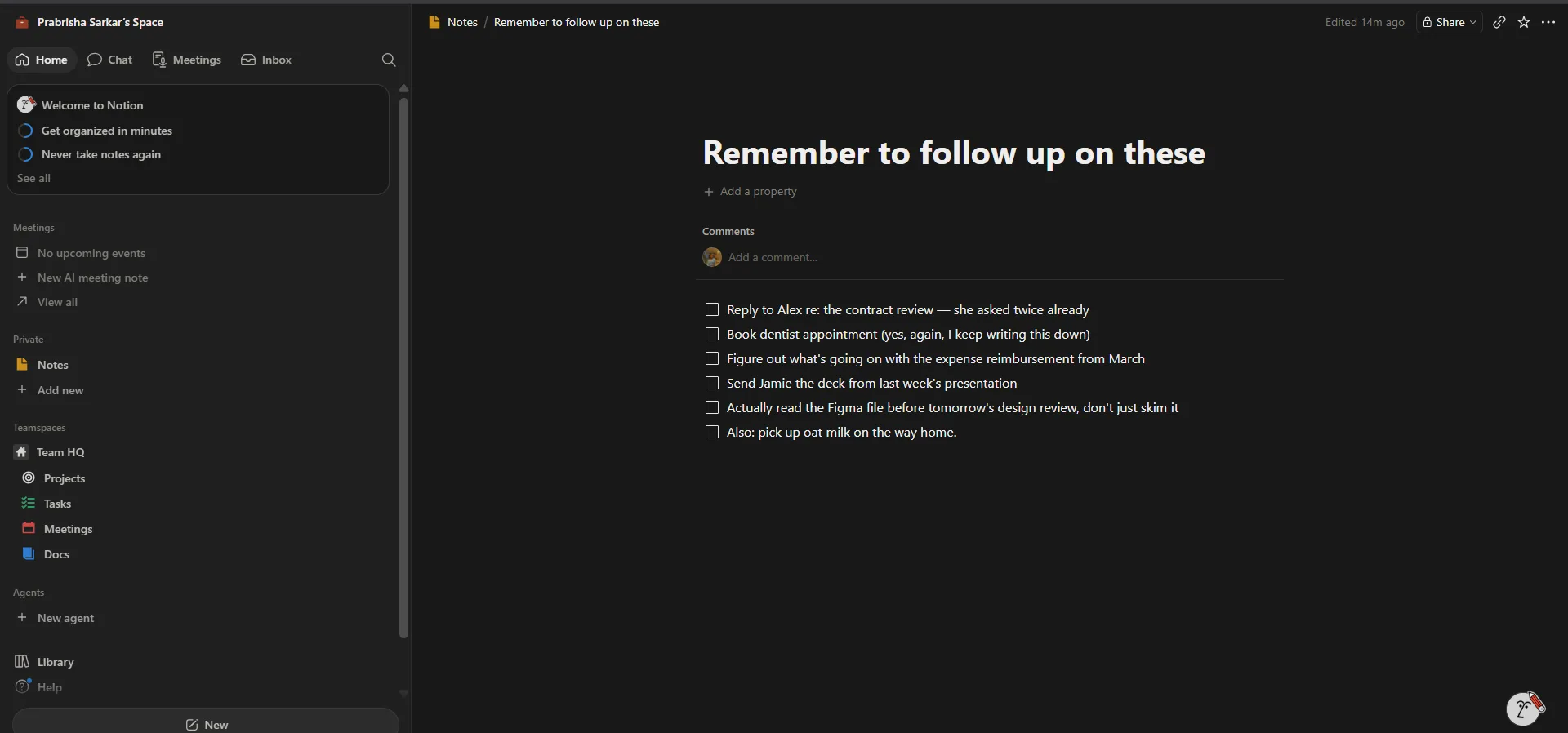
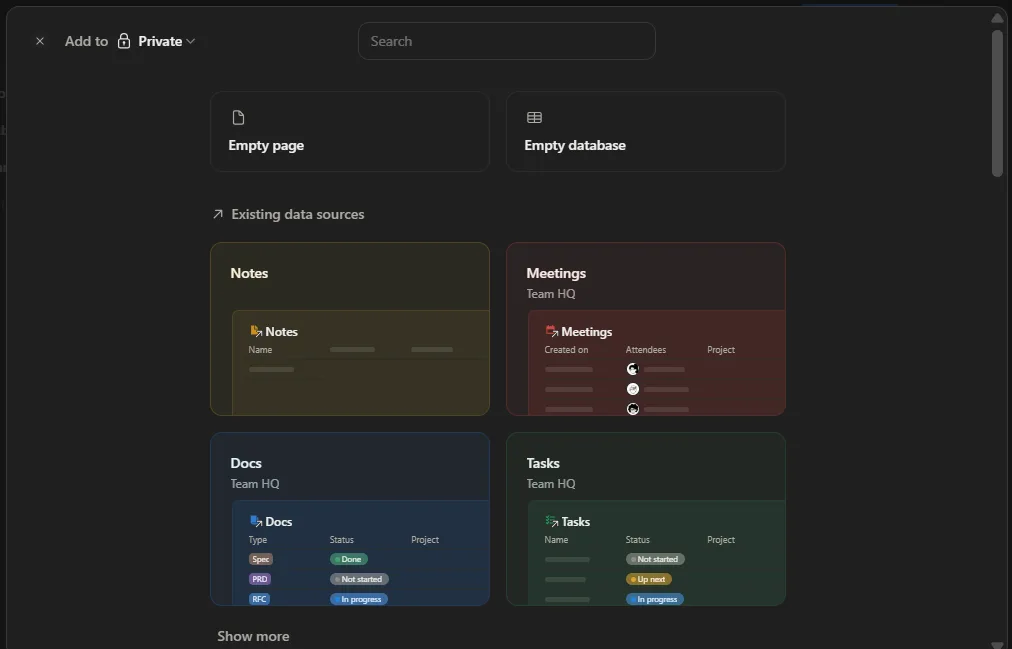
I started with the Notes section since that is probably what most first time users gravitate toward. Rather than just making one empty note and calling it done, I made several different kinds, a reading list, a follow up checklist, some rough planning notes, longer text documents and a general knowledge page, just to get a feel for how flexible the editor actually is.
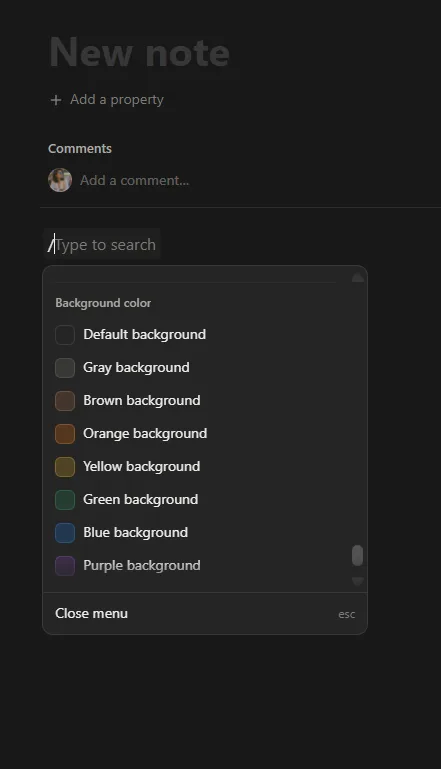
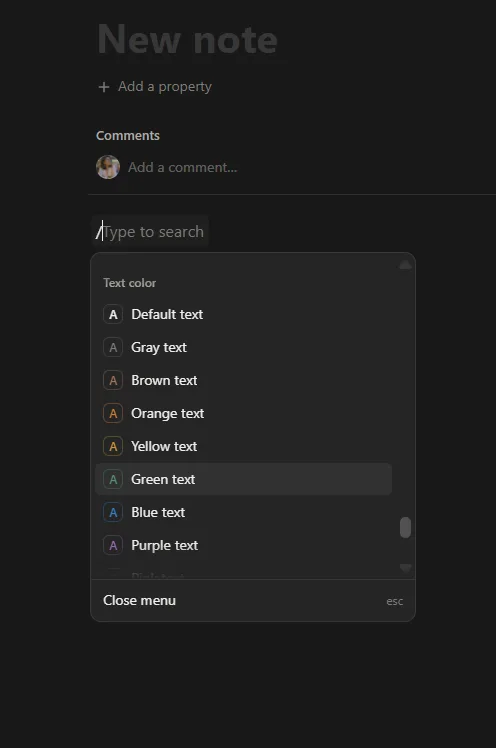
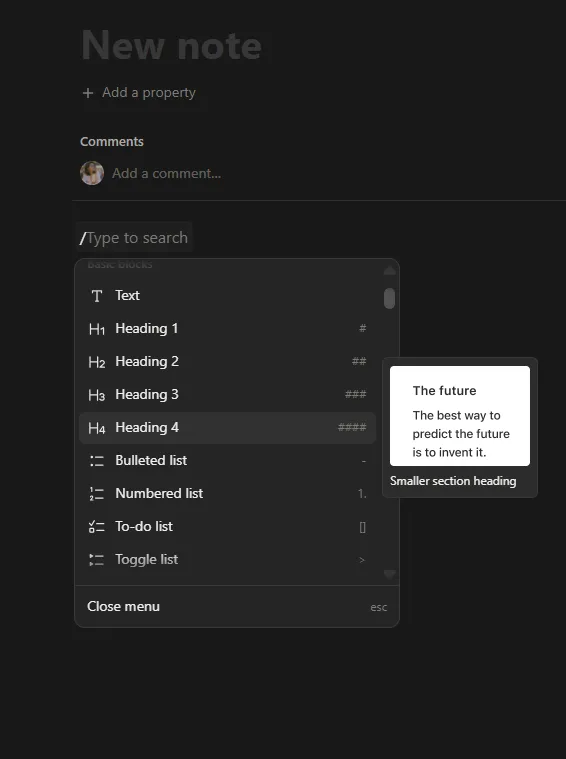
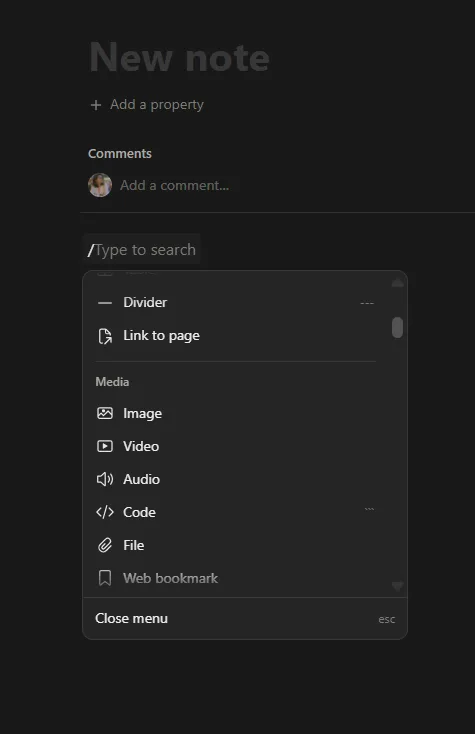
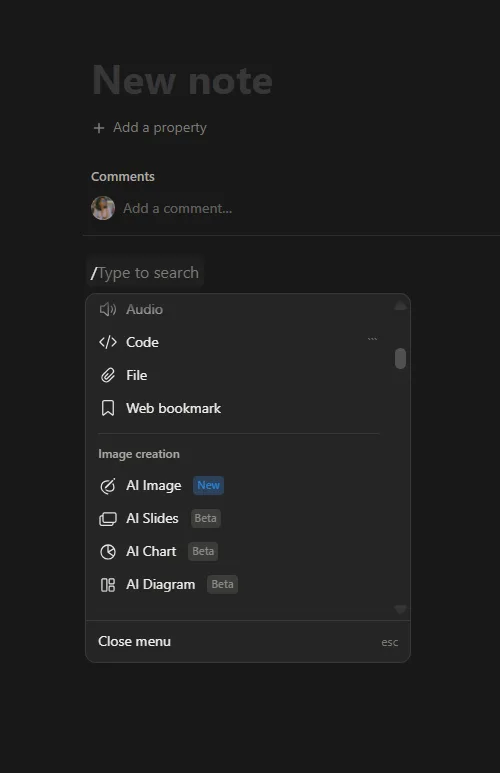
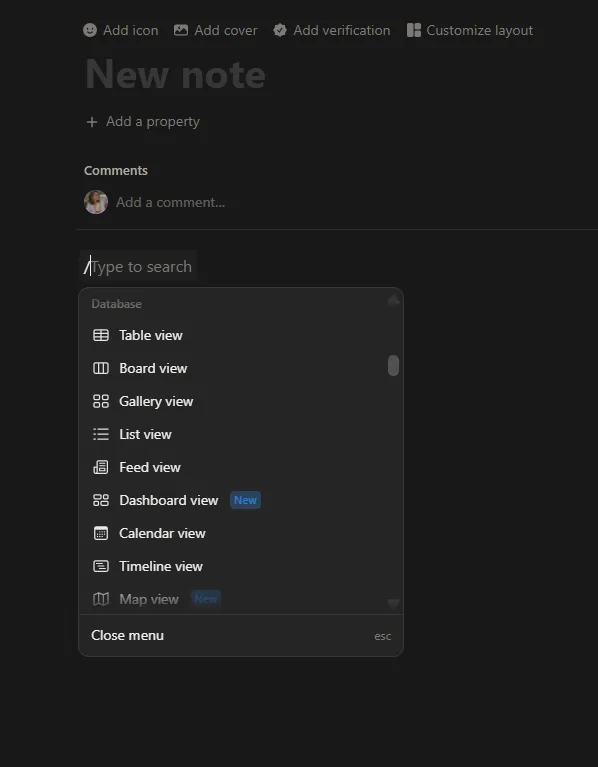
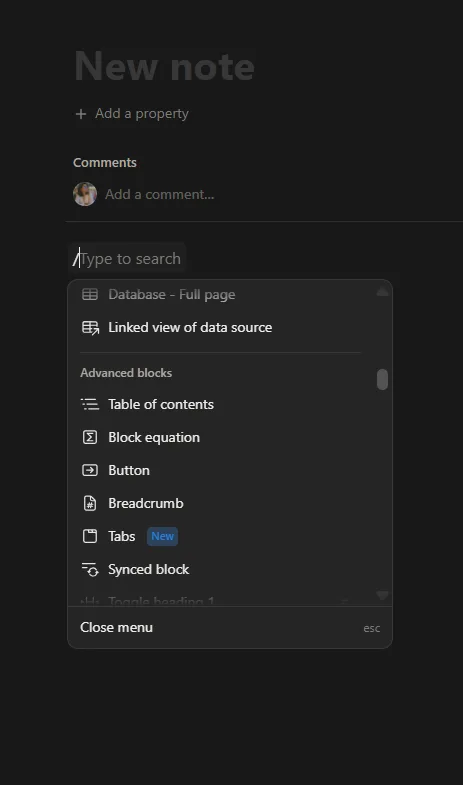
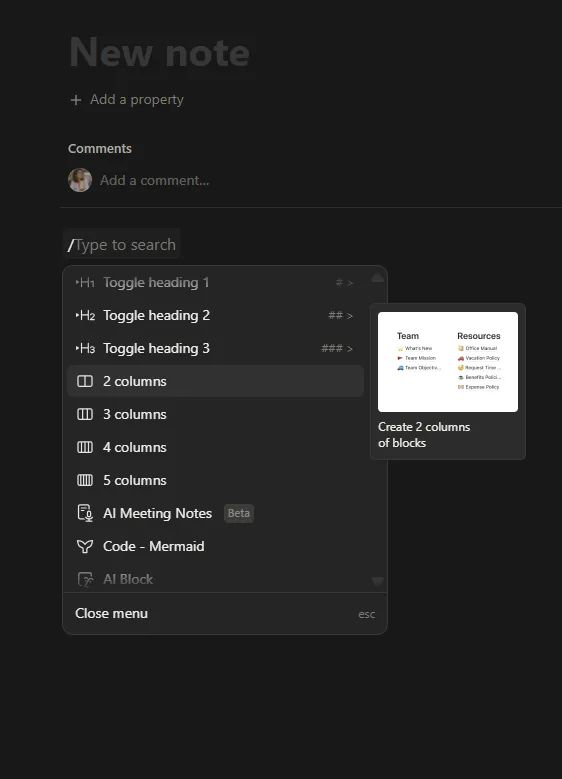
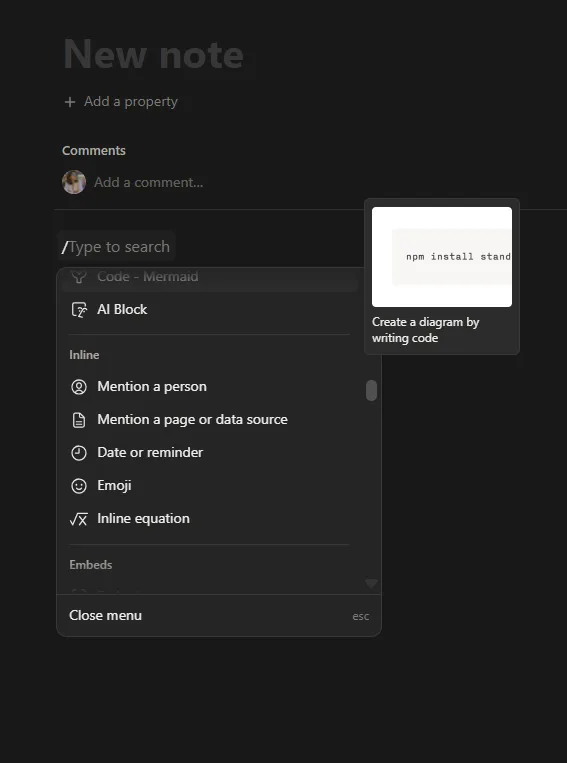
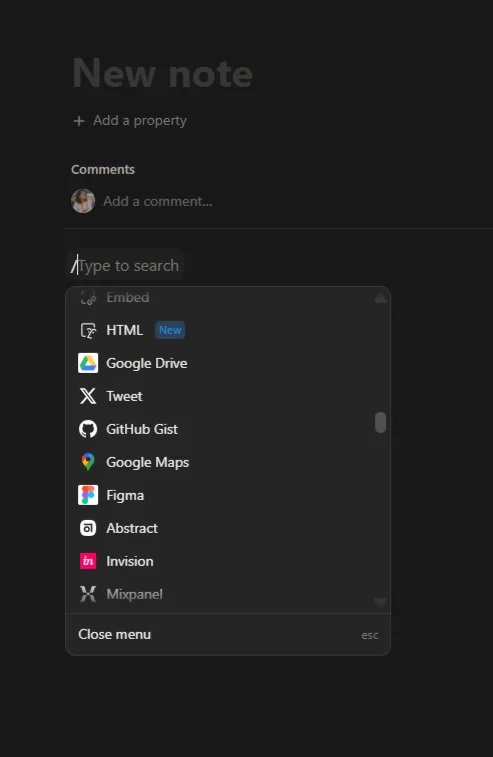
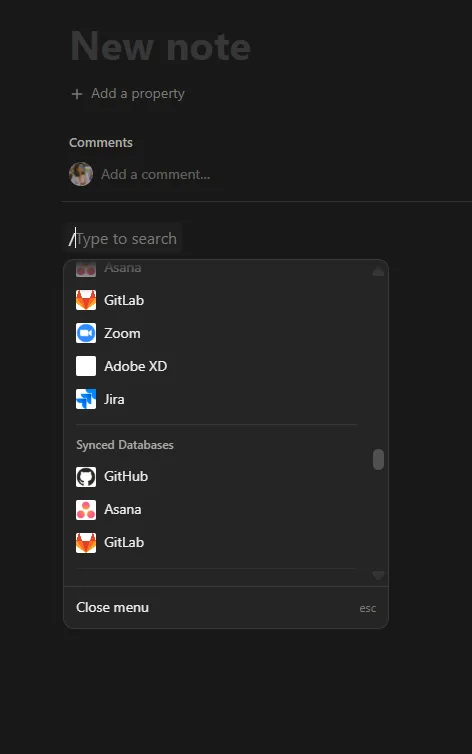
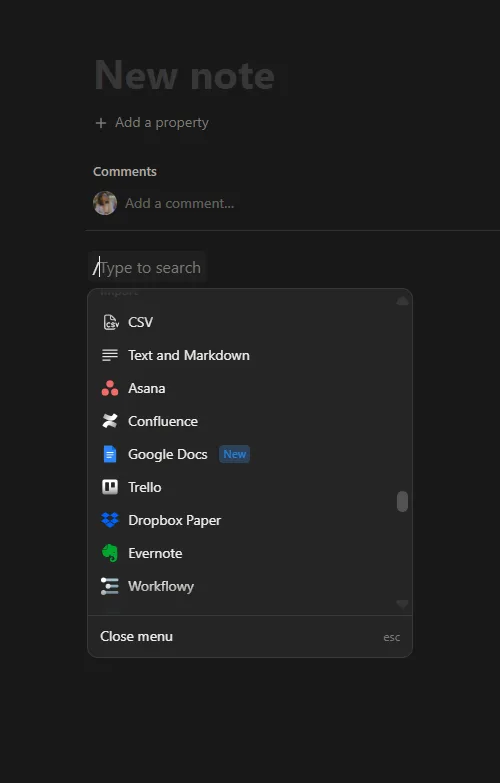
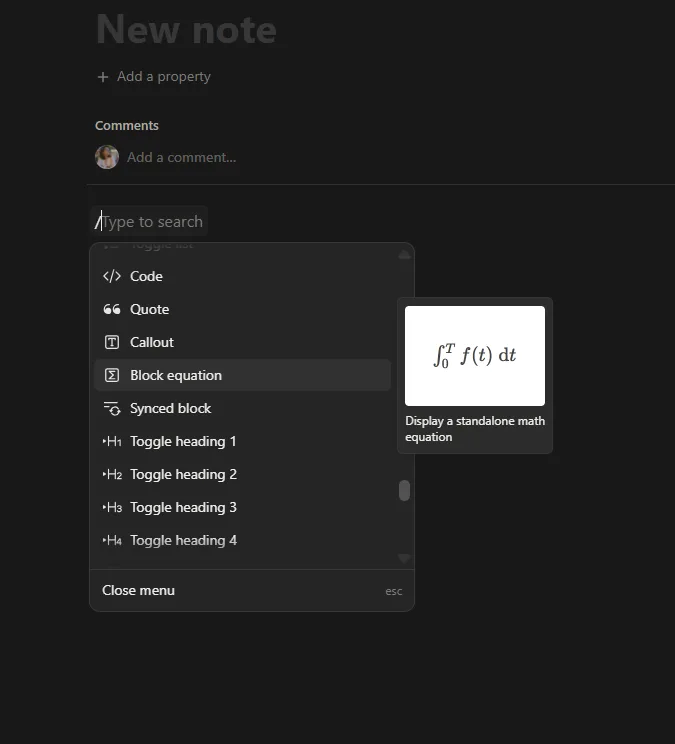
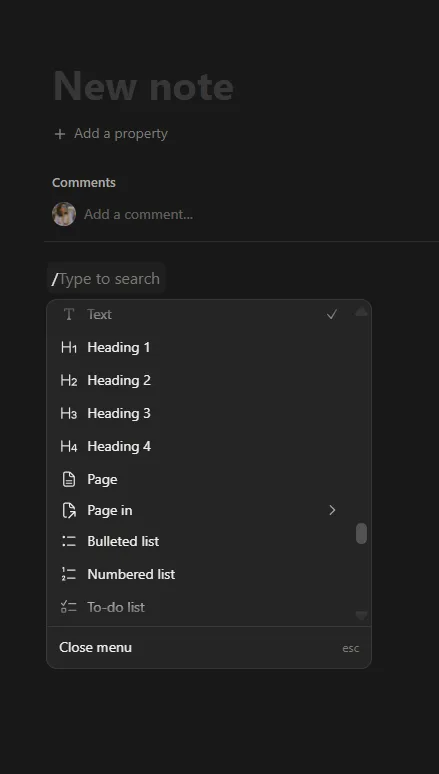
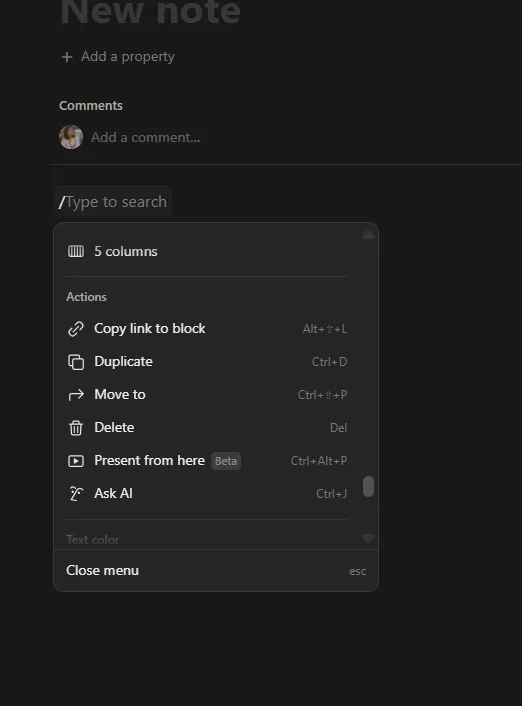
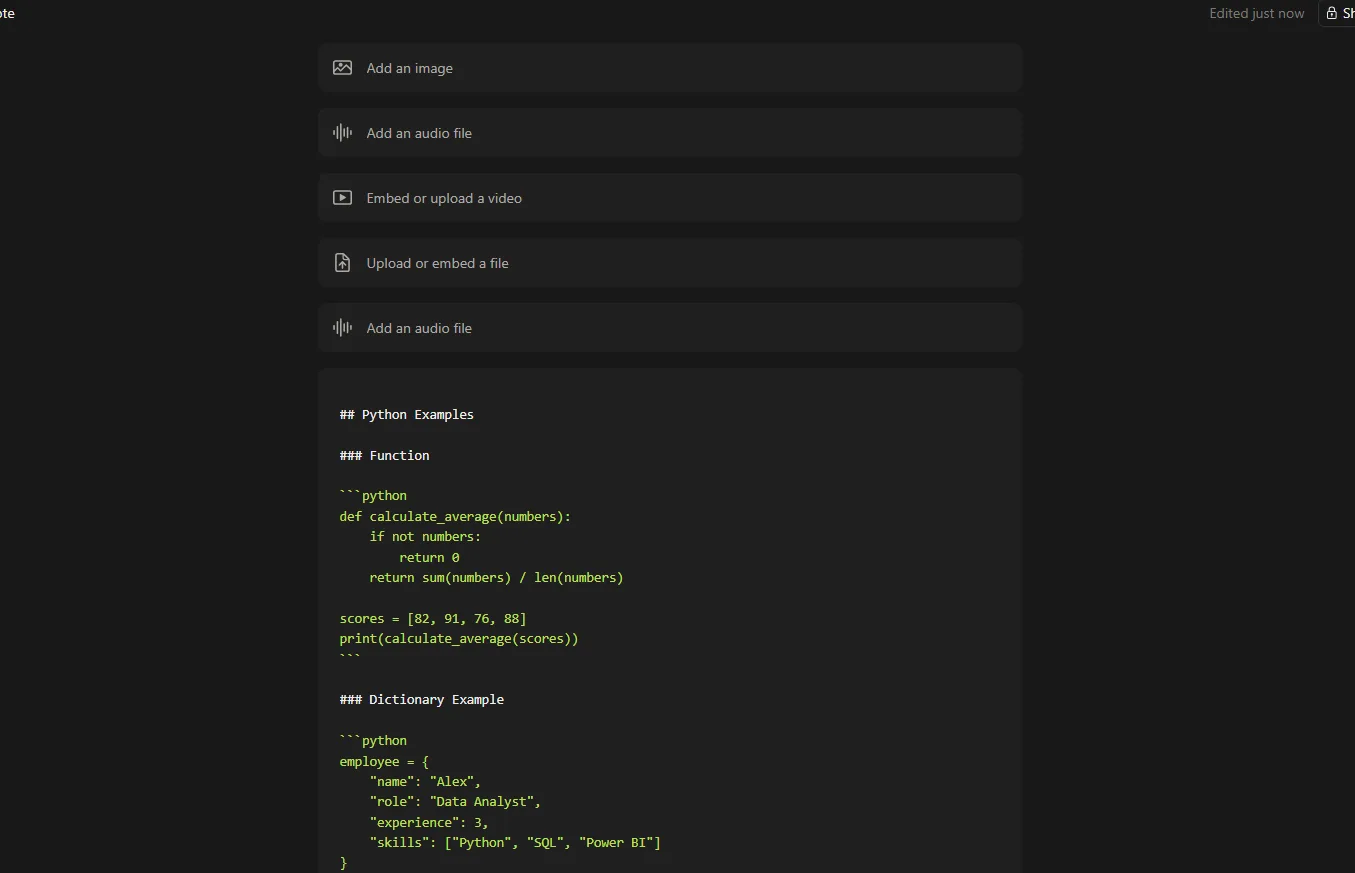
- The editor. This ended up being one of my favorite parts of the whole thing. It feels incredibly fluid to use. Typing a slash brings up blocks, tables, checklists, headings, dividers and pretty much every formatting element I could think to reach for, no digging through menus required. I did not test every single block type because honestly there are far too many of them to reasonably cover, but every common one I needed worked smoothly without any hiccups.
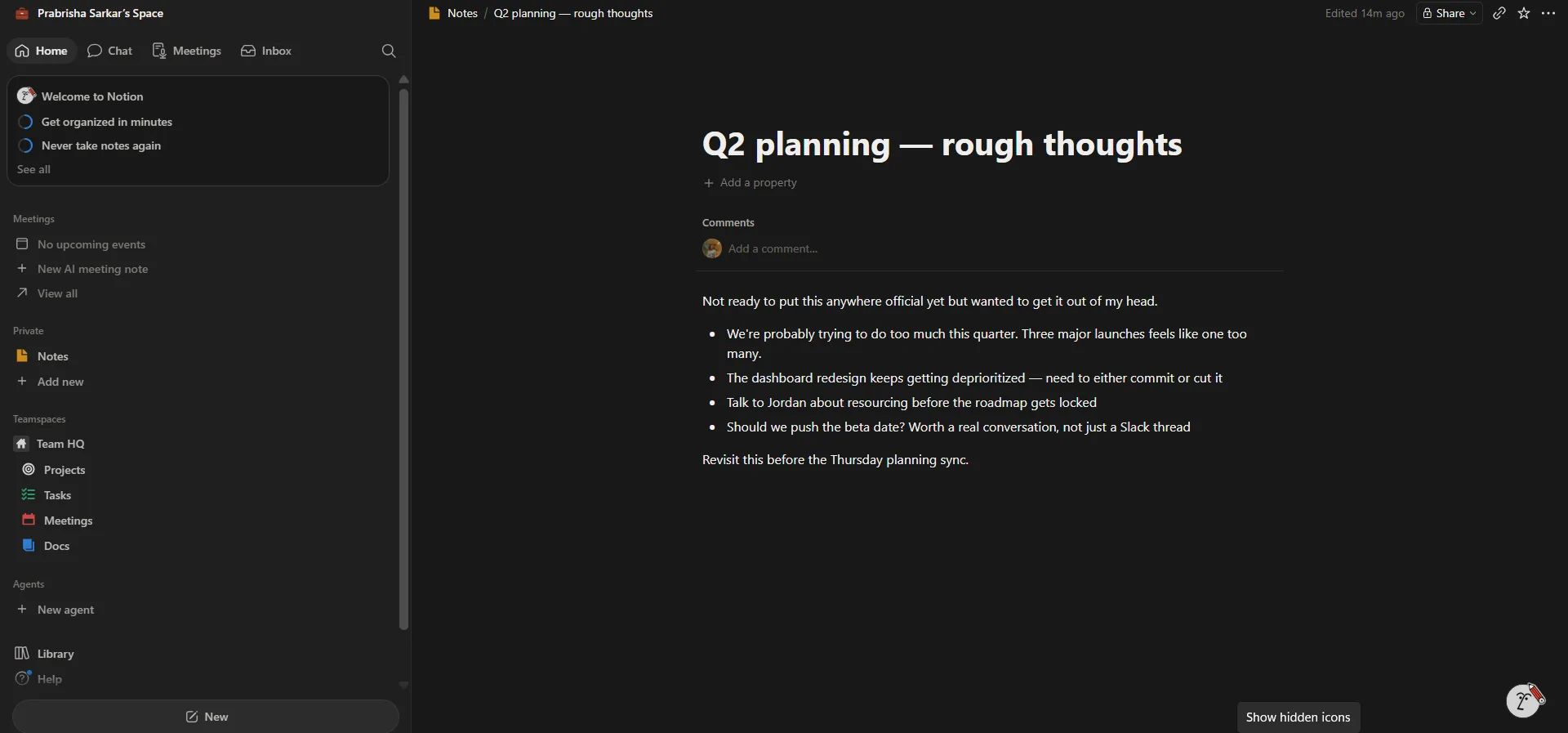
- Linked pages. Pages are not isolated documents sitting alone, they can be linked together, referenced from elsewhere, organised into workspaces and connected with databases. That made the whole notes experience feel a lot more interconnected than what I would normally expect out of a note taking app specifically.
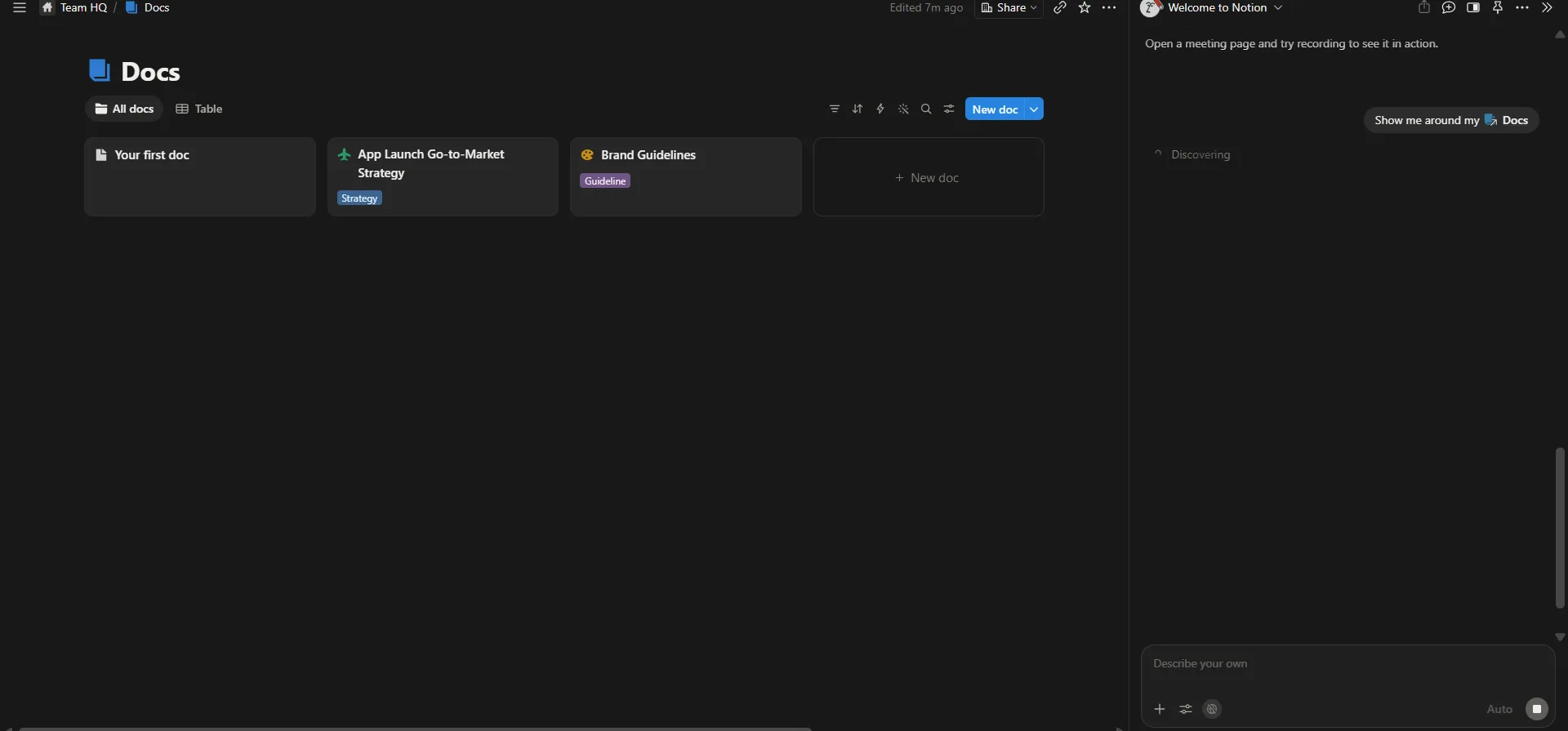
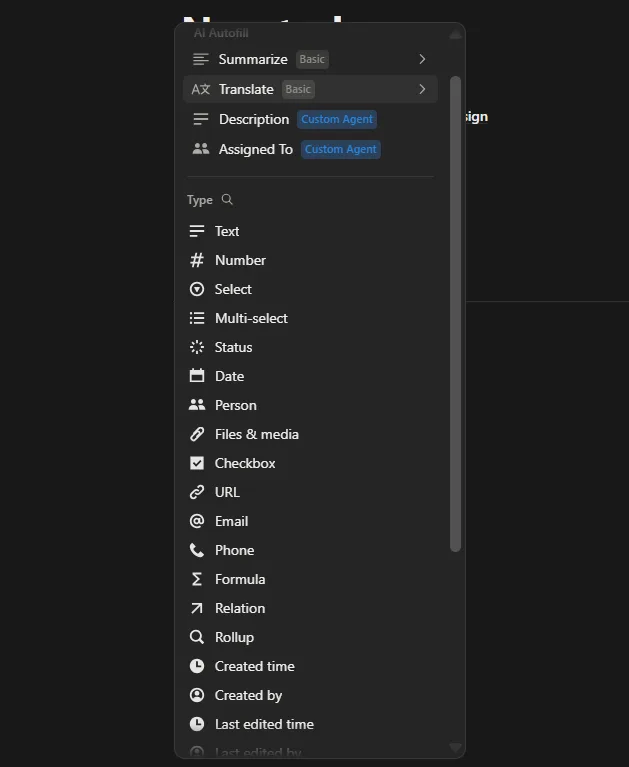
- Databases. This is something people constantly praise about Notion and after using it myself I get why. I built tables with different properties, played around with changing views, added tags and status columns, and organised information a bunch of different ways. Unlike a plain spreadsheet, these felt like living workspaces rather than rows sitting there passively. Every single row could become its own full page with content, attachments and discussion threads attached to it. That level of flexibility genuinely impressed me. Databases look complicated at first glance, intimidating even, but once I actually started using one, it became surprisingly intuitive surprisingly fast.
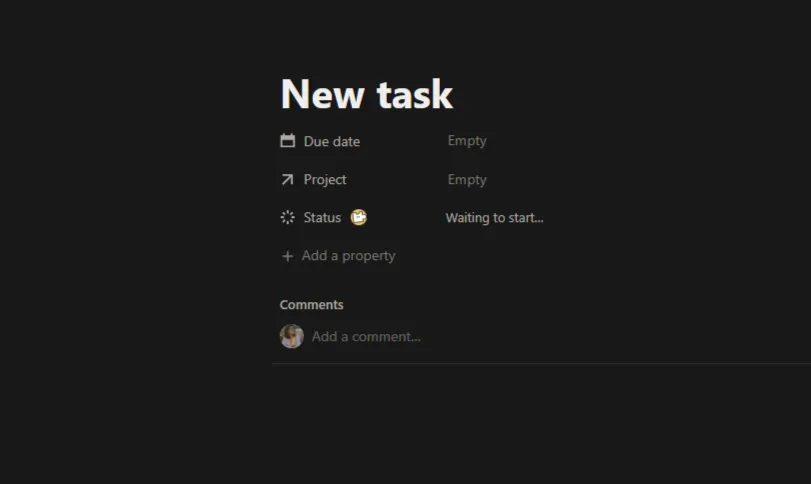
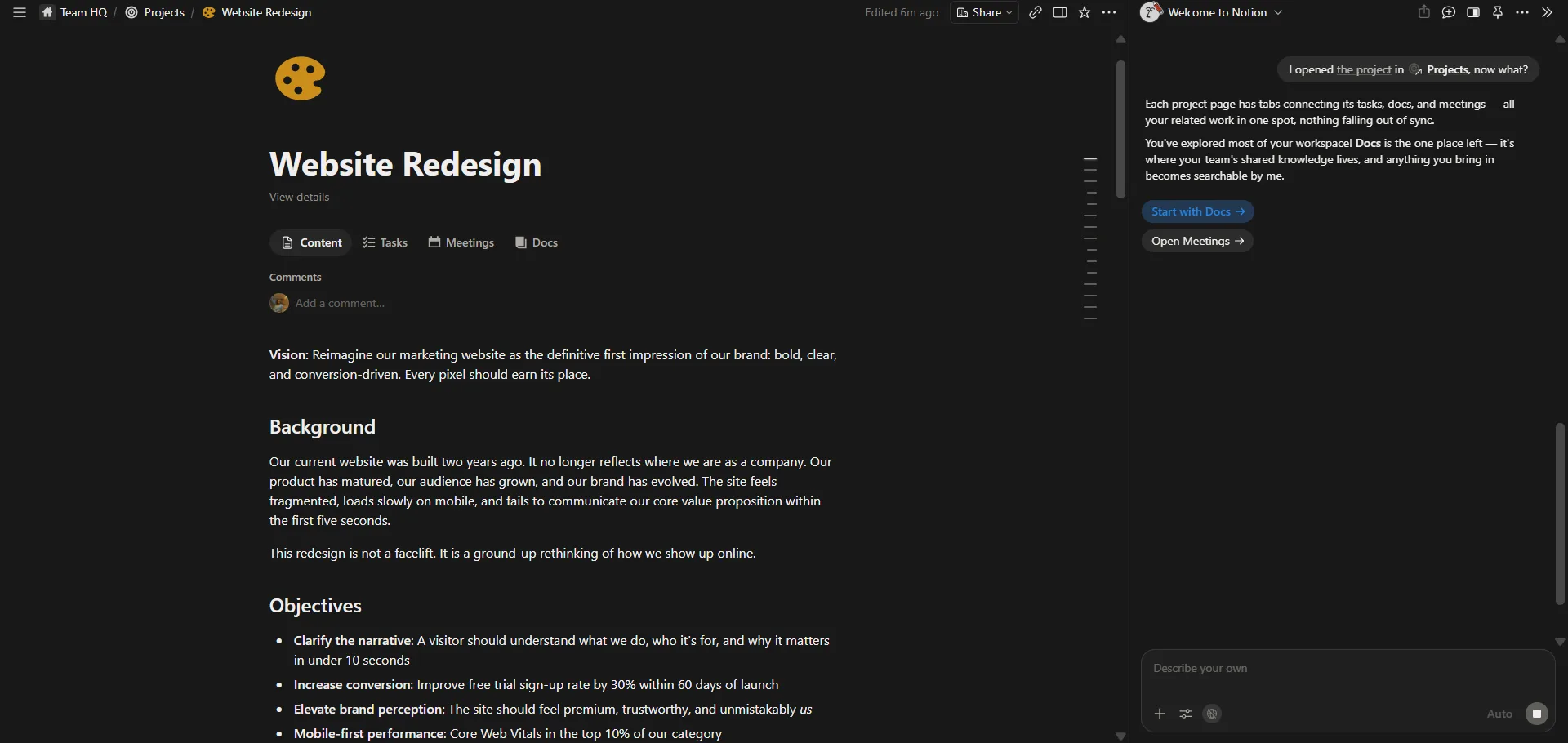
- Projects. This is probably the point where I realised Notion is not really trying to compete with note taking apps anymore, not really. Each project was not just a page holding some information, it linked directly to related tasks, meetings and documents. Opening a single project showed me its objectives, background, timeline, associated meetings and documentation all sitting together in one place. That interconnected workflow made everything feel far more organised than switching between five separate tools ever could. This is where Notion stopped feeling like a notebook and started feeling more like an actual operating system for work.
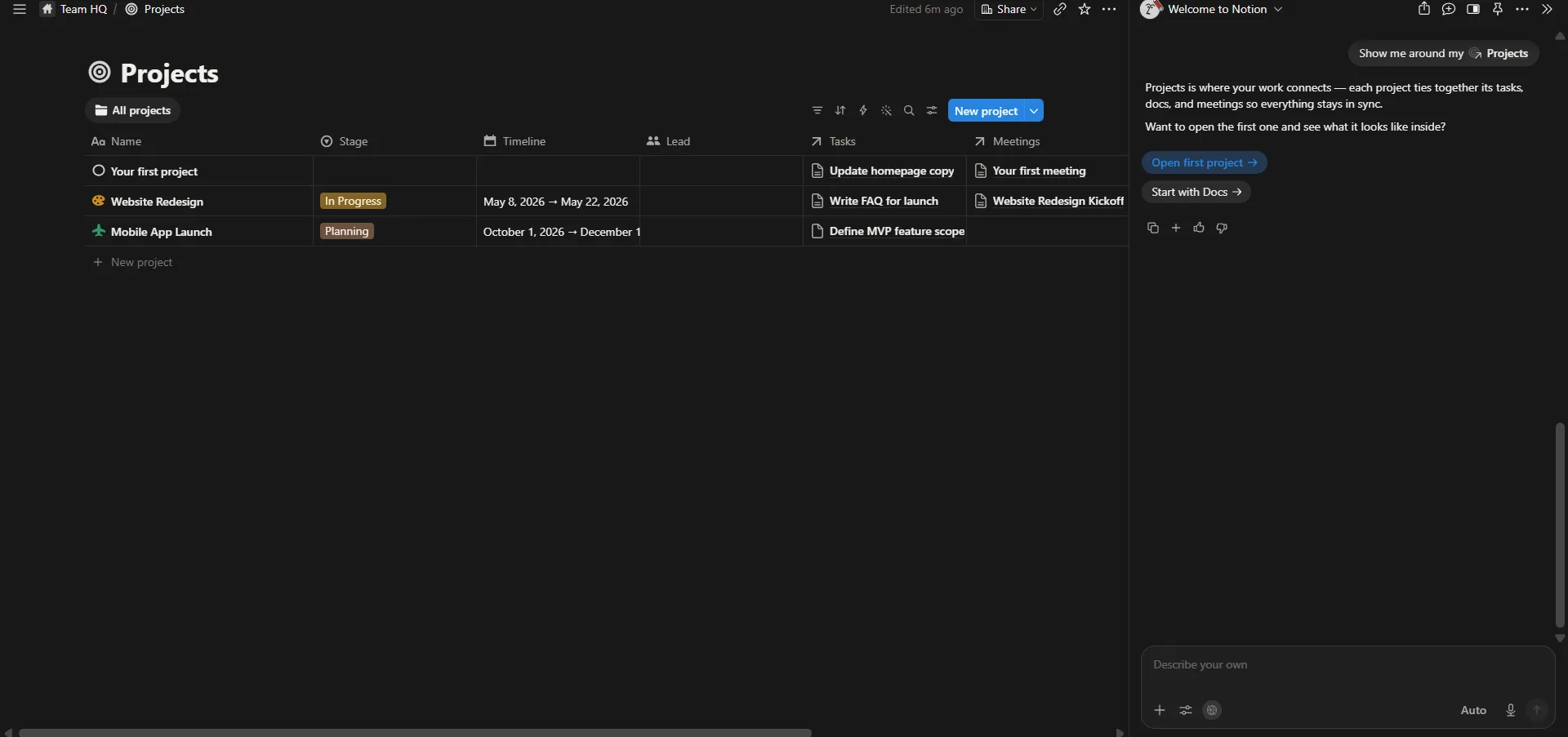
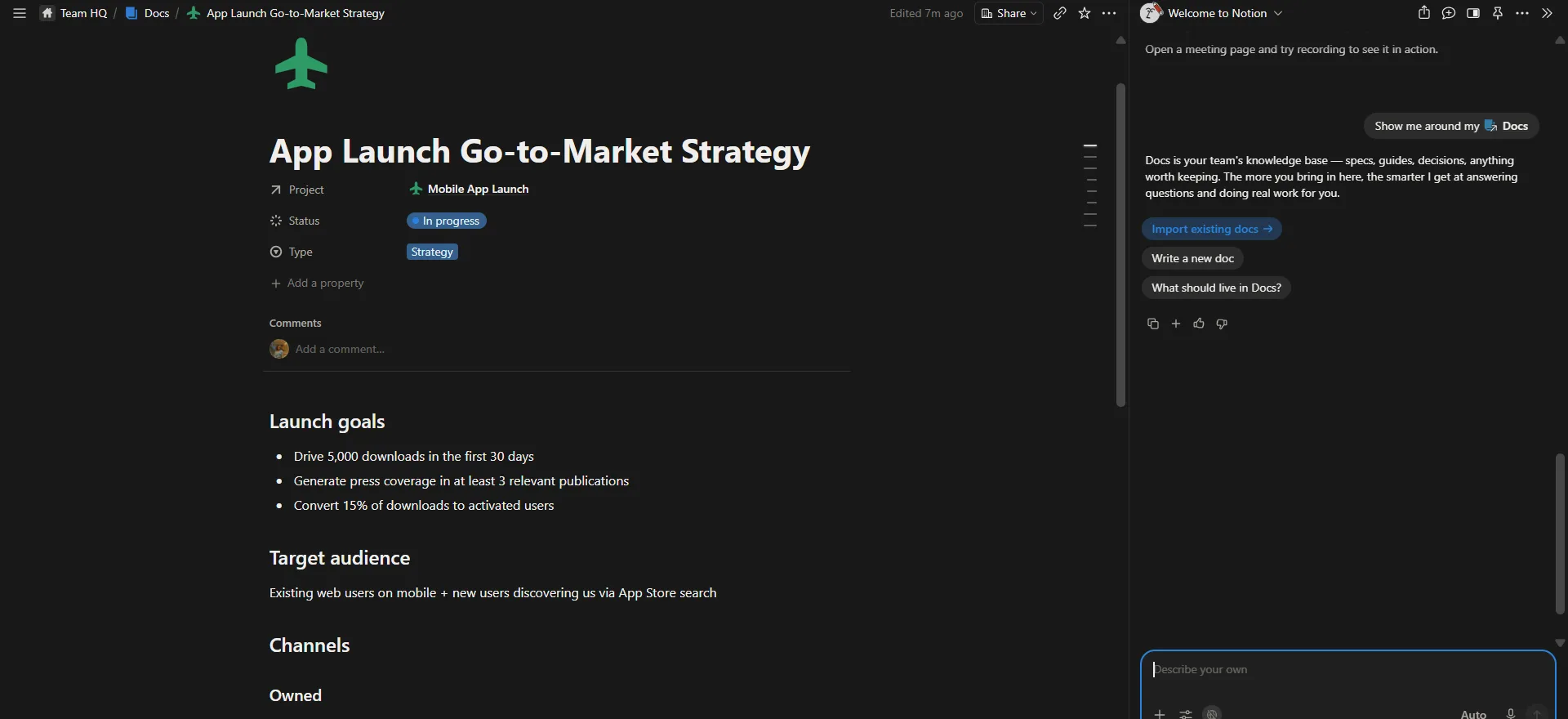
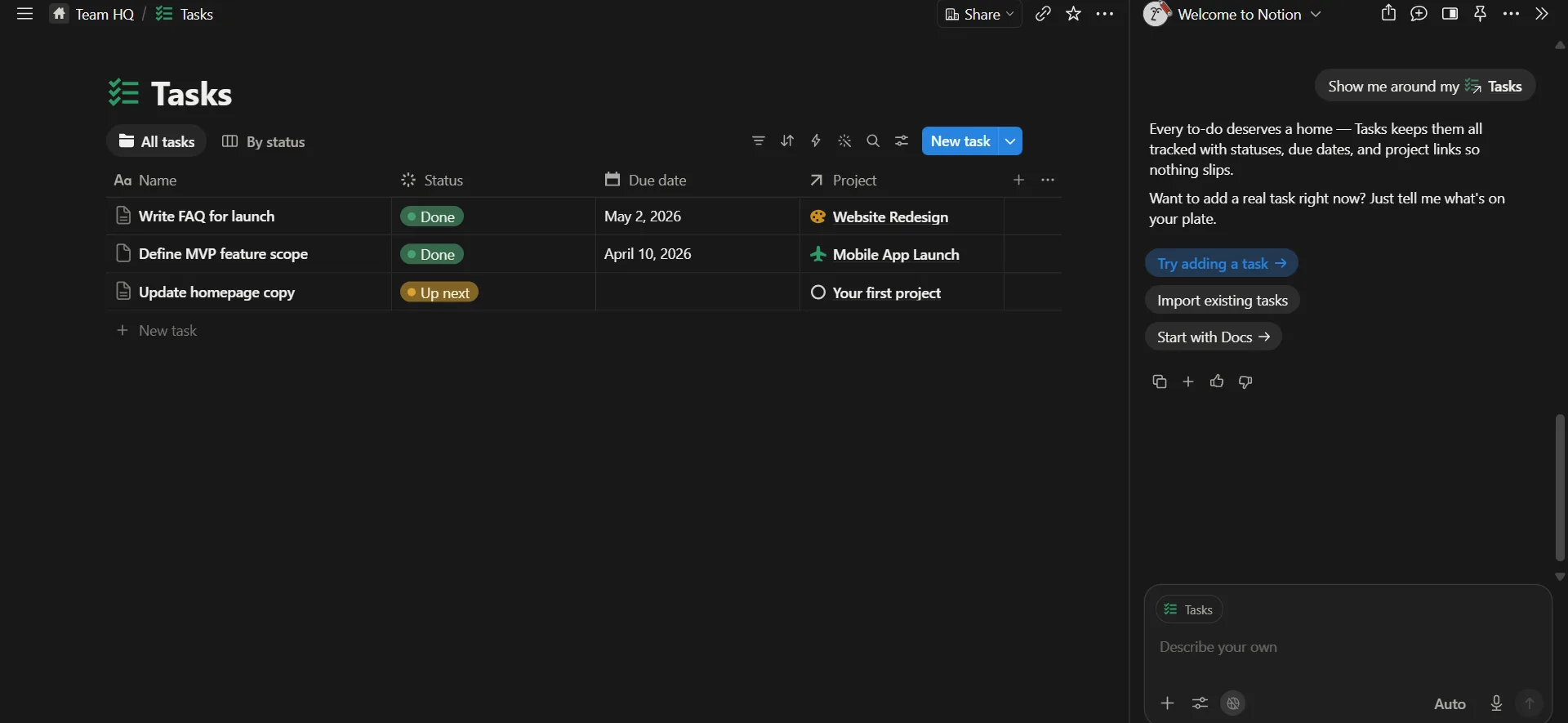
- Tasks. The built in task manager was not just a glorified checklist either. Tasks could carry statuses, deadlines, project links and priorities, with different views depending on how I wanted to look at things. I could see everything at once or group by status, and every task connected back to its larger project automatically instead of me having to duplicate information across multiple places. Honestly it reminded me more of dedicated project management software than something bundled quietly inside a notes app.
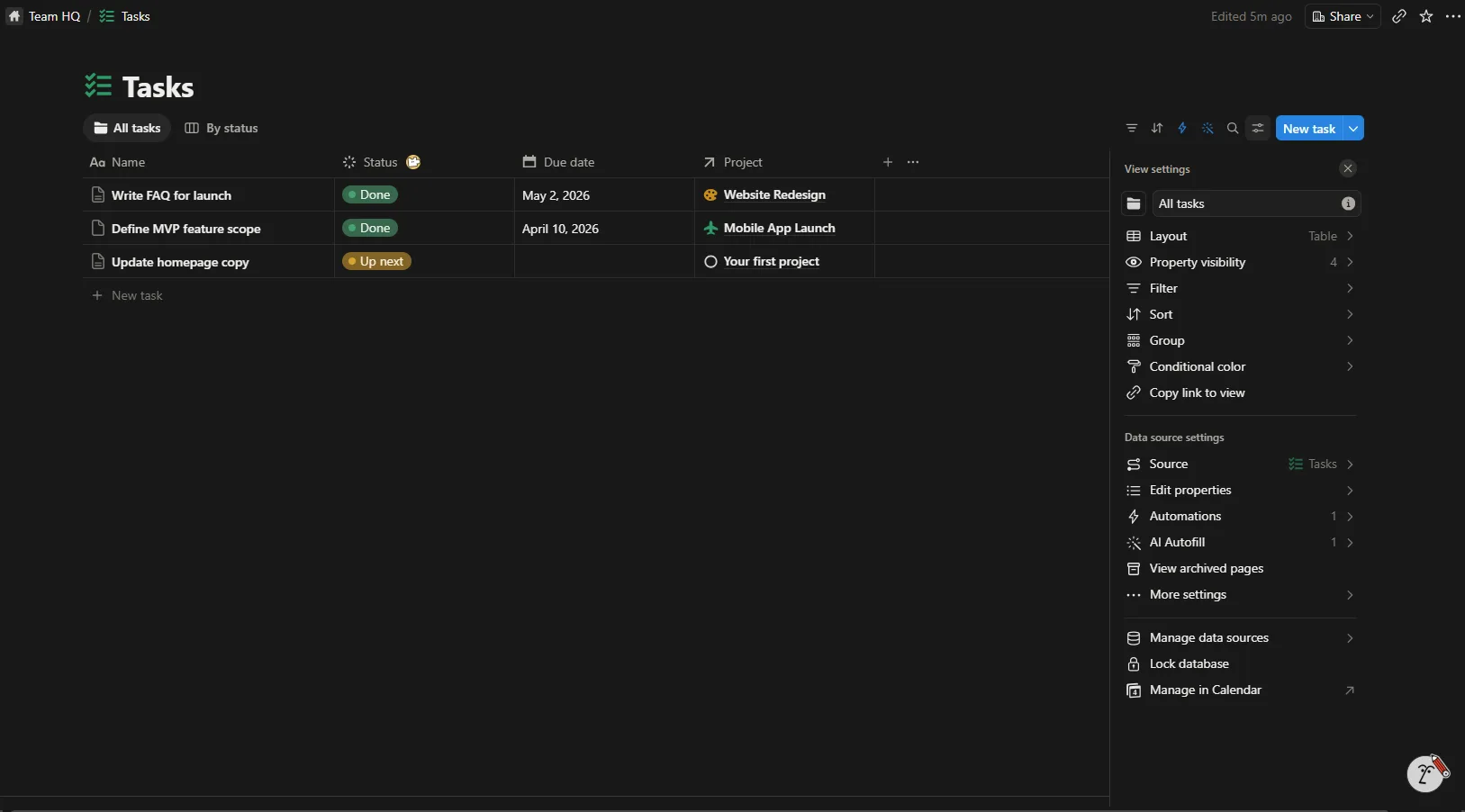
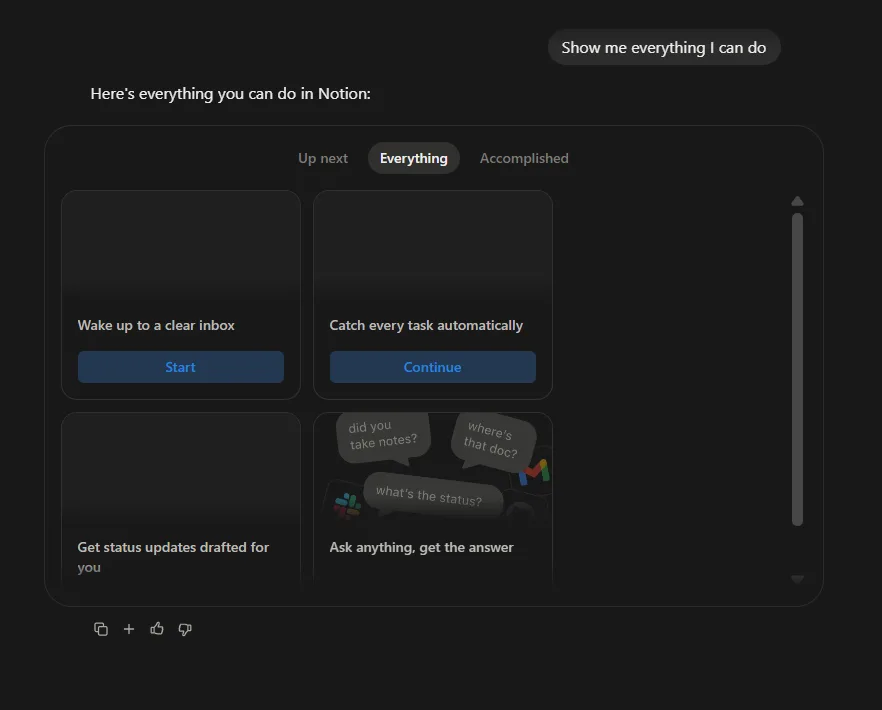
- Notion AI. Since AI is one of the biggest selling points here these days, I spent a good chunk of time actually poking at it. It is not just another chatbot sitting off to the side, it genuinely understood the structure of my workspace. It could answer questions about my notes, help organise information, explain what different pages were for and even suggest where new content belonged. That contextual awareness made it feel a lot more useful than just pasting a prompt into some generic language model somewhere else. I also asked it to generate documents and answer questions based on what was already in my workspace, and the responses were accurate, well structured and genuinely helpful most of the time.
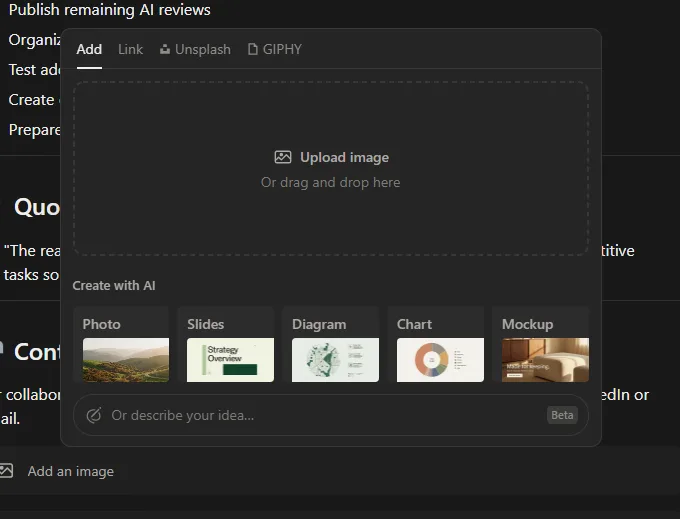
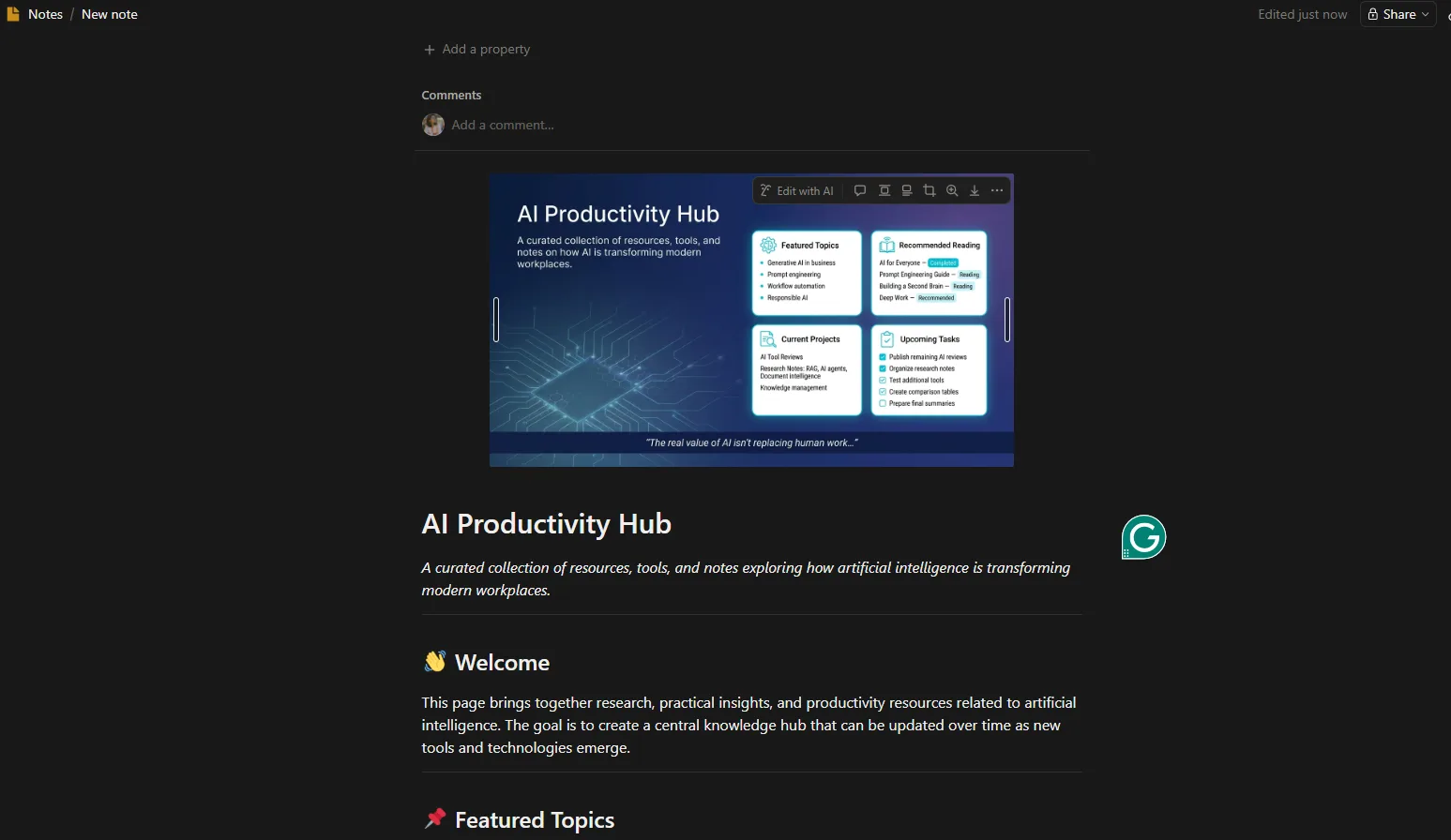
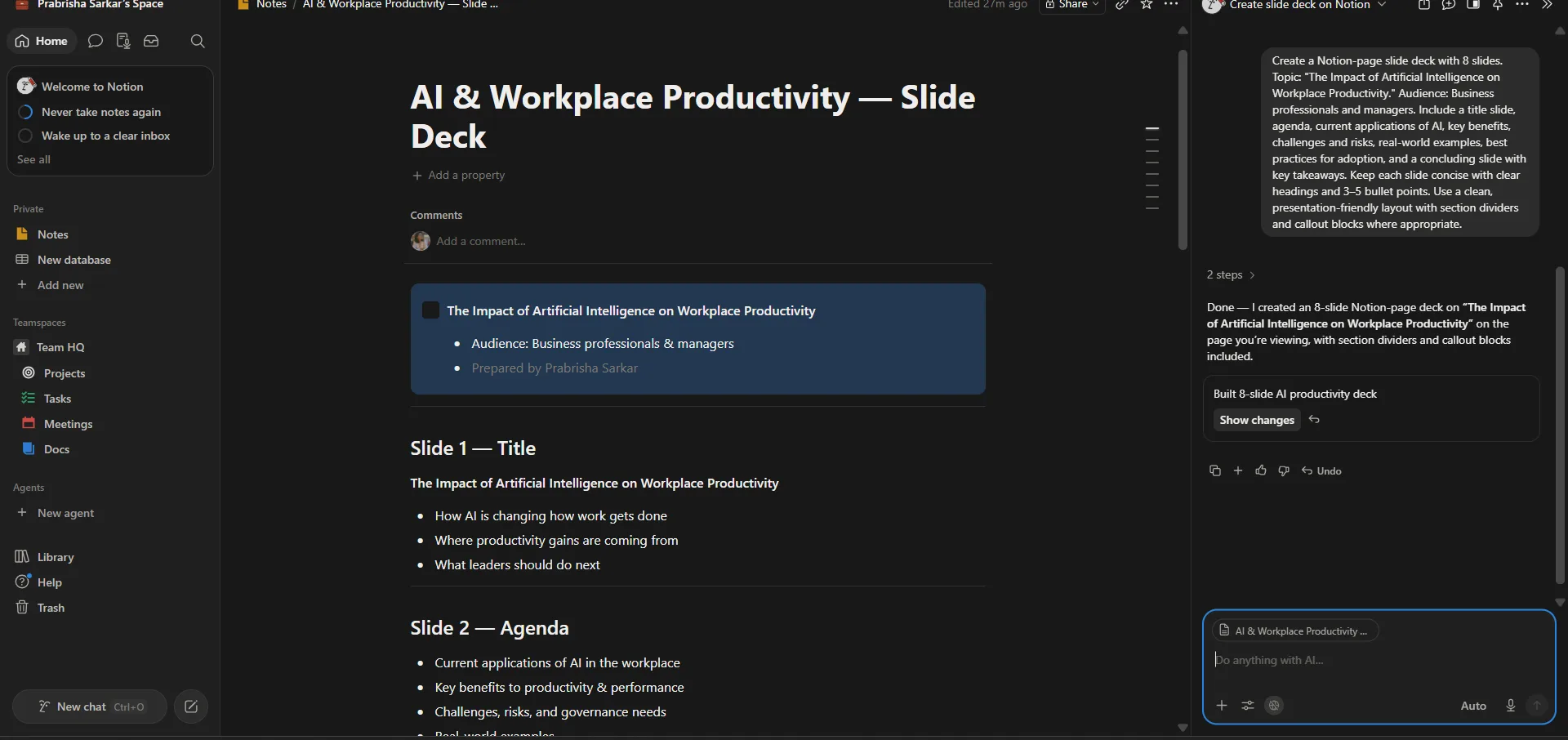
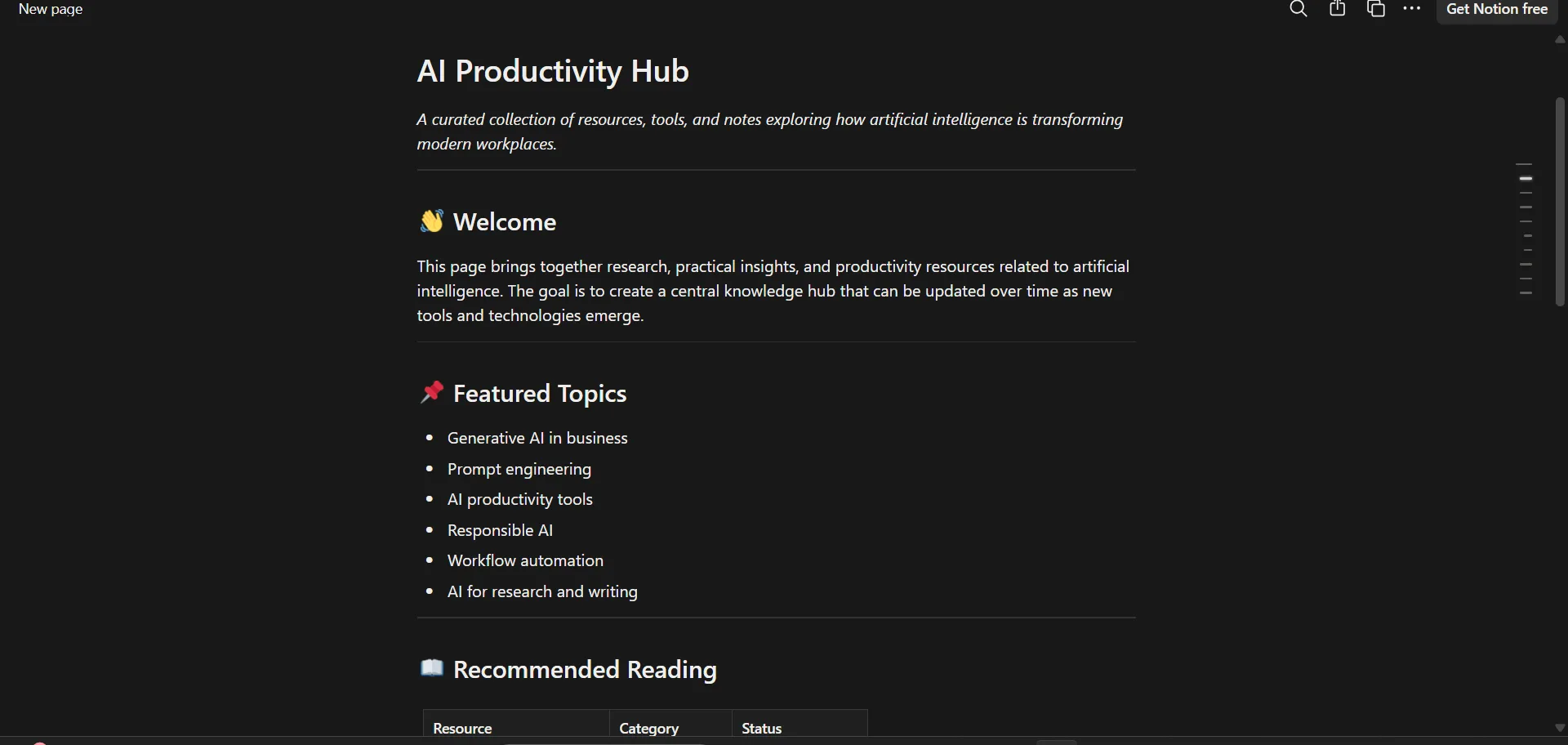
One more thing I tested that fits right alongside the AI features already mentioned, slide deck generation and Notion pages as web publishing. For the slide deck part, I gave it a prompt and it did not hand me an actual finished presentation, but it gave me a full breakdown of what each slide would contain, the headings, the bullet points, the structure for every single slide laid out clearly. Honestly that felt pretty useful to me, I could take that whole breakdown and paste it into some other tool that actually builds slides visually and end up with a decent presentation without starting from a blank page. The other thing was Notion pages, which basically lets me take a note I wrote and publish it as a standalone web page. This one was a bit of a hit or miss for me if I am being honest. Yes, it does publish to a separate space, clicking the link opens up what is technically a different page sitting on its own url, but visually it did not really feel like a proper web page. It looked more like the same plain note just sitting somewhere else with a different link attached to it, nothing that screamed dedicated webpage design. There is real potential here, I can see it, but until the actual visual design side of that published page gets some real attention, I cannot say with full confidence that what I got felt like an actual separate website rather than just a note wearing a different url.
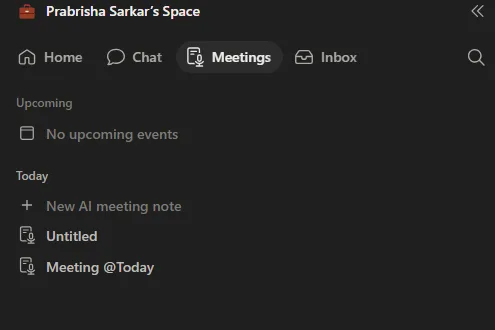
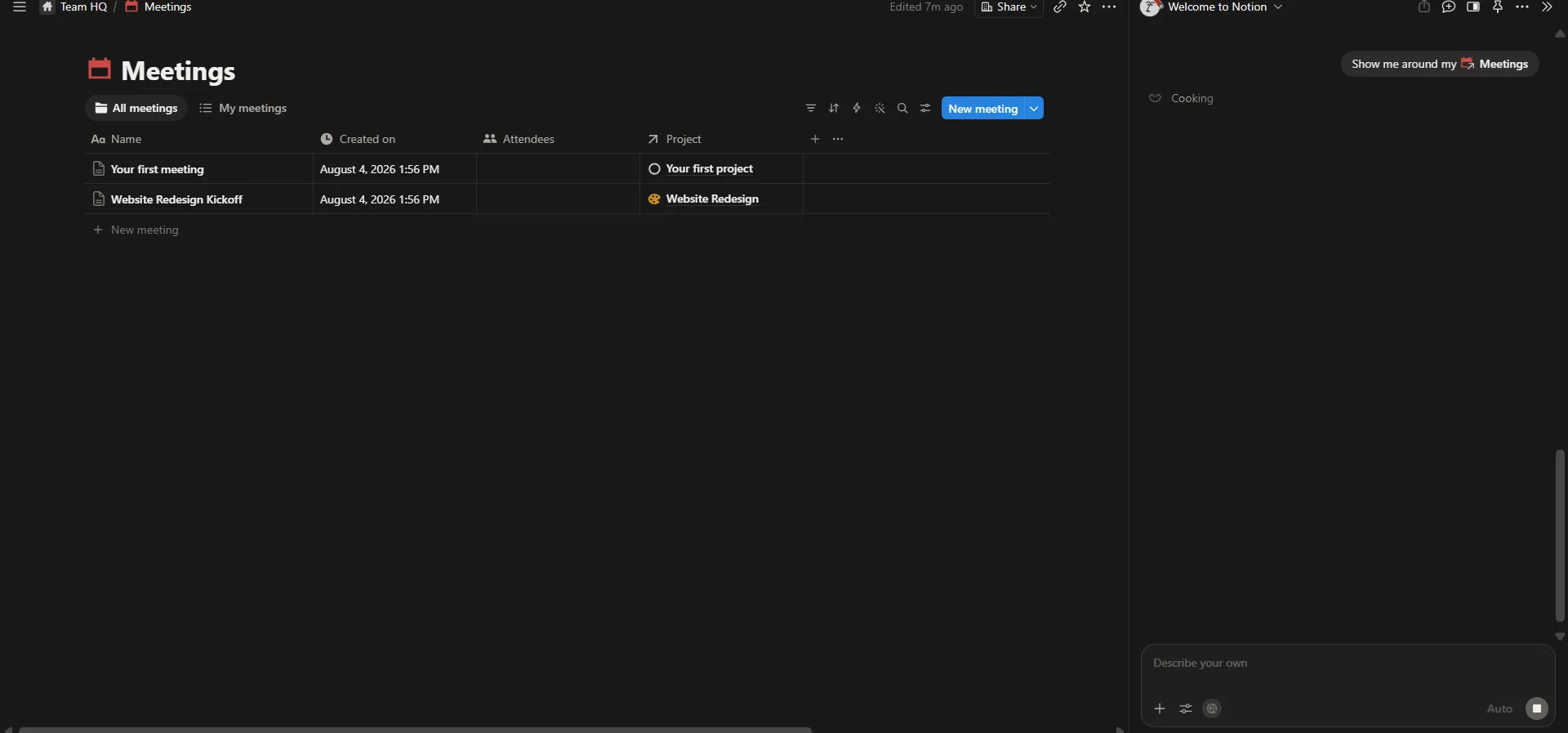
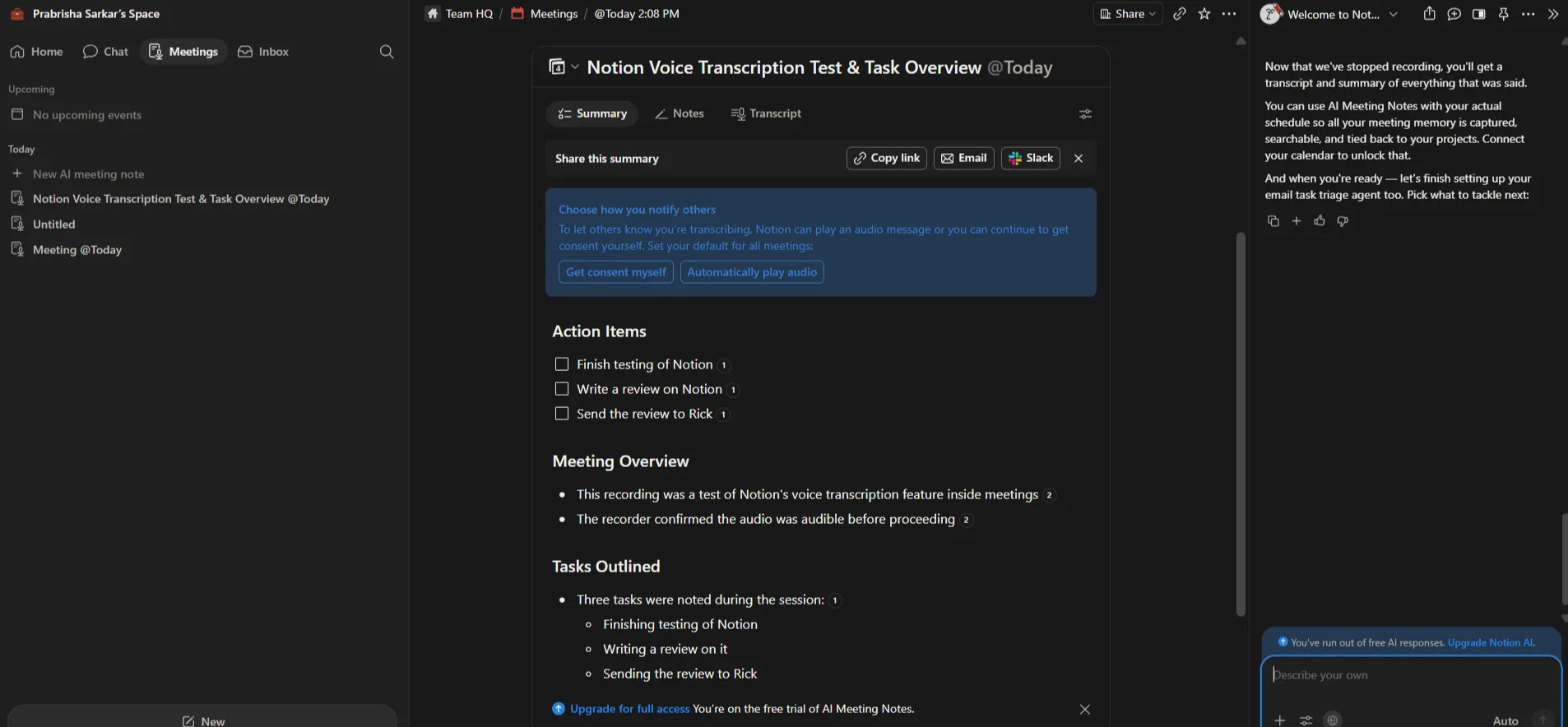
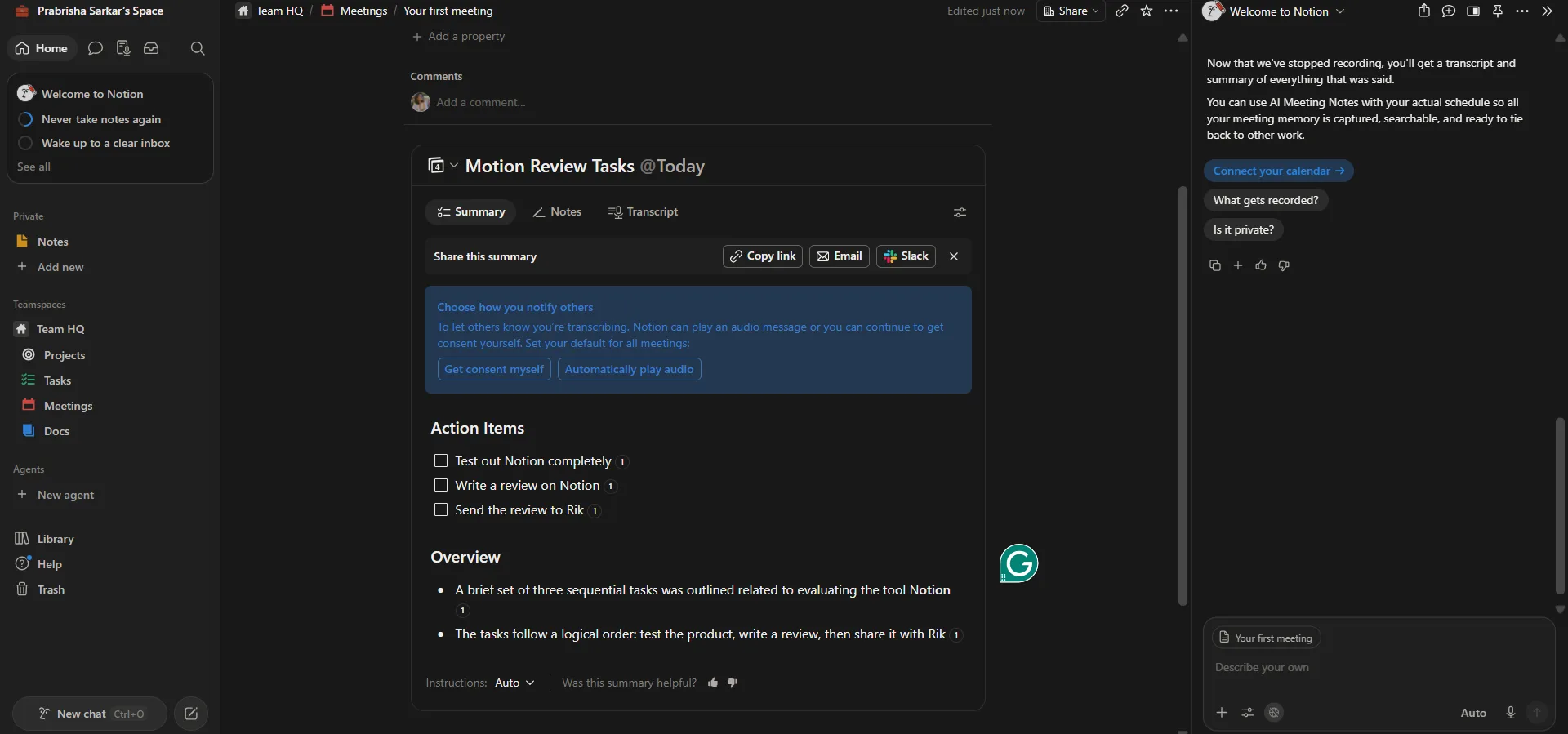
- AI Meeting Notes. This ended up being one of my favorite features in the entire app, full stop. I created meeting notes, recorded audio, and let Notion generate a transcript and summary automatically. After the recording stopped, it produced a structured overview rather than just dumping a wall of transcript text onto the page. It pulled out action items, summarised the discussion, and organised everything into logical sections I could actually scan. I especially liked that it highlighted the actionable stuff instead of expecting me to reread an entire conversation just to find what mattered. That alone could save a professional a real chunk of time after any given meeting. There is a catch though, the free plan only allows limited access before it starts asking to upgrade for continued use of AI Meeting Notes. So while the feature itself impressed me a lot, it clearly feels designed as a premium capability rather than something meant to stay free forever.
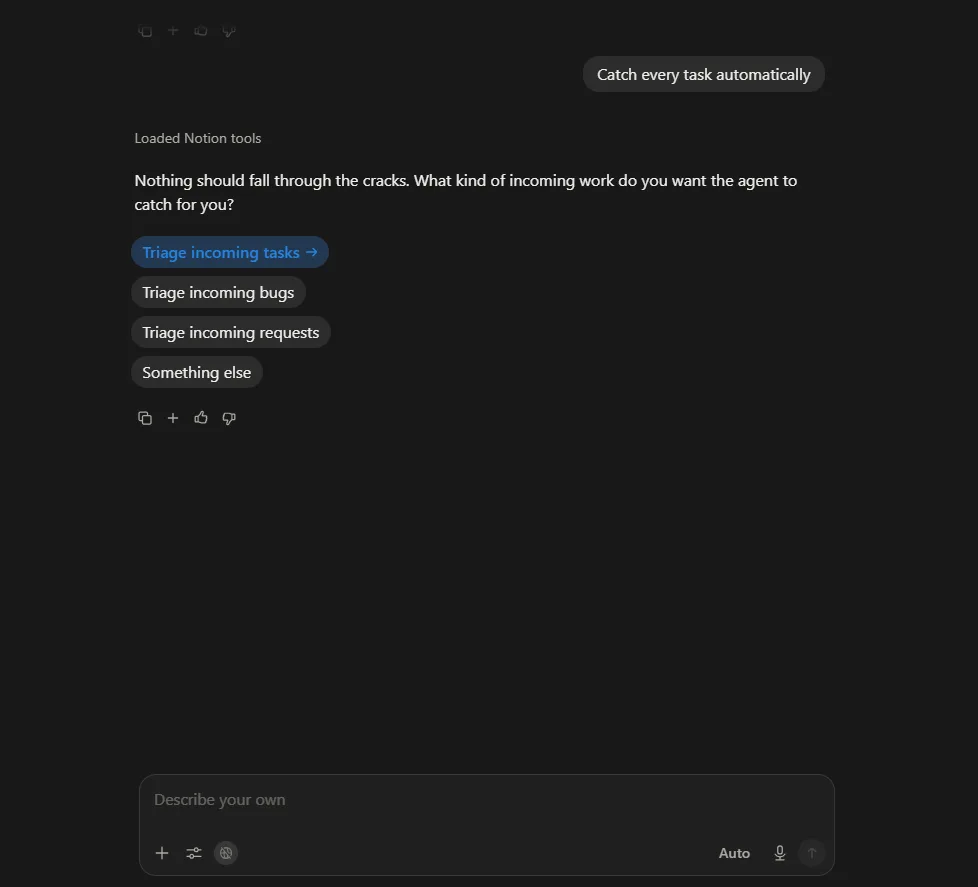
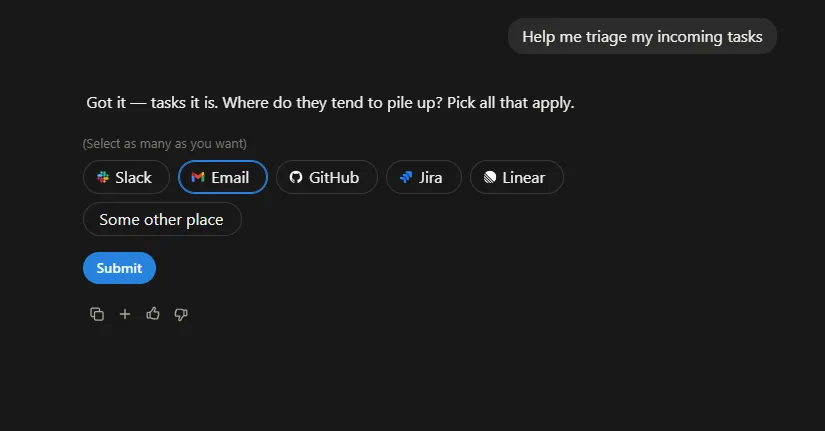
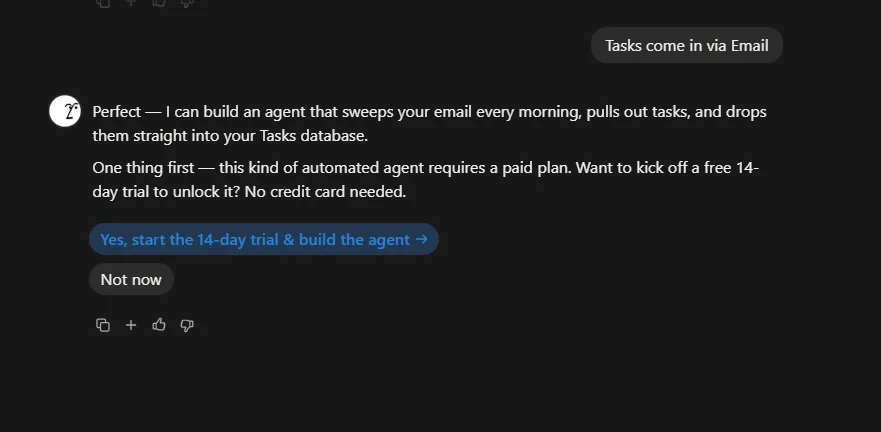
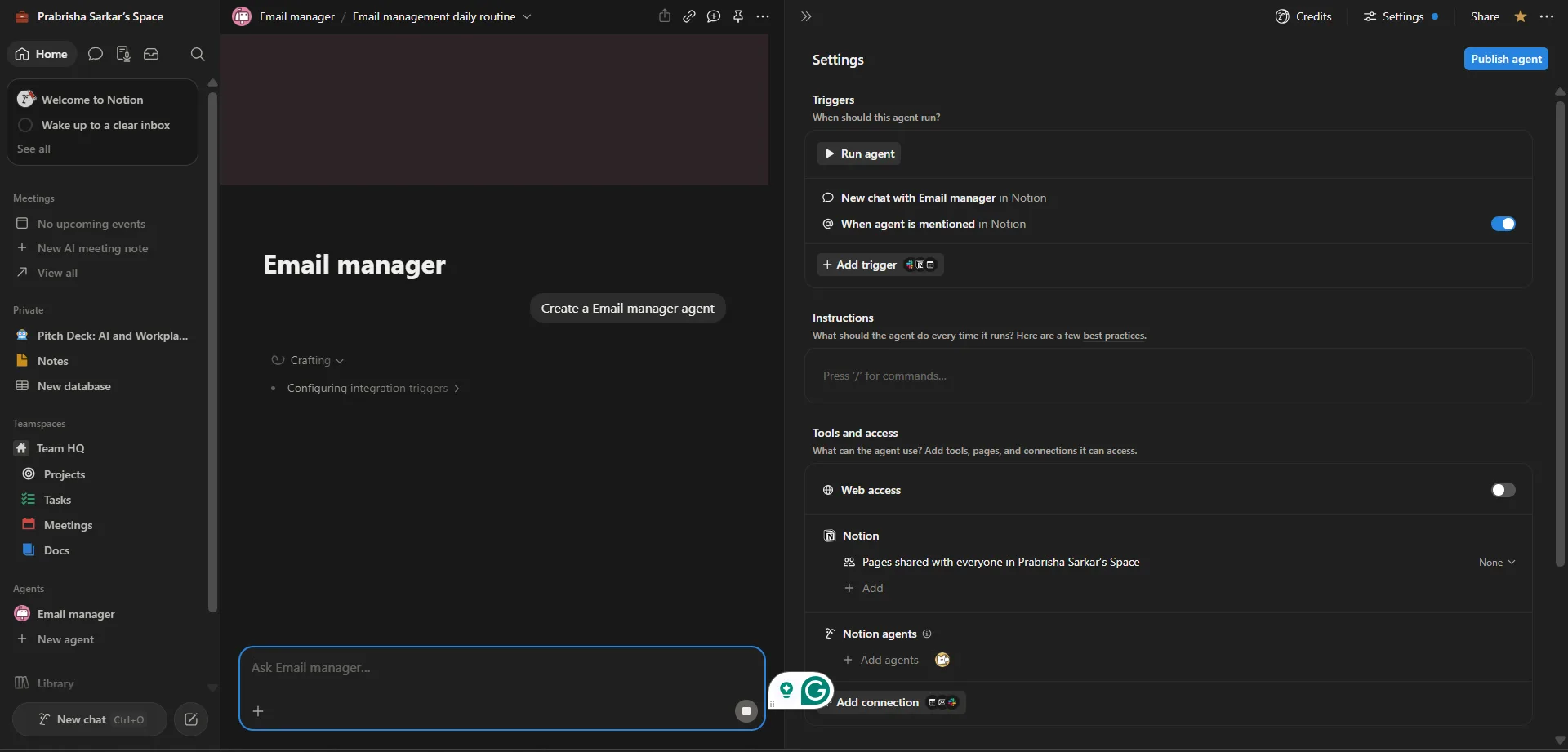
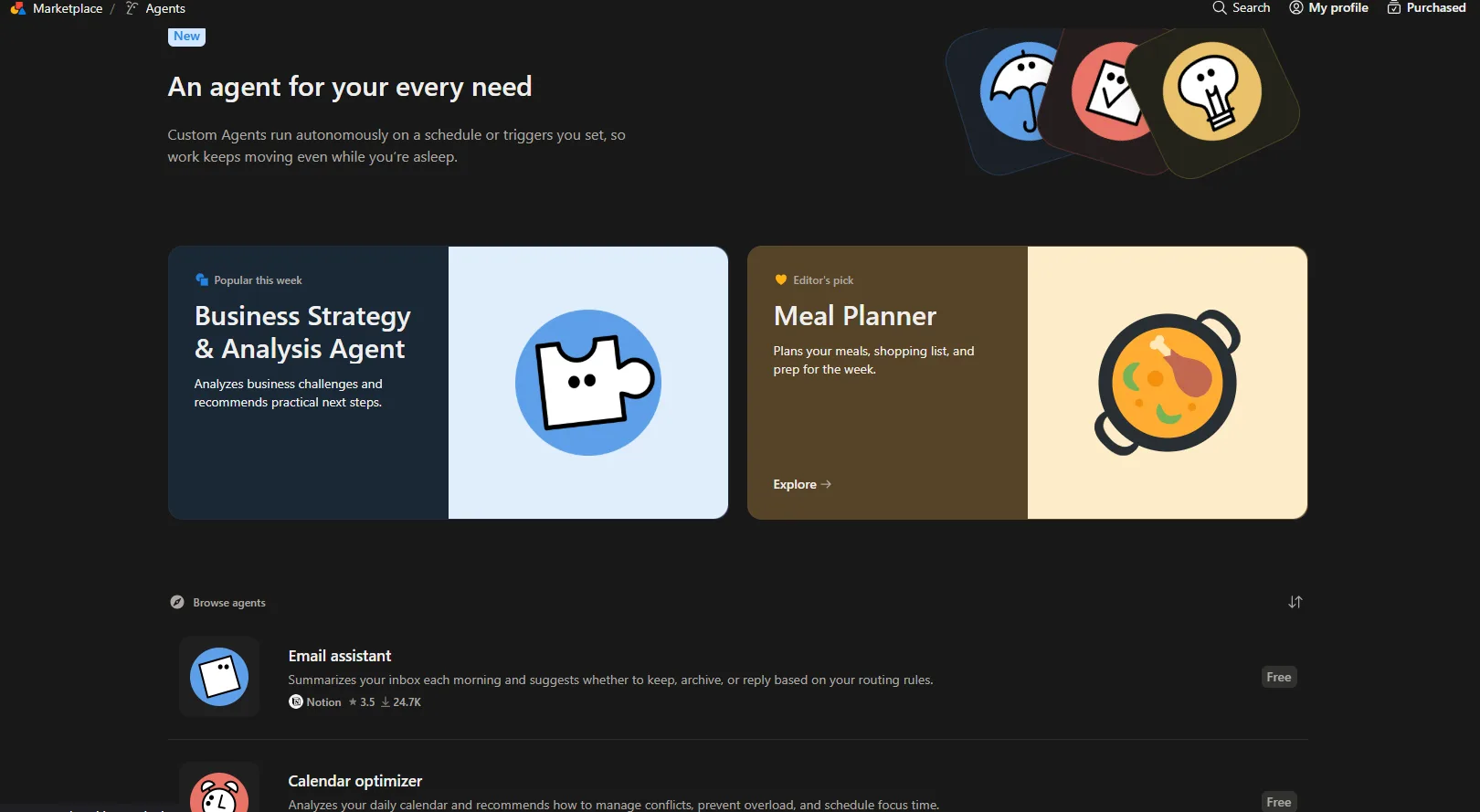
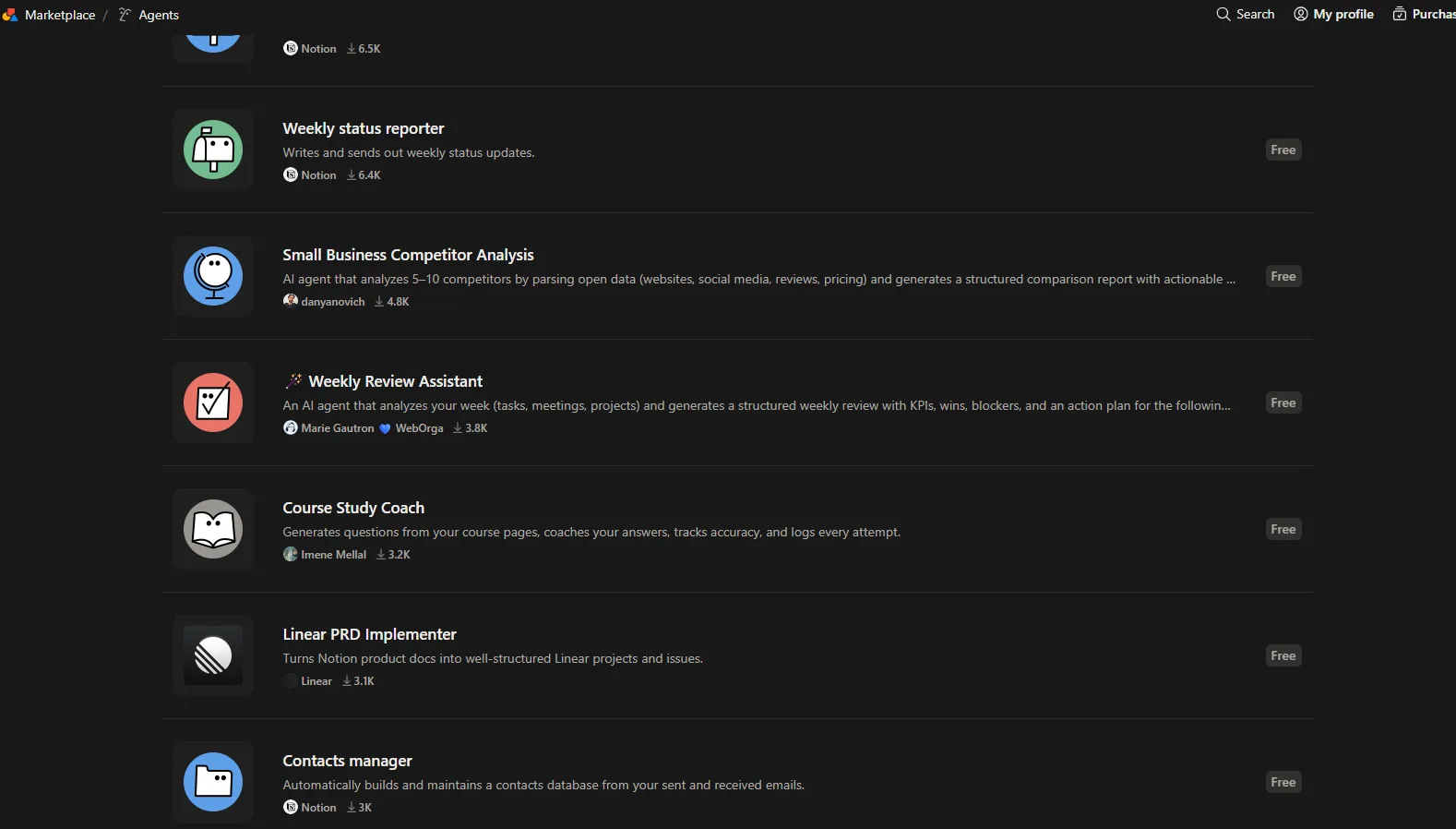
- AI Agents. I was curious about this one because it sounded a lot more advanced than a regular chatbot sitting in a sidebar. Instead of just answering questions, I explored how agents could automate recurring workflows, things like triaging incoming tasks from email, Slack, GitHub, Jira and a handful of other platforms. The setup process was actually pretty intuitive, with the AI asking where my tasks usually pile up before suggesting possible automations to build around that. I hit a wall pretty quickly though, while I could browse the feature and understand how the whole workflow was supposed to work, actually creating and running these agents required upgrading to a paid plan. So I could evaluate the interface and the concept, but I could not fully test the finished automation in action.
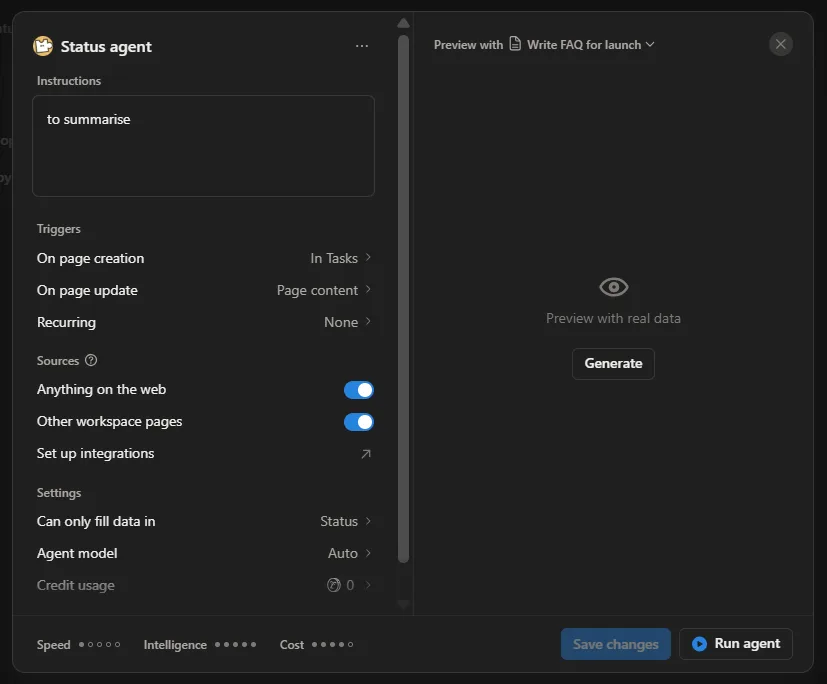
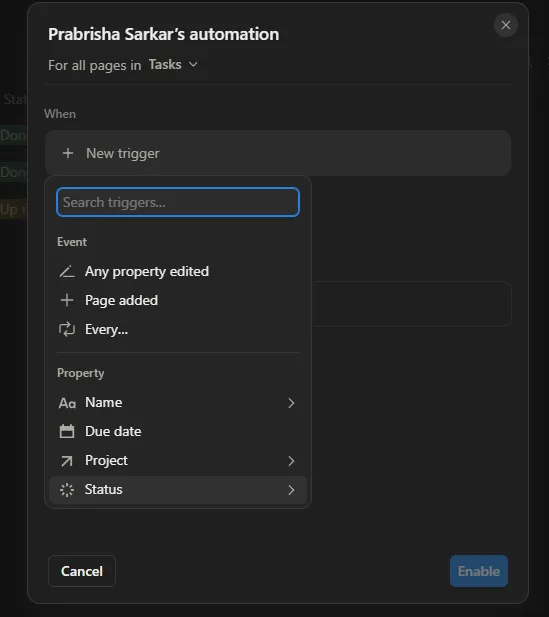
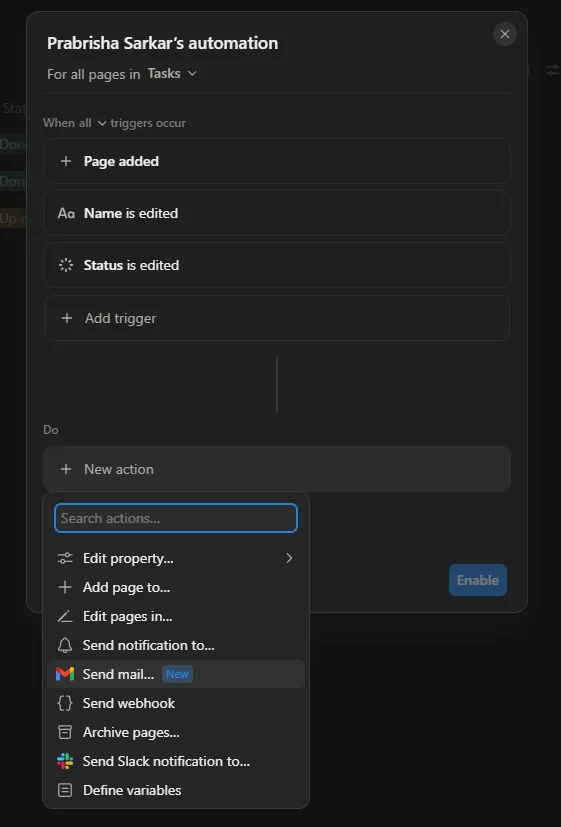
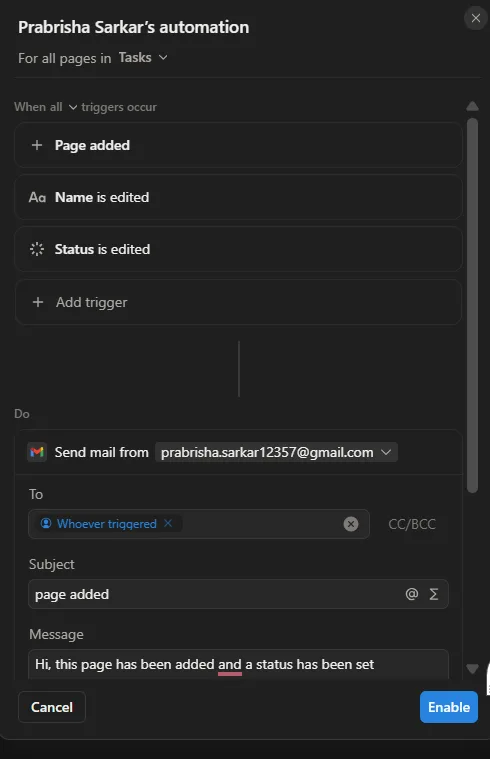
- Automation builder. Another feature I did not expect to spend much time exploring, but ended up sinking a fair bit of time into anyway. I experimented with workflows where actions could automatically fire whenever pages were created or edited. The available triggers were genuinely extensive, page creation, property edits, status changes, recurring schedules, while the actions ranged from sending emails to editing properties, Slack notifications, webhooks and a handful of other workflow actions I did not get to fully explore. Even without building out a full production workflow, it was enough to appreciate how much manual busywork could realistically get eliminated for a team managing a bunch of moving projects at once.
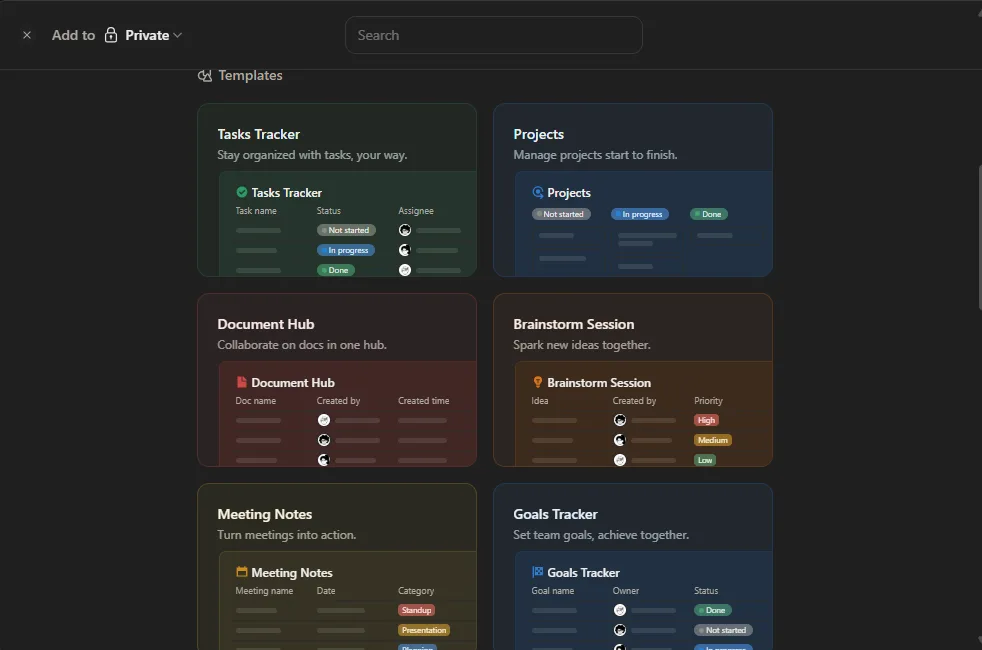
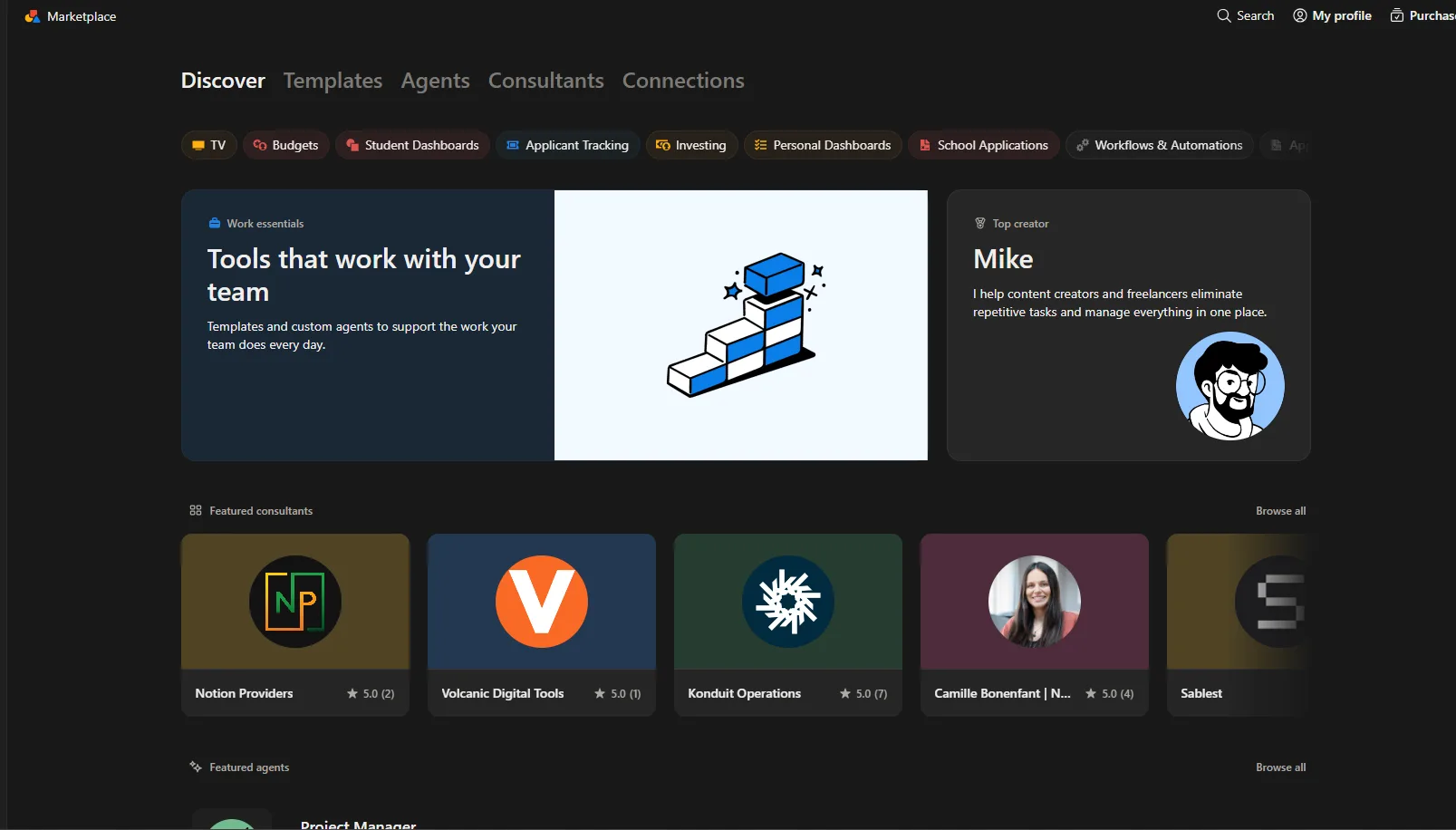
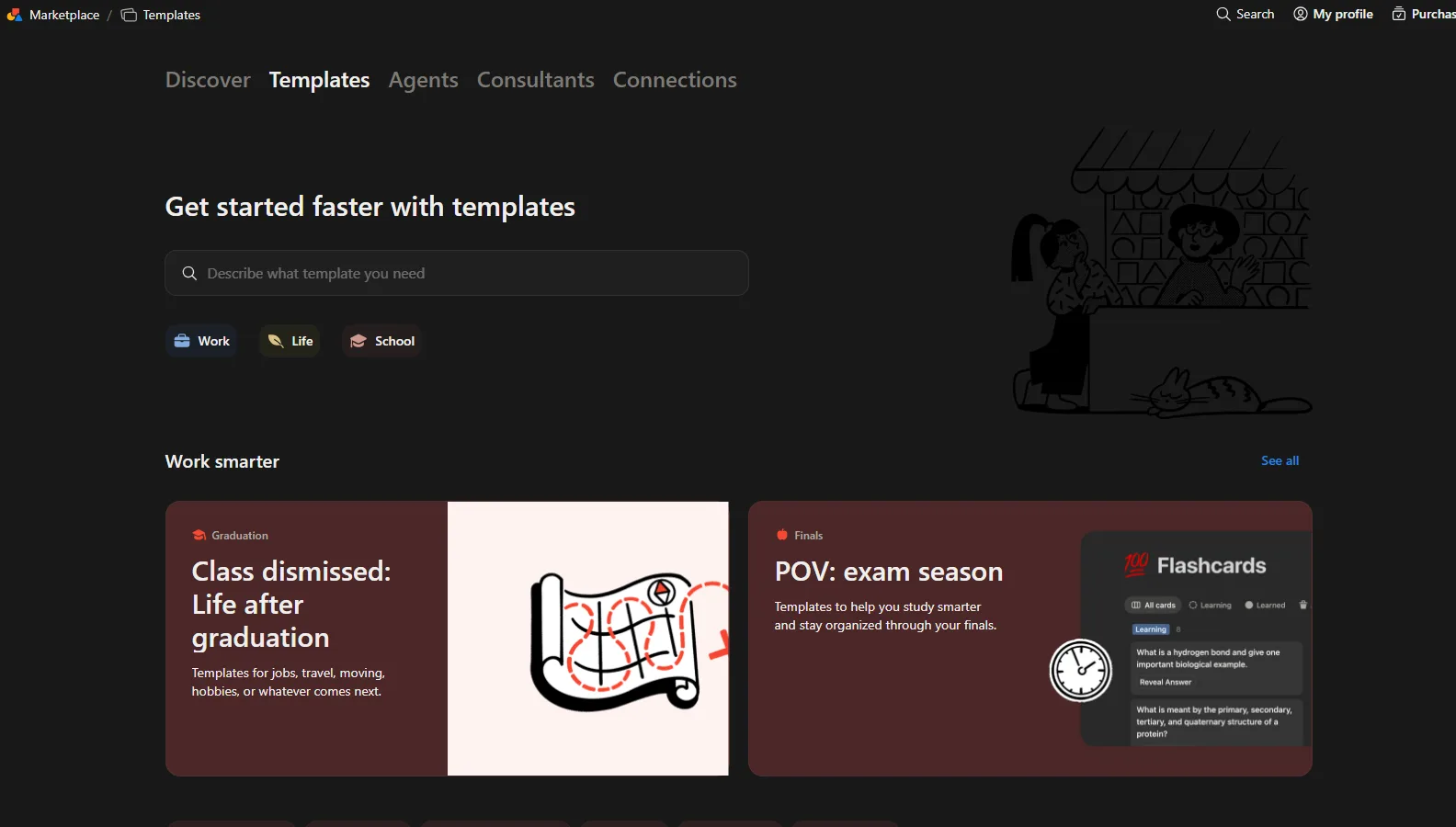
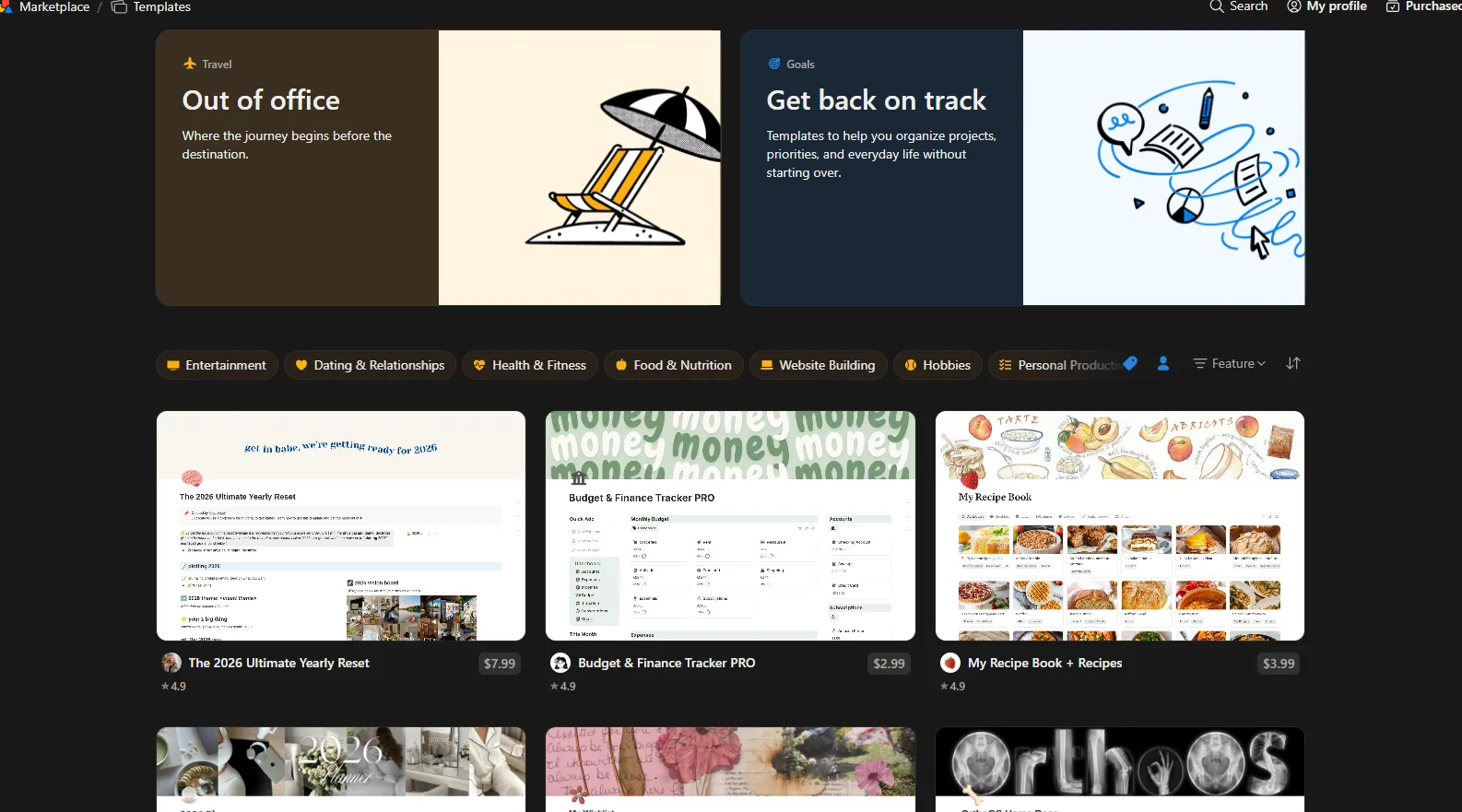
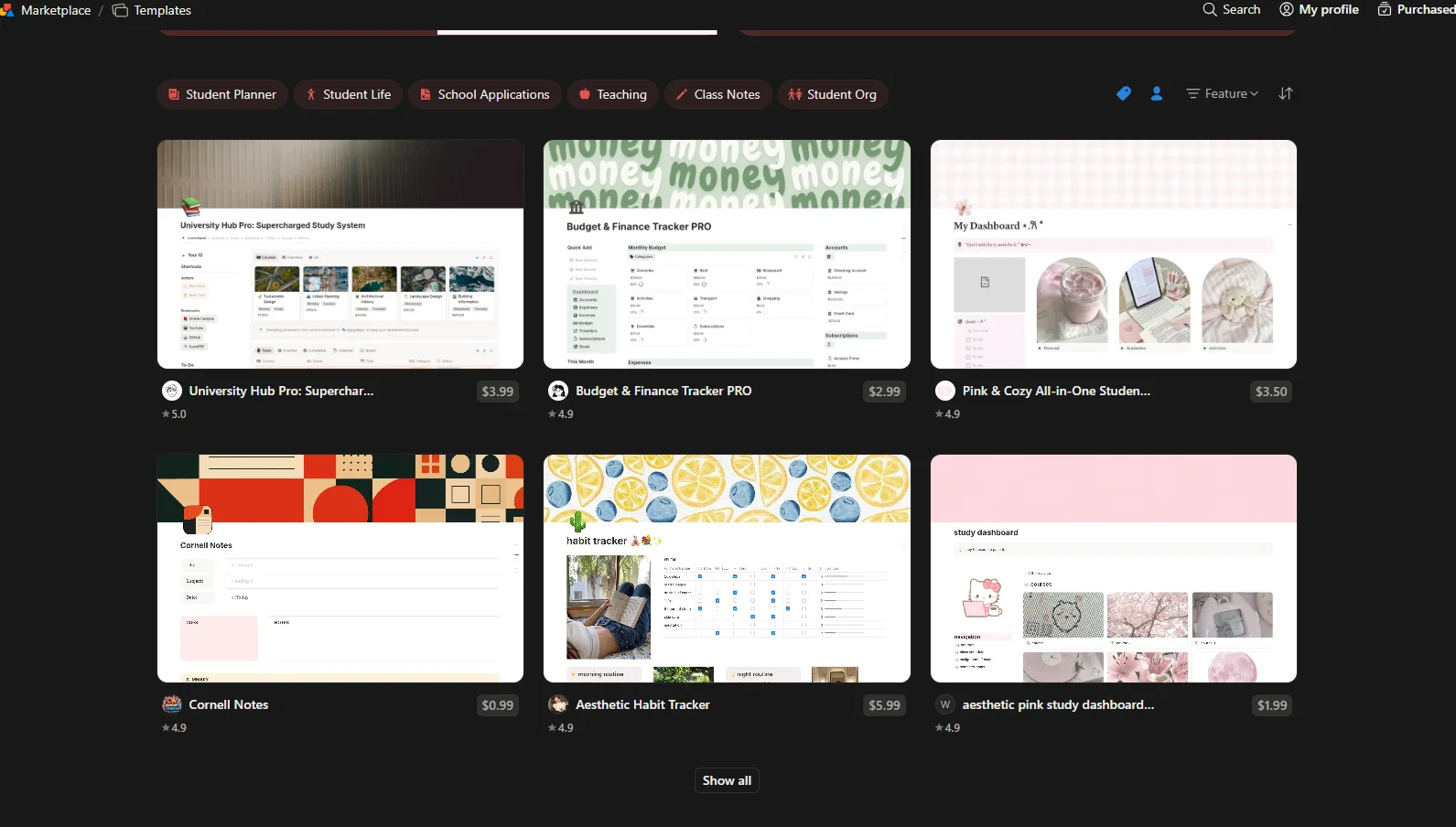
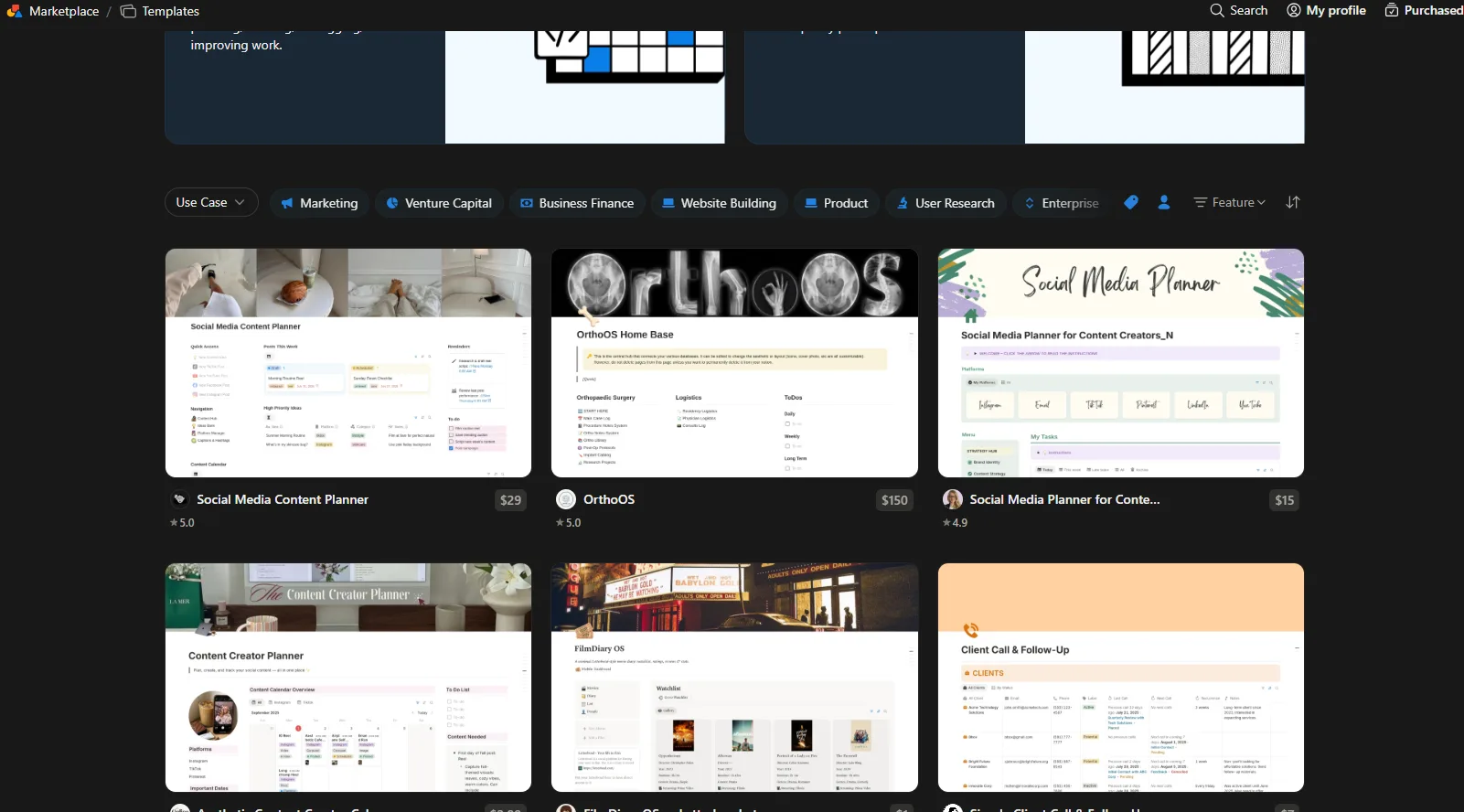
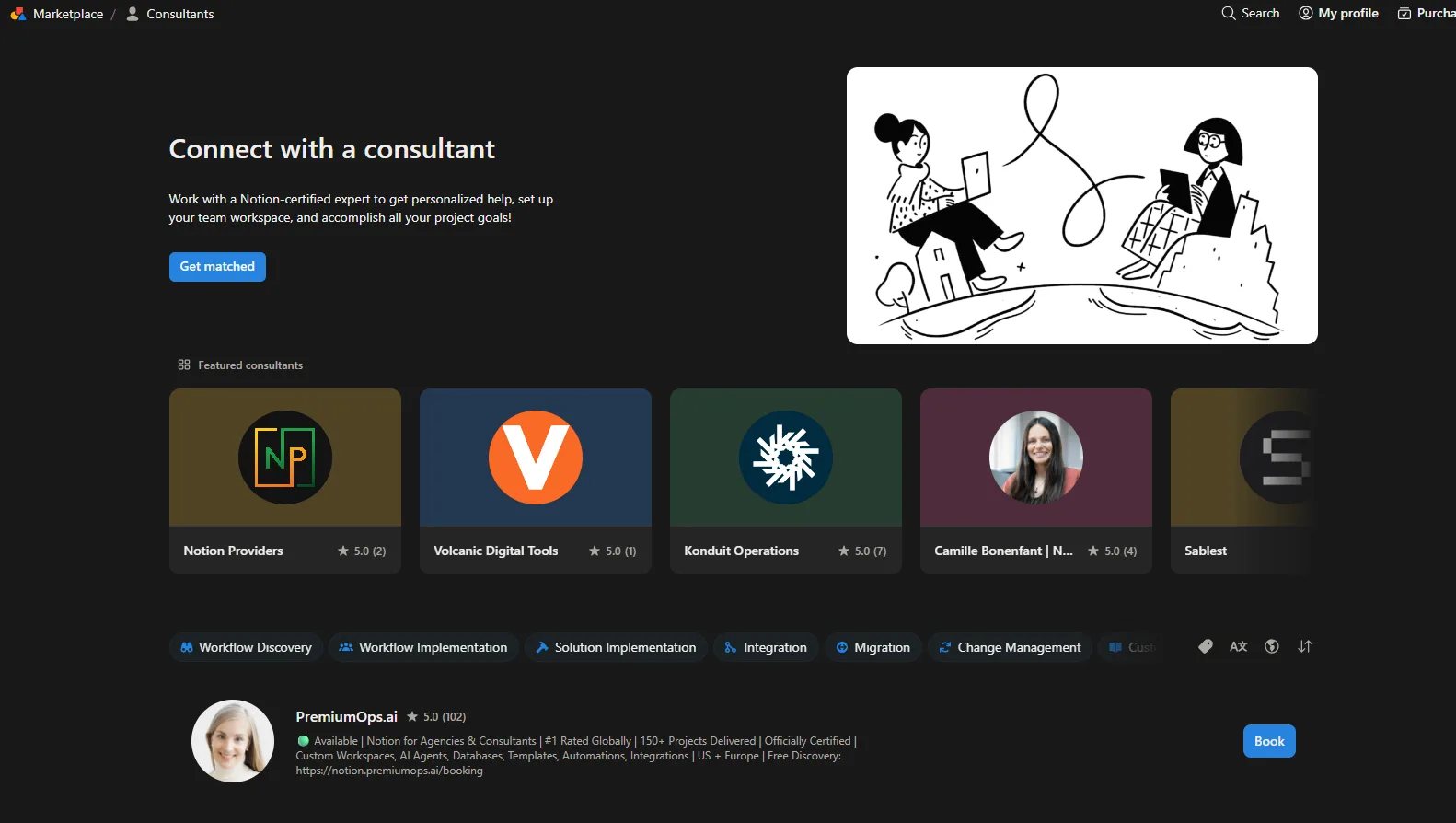
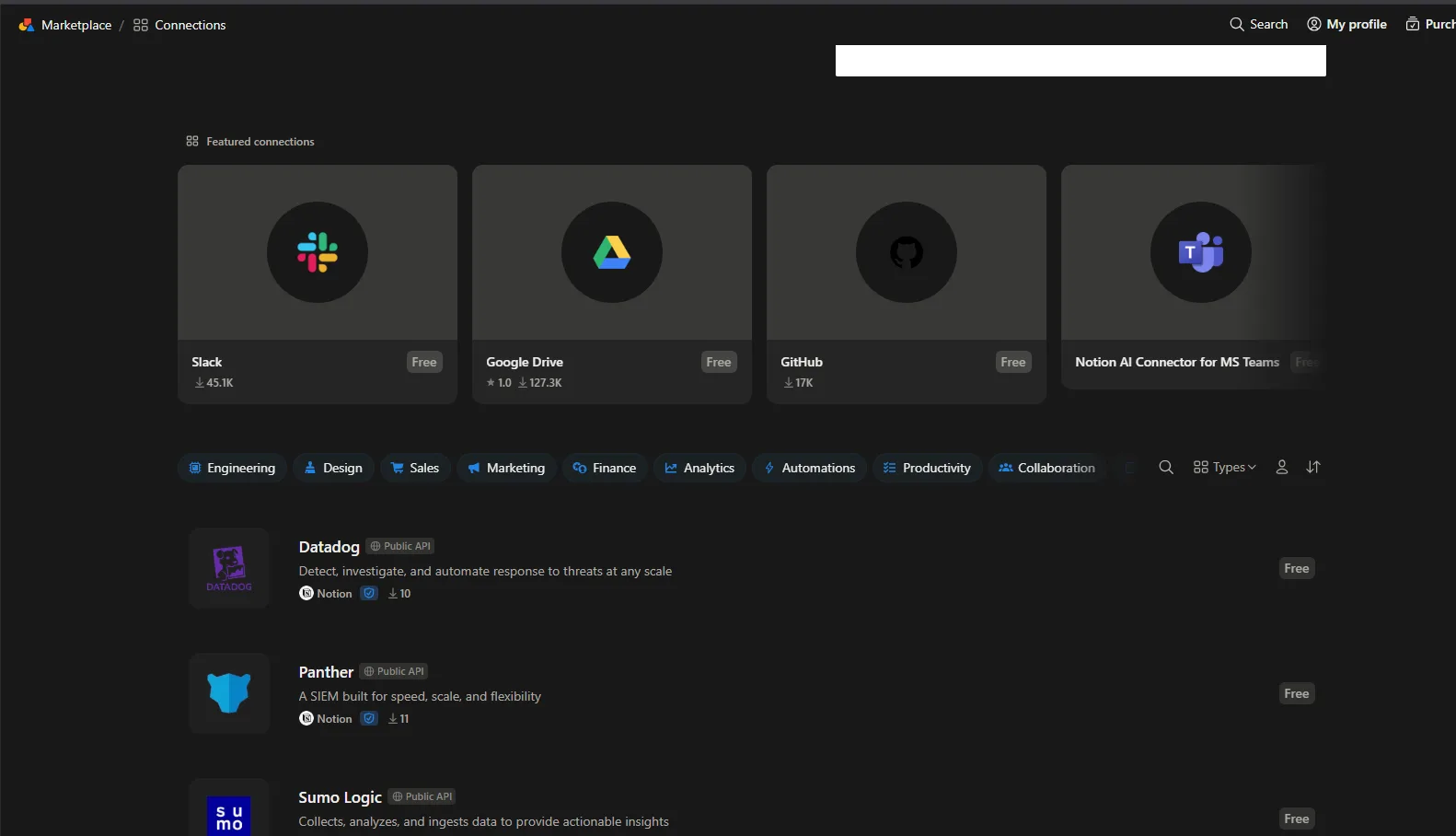
- Template marketplace. I honestly was not expecting to spend much time here either, but I ended up browsing it for a good while anyway. The sheer variety surprised me, templates for students, businesses, social media management, finance, project management, budgeting, CRM systems, habit tracking, content creation, recipes, and plenty of other niches I did not even think to look for. Some are free while a lot of the premium ones are sold directly by individual creators. It made me realise that even someone who does not want to build an elaborate workspace from scratch probably will not have to, chances are someone out there has already built exactly what they are looking for.
By the time I wrapped up testing, I realised I had not actually explored every single feature, and honestly I do not think that is even possible within one reasonable review. Notion simply does too much. Instead of trying every individual block type or formatting option, I focused on the workflows I felt were most relevant for professionals, documentation, databases, project management, meetings, AI assistance, automations and collaborative workspaces.
What impressed me most was not any one single feature sitting in isolation, but how everything connects together as a whole. Notes link to projects, projects link to tasks, tasks link to meetings, meetings generate AI summaries, and automations can then act on those tasks directly. Very few applications I have tested so far in this series feel anywhere near this integrated.
Performance, Reliability and Everyday Usability
Everything worked smoothly across my testing period, and the outputs I got back, whether from AI Meeting Notes, the AI chat, or the automation previews, were consistently reliable. I did not run into crashes or broken pages or anything that made me lose trust in the platform.
There were certainly moments where I felt a bit overwhelmed by the sheer number of features sitting around, and beginners will almost certainly need some real time to get comfortable with a platform this dense. But once things start clicking, and they do click eventually, it becomes genuinely difficult not to appreciate just how powerful Notion can actually become in daily use.
For me personally, Notion stopped feeling like a note taking app after the first hour of poking around. It felt a lot closer to an all in one digital workspace that could realistically replace several different productivity applications running at once, which is not a small claim to make about any single tool.
Pricing, Plans and Limitations
The pricing here might look expensive at first glance, especially compared to something free like Google Keep, but it genuinely does feel like value for money once actually used it for a while. According to the current plans page, the Free tier covers the basics, basic forms, basic sites, basic automations, custom databases, Notion Calendar and Notion Mail. The Plus plan runs 12 dollars per member per month billed monthly, or 10 dollars if billed annually, and adds unlimited blocks, unlimited charts, custom forms, custom sites and basic integrations.
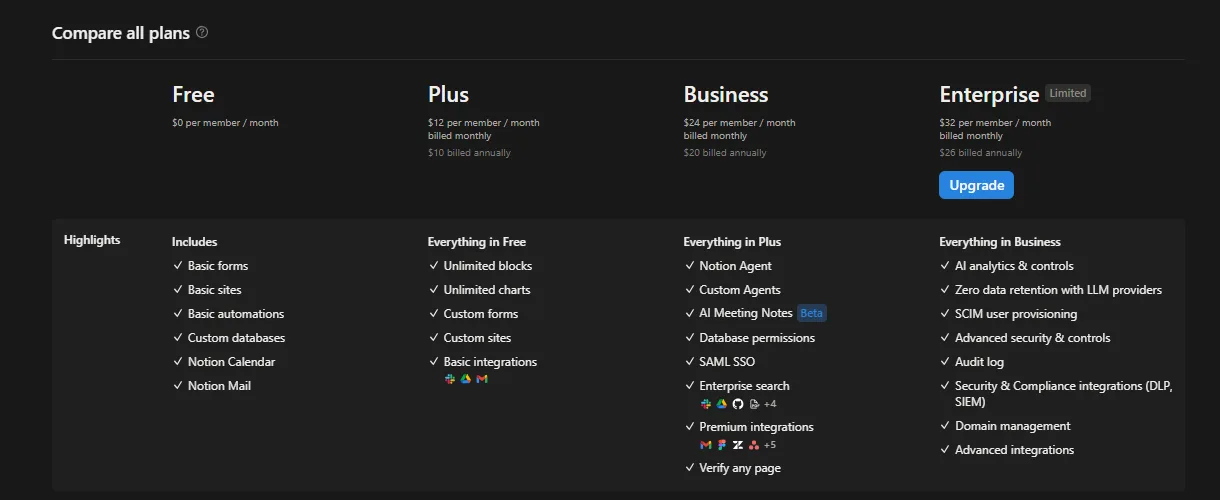
Business jumps to 24 dollars per member per month, or 20 dollars annually, and this is where things start getting genuinely powerful, Notion Agent, Custom Agents, AI Meeting Notes in beta, database permissions, SAML SSO, enterprise search and premium integrations. Enterprise sits at the top at 32 dollars per member per month, or 26 dollars annually, adding AI analytics and controls, zero data retention with LLM providers, SCIM provisioning, advanced security controls, audit logs and advanced integrations.
- The free plan is genuinely usable for testing things out and getting a feel for the workspace, but the moment something like AI Meeting Notes or Custom Agents gets involved, the upgrade wall shows up pretty fast.
- For a solo professional or a small team that wants the AI features working properly, the Plus or Business tier is probably where the real value sits, not the free tier.
- Given how much this one app can genuinely replace, several separate subscriptions for notes, project management, meeting transcription and automation tools, the pricing starts to look reasonable rather than steep once actually weighed against what it is replacing.
Privacy, Data Handling and Trust
According to Notion’s own security page, customer data is not used to train their AI models, and their AI subprocessors are explicitly prohibited from using customer data for that purpose. Their AI security documentation backs this up further, stating that using Notion AI does not grant Notion any right or license to use customer data to train their machine learning models, and that individual customer accounts are kept separate during processing so data from different customers is never mixed together.
Where it gets a little more nuanced is around retention with their AI partners. According to Notion’s help documentation, by default their LLM providers use zero data retention for Enterprise workspaces specifically, meaning nothing gets stored with those providers at all. For everyone else on non Enterprise plans, LLM providers retain customer data for 30 days or fewer before deletion, though Notion does offer workspace settings for administrators who need data retaining LLMs enabled for certain features.
On the broader data collection side, Notion collects the expected account details, name, email, profile photo and role, along with the full content of whatever gets created inside the workspace. It also tracks a fairly comprehensive amount of usage data, which pages get visited, how often, for how long, what gets clicked, plus device information, IP addresses and location inferred from that IP. If Notion Calendar or Notion Mail get connected, it also pulls in calendar and Gmail data through the relevant APIs, though that particular data is stated to be used only for powering those specific features rather than AI training.
One thing worth flagging honestly, Notion does use third party advertising technology partners to serve targeted ads about their own services, and identifiers, activity data, and inferred information can get shared with those advertising partners, which under California law can technically count as a sale or sharing of personal information. There is a do not sell or share my info option in the footer for anyone who wants to opt out of that specifically.
So overall, the picture here is reasonably trustworthy on the AI training front specifically, that commitment is pretty clear and consistent across their own documentation, but the broader data collection and advertising side of things is on the more expansive end compared to some of the smaller and more privacy first tools reviewed earlier in this series. Anyone planning to run genuinely sensitive company information through Notion should probably stick to the Enterprise tier specifically for that zero retention guarantee.
Notion vs Mem
Feature | Notion | Mem |
|---|---|---|
Pricing | Free to 32 dollars per member monthly | Free to 59 dollars monthly |
Core focus | Full workspace, docs, tasks, projects, meetings | AI first personal notes and memory |
AI organization | Contextually aware across entire workspace | Reasons through collections with explanation |
Meeting notes | Transcription, summary, action items, limited on free | Not a core feature |
Automation | Extensive trigger and action builder | None |
Databases | Full relational databases with multiple views | None |
Calendar | Read and reference through Notion Calendar | Read only, cannot create events |
Template marketplace | Massive, paid and free options | Minimal |
Learning curve | Steep at first, smooths out with use | Minimal |
Putting these two side by side, they are really solving different problems even though both lean heavily on AI. Mem is built around being a smart personal memory layer for notes specifically, lightweight, fast, and focused. Notion is trying to be the entire operating system for how someone works, notes are just one small piece of a much bigger machine. For someone who just wants their scattered notes organised and searchable, Mem is going to feel faster and less overwhelming. For someone managing actual projects, teams, meetings and recurring workflows, Notion is doing something Mem is not even attempting to do. If forced to pick one for daily professional use, Notion wins purely on scope, but that scope comes with a real learning curve that Mem simply does not have.
Final Verdict
Notion earned its reputation, and after actually spending real time inside it, I get why so many professionals build their entire working life around this one app. The editor is fluid, the databases are genuinely powerful once the initial complexity settles down, the AI features are contextually smart rather than just decorative, and the way everything links together across notes, projects, tasks and meetings is honestly the most integrated experience I have tested in this whole series so far.
The gaps that exist are mostly about access rather than quality, AI Meeting Notes and Custom Agents both got gated behind a paywall pretty quickly during testing, and the sheer scale of the platform means beginners are going to need real time before things click into place. The privacy picture is solid on the AI training front specifically, but the broader data collection and advertising partnerships mean it is not quite as tight as some of the smaller privacy first tools out there.
Would I keep using it. Genuinely yes, and probably more than any other tool tested so far in this series. It stopped feeling like a note taking app within the first hour and started feeling like something closer to a full digital workspace that could legitimately replace several other subscriptions at once.
Overall Score: 9.2/10
Frequently Asked Questions:
No, Notion’s security policies state that customer data is not used to train its AI models, and AI subprocessors are strictly prohibited from using customer information for model training.
No, while Notion offers limited trial access on the free plan, continuous and unlimited use of AI Meeting Notes is locked behind higher paid tiers like Business or Enterprise.
Yes, Notion includes a native automation builder that can run actions (such as sending emails, triggering Slack messages, firing webhooks, or updating properties) whenever pages are added, statuses change, or properties are edited.
Because Notion combines docs, wikis, tasks, and complex databases into one canvas, initial setup can feel overwhelming. However, interactive AI onboarding, slash commands, and a vast marketplace of ready-made templates significantly ease the transition.
Subscribe to our email newsletter to get the latest posts delivered right to your email.
Comments