Conclusion
NoteGPT presents itself as a versatile AI toolbox, offering a wide range of functionalities that cater to various needs, from YouTube summarization to AI-generated content. While it excels in breadth, providing an extensive suite of tools, it falls short in depth, with some features like podcast audio quality and slide presentations feeling less polished compared to competitors like NotebookLM. The platform’s pricing structure is thoughtful, with options for different user needs, including a generous free tier. However, the aggressive limits on the free plan can be frustrating. Overall, NoteGPT is a compelling choice for users seeking a comprehensive AI workspace, but it may not satisfy those prioritizing top-tier quality in every output.
Pros
- Extensive range of AI tools in one platform
- Effective YouTube summarization and transcription
- Impressive detector and humanizer combo
- Thoughtful pricing structure with a generous free tier
- Stable performance and user-friendly dark UI
Cons
- Podcast audio quality is noticeably synthetic
- Slide presentations are functional but generic
- Aggressive limits on the free plan
- Navigation can be overwhelming due to the sheer number of features
Table of Contents
- Initial Impressions and User Experience
- Core Features
- Performance, Reliability, and Daily Usability
- Pricing, Plans, and Limitations
- Privacy, Data Handling, and Trust
- NoteGPT vs NotebookLM vs ChatPDF
- Final Assessment
Some tools command immediate attention not because they excel at one thing, but because they handle multiple functions simultaneously and manage to keep most of them operational. NoteGPT fits this description perfectly. It markets itself as an all-in-one AI learning assistant, and after exploring the platform extensively, I find it hard to dispute that claim. However, the question remains: is having everything in one place always advantageous?
NoteGPT is particularly well-suited for office professionals who frequently handle extensive media and documents, such as summarizing YouTube videos, processing research PDFs, creating quick presentations, or seeking an integrated AI writing and detection suite. It also appeals to those who wish to casually explore a variety of AI tools without juggling multiple subscriptions. Conversely, it may fall short for users who prioritize output quality above all else or become frustrated by the limitations of the free plan, which often feels like it’s holding features just out of reach.
Initial Impressions and User Experience
The first thing that hit me when I landed on NoteGPT was how much was there. The homepage alone lists AI YouTube, AI Transcriber, AI Summarizer, AI Voices, AI Images, AI Video, AI Writer, AI Chat, and something called “More Tools,” which turned out to be a genuinely bottomless category. I was honestly a little overwhelmed, and I say that as someone who tests a lot of these platforms regularly.
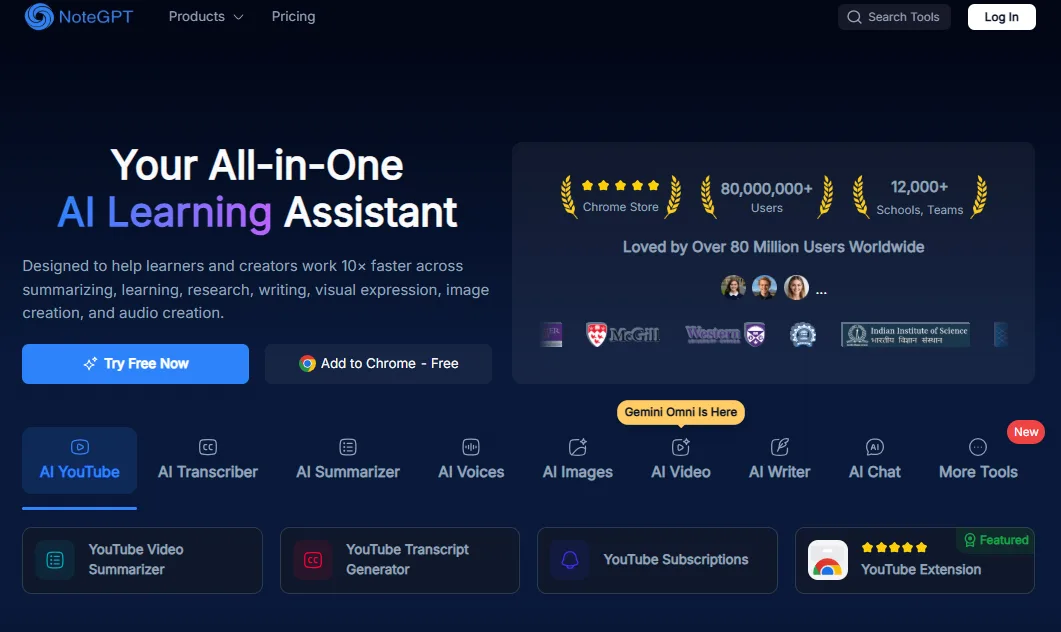
The dashboard runs dark mode natively, which I liked, but I might be a tad bit biased towards dark mode UI. The sidebar is organized into categories rather than dumping everything into a flat list, so the navigation is not as chaotic as the feature count might suggest. Within each category though, there are sub-tools stacked on sub-tools, so getting to what you want requires a couple of extra clicks more often than it should. Compared to NotebookLM’s stripped-back, intentional interface, NoteGPT feels like someone was not sure when to stop adding things. That is not really a criticism. It just means the learning curve is real, and first time users will likely spend a good chunk of time just figuring out what is where before they actually get any work done.
Core Features
NoteGPT doesn’t present itself as a single-purpose tool but rather as a comprehensive toolbox. During my testing, I focused on several key categories, which cover most of its major functionalities.
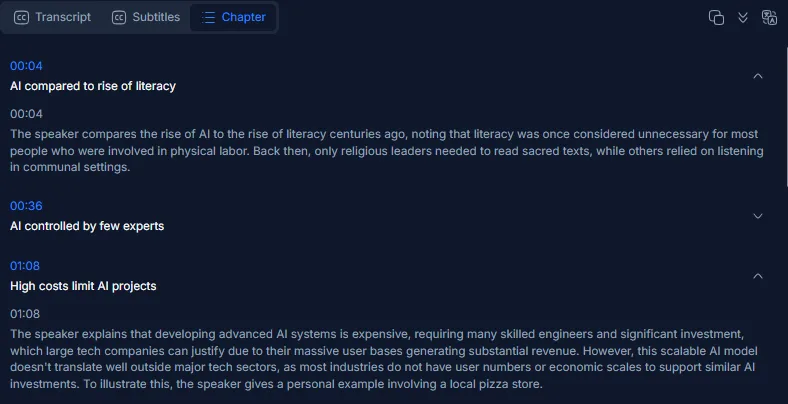
- YouTube summarizer and transcript This was my initial test. I entered a YouTube link and received a detailed summary with timestamps and chapter markers. Additionally, a mind map was generated from the video, along with options to export the transcript, create a podcast, develop a presentation, generate flashcards, or open it in AI chat. The summary was thorough and well-organized, likely one of the platform’s strongest outputs.
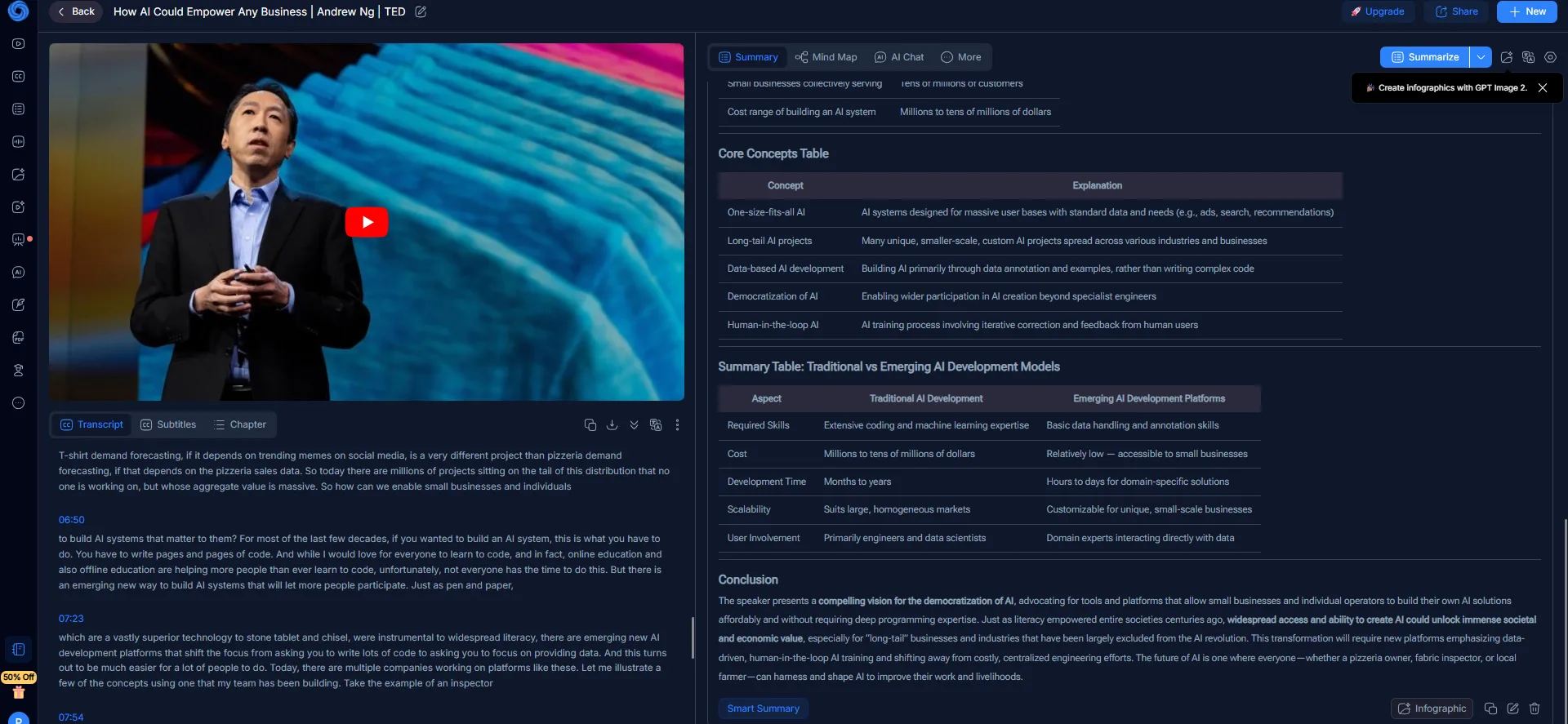
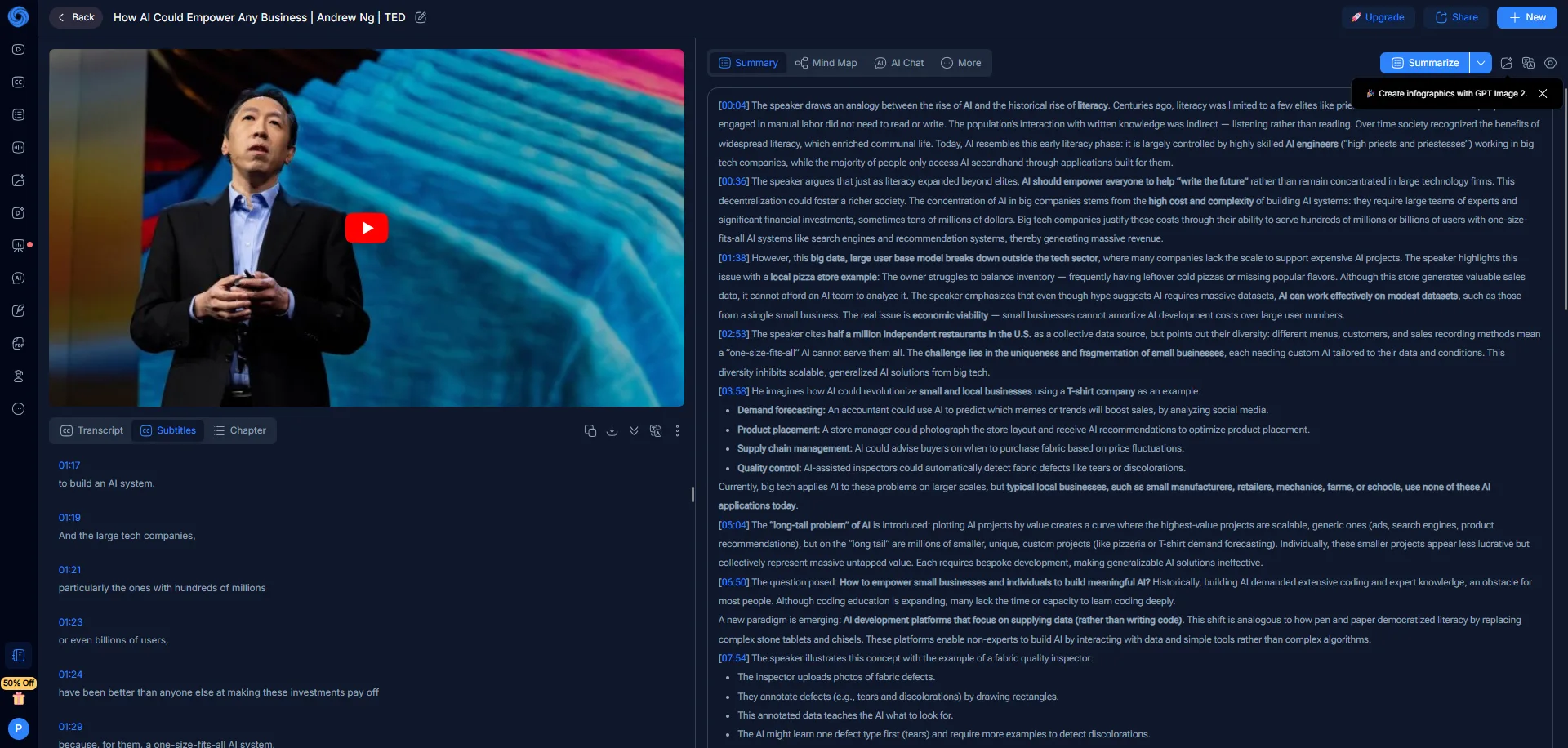
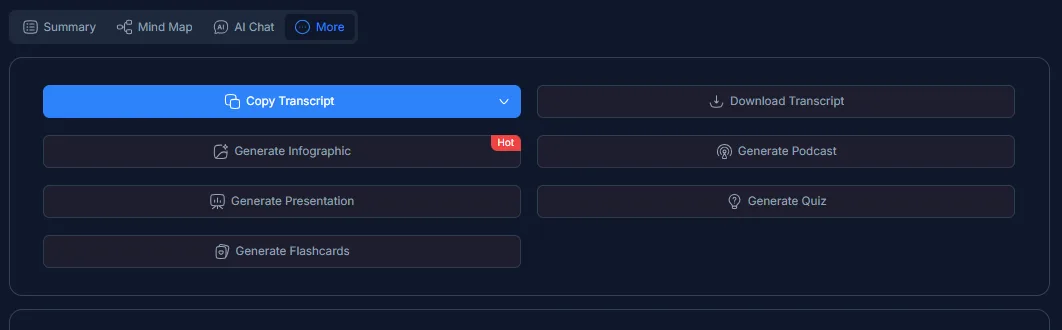
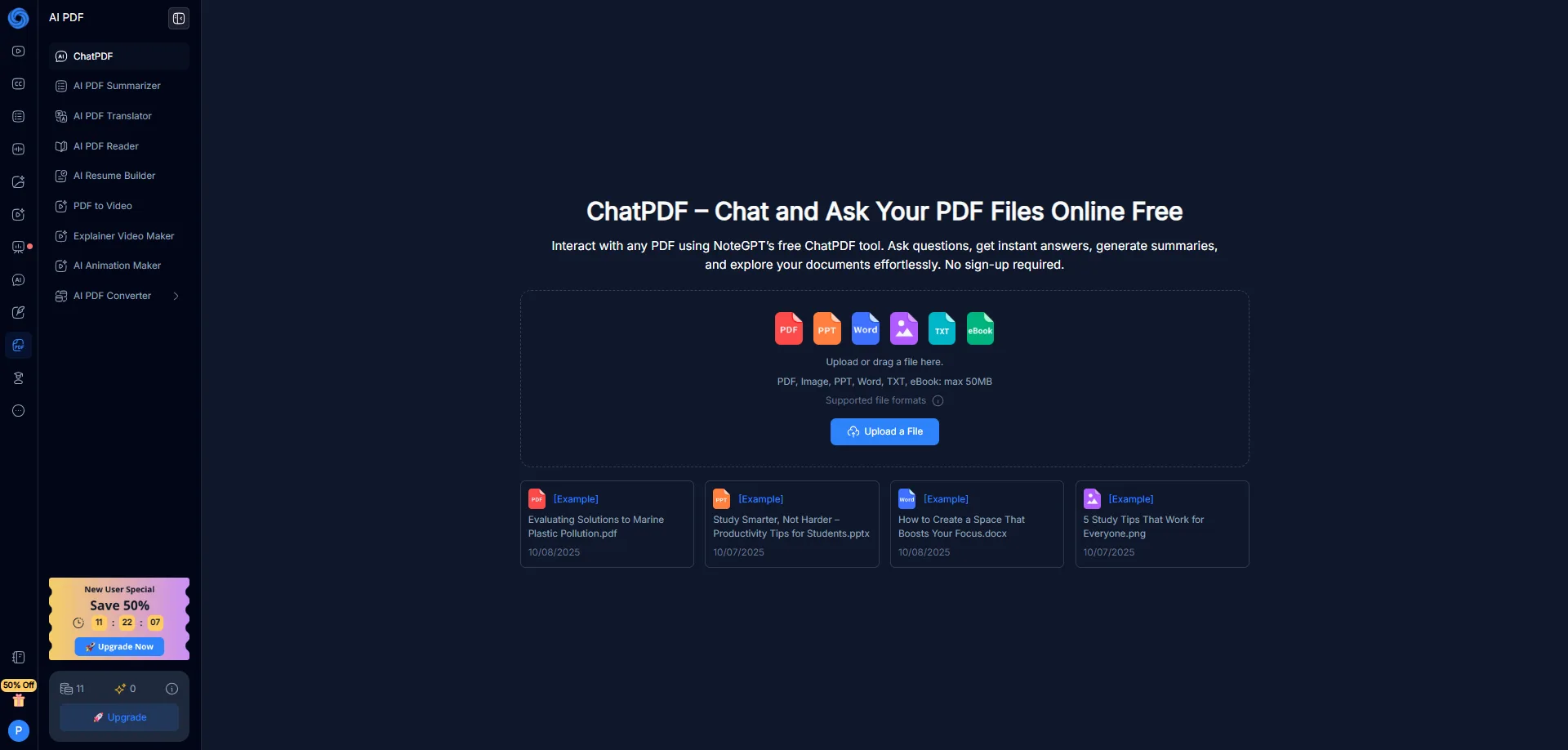
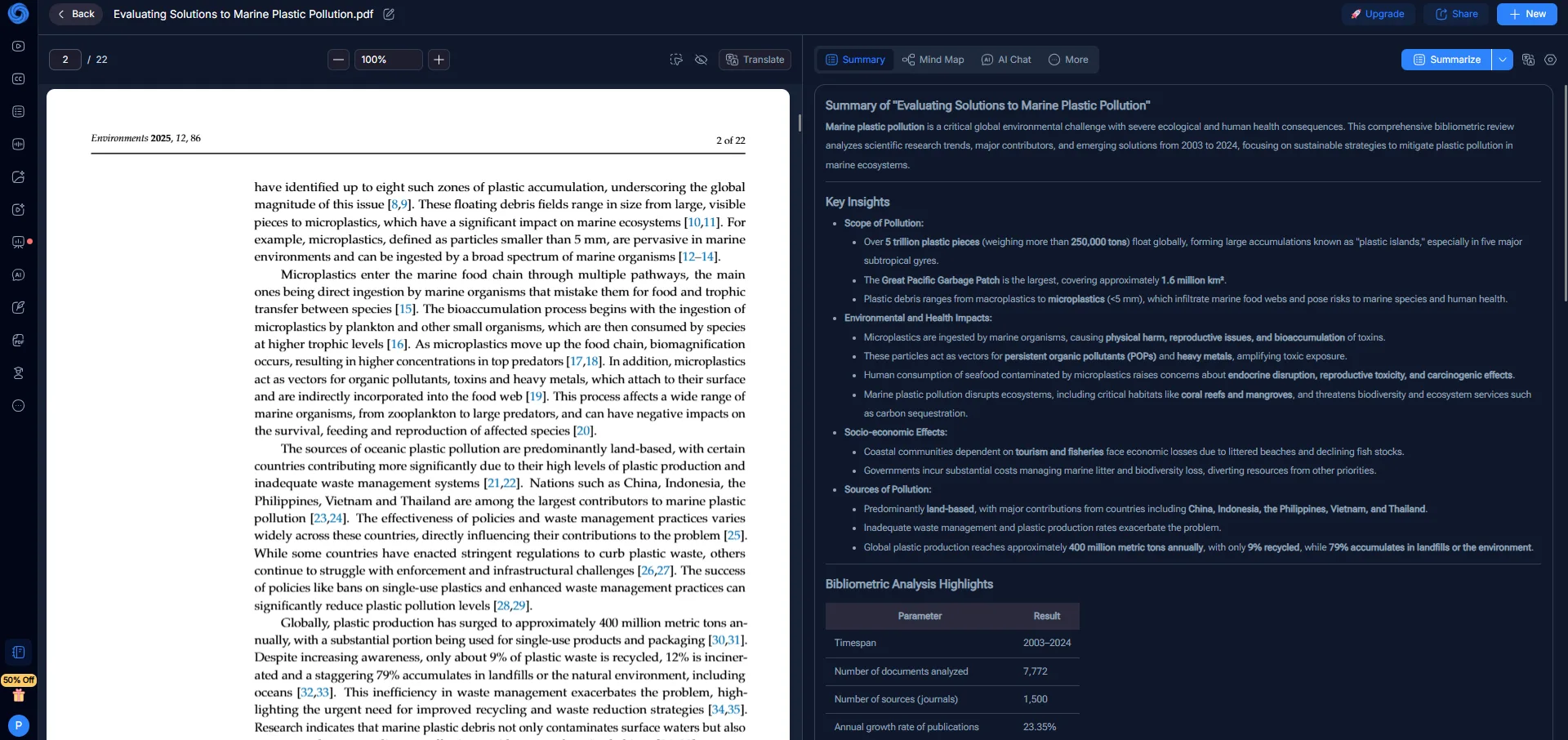
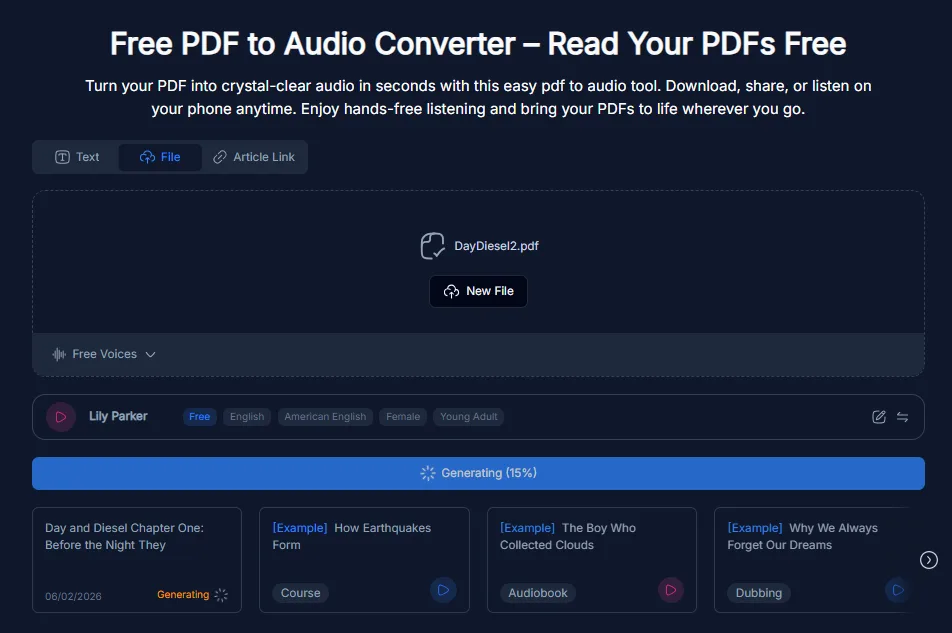
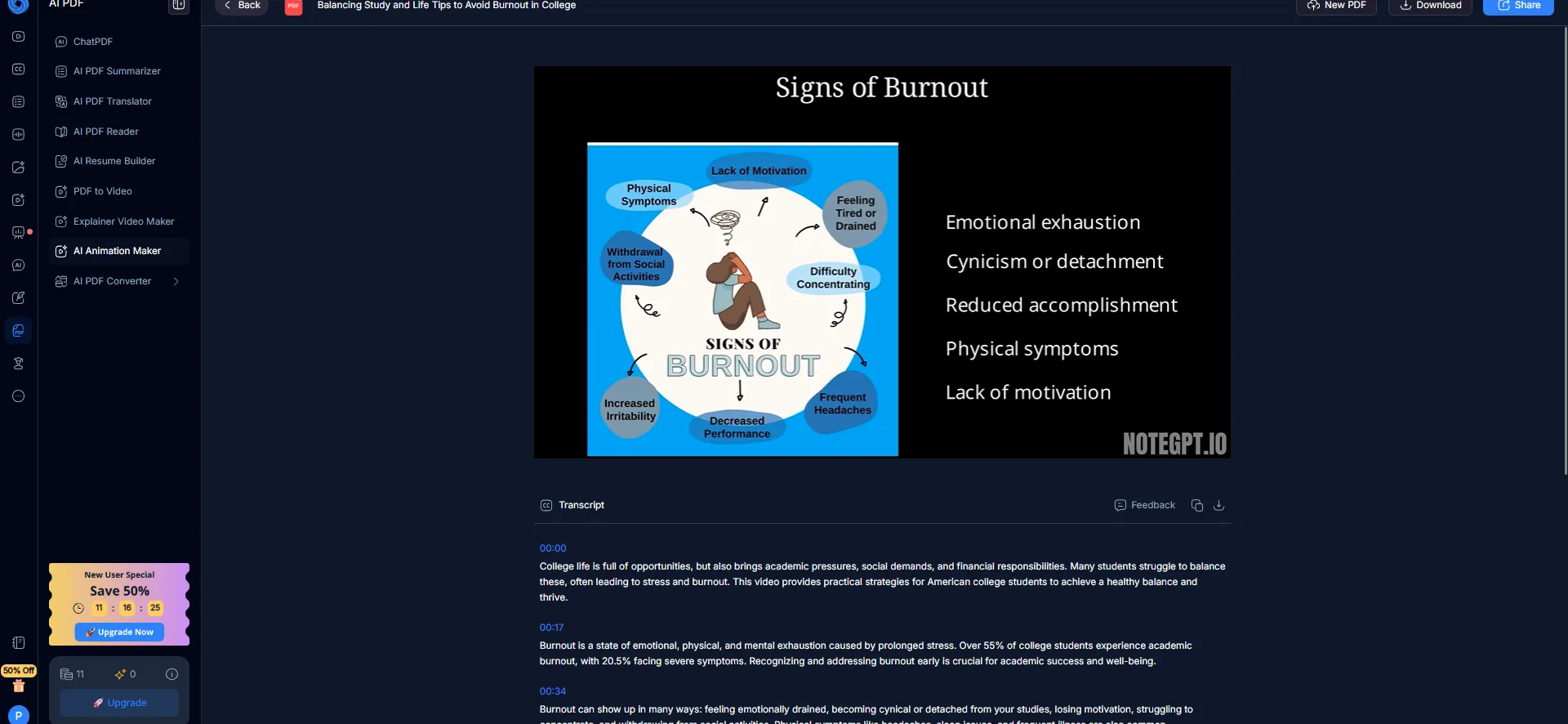
- PDF Tools The PDF tools include ChatPDF, which should not be confused with the previously tested ChatPDF tool. It offers a summarizer, reader, translator, and PDF-to-audio converter. I tested the summarizer on a research paper and received a clear, readable summary with key insights and a bibliometric table. The interface facilitates asking questions about documents, creating flashcards, or starting quizzes. While functional, the depth of responses was slightly below what I experienced with NotebookLM on similar documents.
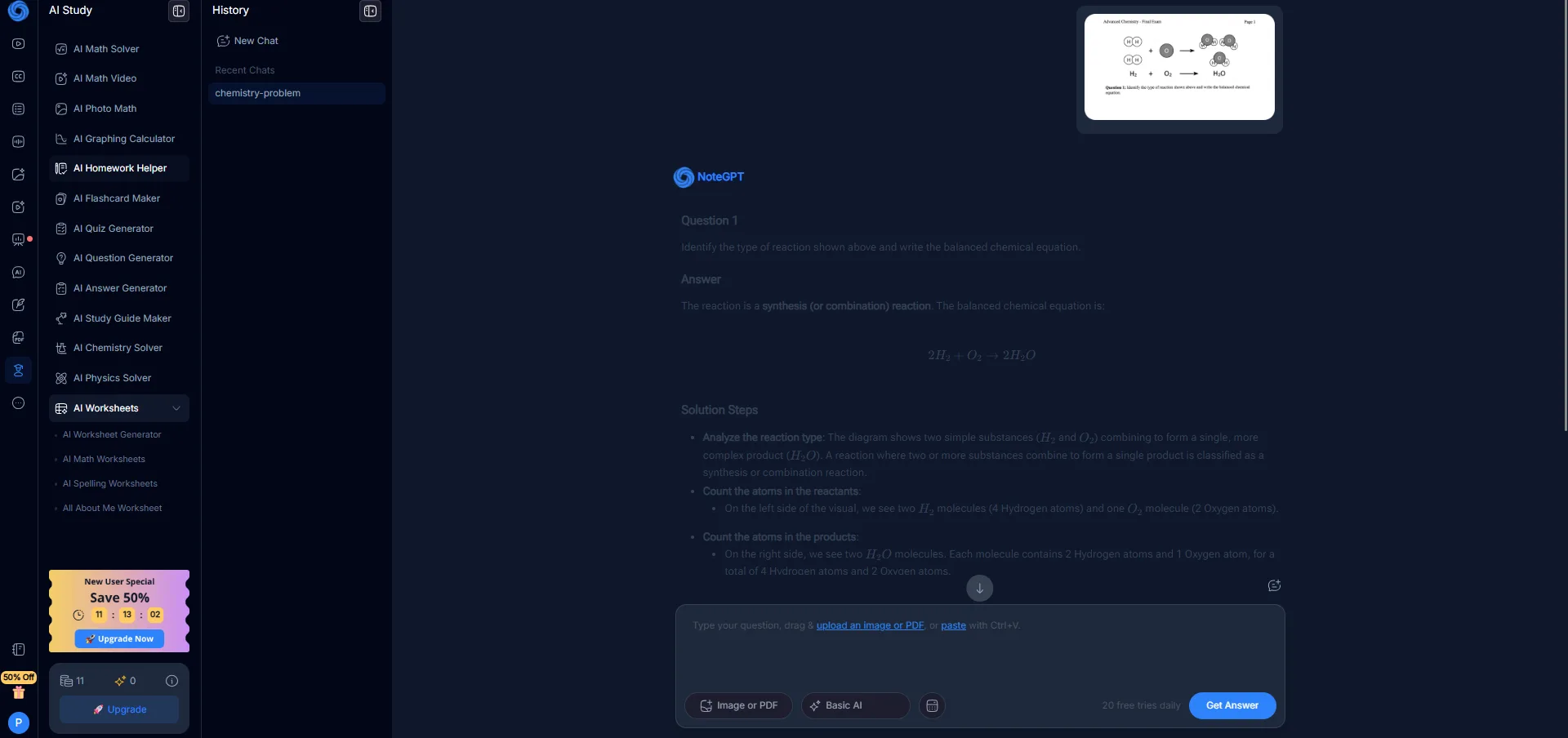
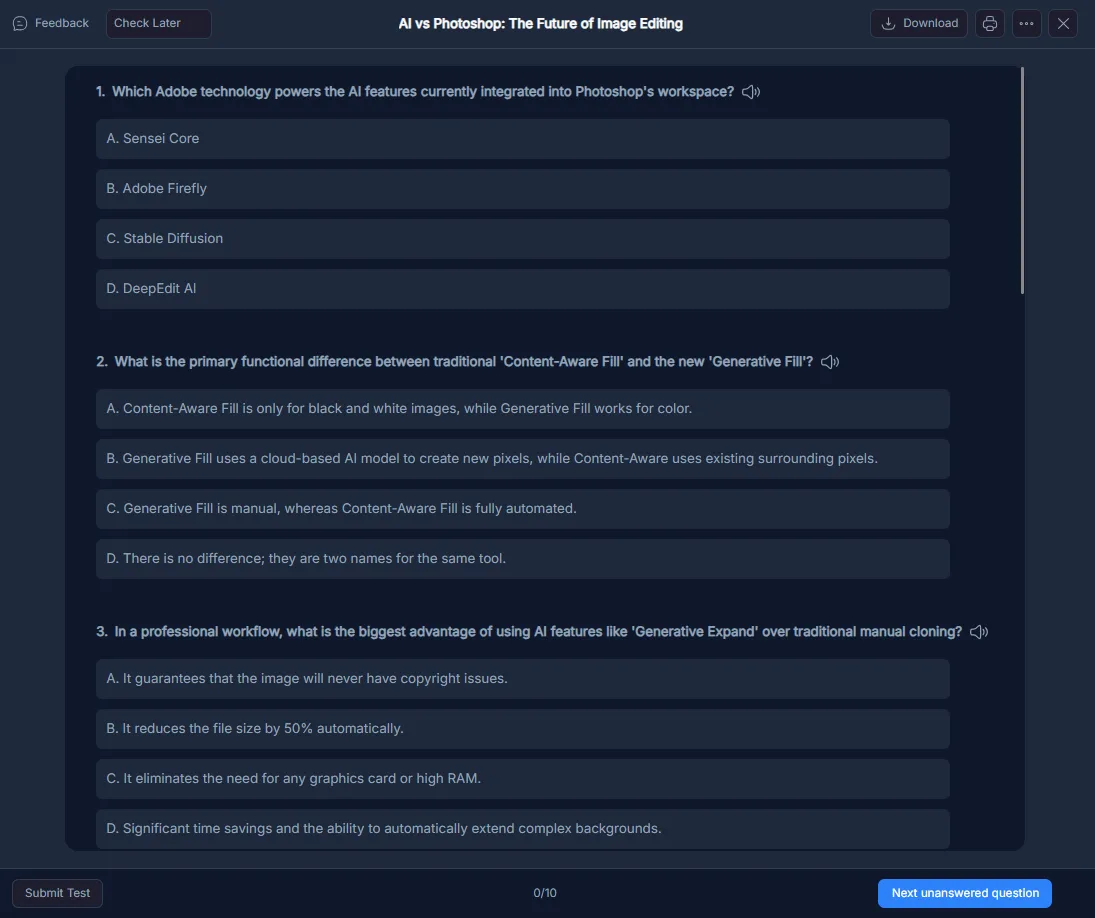
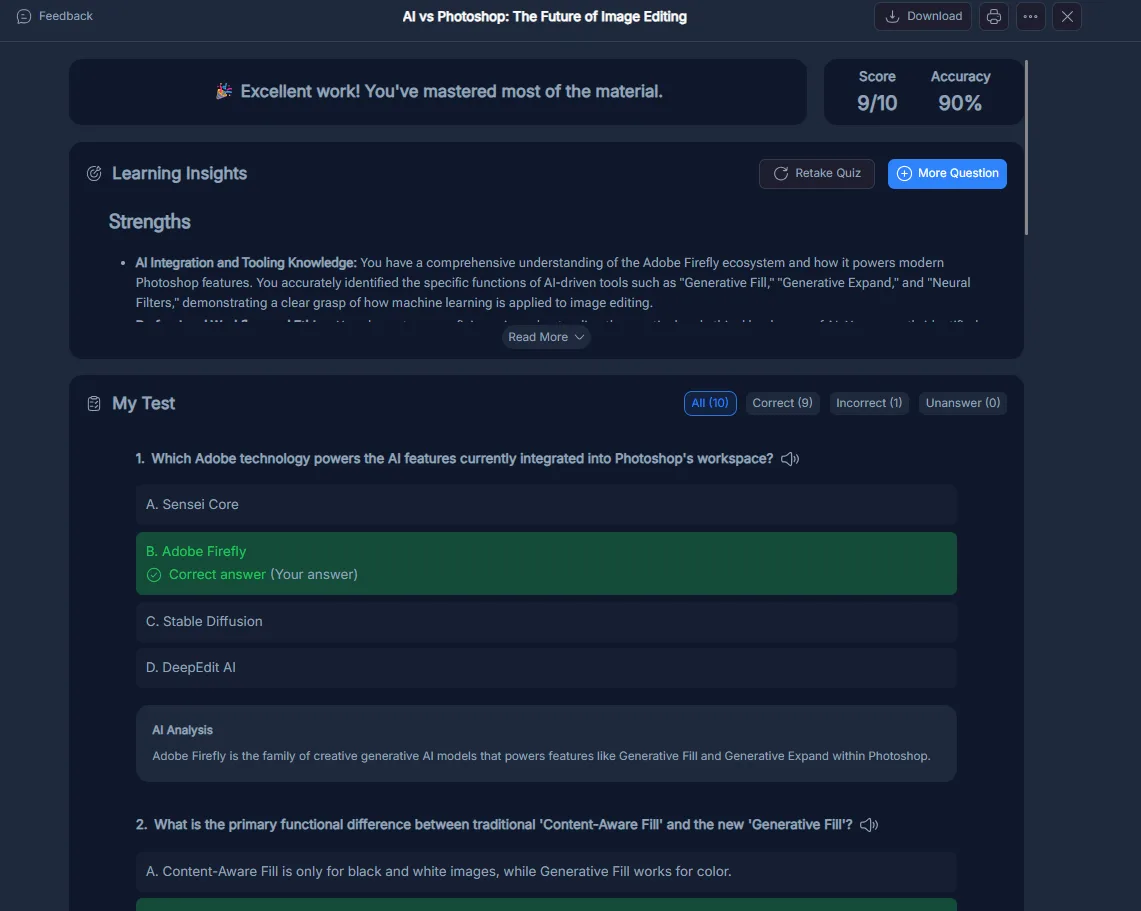
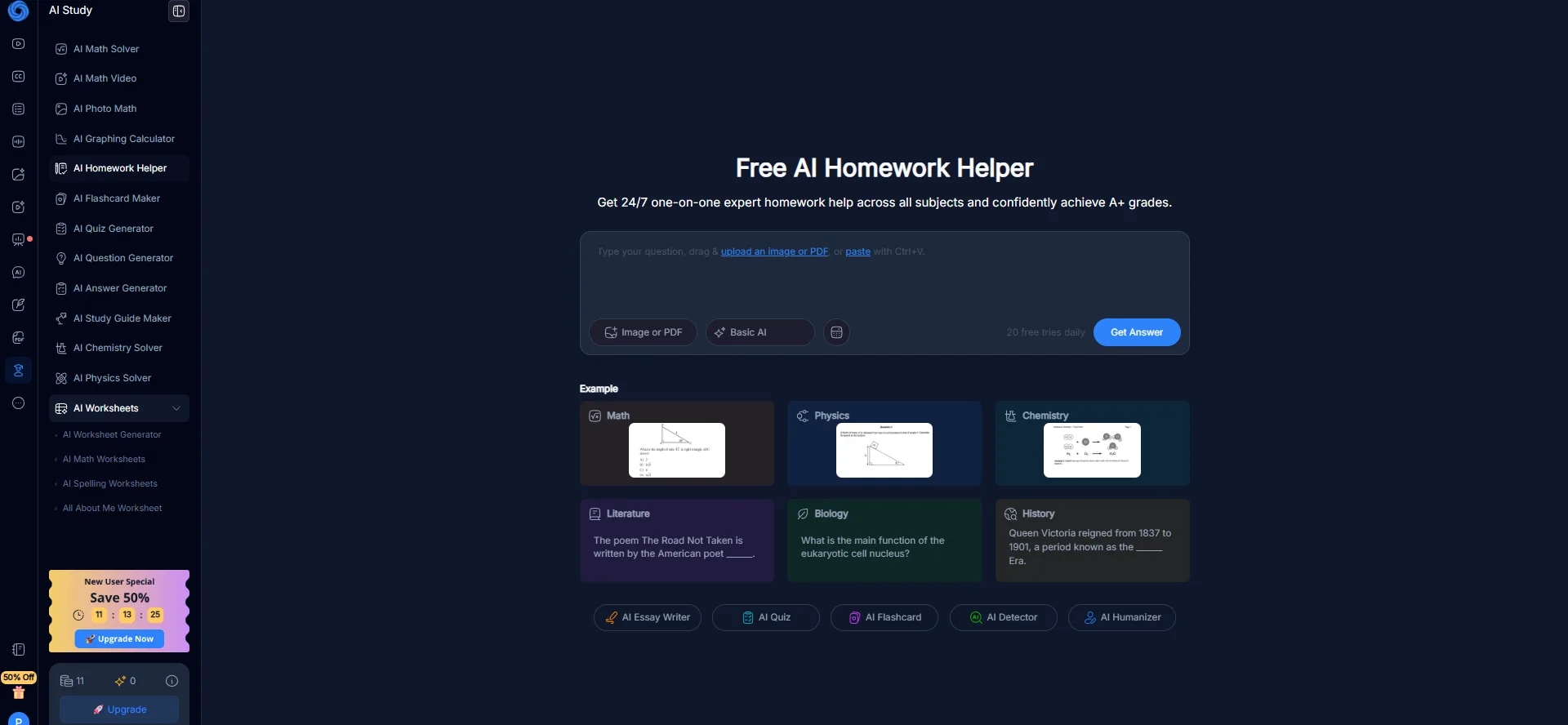
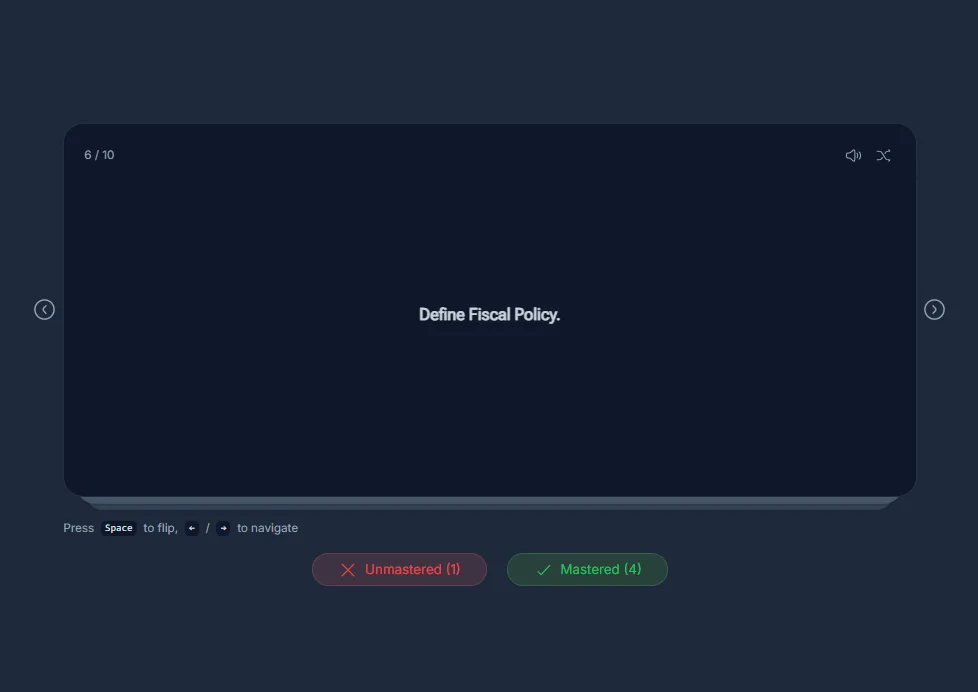
- AI Study Suite This suite was unexpectedly effective. The homework helper, chemistry solver, math solver, flashcard creator, and quiz generator all worked well and were genuinely usable. I uploaded an image of a reaction diagram for the chemistry solver, which accurately identified the reaction and explained the steps clearly. The quiz generator created a 10-question multiple-choice test from my prompt, complete with AI-generated feedback and a learning insights section. I scored 9 out of 10, indicating the questions were well-designed and aligned with my knowledge.
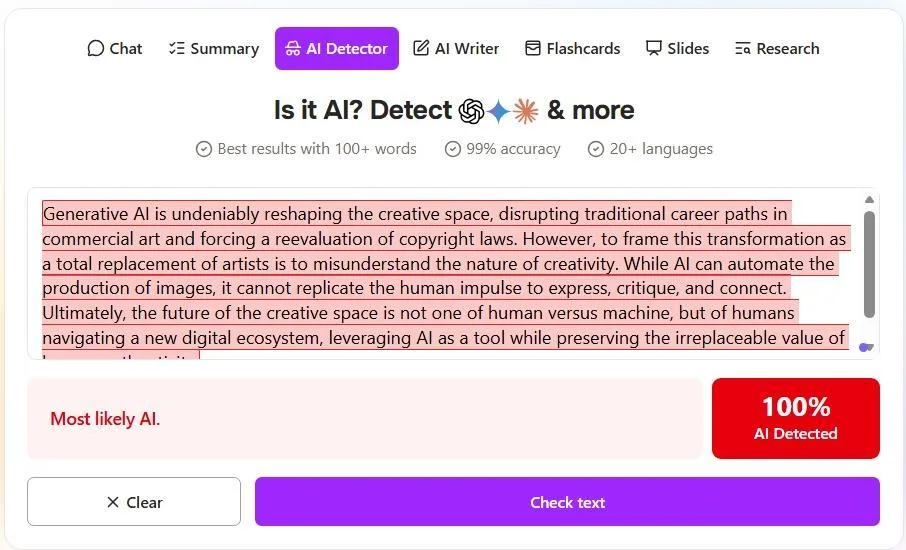
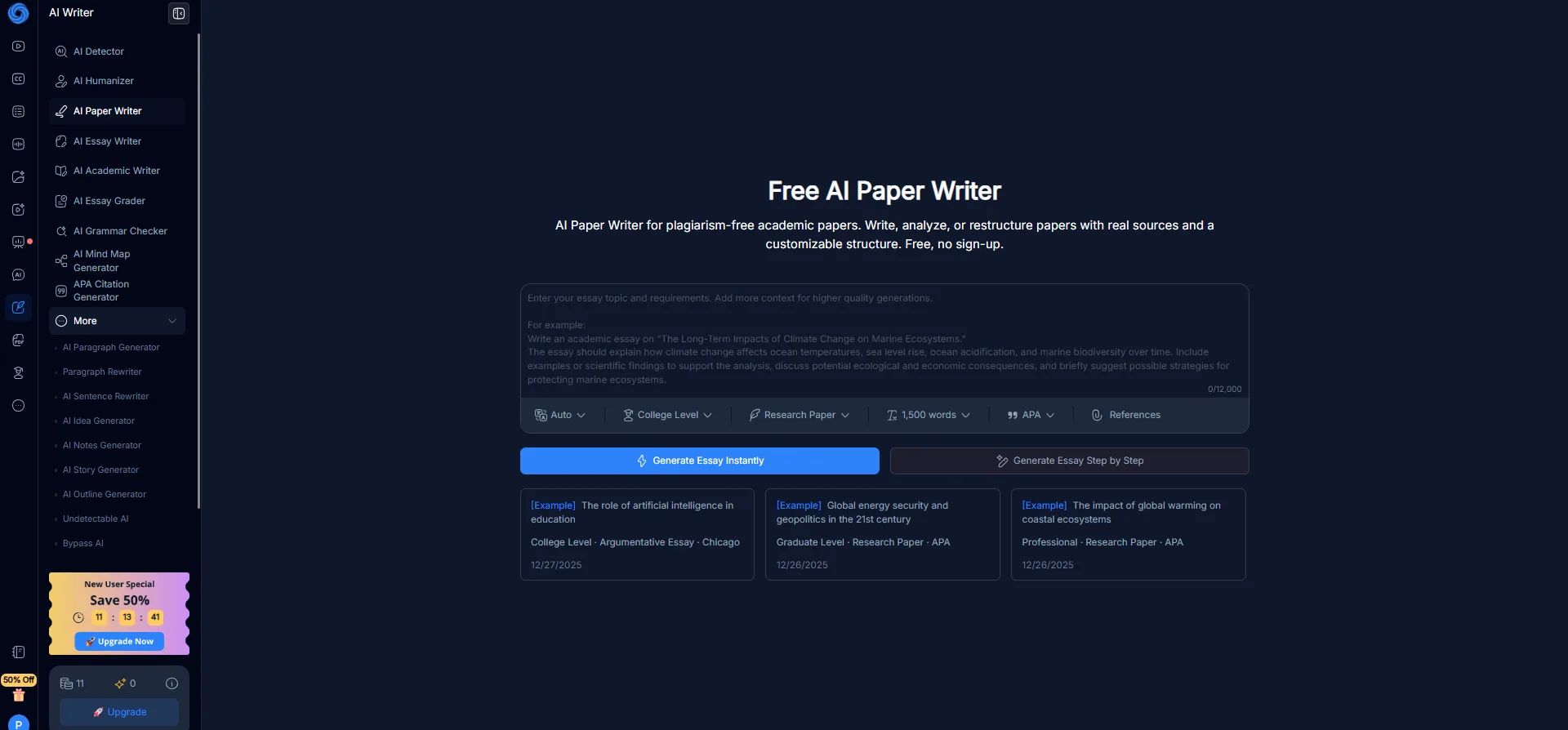
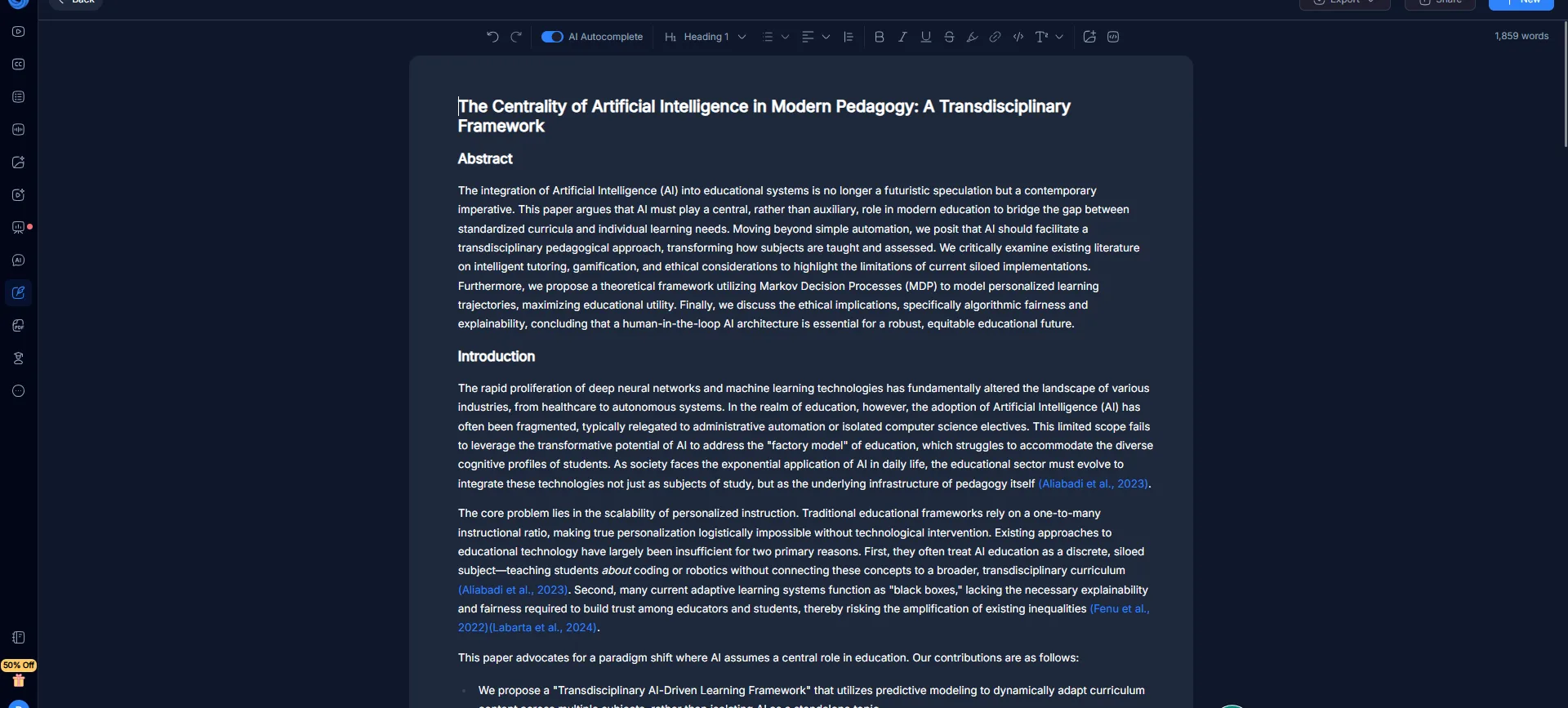
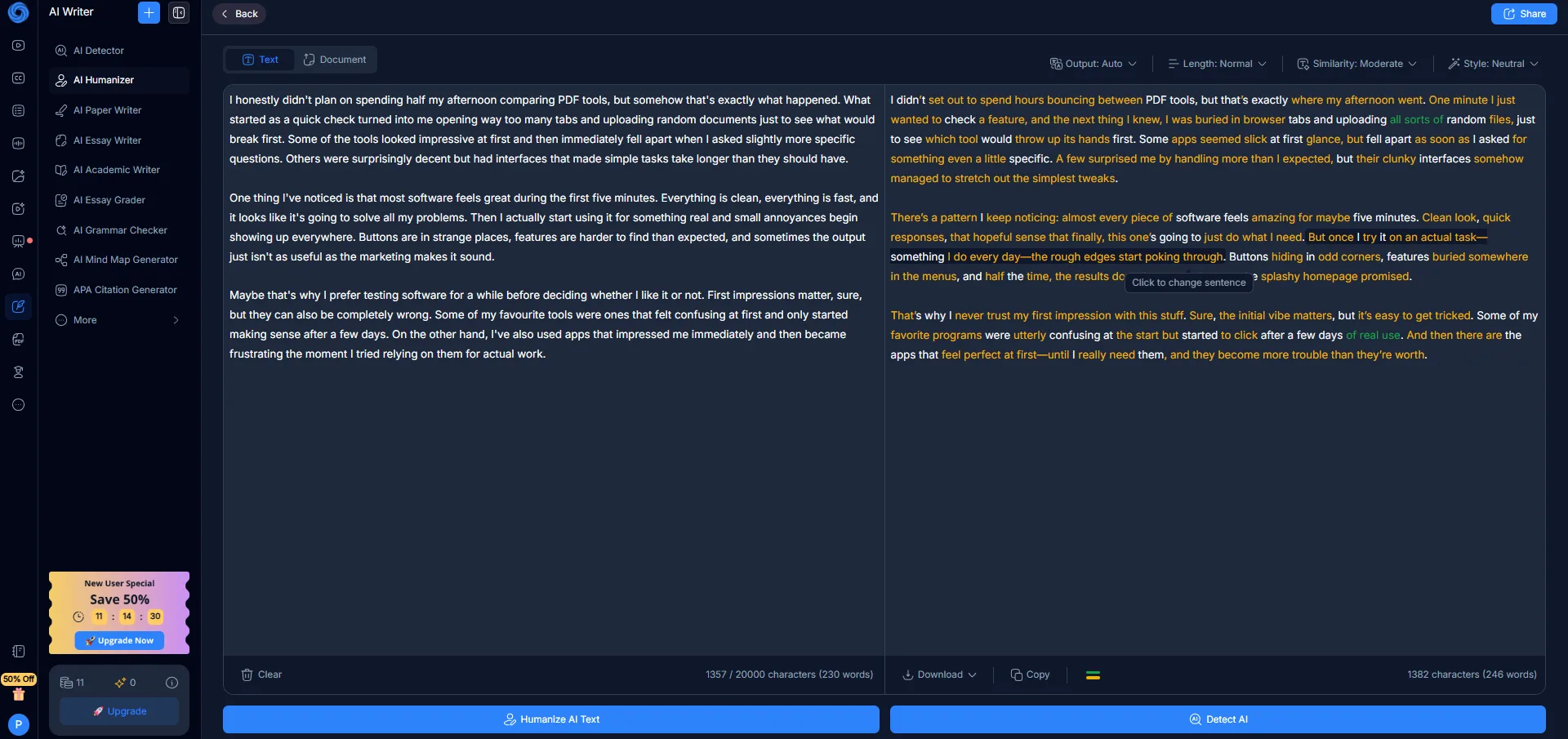
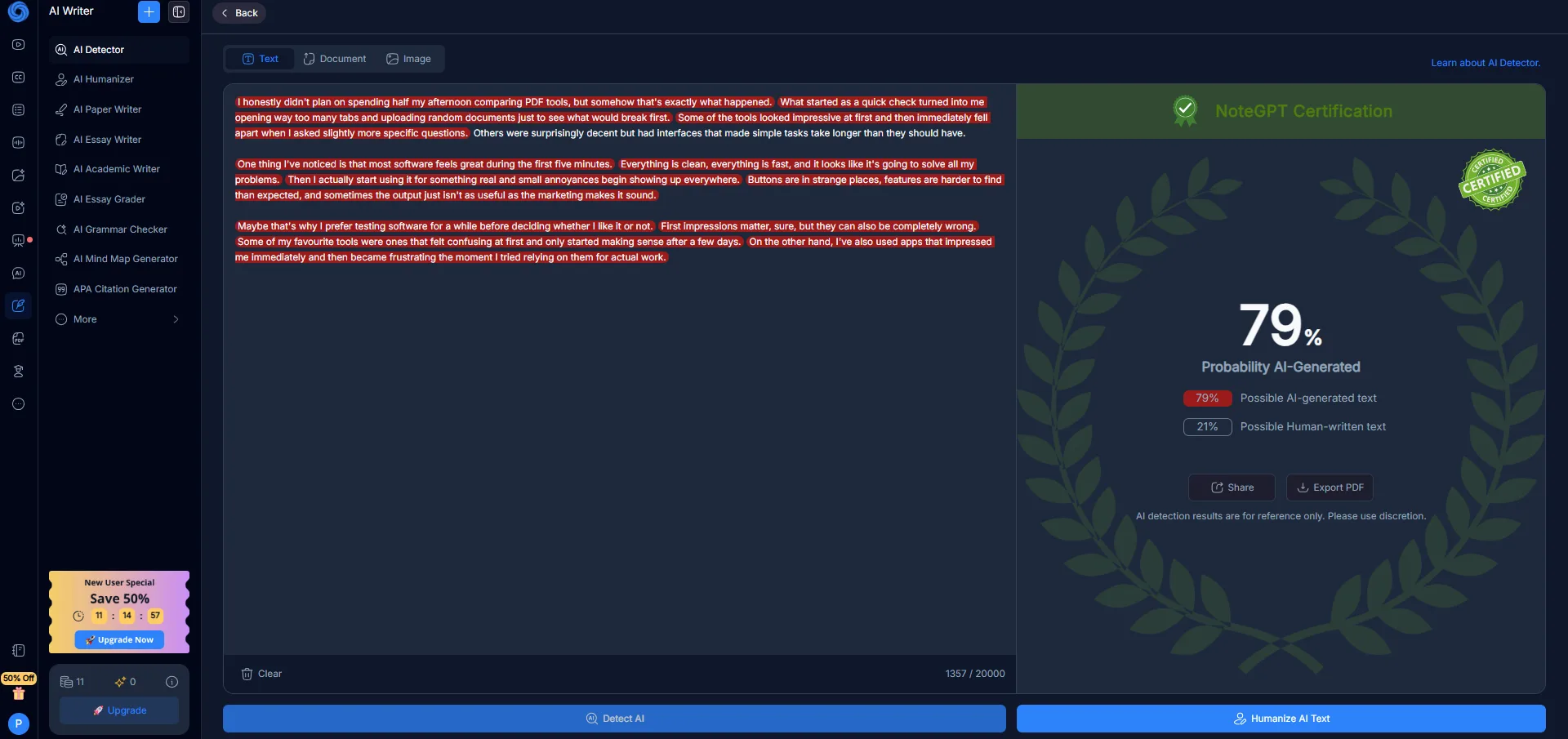
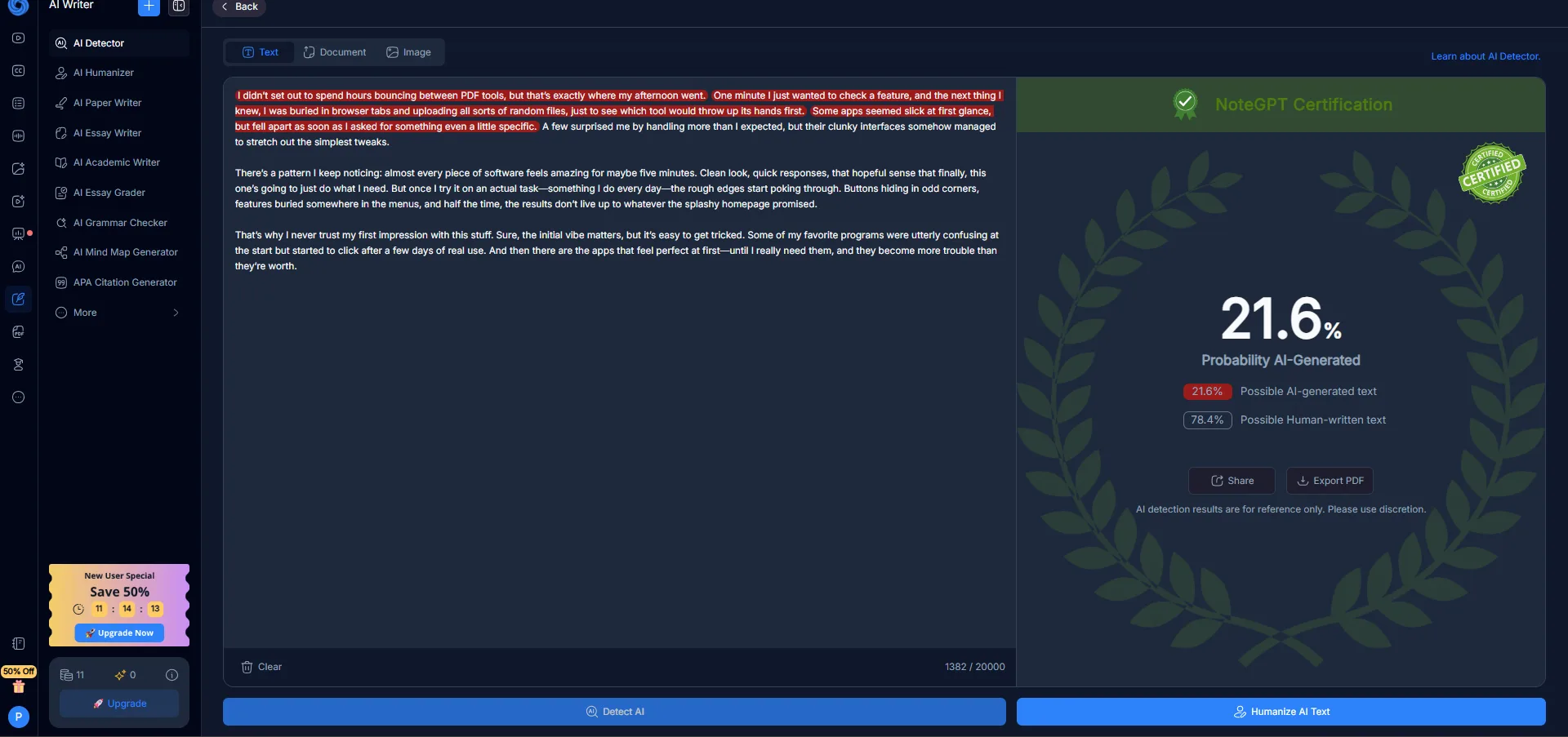
- AI Writer, Detector, and Humanizer The AI writer produced decent, readable text—nothing extraordinary, but functional. It sounded very much like typical AI-generated content. What stood out more was how well the detector and humanizer worked together. I tested a piece of AI-generated text: the detector rated it at 79% AI probability. After running it through the NoteGPT humanizer and rechecking, the probability dropped to 21%. That’s a nearly 60-point reduction. Unlike some tools that hide the detector behind paywalls, NoteGPT’s generous word limits allow practical use without immediate restrictions.
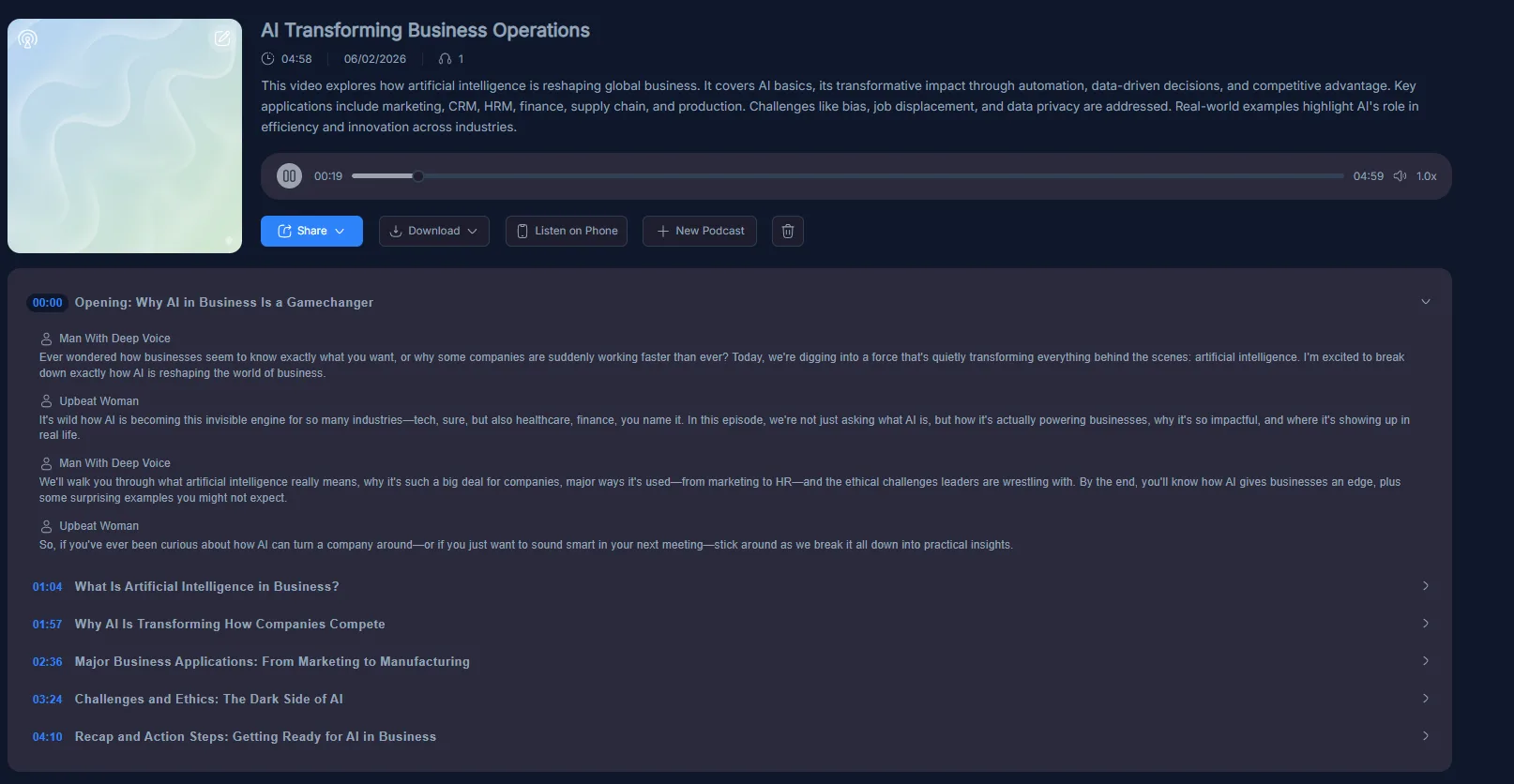
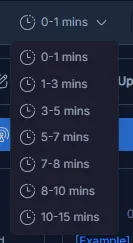
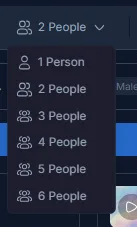
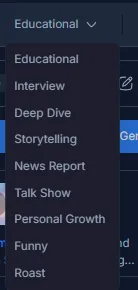
- AI Podcast Generator I used this on a YouTube video about AI in business. The podcast came out as a five-minute audio piece with two voices having a structured conversation. The content was accurate and the script read like a proper podcast episode. The voices though were noticeably synthetic. If I stumbled onto this playing somewhere, I would immediately know it was AI-generated. That is a clear step down from NotebookLM’s audio output, which was near-indistinguishable from real conversation. The customization options here are more extensive though, the number of speakers goes up to six, podcast duration can be set anywhere from one minute to fifteen, tone options include educational, interview, roast, funny, talk show, deep dive, and more. But having more dials to turn does not compensate for the voice quality gap.
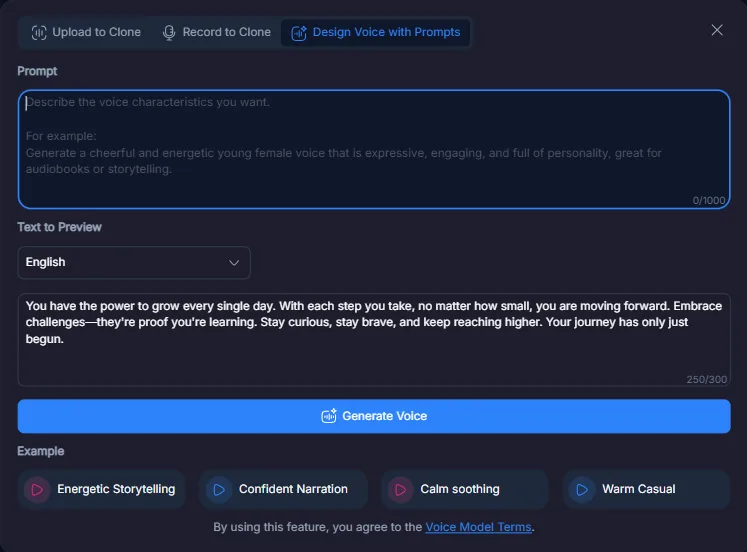
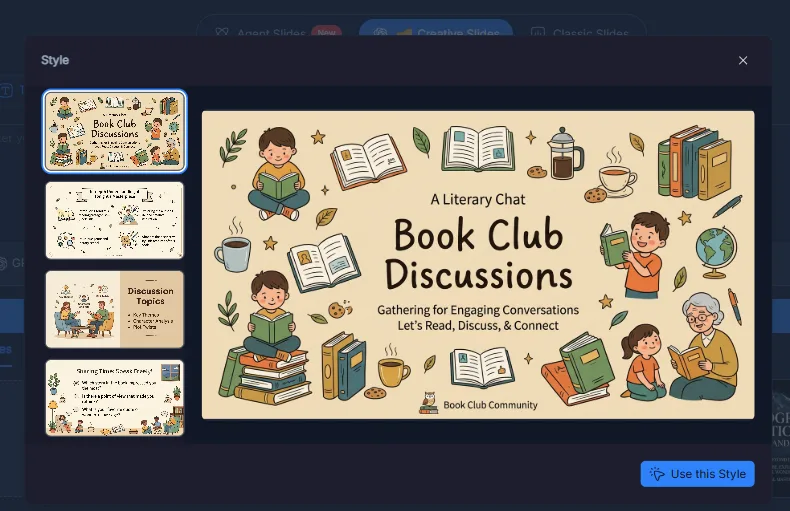
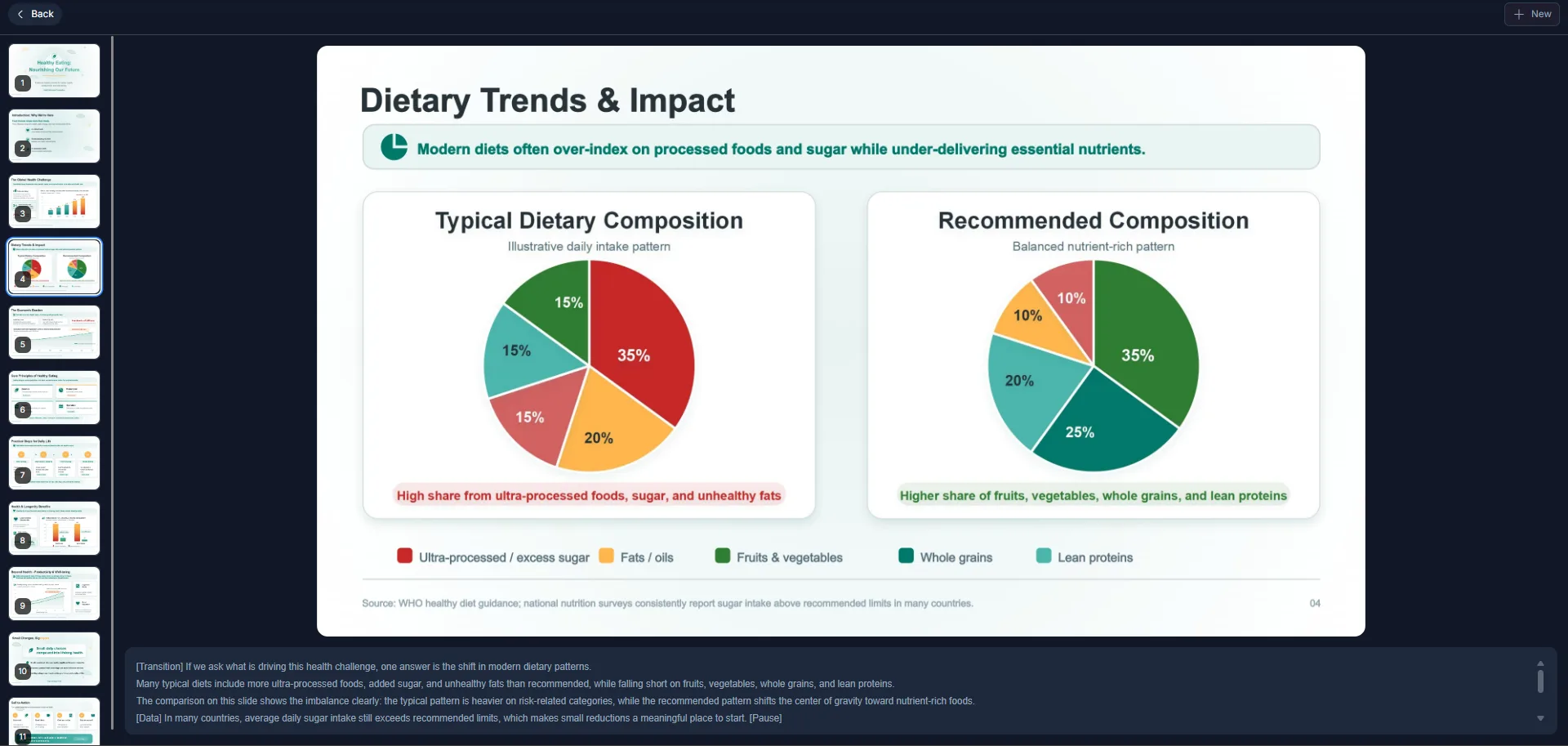
- Slides and Presentations NoteGPT offers Agent Slides, Creative Slides, and Classic Slides. I tested the Agent Slides option. The output was functional, clean, had data visualizations on some slides, and came with speaker notes. But it was generic. The kind of slide deck that looks fine but could have come from any automated tool. NotebookLM’s slides had a character to them that felt intentional. NoteGPT’s felt assembled.
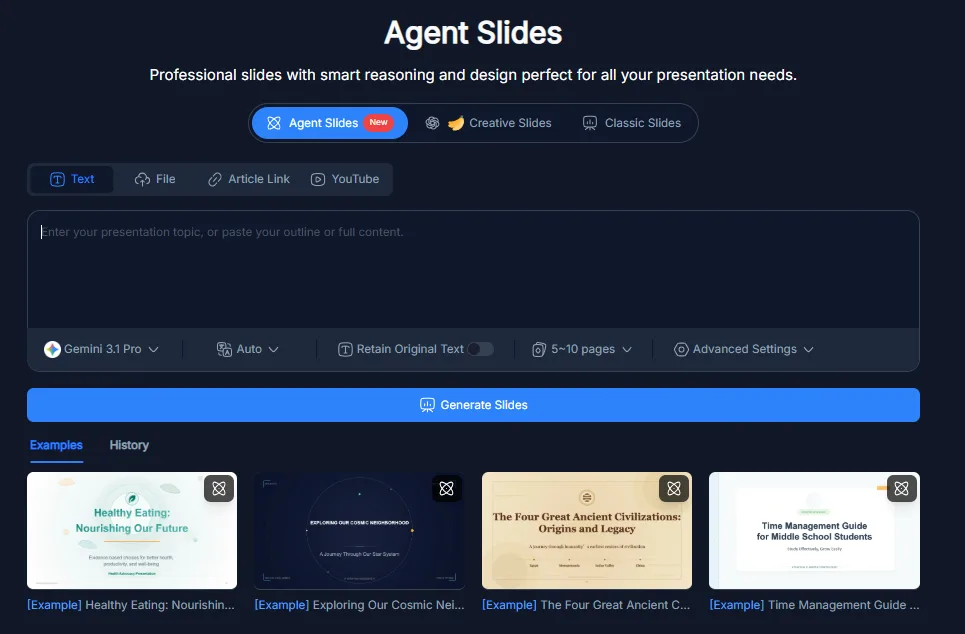
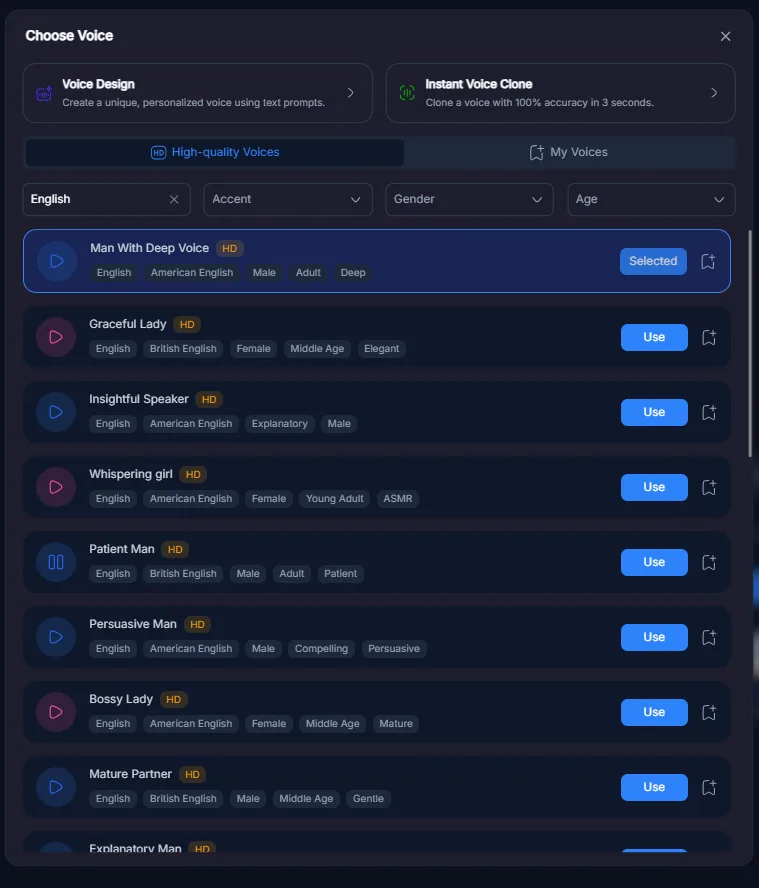
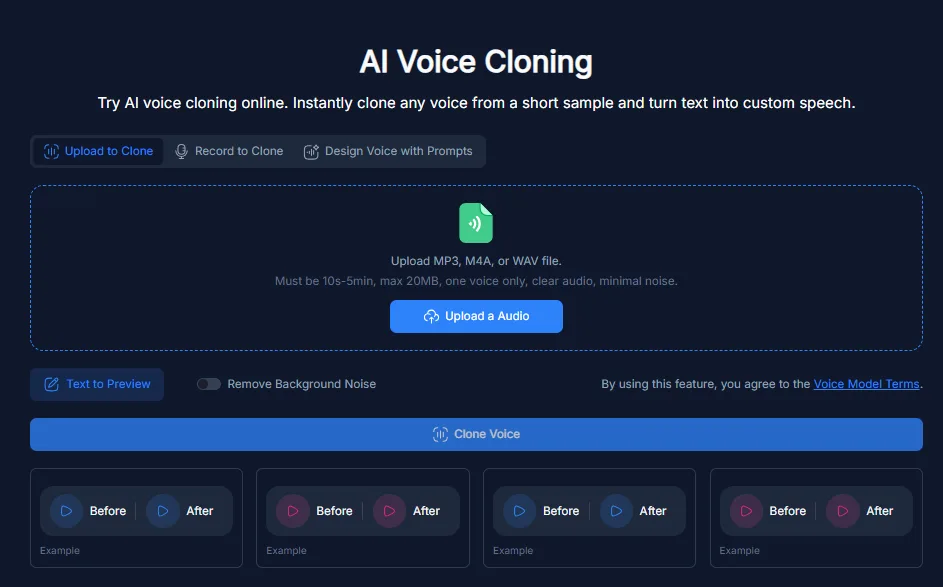
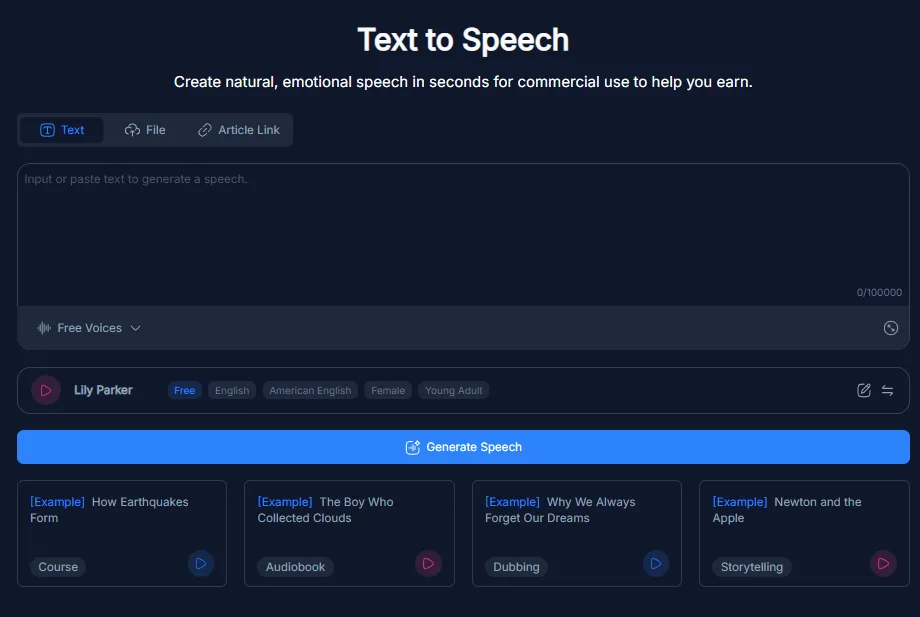
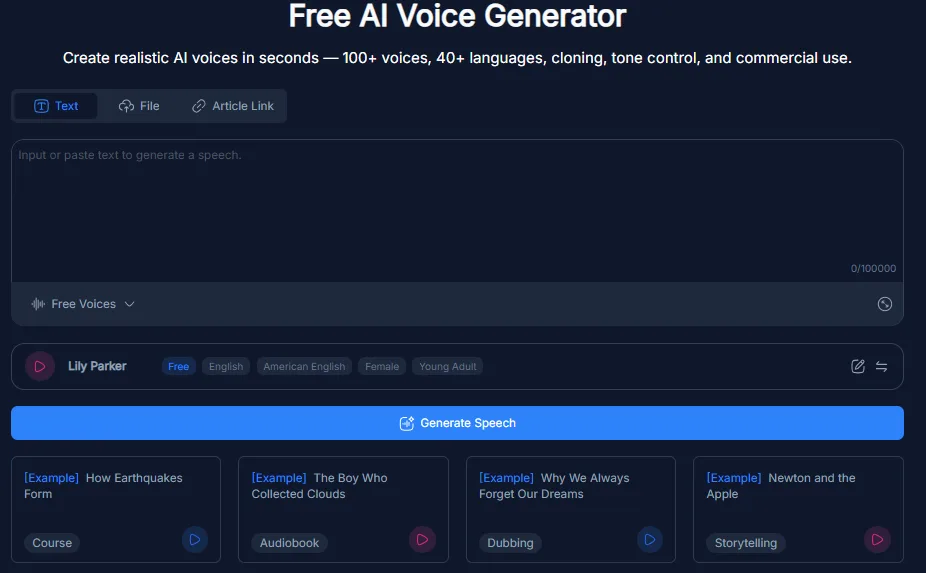
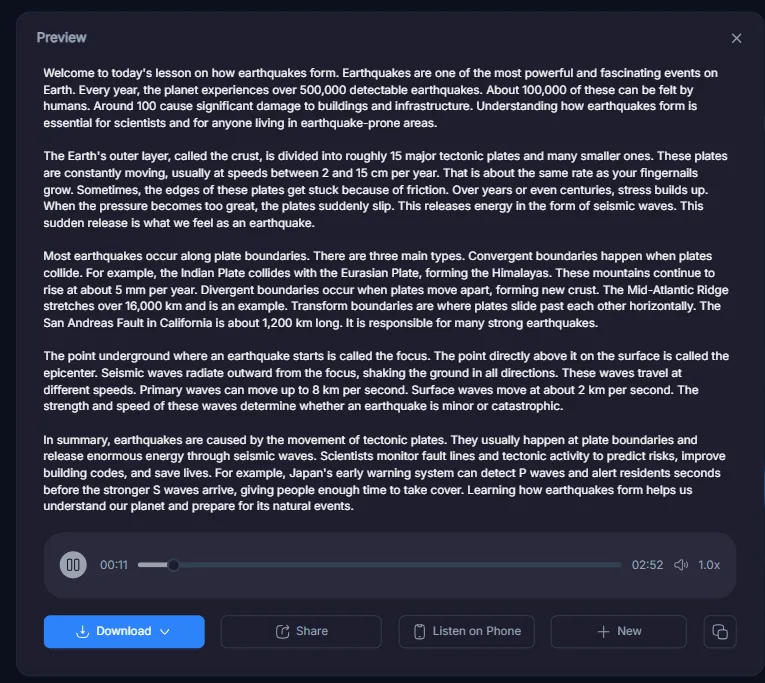
- AI Voice tools. The voice tools are quite comprehensive. They include a text-to-speech engine with over 100 voices in 40 languages, a PDF-to-audio converter, a voice cloning feature, and a voice design tool where you can describe the voice you want via text prompt. I tested the voice cloning with my own voice; it was recognizable, but saving the clone required an upgrade. The pop-up prompting for payment appeared at an inconvenient moment, which was frustrating. The free voice options are functional for basic TTS tasks, but they inevitably sound distinctly AI.
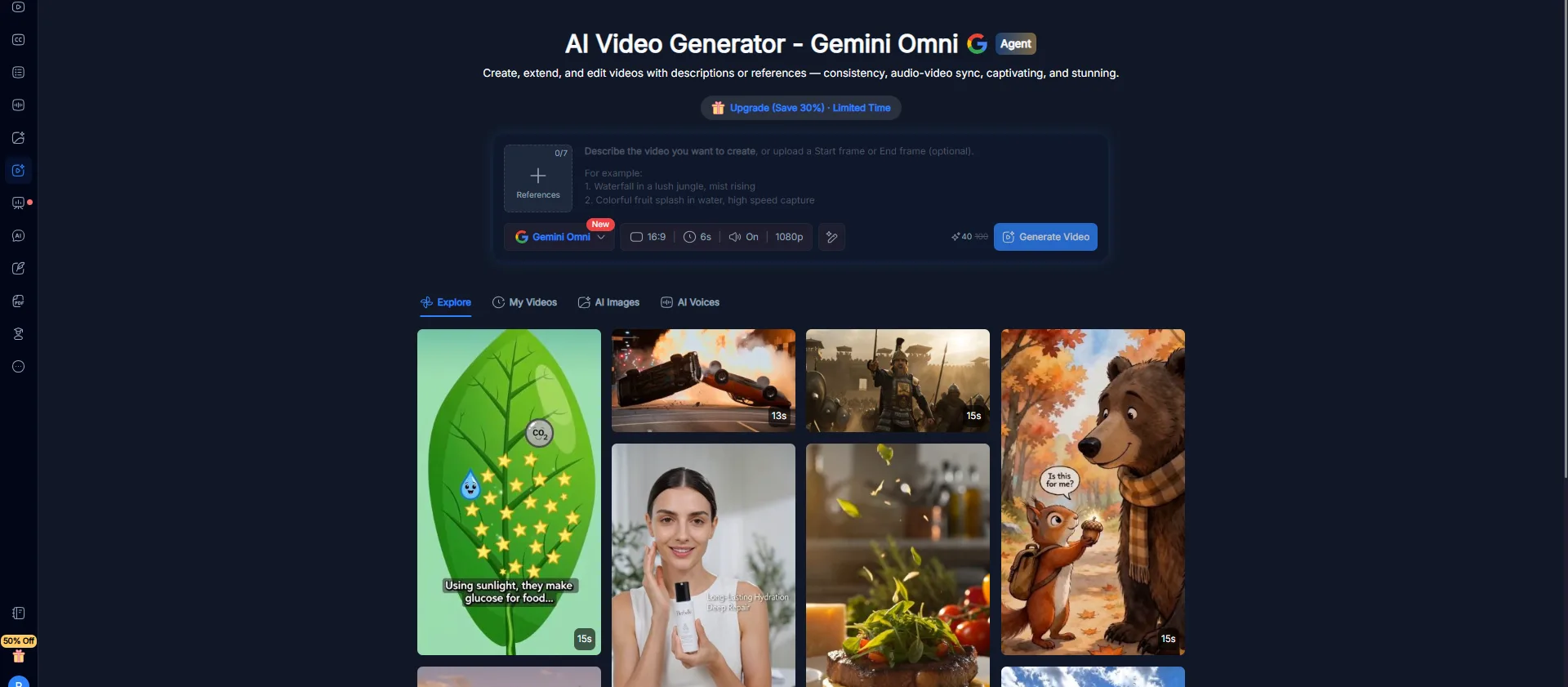
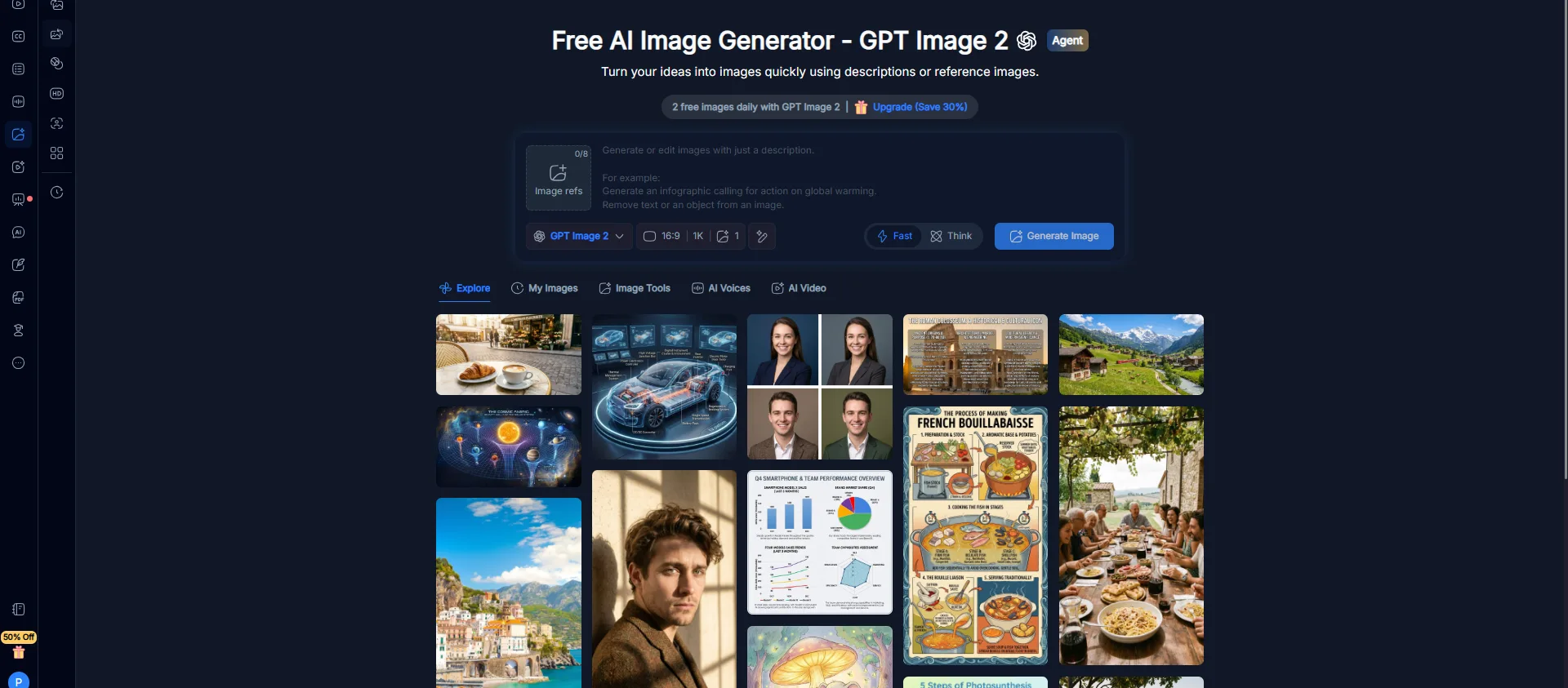
- AI Image and Video Generators The image generator operates on GPT Image 2, offering two free images daily. My test resulted in high-resolution, detailed, and visually coherent images—impressive for a free tier. The video generator uses Gemini Omni; I viewed a 15-second skincare commercial that looked convincingly professional. Both features feel like premium offerings integrated into a versatile tool, which is unusual but welcome.

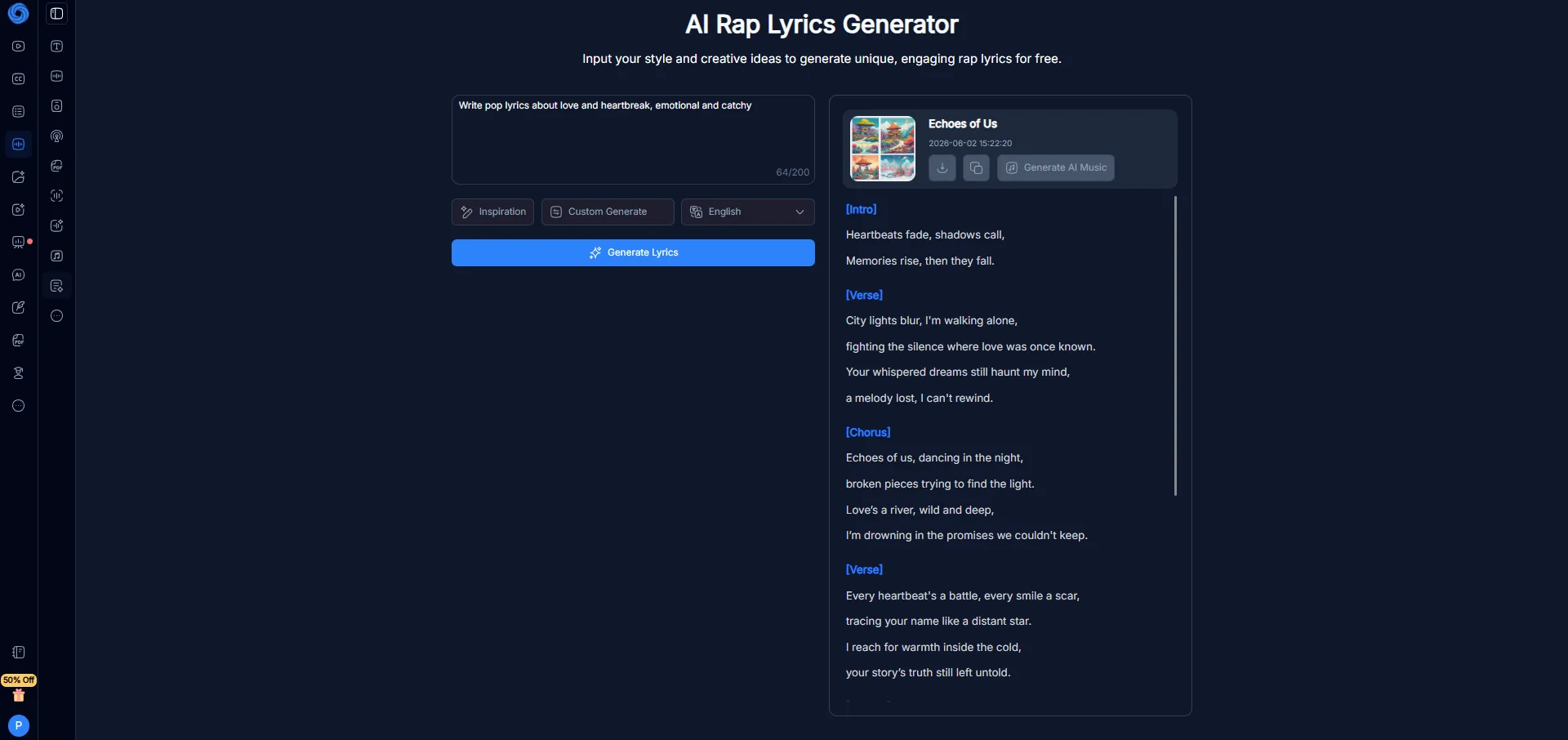
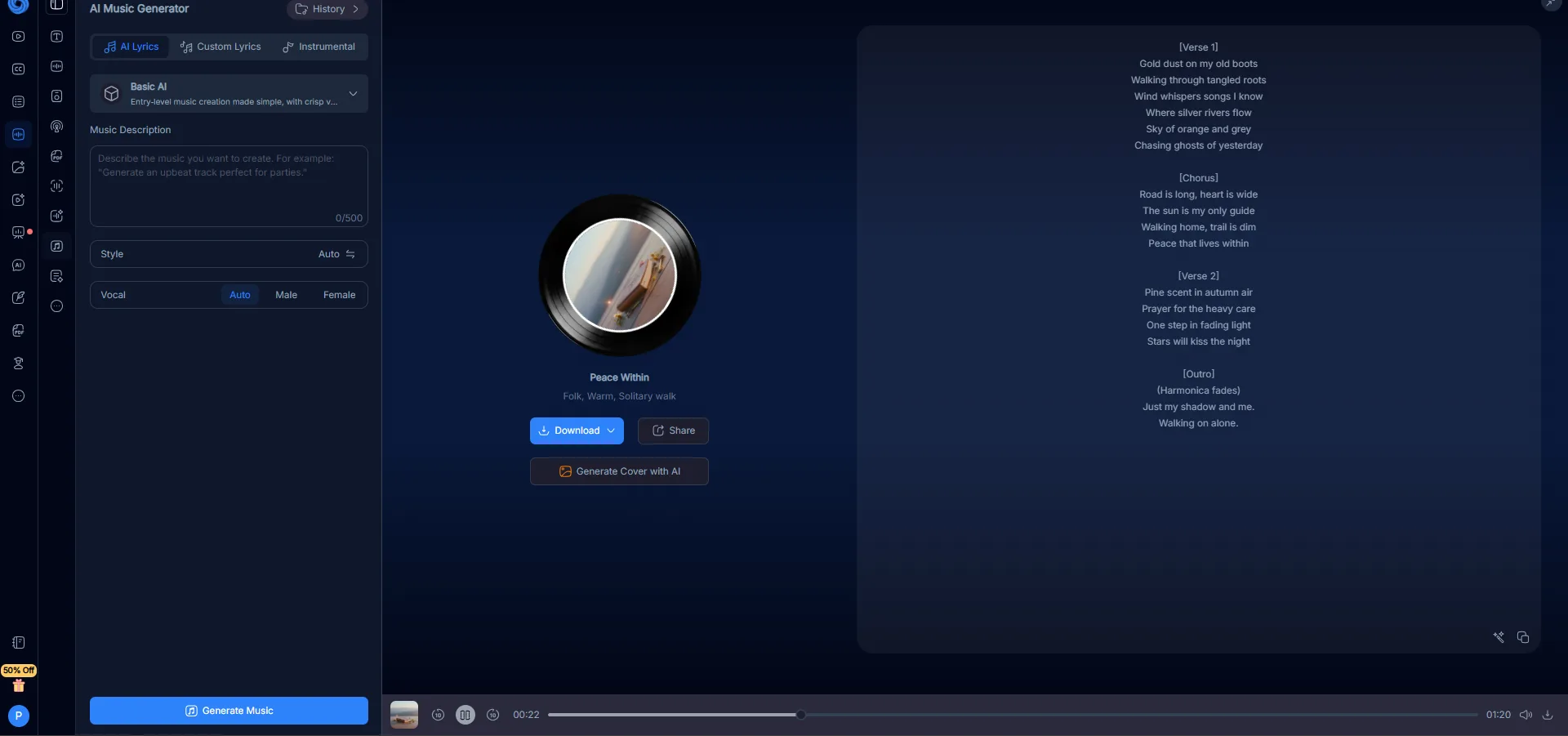
- AI Music and Lyrics These features were enjoyable to experiment with. The AI music generator created a one-minute folk tune with lyrics and vocals, while the lyrics generator composed a full pop song structure from a simple prompt. While not professional-grade production tools, they are functional, and the results exceeded my expectations for a platform that also handles PDF summaries.
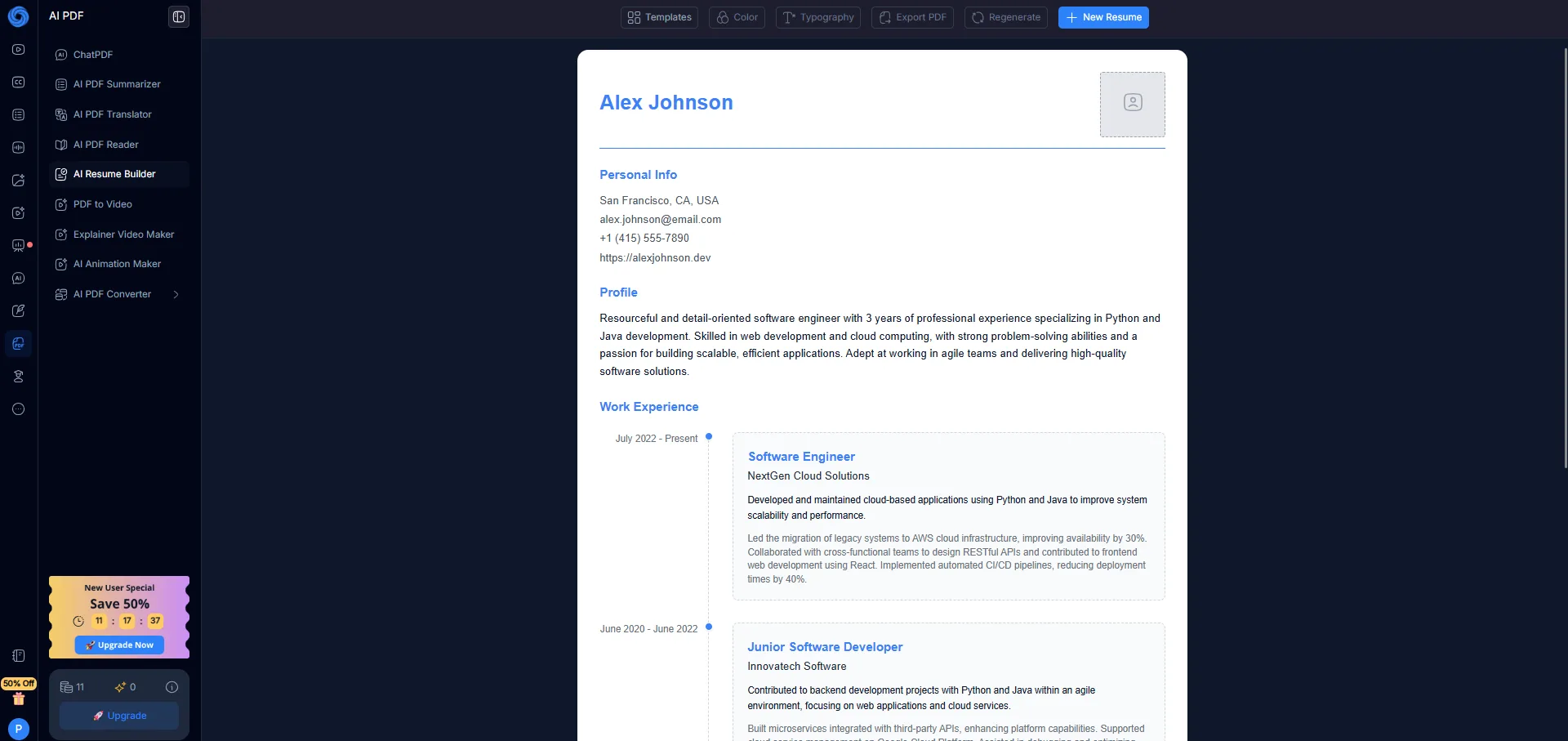
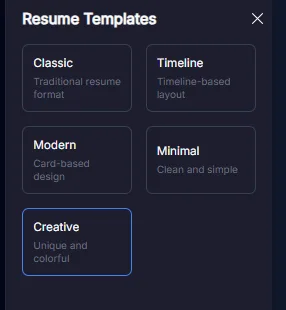
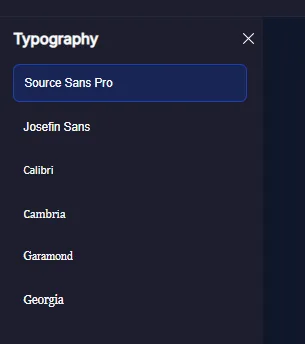
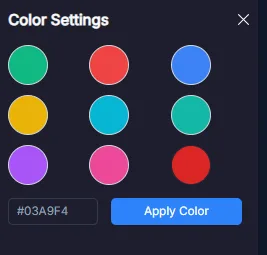
- Resume Builder Based on prompts, it offers five templates—Classic, Timeline, Modern, Minimal, and Creative—along with color and typography options. The generated resumes are well-structured and could likely pass an ATS scan with some adjustments. It’s not a substitute for specialized resume tools, but it provides a solid starting point for quick creation.
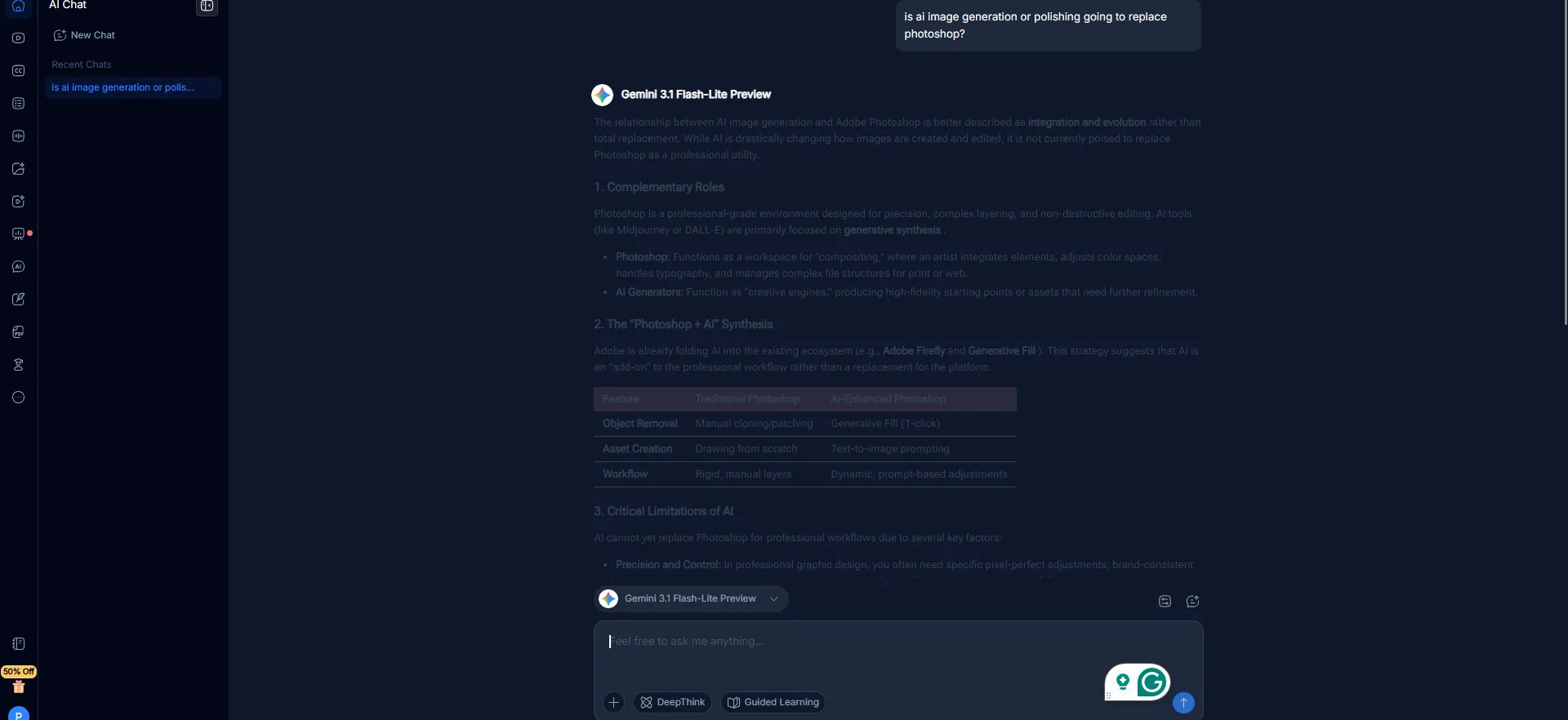
- AI Chat Running on Gemini 3.1 Flash Lite in the free tier, the chat is functional with comprehensive responses. It doesn’t stand out from other Gemini-based chat interfaces. An option to switch to DeepSeek exists, and premium models are accessible behind a paywall.
There are additional tools I didn’t explore, including image editing, audio translation, infographic creation, and others visible in the sidebar. Due to time constraints, I could only review a portion of the platform’s offerings. The toolset is extensive, but this review focuses solely on the features I tested.
Performance, Reliability, and Daily Usability
Throughout testing, NoteGPT proved stable, with no crashes, broken pages, or failed outputs. It performed quickly, and the dark UI made long sessions comfortable. However, usability presents a more nuanced picture.
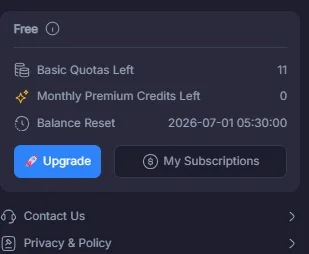
The quota system was a persistent factor during testing. The free plan limits you to fifteen basic actions per month, and I exhausted four of these quotas before even testing some features. The daily limit on podcast creation was reached after attempting a second podcast on the same day. The restriction to one source link at a time on the free plan was immediately noticeable and consistently frustrating. These are deliberate monetization choices rather than flaws, but they do impact the overall smoothness of the free user experience.
In terms of quality, NoteGPT excels more in breadth than in depth. Its YouTube summaries and transcript features are robust. The detector and humanizer combination works impressively well. The image generator exceeded expectations. However, the podcast voice quality is noticeably inferior to NotebookLM’s near-human output, and the slides and PDF analysis are functional but not exceptional. This isn’t a dealbreaker; it simply means the platform should be assessed based on its range of functions rather than the depth of each output.
Pricing, Plans, and Limitations
NoteGPT’s pricing structure has more tiers than most platforms in this space, and that actually works in its favor because there is a meaningful free option for different use cases.
- Free trial: 15 basic actions per month, no credit card needed, one source link at a time, daily limits on podcast and voice features, and no voice clone storage.
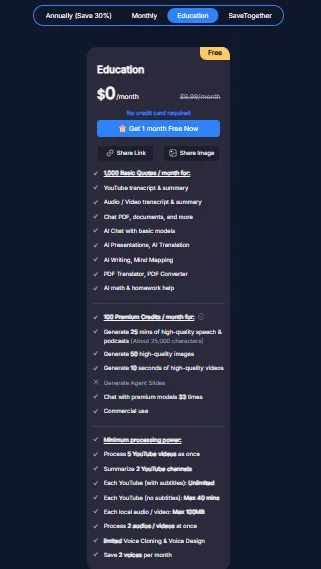
- Education plan: Free ($0/month), no credit card required, 1,000 basic quotas per month, 100 premium credits, limited voice cloning, access to core writing and study tools, AI presentations, and translation features. It’s a solid option for light users.
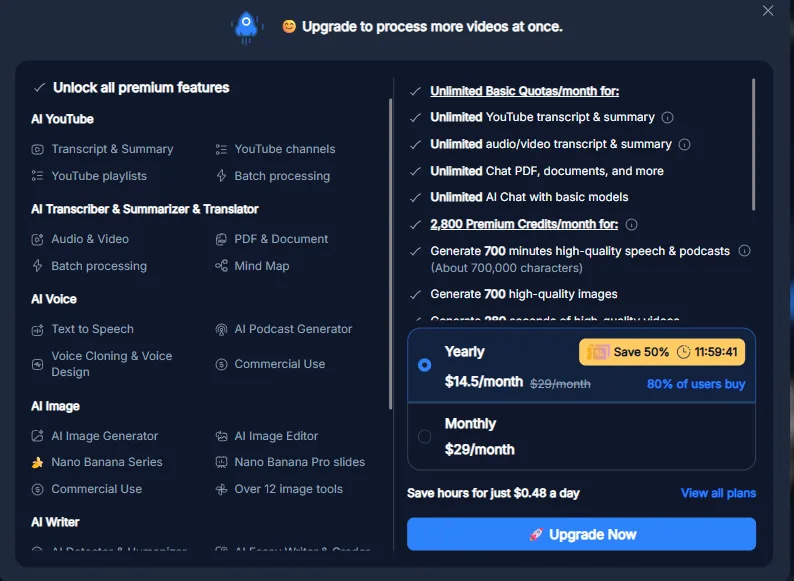
- Pro: $9/month billed annually ($108/year), includes 1,000 basic quotas, 100 premium credits, 25 minutes of high-quality speech per month, 50 high-quality images, and minimal processing power.
- Unlimited: $19.92/month billed annually ($239/year), offering unlimited basic quotas, 2,800 premium credits monthly, 700 minutes of high-quality speech, 700 high-quality images, and moderate processing power. This tier is most suitable for regular individual users.
- Max: $69/month billed annually ($829/year), includes 10,000 premium credits, 2,500 minutes of speech, 2,500 images, and maximum processing power. Designed for institutional or intensive professional use.
- SaveTogether: For groups of three or more, each member receives a 30% discount plus six months free, totaling 18 months for the price of 12. Each user has an individual quota, avoiding sharing issues.
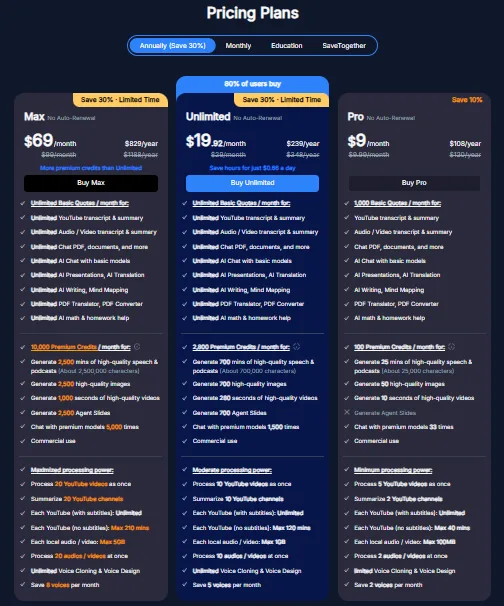
Annual plans do not automatically renew, which is a user-friendly feature. Refunds are available within 24 hours of the initial purchase, but not for renewals or upgrades. New users receive a 50% discount within the first 24 hours of signing up.
The free Education plan is a good option for light document and video tasks. The Unlimited plan, at around $20 per month, offers nearly all features a professional might need and is competitively priced considering the platform’s extensive capabilities. The free trial is somewhat limited, which is worth considering when forming an initial impression.
Privacy, Data Handling, and Trust
I read through NoteGPT’s full privacy policy before writing this section, and a few things are worth calling out directly.
NoteGPT gathers account details, profile information, uploaded or generated content, and usage data—standard for this type of service. More importantly, it’s crucial to understand what happens to the content you upload.
The policy states explicitly that when using specific features, uploaded content including text, files, images, links, audio, video, and voice samples may be transferred to third-party AI model providers to complete the requested services. That covers summarization, transcription, translation, image and audio generation, AI chat, and more. This is not unusual for tools that run on third-party AI backends, but it does mean the content you upload is not staying within NoteGPT’s own infrastructure. If there is sensitive material in the documents being processed, that is worth knowing.
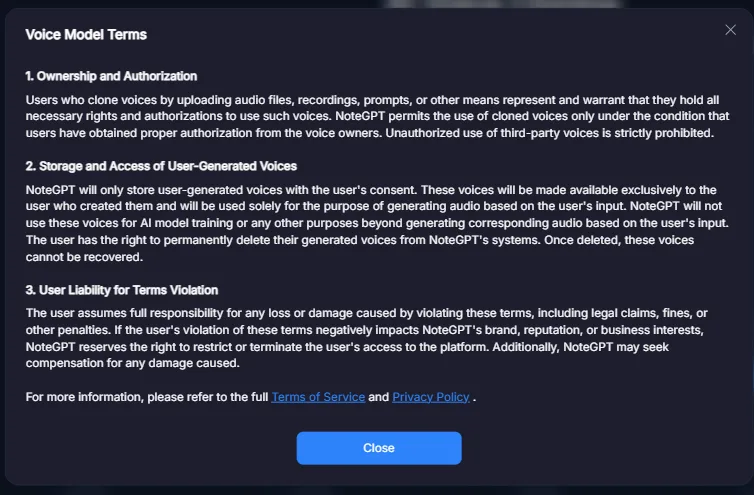
The policy does not explicitly mention that NoteGPT uses uploaded data for training its own models, which is a positive aspect. The voice cloning terms specify that cloned voices are stored only with user consent, are not used for training, and can be permanently deleted—providing reassurance for users concerned about privacy.
Security measures include SSL/TLS encryption during data transfer, encryption at rest, access controls, regular audits, and physical security protocols. Data is retained as long as needed for service delivery and legal compliance. However, the policy does not specify how long uploaded content is stored after account deletion, which would benefit from clarification.
Overall, trust is moderate. The privacy policy is fairly transparent regarding third-party data sharing and has strong provisions concerning voice data. However, the absence of clear retention timelines for uploaded content and details on third-party routing raise some concerns, especially for users dealing with sensitive or work-related documents.
NoteGPT vs NotebookLM vs ChatPDF
Feature
NoteGPT
NotebookLM
ChatPDF
Tool depth
Extremely broad
Focused and deep
Single-purpose
Output quality
Good, inconsistent
Consistently excellent
Decent for basic use
Audio / podcast quality
Functional but synthetic
Near-human
Not available
Free source limit
One at a time
Multiple sources
One file at a time
Pricing (entry paid)
$9/month annual
Free (Google account)
Free tier available
AI chat backend
Gemini 3.1, DeepSeek
Gemini
GPT-based
Study tools
Extensive
Minimal
Not available
While I still favor NotebookLM for core document and research tasks—mainly due to superior quality in summaries, slides, and audio—NoteGPT’s extensive toolset makes it a compelling alternative. For users seeking a broad range of tools within one subscription, NoteGPT’s advantage in breadth is significant. Ultimately, quality is paramount; in overlapping functionalities, NotebookLM generally offers better output. However, if variety and customization are the priority, NoteGPT clearly leads.
ChatPDF functions in a different category altogether and isn’t a direct competitor to either platform.
Final Assessment
My overall impression of NoteGPT is nuanced—perhaps the most honest perspective for a tool of this scope. It doesn’t aim to be the best at a single task but strives to be an all-encompassing solution. In many respects, it nearly succeeds.
Its strengths include effective YouTube summarization, a working detector and humanizer combo, and surprisingly good image generation for a bundled feature. The study tools are comprehensive and practical. The pricing, particularly the free Education tier and the SaveTogether group option, demonstrates thoughtful consideration of different user needs.
Where it falls short is in the areas where quality matters most. The podcast audio sounds synthetic in a way that is immediately obvious, and after spending time with NotebookLM’s audio output, it became something that’s hard to ignore. The slides are functional but generic. The PDF analysis, while decent, does not reach the depth that NotebookLM achieves with the same material. And the free plan limits are aggressive enough that forming a fair first impression requires patience and deliberate rationing of quotas.
In summary, for tasks where output quality is paramount, NotebookLM remains the superior choice for research and document processing. However, if you seek a comprehensive AI workspace covering writing, detection, humanization, voice, images, videos, slides, and study tools within a single subscription, NoteGPT offers a remarkably broad solution. It benefits users willing to explore its features thoroughly but may disappoint those expecting polished results from the outset.
I wouldn’t advise avoiding it; instead, I recommend approaching with a clear understanding of its scope and limitations.
Overall Score: 9.2 / 10
Frequently Asked Questions
NoteGPT is an AI toolbox that offers a wide range of functionalities, including YouTube summarization, AI-generated content, podcast creation, slide presentations, and more. It aims to be a comprehensive AI workspace, catering to various needs such as document processing, research, and content creation.
NoteGPT offers a broader range of tools compared to NotebookLM, which focuses more on depth and quality. While NoteGPT excels in versatility, NotebookLM generally provides superior output quality, especially in areas like audio, slides, and document analysis.
NoteGPT offers several pricing tiers, including a free trial with limited actions, an Education plan with 1,000 basic quotas, a Pro plan at $9/month billed annually, an Unlimited plan at $19.92/month billed annually, and a Max plan at $69/month billed annually. There is also a SaveTogether group option for additional discounts.
The main pros of NoteGPT include its extensive range of AI tools, effective YouTube summarization, a thoughtful pricing structure, and a user-friendly dark UI. However, it has some cons such as synthetic podcast audio quality, generic slide presentations, and aggressive limits on the free plan.
NoteGPT can be suitable for professional use, especially for those who need a comprehensive AI workspace. However, professionals who prioritize top-tier quality in every output might find some features less polished compared to specialized tools.
NoteGPT’s privacy policy states that uploaded content may be transferred to third-party AI model providers. While it uses standard security measures like SSL/TLS encryption and access controls, the policy does not specify how long uploaded content is stored after account deletion, which may raise concerns for some users.
Some of the standout features of NoteGPT include its YouTube summarizer and transcript tool, the detector and humanizer combo, and the AI study suite. These features are particularly effective and well-integrated within the platform.
Subscribe to our email newsletter to get the latest posts delivered right to your email.
Comments