Conclusion
ChatPDF is a tool that performs its core function of interacting with PDFs adequately, but its limitations become apparent quickly. While it offers a clean interface and some useful features like flashcards and YouTube transcriptions, it falls short in handling multiple sources simultaneously and its AI Writer produces easily detectable AI-generated content. The pricing for the Plus plan is steep considering its limited capabilities, especially when compared to more robust and free alternatives like NotebookLM. It’s a decent option for simple PDF Q&A on a budget, but for more comprehensive needs, it doesn’t quite measure up.
Pros
- Performs core PDF chat function reliably
- Clean and straightforward interface
- Useful flashcards feature for study purposes
- Accurate YouTube transcriptions
Cons
- Limited to single-source interactions
- AI Writer output is easily detectable as AI-generated
- Steep pricing for the Plus plan
- Lacks advanced features for serious research
Table of Contents
- Initial Impressions & User Experience
- Core Features & Real Usage Testing
- Performance, Reliability & Everyday Usability
- Pricing, Free Plan & Limitations
- Privacy, Data Handling & Account Control
- Comparison With NotebookLM
- Final Verdict & Overall Score
Having just tested NotebookLM, I must admit my expectations were already quite high. This probably wasn’t the fairest benchmark for ChatPDF, but it’s the context I approached it with, and it made the differences more apparent than I initially anticipated. ChatPDF isn’t a poor tool; it performs its core function adequately. However, its scope is quite limited, and after the initial novelty of conversing with a PDF diminishes, its shortcomings become more noticeable.
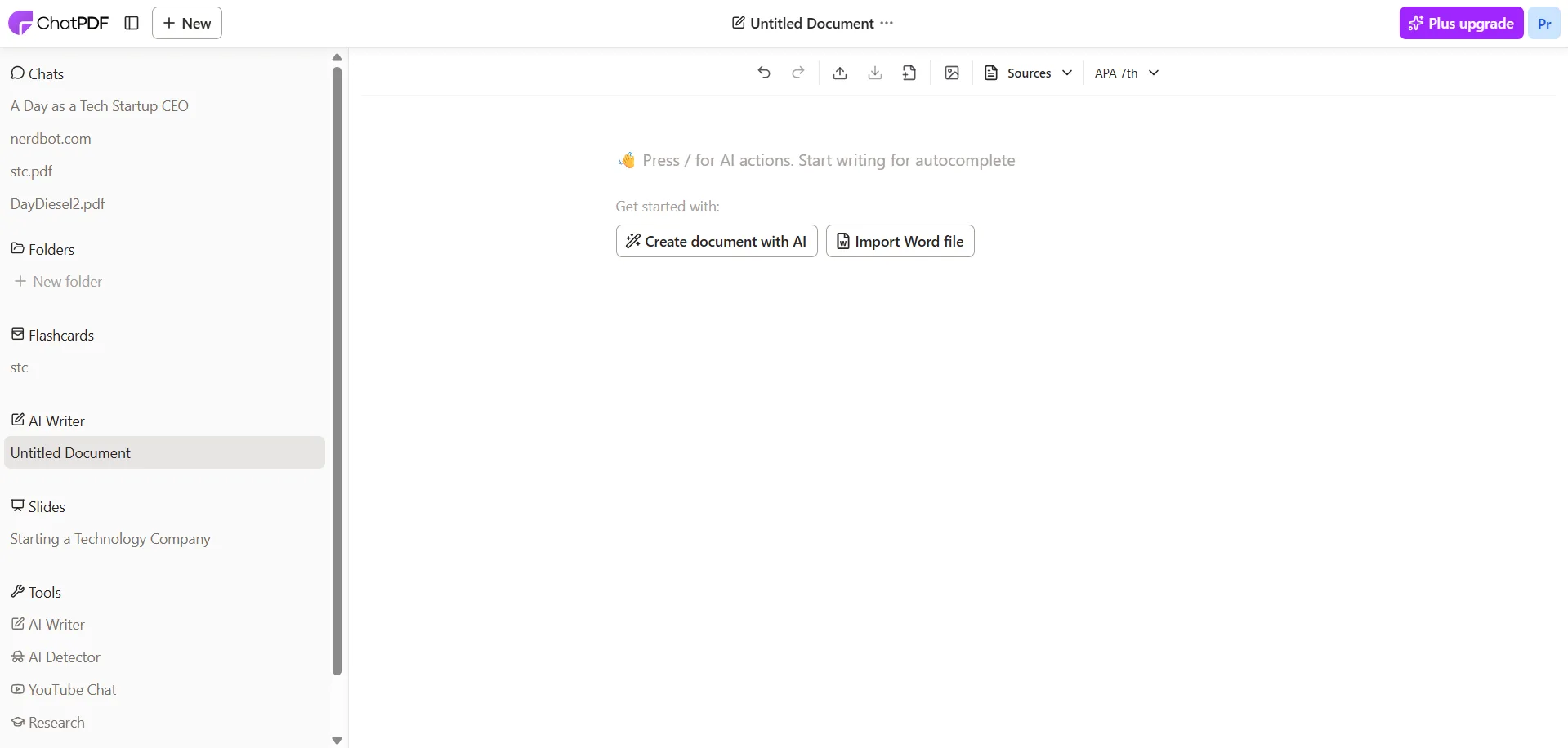
As the name suggests, ChatPDF is designed for interacting with PDF files. You upload a document, ask questions, and receive answers. It also supports website URLs and YouTube links. Additional features include AI Writer, AI Detector, Slides, Flashcards, and a Research tool. While this sounds like a comprehensive set on paper, many of these extras feel underwhelming or not directly relevant to the core functionality. The tool is best suited for students and casual researchers who mainly work with PDFs and need quick Q&A interactions. It’s less suitable for those engaged in more advanced research workflows or needing to work with multiple sources simultaneously. Moreover, the AI Writer’s content is flagged as AI-generated almost immediately, limiting its usefulness for content creation.
Initial Impressions & User Experience
The interface features a bright, light theme with a white background and purple accents, presenting a clean and minimal layout. It’s not a dark mode design, which isn’t my personal preference, but the interface is straightforward and easy to navigate. There’s virtually no learning curve. The sidebar displays Chats, Folders, Flashcards, AI Writer, Slides, and a Tools section with AI Writer, AI Detector, YouTube Chat, and Research. On first use, everything is intuitively placed and accessible.
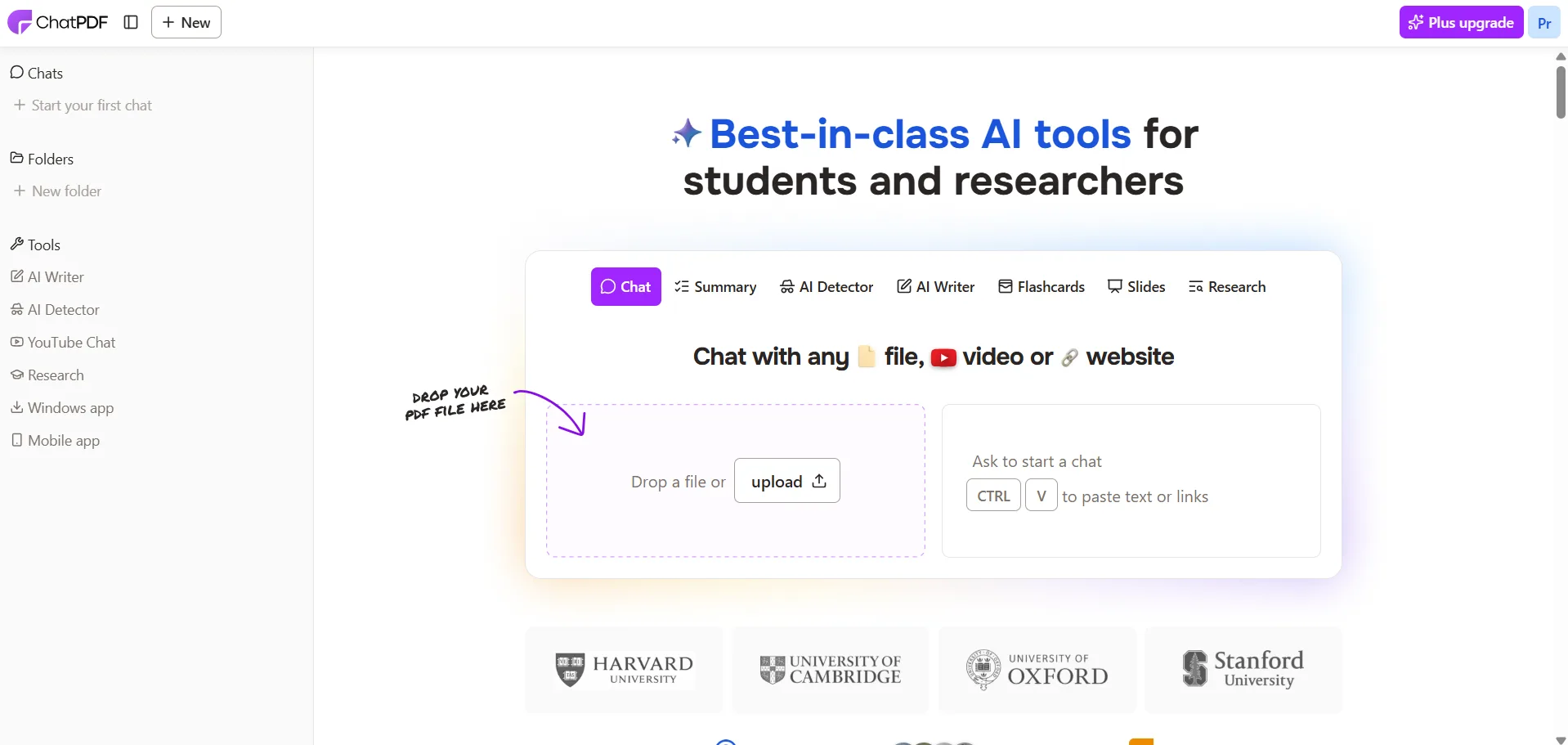
- Clean, minimal layout with zero onboarding friction
- Bright UI, no dark mode option noticed during testing
- Sidebar navigation is straightforward
- No confusion about where features live, everything is labeled clearly
The homepage offers a straightforward upload prompt along with tabs for Chat, Summary, AI Detector, AI Writer, Flashcards, Slides, and Research—covering the full feature set from one landing page. This setup works well for new users, but those seeking more in-depth options may find it somewhat limiting relatively quickly.
Core Features & Real Usage Testing
The core strength of ChatPDF lies in its PDF chat functionality. I uploaded a PDF and engaged in a conversation with the AI about its content. The responses were accurate, with citation markers referencing specific page numbers, and the interaction was swift. For single-document Q&A, it performs quite effectively. The chat is responsive, answers are based on the uploaded material, and the citation system helps establish trust in the responses.
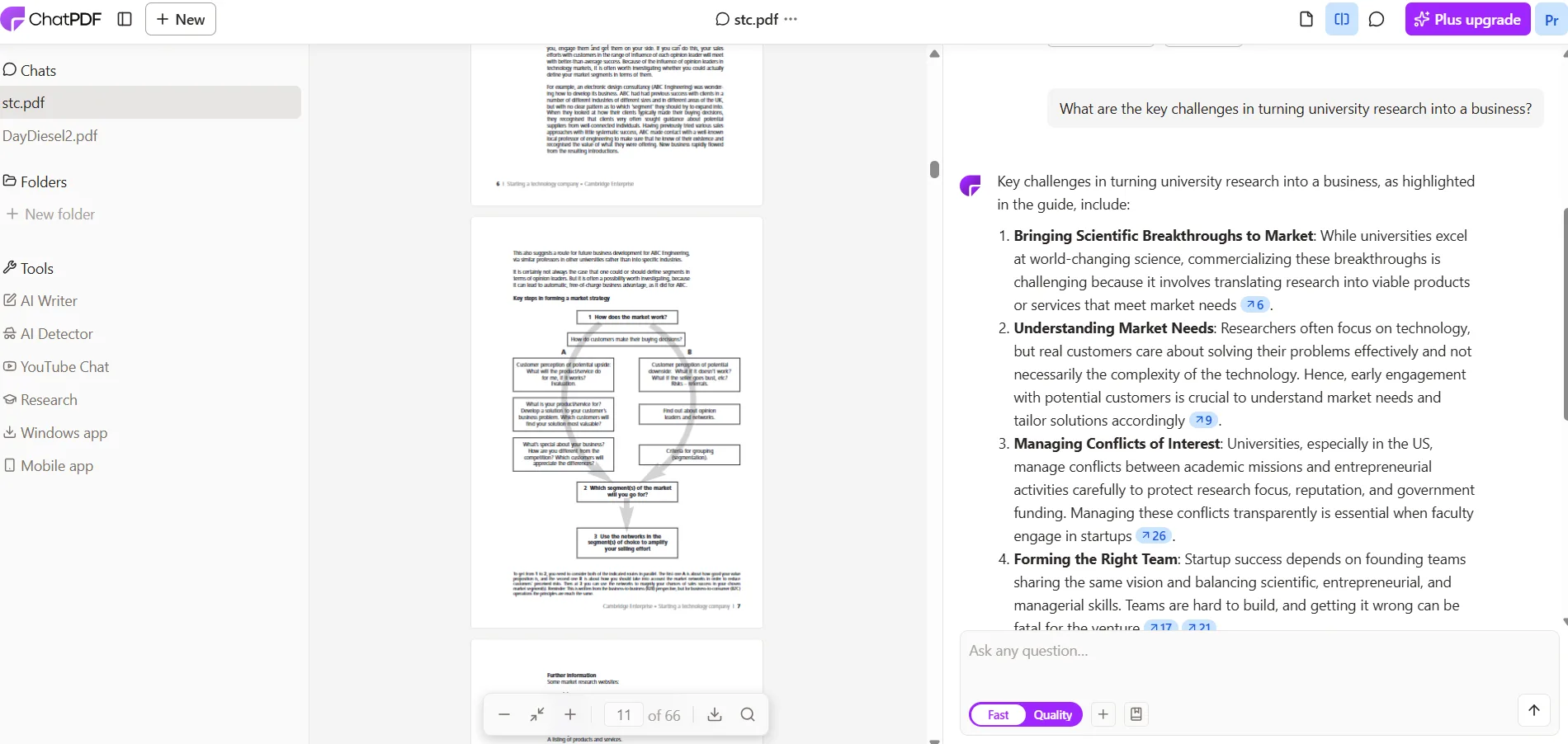
I also tested summarizing a website URL, which worked smoothly. The summary was concise and accurately reflected the content of the page, with no notable issues.
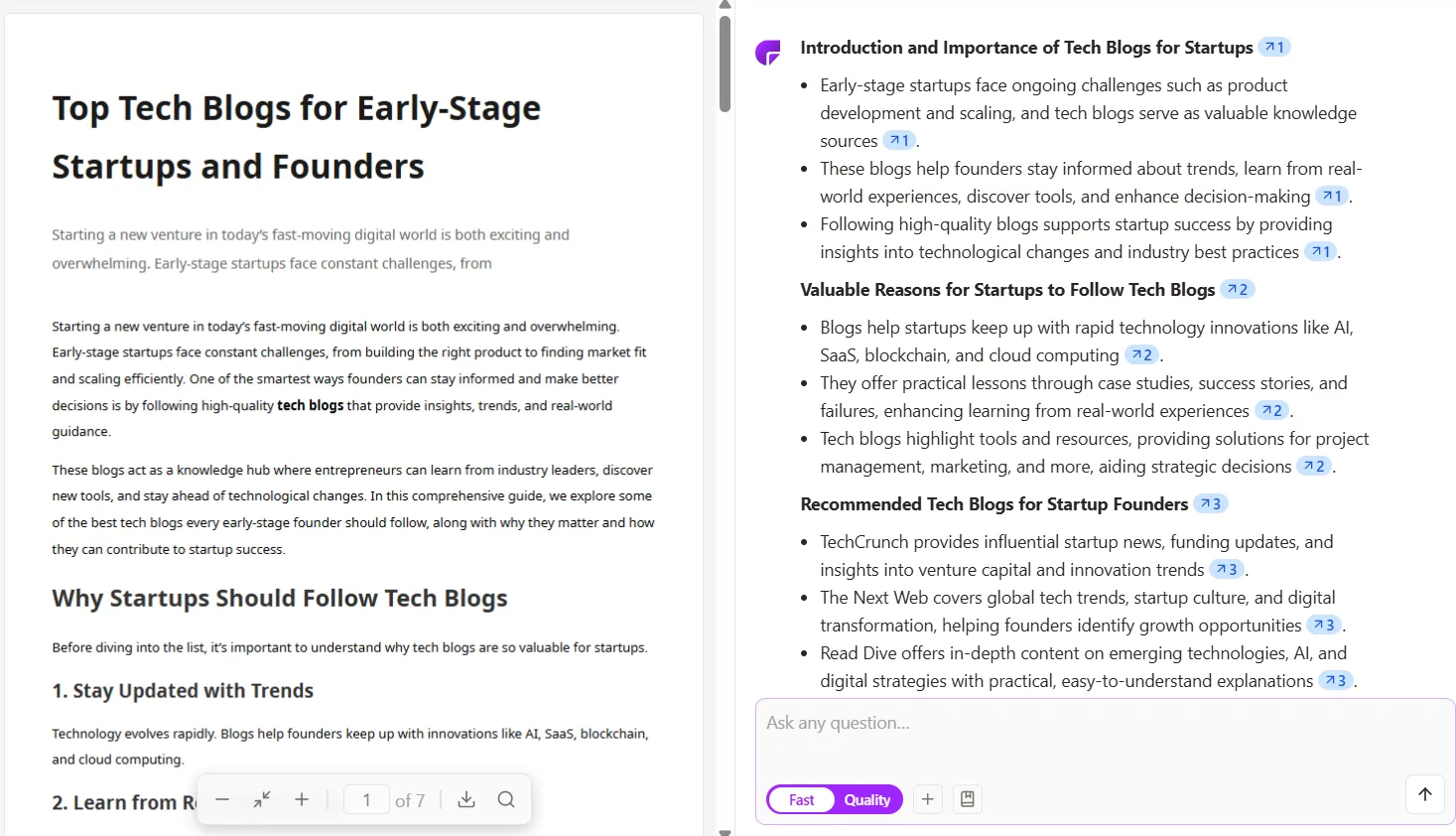
The main limitation becomes apparent when attempting to work across multiple sources simultaneously. Each upload results in a separate chat, with no option to combine sources as in NotebookLM’s notebook system. Querying five PDFs means five separate conversations. Folders are available in the Plus plan but come with limits, and managing multiple sources adds complexity rather than easing it. For serious research involving multiple documents, this is a significant shortcoming.
On to the other features:
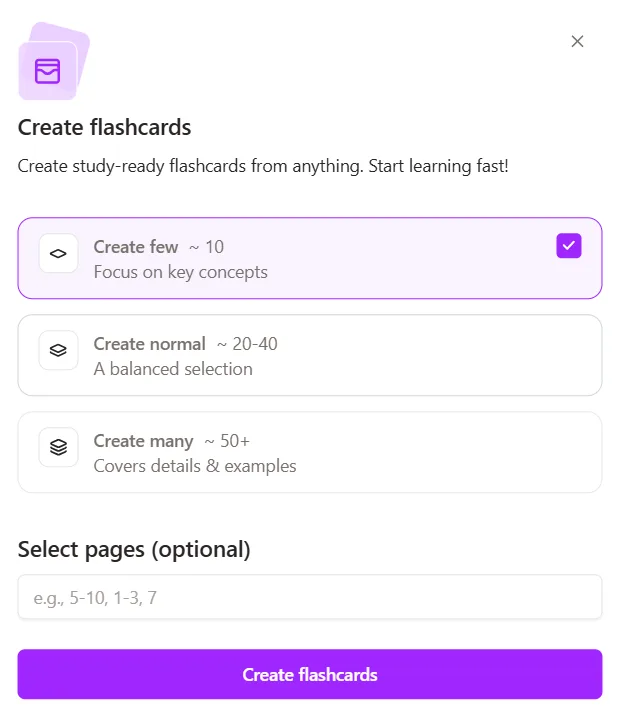
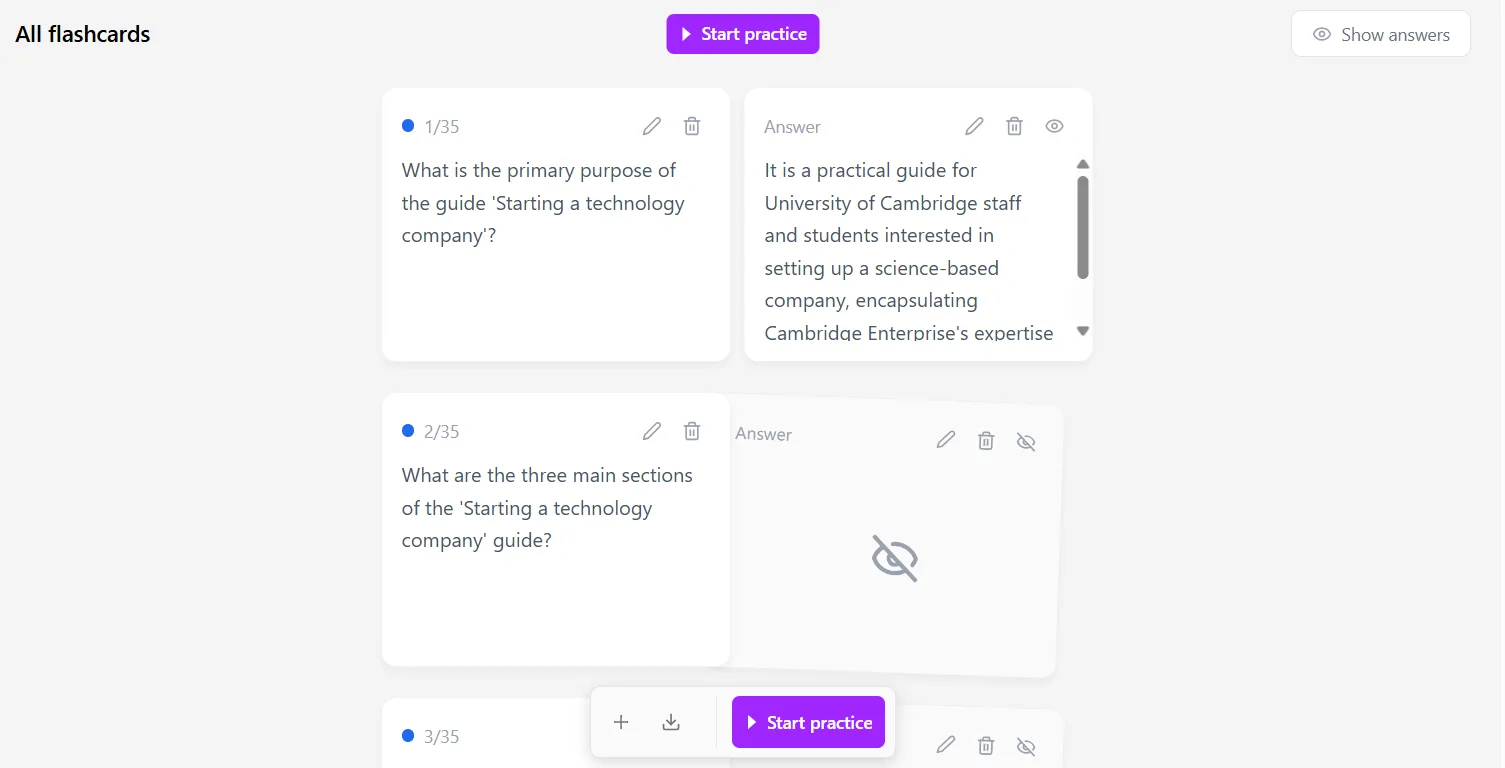
- Flashcards: These worked well. When generating from a PDF, there are three options: create few (around 10, key concepts only), create normal (20-40, balanced), or create many (50+, with details and examples). I generated 35 cards from a document and they came back clean, with questions on one side and proper answers available. There’s also a page range selector for targeting specific sections of a document, which is a thoughtful addition. Straightforward and genuinely useful for study purposes.
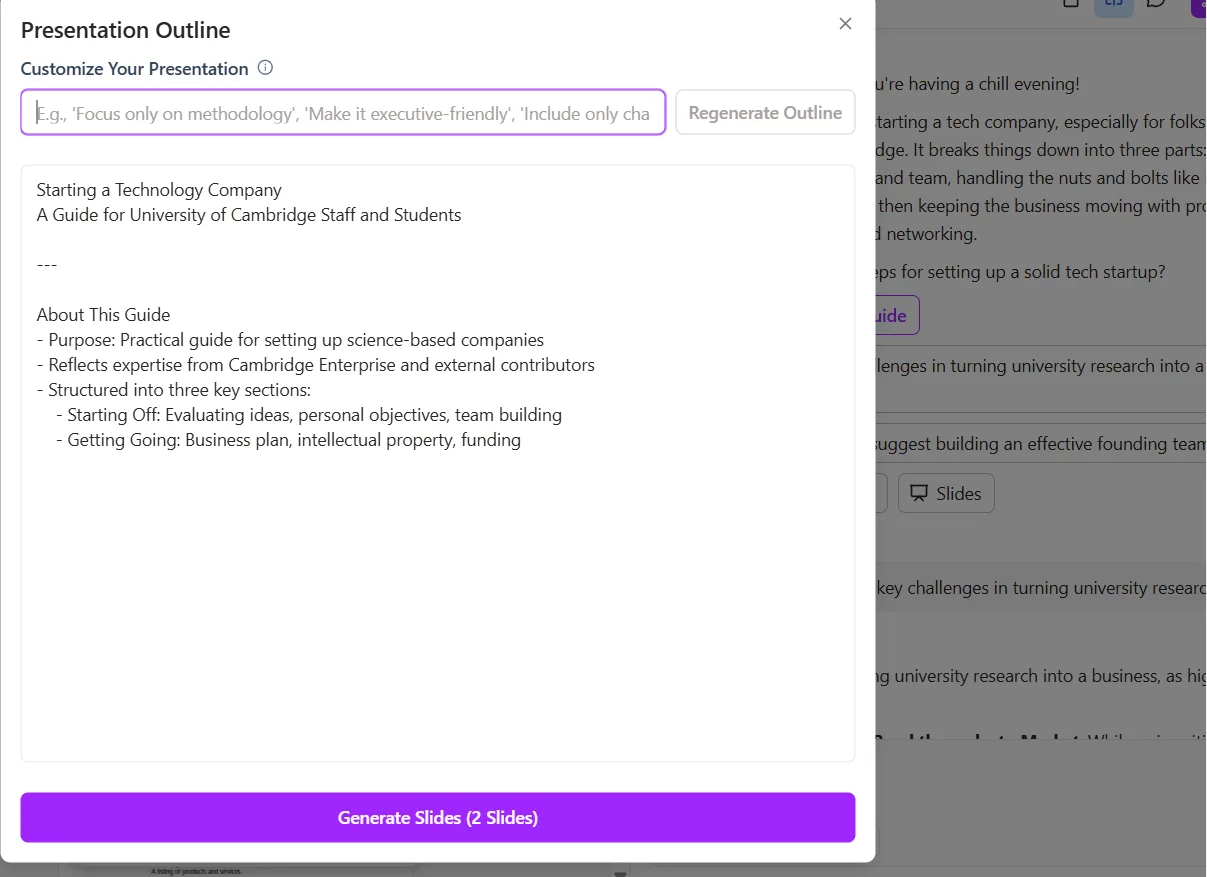
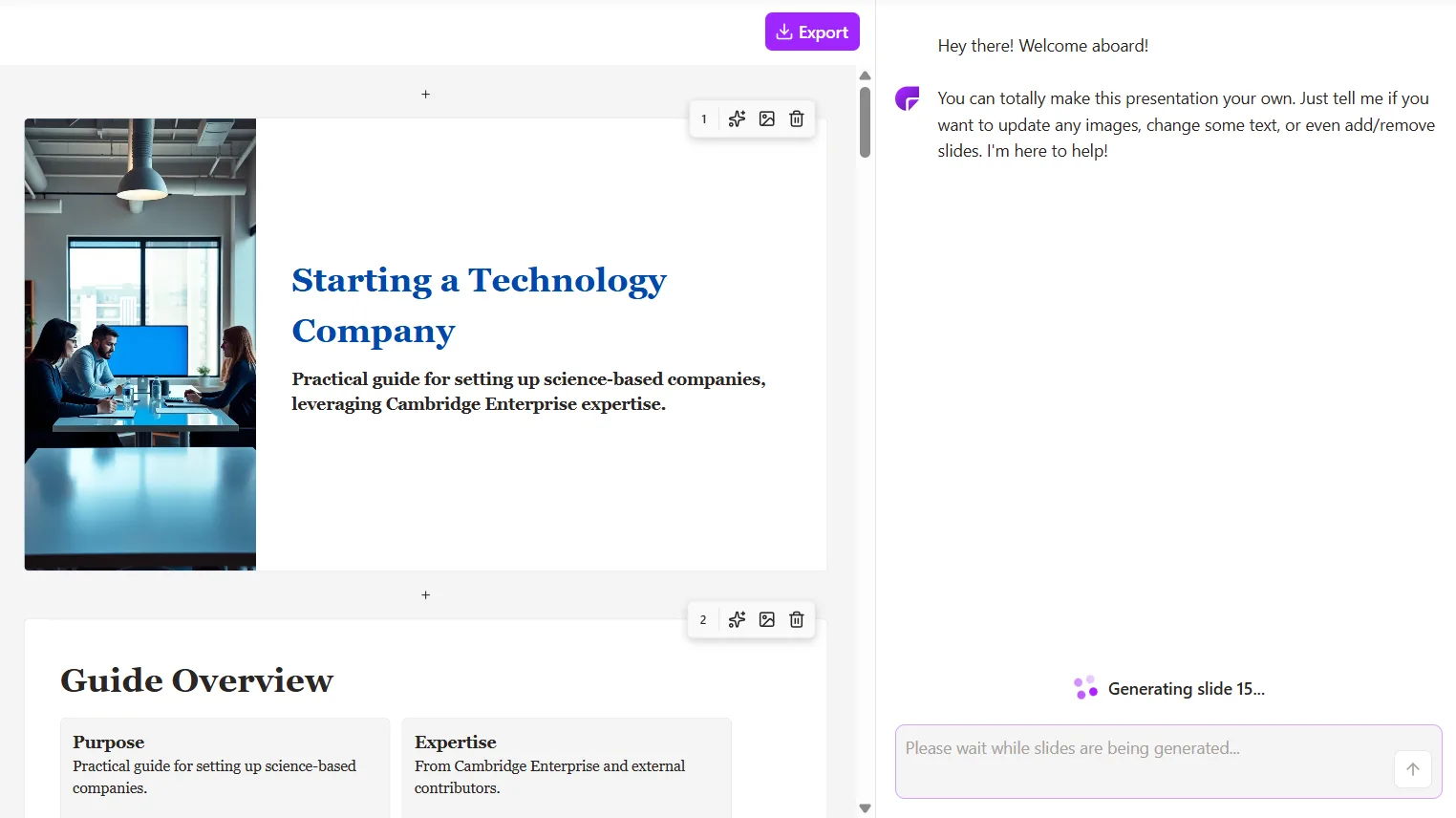
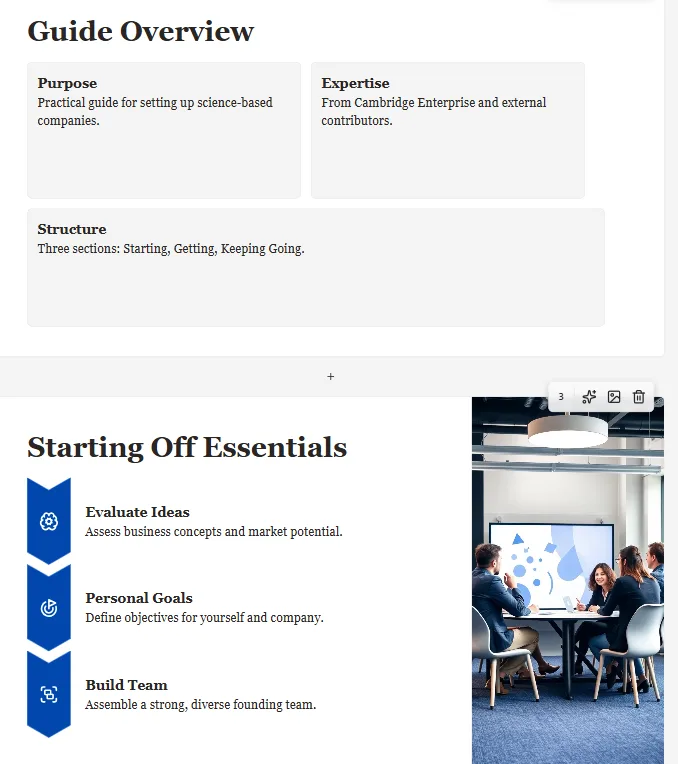
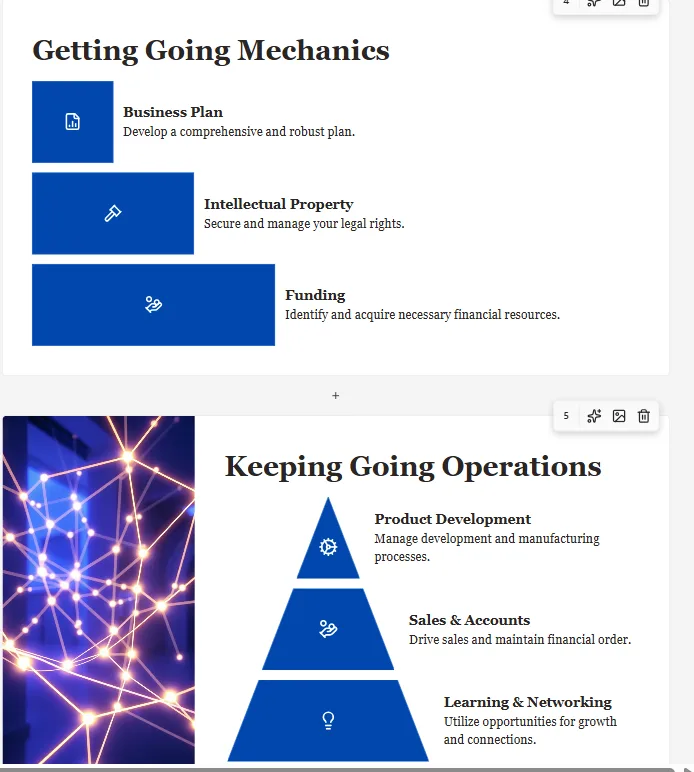
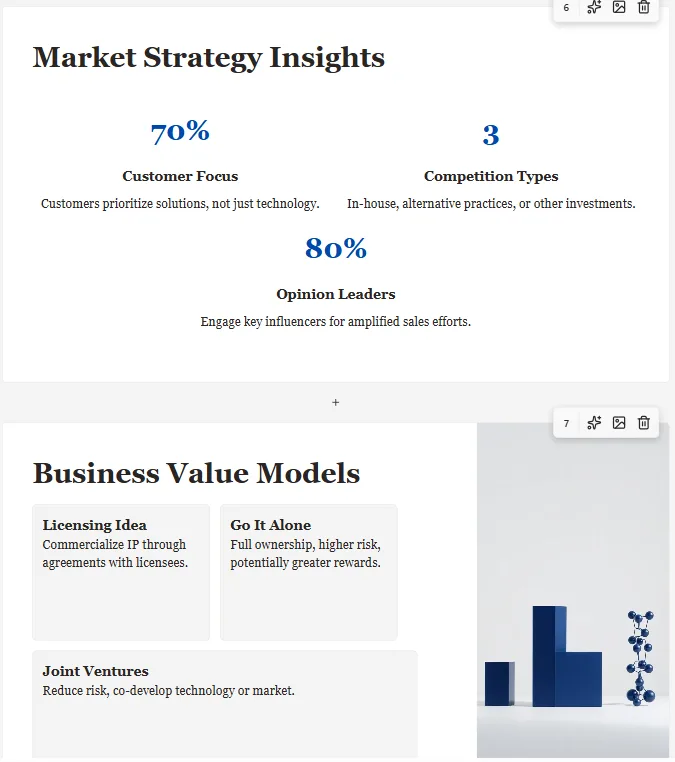
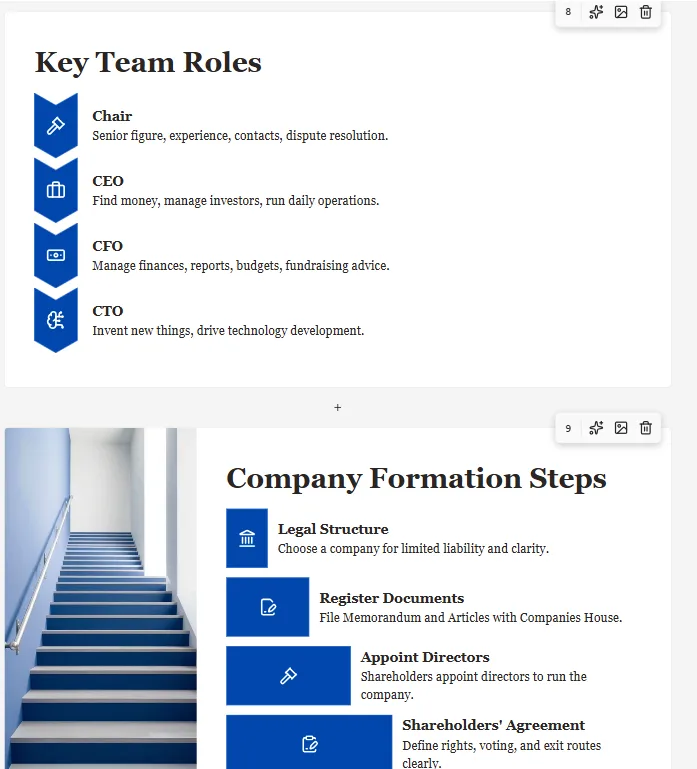
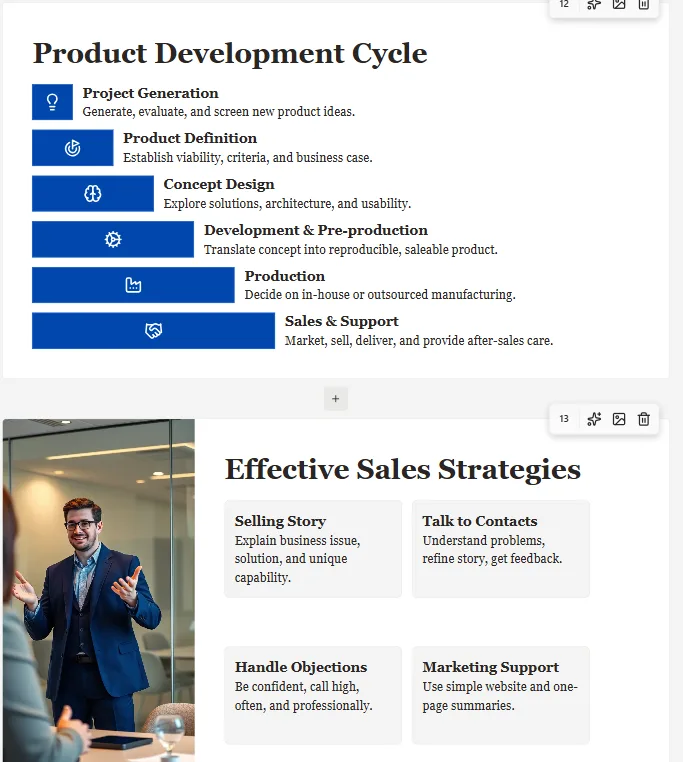
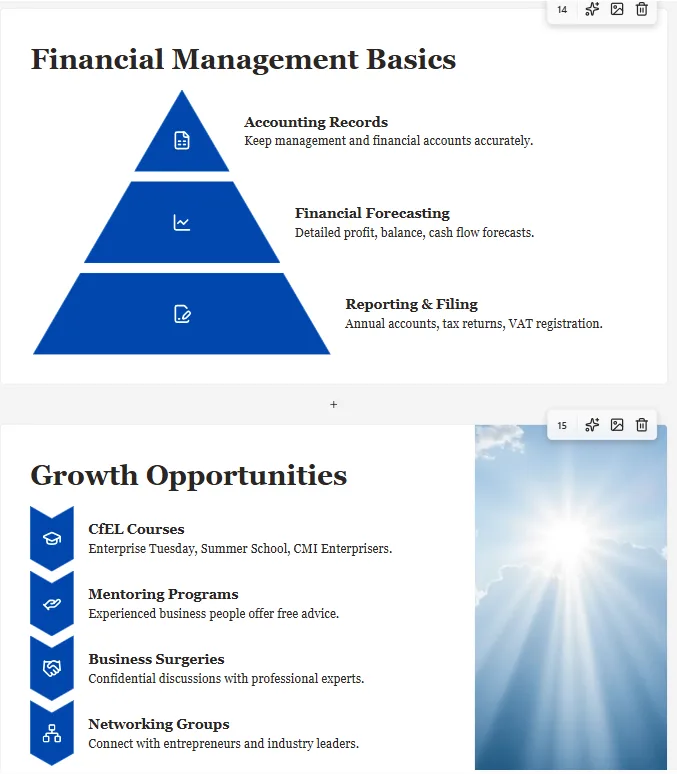
- Slides: The slide generator initially displayed an outline of two slides before producing the full set of 15 slides. This preview-to-final gap was somewhat confusing. The finished slides were reasonably structured, but the graphics appeared generic and overused, resembling stock visuals that lacked specific relevance to the source material. Compared to NotebookLM’s slide outputs, the visual quality here felt noticeably flatter. It’s functional, but not particularly impressive.

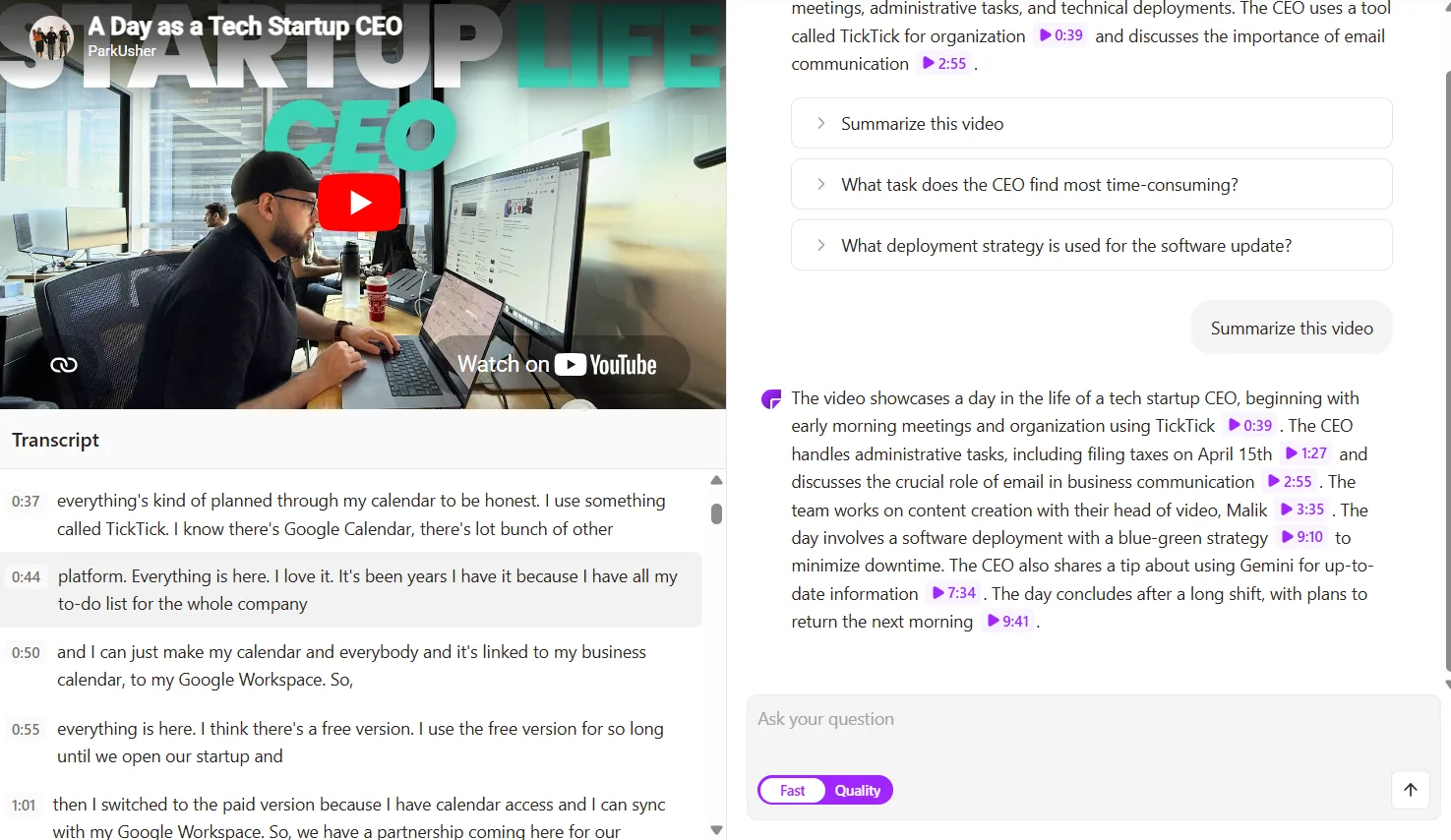
- YouTube Chat: Paste a YouTube link, and it transcribes the video while generating a summary on the right, along with suggested questions and a chat interface for further inquiries. I tested it with a CEO talk from a tech startup, and the summary was accurate, relevant questions were provided, and the full transcript appeared on the left with timestamps. It’s a solid feature that functioned smoothly.
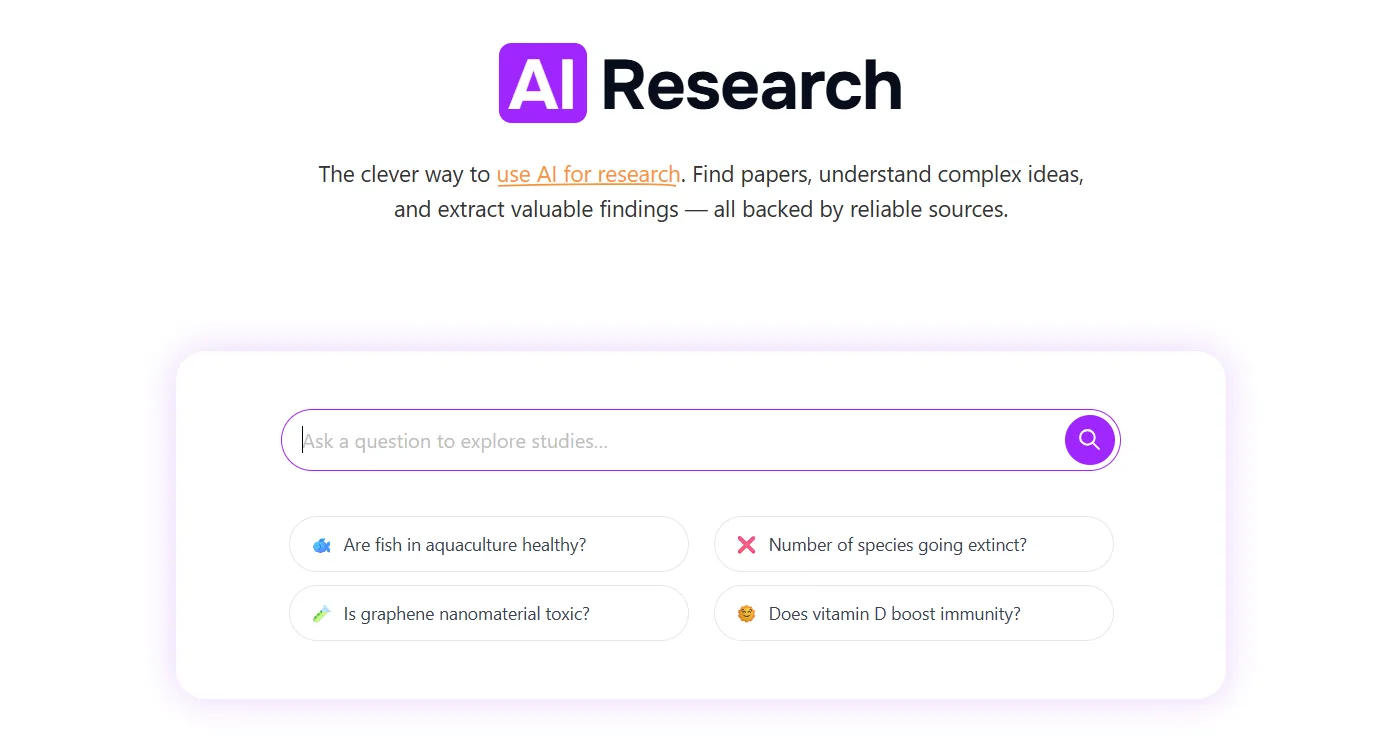
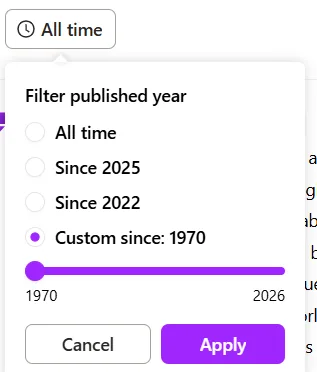
- Research: This feature I found interesting but ultimately limited. Enter a research question, and it retrieves academic papers, presenting a summary based on the top five abstracts on the right. The publication year filter goes back to 1970. The papers link directly to the sources. However, it lacks any AI-driven interaction with the results—no chat layer or deeper engagement. The links redirect externally, making it more of a paper locator than a true research assistant. Calling it a research tool might be a stretch.
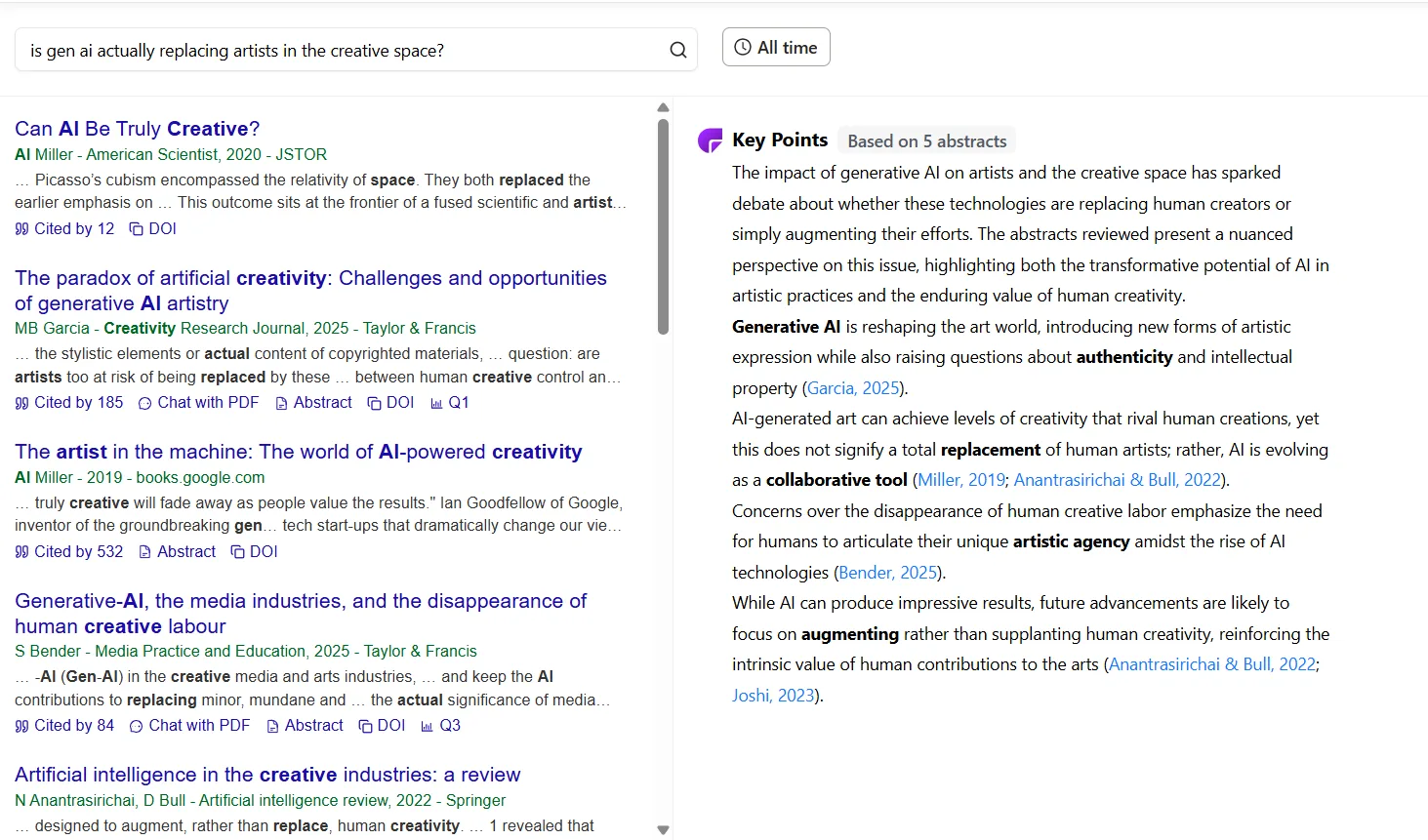
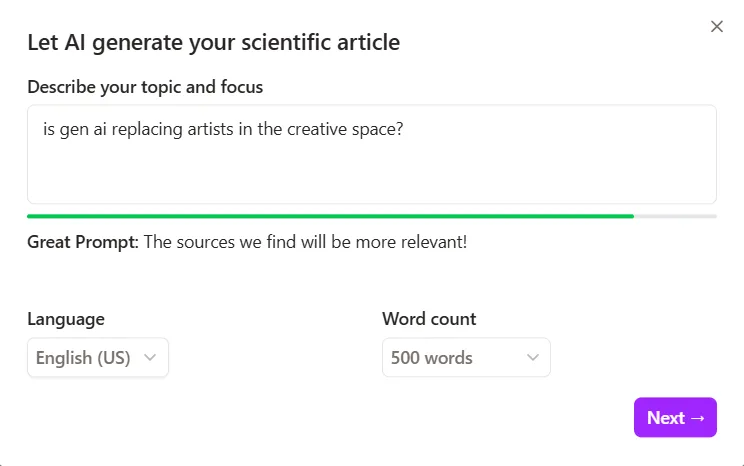
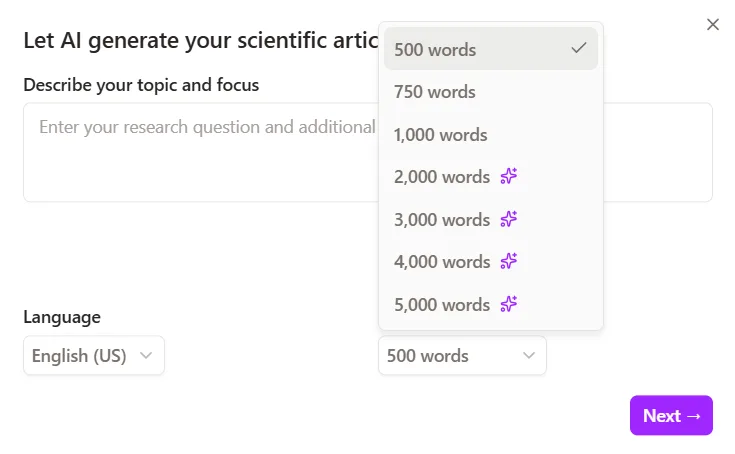
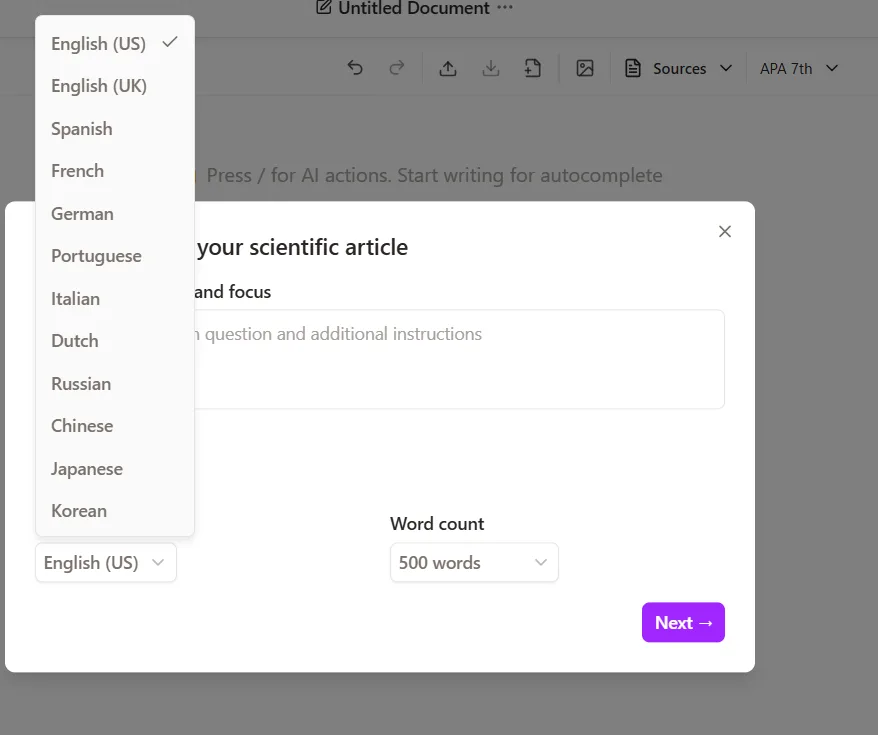
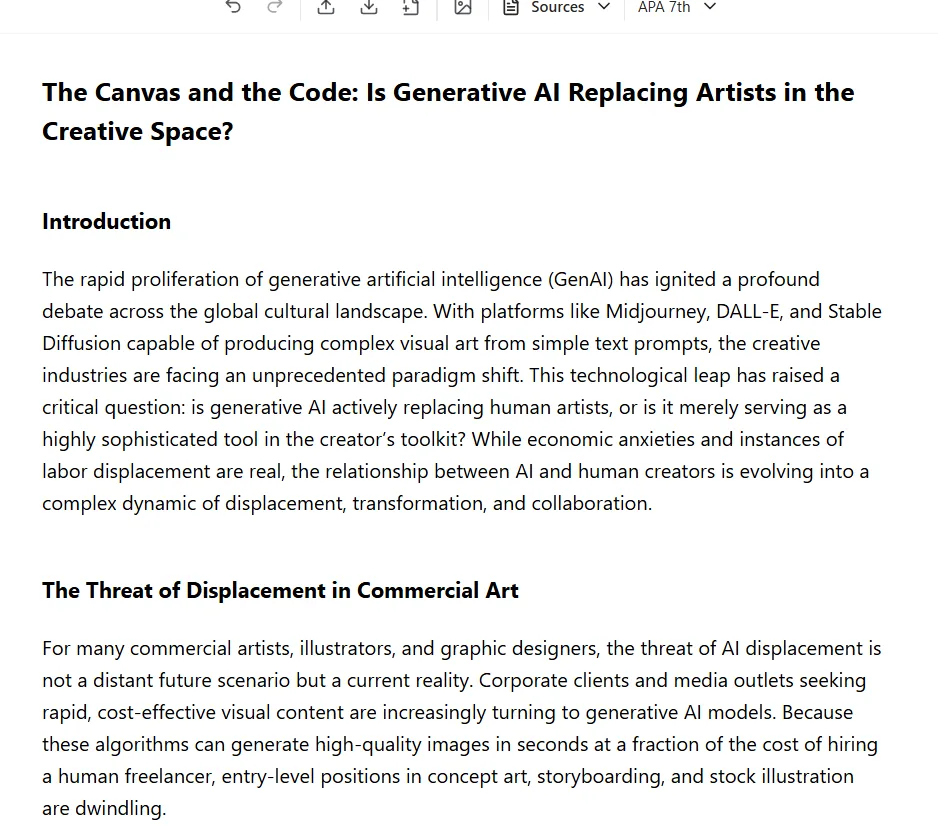
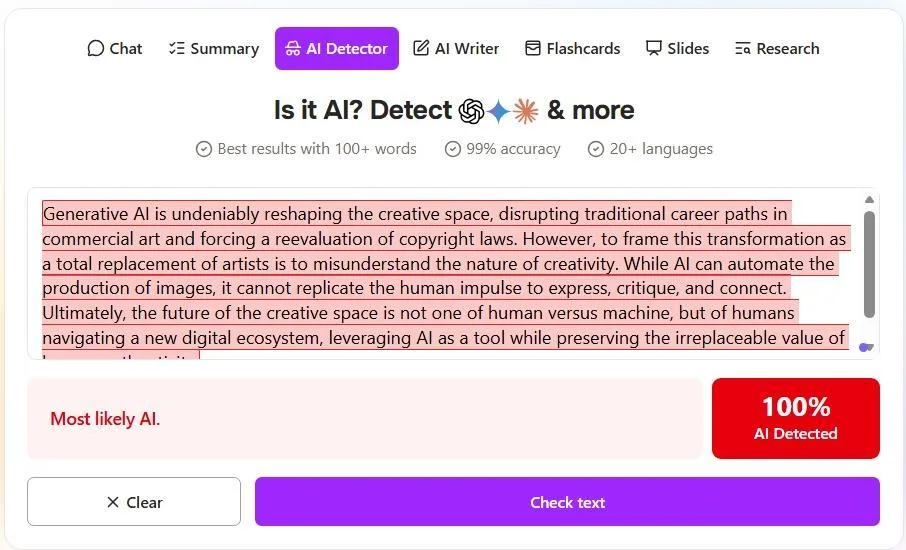
- AI Writer: The AI Writer accepts a topic prompt, a language choice from about twelve options, and a word count ranging from 500 to 5,000 (with anything above 1,000 requiring Plus). I tested it with a 500-word piece on whether generative AI is replacing artists. The result was readable, well-structured, resembling an academic essay with an introduction and sections. However, it was clearly AI-generated—very formal, stiff, and lacking natural flow. The built-in AI Detector flagged it as 100% AI. Now, onto the AI Detector.
- AI Detector: It claims 99% accuracy and supports over 20 languages. The detection function appeared to work well, correctly flagging AI-generated content. However, the free plan restricts users to just one AI detection per day. When I attempted a second check, I encountered a paywall. Limiting the AI Detector to a single use daily seems more like a tactic to push users toward the paid plan rather than a fair free feature. This restriction feels deliberate and somewhat discouraging.
- Read Aloud: There is a read-aloud feature for chat responses. It functioned, but the voice was generic and monotone—nowhere near the natural quality of NotebookLM’s audio output. It’s usable for accessibility, but not something you’d choose for an engaging listening experience.
Performance, Reliability & Everyday Usability
The tool remained stable throughout testing—no crashes or freezes—and it processed files swiftly. Speed was one of the more positive aspects; PDF chat responded promptly, YouTube transcriptions were quick, and flashcard creation was efficient. The backend appears capable and responsive.
- Fast response times across all features tested
- No technical errors, no failed uploads during the session
- PDF chat stayed accurate and grounded in the document
- YouTube transcription was quick and matched the video well
- The single-source limitation started to feel genuinely restrictive by mid-session
- AI Writer output quality was a real low point, functional but obviously AI
The experience was technically reliable throughout. The frustrations were about what the tool fundamentally does and doesn’t do, not about it misbehaving.
Pricing, Free Plan & Limitations
The free tier permits uploading 2 PDFs daily, each limited to 120 pages, and allows 50 questions per day. This is sufficient for testing the main feature but not for regular use. The AI Detector’s one check per day limit is especially restrictive, seeming more like a strategy to encourage upgrades than a genuine free feature.

The Plus plan costs $19.99 per month, with a yearly option also available. Plus unlocks unlimited PDFs, unlimited questions, up to 2,000 pages per PDF, 50 PDFs per folder, and access to the higher quality AI model. It also bundles access to Jenni AI writer.
- Free: $0 — 2 PDFs/day, 120 pages/PDF, 50 questions/day, 1 AI detection/day
- Plus: $19.99/month (or lower billed annually) — unlimited PDFs and questions, 2,000 pages/PDF, 50 PDFs/folder, high quality model
At $19.99 per month for the Plus plan, the value is difficult to justify, especially since NotebookLM by Google offers similar multi-source Q&A for free. For a tool focused solely on single PDF interactions, paying nearly twenty dollars monthly places it in a competitive space with more advanced, often free, alternatives. The free tier is quite limited, and the upgrade cost feels steep relative to its capabilities.
Privacy, Data Handling & Account Control
ChatPDF’s privacy documentation indicates that uploaded files are stored securely in the cloud and can be deleted by the user at any time. The platform states that documents are not shared with third parties and are only used to provide the service.
- What’s collected: Uploaded documents, chat queries, usage activity, and basic account data
- How it’s used: To power the chat and summarization features, and to improve the service
- Third-party sharing: Documents are stated to not be shared with external parties
- AI training: No explicit opt-out mechanism for AI training was clearly surfaced during testing, and the privacy documentation does not make a definitive commitment on this the way NotebookLM does
- Data deletion: Files can be deleted from the account at any time, which is a reasonable level of control
- Security: Files are stored encrypted in the cloud
Overall, trust is moderate. The platform does not raise immediate concerns, and the option to delete files provides some reassurance. However, the absence of a clear, explicit AI training policy is a notable gap compared to competitors like NotebookLM, which openly state their policies. Users uploading sensitive or proprietary data should exercise caution, as the privacy commitments here are less transparent.
Comparison With NotebookLM
|
Feature |
ChatPDF |
NotebookLM |
|
Multi-source support |
No, each source is its own chat |
Yes, up to 50 sources per notebook |
|
Source types |
PDF, website URL, YouTube |
PDF, website, YouTube, audio, Drive, text |
|
Audio output |
Read aloud only, generic voice |
Full AI podcast, genuinely human-sounding |
|
Slide generation |
Available, generic graphics |
Available, better visual quality |
|
Flashcards |
Yes, with density control |
Yes |
|
Mind Map |
No |
Yes |
|
AI Writer |
Yes, but output is 100% AI-detectable |
No native writer but the Report generation works at a similar degree and works just as well if not better |
|
AI Detector |
Yes, 1 use/day on free plan |
No |
|
Pricing |
Free (very limited) / $19.99/month |
Free (genuinely usable) / $7.99+ for Plus |
NotebookLM is the more robust option for serious research or multi-source knowledge management, excelling in output quality across audio, slides, and depth of content from uploaded sources. ChatPDF’s main advantages are its AI Detector and academic paper search, but these are not enough to outweigh its limitations. For simple PDF Q&A on a budget, the free tier suffices. For more comprehensive needs, NotebookLM remains the superior, free alternative.
Final Verdict & Overall Score
ChatPDF is a capable, quick, and user-friendly tool for interacting with a single PDF. Its core chat function performs reliably, citations are trustworthy, and the YouTube transcription exceeded expectations. The flashcards are useful for study, and the research feature serves as a decent paper discovery tool, though it doesn’t replace a comprehensive research assistant.
The main shortcoming lies in its limited scope. The inability to combine multiple sources into one conversation hampers serious research efforts. The AI Writer’s output is flagged as fully AI-generated, limiting its use for content creation. The one-use-per-day AI Detector feels like a strategic restriction, and paying $19.99 monthly for a tool that only handles single documents is hard to justify, especially when more capable, multi-source tools are available for free.
Having first tested NotebookLM, it’s difficult not to compare ChatPDF to it. While they aren’t identical tools, their overlapping features make the differences quite apparent. If ChatPDF had been the initial tool in this category, the impression might have been more favorable. But after NotebookLM, it simply doesn’t measure up.
It performs its primary function adequately but falls short in nearly every other aspect.
Overall Score: 6.7 out of 10
Frequently Asked Questions
ChatPDF is a tool designed for interacting with PDF files. Its main features include PDF chat functionality, flashcards, YouTube transcriptions, AI Writer, AI Detector, Slides, and a Research tool. It allows users to upload documents, ask questions, and receive answers based on the content of the PDF.
ChatPDF is more limited in scope compared to NotebookLM. While ChatPDF performs well for single PDF interactions, it lacks multi-source support and advanced features like mind maps. NotebookLM offers more robust capabilities, including better audio output and slide generation, and it supports up to 50 sources per notebook, making it a superior choice for serious research.
The free plan of ChatPDF allows uploading 2 PDFs daily, each limited to 120 pages, and permits 50 questions per day. Additionally, the AI Detector feature is restricted to one use per day. These limitations make the free plan suitable for testing but not for regular or extensive use.
The AI Writer feature in ChatPDF produces content that is easily detectable as AI-generated, which limits its usefulness for content creation. The output is functional but lacks a natural flow, making it less suitable for creating high-quality, undetectable content.
ChatPDF’s Plus plan costs $19.99 per month. It includes unlimited PDF uploads and questions, up to 2,000 pages per PDF, 50 PDFs per folder, and access to a higher quality AI model. It also bundles access to Jenni AI writer. However, the pricing is considered steep given the tool’s limited capabilities compared to free alternatives like NotebookLM.
Pros of ChatPDF include its reliable core PDF chat function, clean interface, useful flashcards feature, and accurate YouTube transcriptions. Cons include its limitation to single-source interactions, easily detectable AI-generated content from the AI Writer, steep pricing for the Plus plan, and lack of advanced features for serious research.
ChatPDF states that uploaded files are stored securely in the cloud and can be deleted by the user at any time. Documents are not shared with third parties and are only used to provide the service. However, the privacy documentation does not make a definitive commitment regarding AI training, which is a notable gap compared to competitors like NotebookLM.
Subscribe to our email newsletter to get the latest posts delivered right to your email.
Comments