Conclusion
AskYourPDF provides a capable, feature-packed environment built specifically for students, academics, and researchers who need deep literature synthesis and verifiable citations. The ability to dictate output lengths, format styles, and auto-fill PDF forms adds genuine day-to-day utility. However, the platform is hampered by noticeable technical glitches, including a non-functional dark theme, broken podcast generation, inconsistent AI detection calibration, and a restrictive free conversation cap. For specialized research and literature reviews it remains a strong contender, but general users may find better value and reliability elsewhere.
Pros:
- Outstanding academic literature review tool with verified, non-hallucinated citations and custom date filtering
- Flexible conversation controls that allow customizing response lengths and output formatting
- Built-in PDF form filler that automatically maps text into correct input fields accurately
- Unique public domain “Chat with Books” library for literary exploration
Cons:
- AI detector produces erratic results, heavily misflagging genuine human writing as synthetic
- Podcast generation tool consistently fails during processing
- Free plan is heavily restricted to just two conversations per day with frequent upgrade popups
- Listed dark mode toggle does not function.
Table of Contents
- First Impressions & User Experience
- Core Features & Real Usage Testing
- Performance, Reliability & Everyday Usability
- Pricing, Free Plan & Limitations
- Privacy, Data Handling & Account Control
- Comparison: AskYourPDF vs UPDF
- Final Verdict & Overall Score
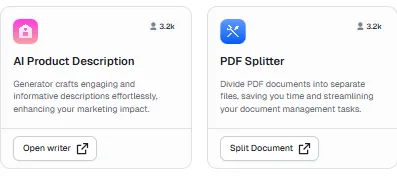
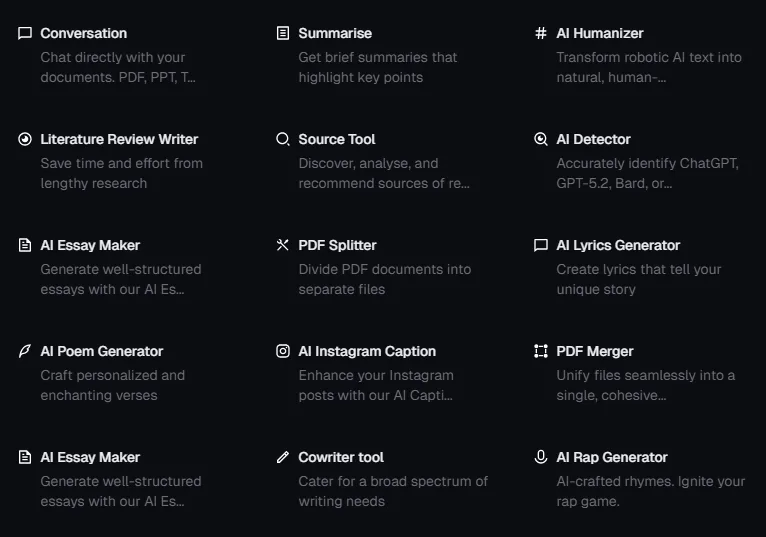
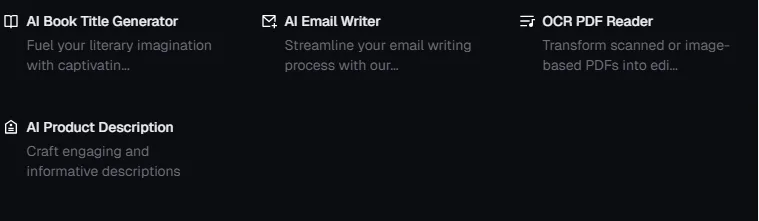
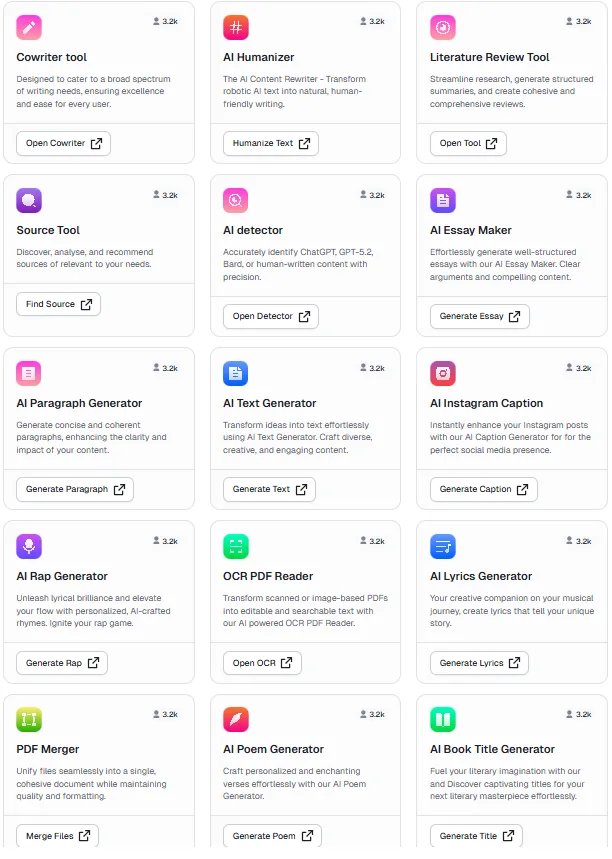
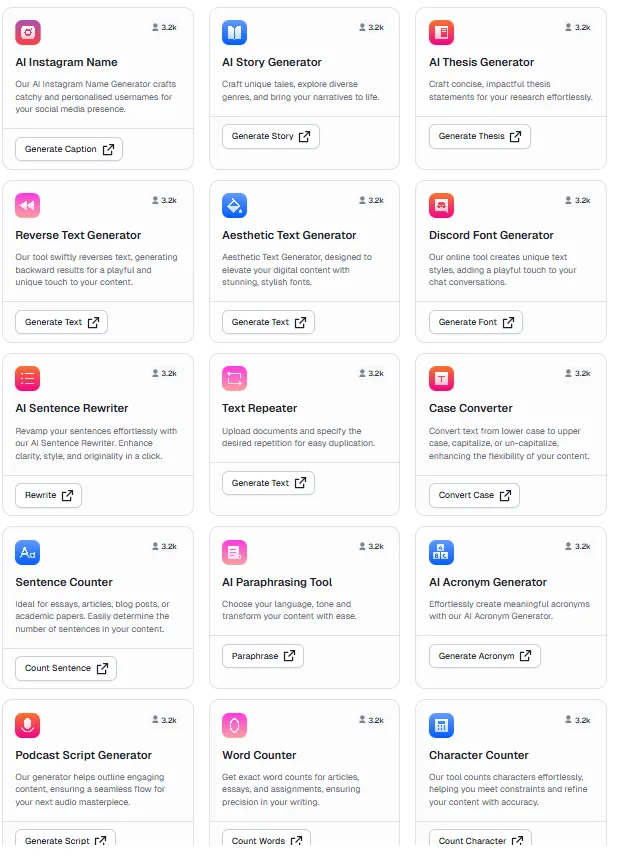
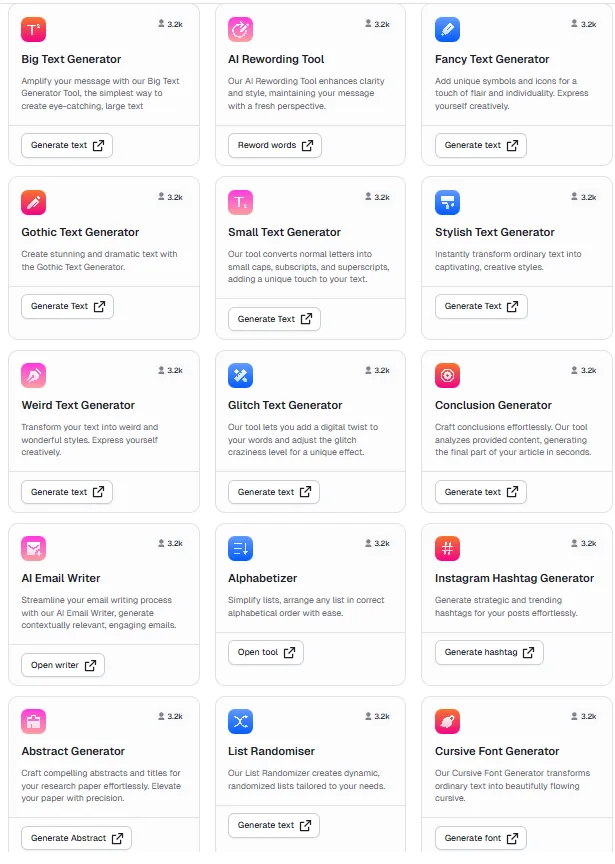
Alright so this is another one packed with features, and going in I was honestly a little bit tired of typing that sentence at this point because it feels like every single PDF AI tool I’ve reviewed lately just keeps stacking on more and more stuff. But AskYourPDF genuinely earned that description too, there was conversation, chat with PDF basically, a detector and humanizer combo which I was actually excited to see together in the same place, a literature review tool, summarizer, merger and splitter for PDFs, an email writer, an OCR reader, and honestly a lot more beyond that I didn’t even get to.
I think this tool suits researchers and students the most out of everyone I’d recommend it to, mostly because of how strong the literature review and citation handling turned out to be. I don’t think it suits someone who wants a completely frictionless free experience though, because the free tier here felt slightly more restrictive than most of the other tools I’ve tested recently.
First Impressions & User Experience
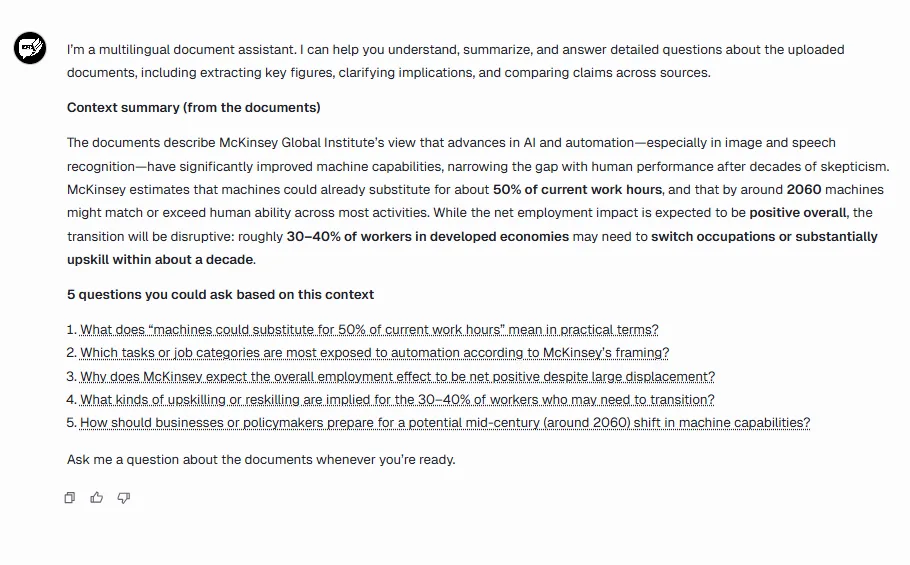
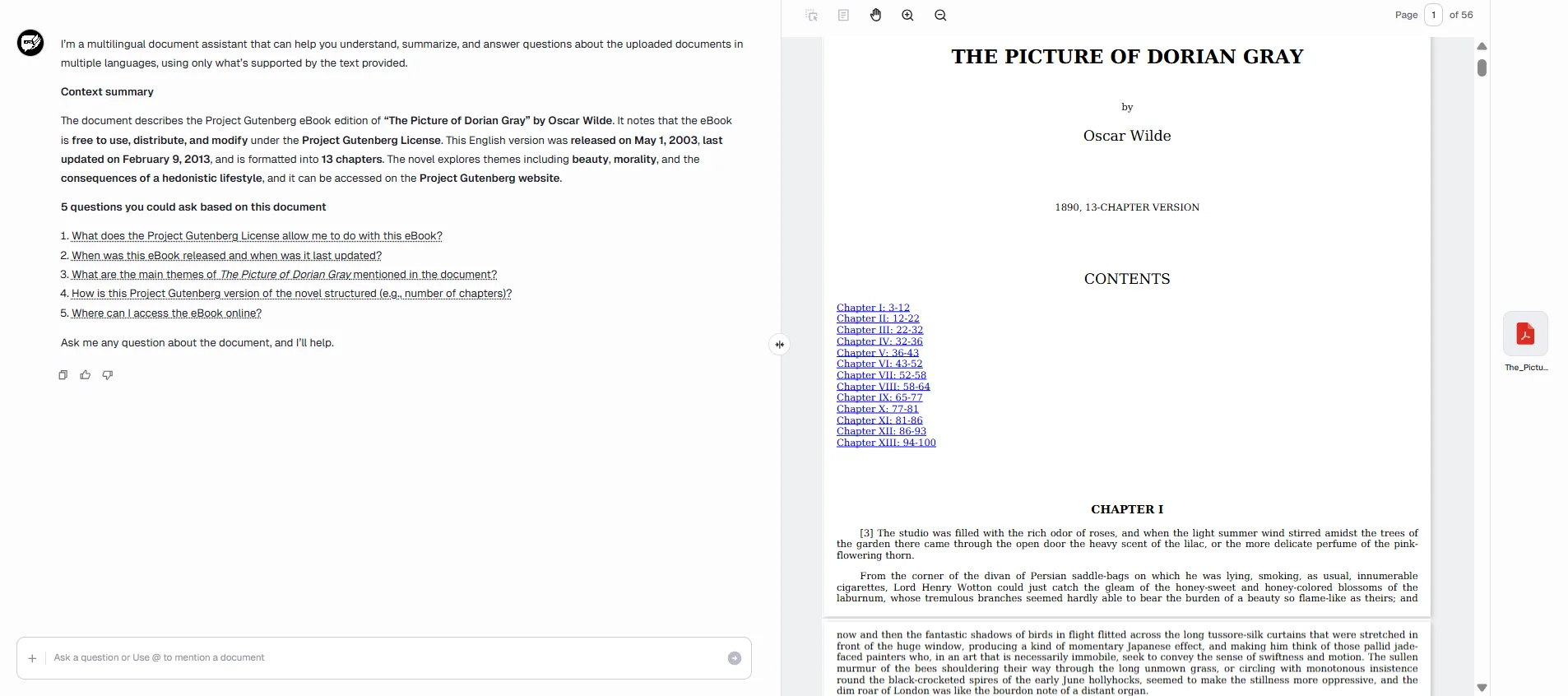
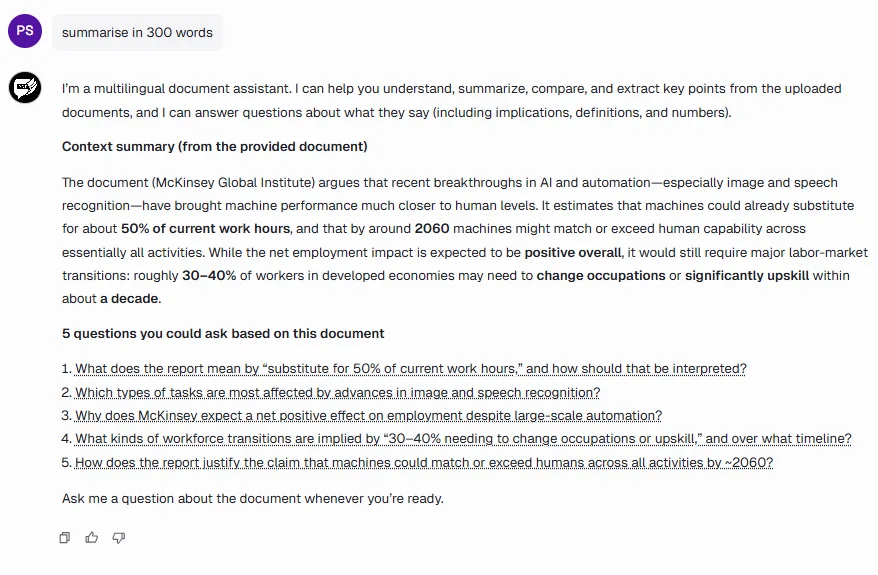
I started with the conversation feature first since that’s always my baseline test. Before I could even chat though, I had to either upload a document or pick one from their existing library option, so I went with uploading my own file. Once it processed, it gave me a small context summary right off the bat and then suggested a few starter questions I could ask based on what was in the document, which was a nice touch honestly, saved me the effort of figuring out where to start.
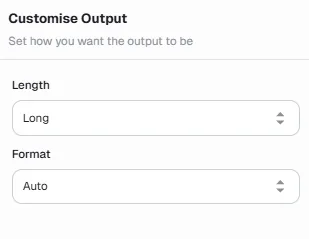
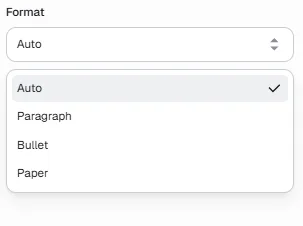
One genuinely good feature here that I haven’t seen implemented this cleanly elsewhere is the control over conversation length and format. I could set responses to short, medium, or long, and separately choose whether I wanted the output in paragraphs, bullet points, or something described as paper format. That level of control over how information gets presented back to me is something I actually value a lot, since sometimes I want a quick bullet rundown and other times I need something more essay style depending on what I’m using it for.
On the visual side though, there’s a dark theme option listed, but when I actually clicked on it, nothing happened. It just didn’t work. So functionally, no dark theme, even though the setting exists somewhere in the interface. That’s honestly a bit worse than tools that just don’t offer dark mode at all, because at least those aren’t pretending to have it.
There’s also this popup that kept showing up literally every single time I navigated to a new tool, pushing me to subscribe to Pro with some discount attached. I get that monetization has to happen somewhere, but the frequency of it here got genuinely annoying pretty fast, especially since it wasn’t just a one time thing on first load, it kept reappearing.

Core Features & Real Usage Testing
Conversation (Chat with PDF)
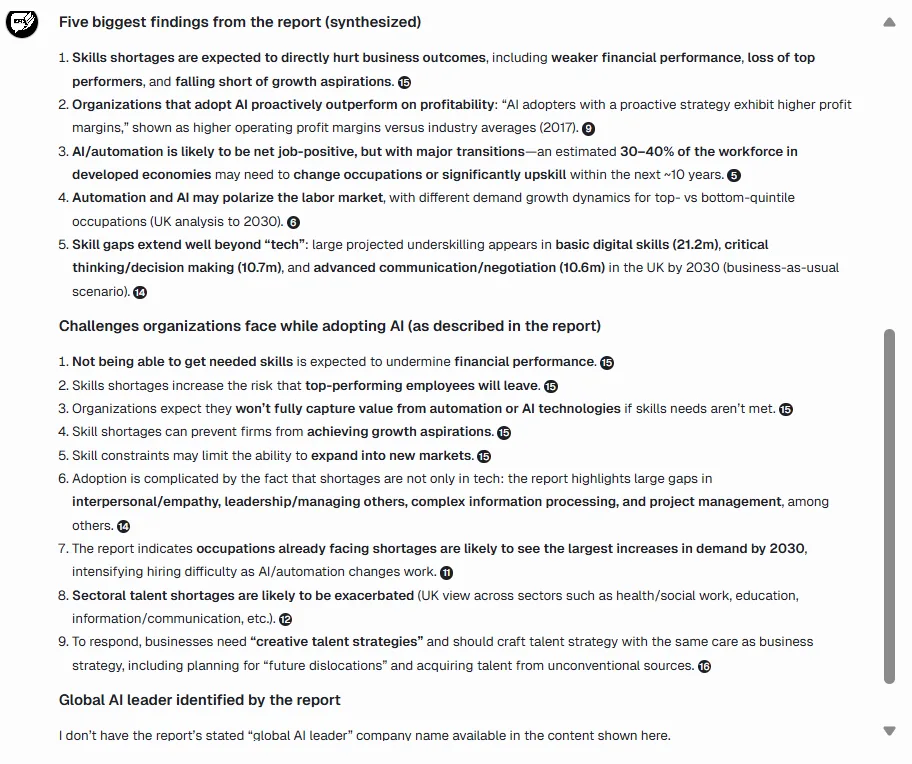
I already touched on this a bit above, but diving deeper, the actual answer quality was genuinely good. I asked a handful of questions directly tied to content in the document and it answered correctly every time, no hallucinated details that I could catch. I deliberately tried to trip it up too, asking something that simply wasn’t covered anywhere in the uploaded document, specifically to see if it would just make something up to seem helpful. It didn’t. It gave me an honest response acknowledging that the information wasn’t present rather than fabricating an answer, which told me a lot about how it handles uncertainty.
OCR Reader
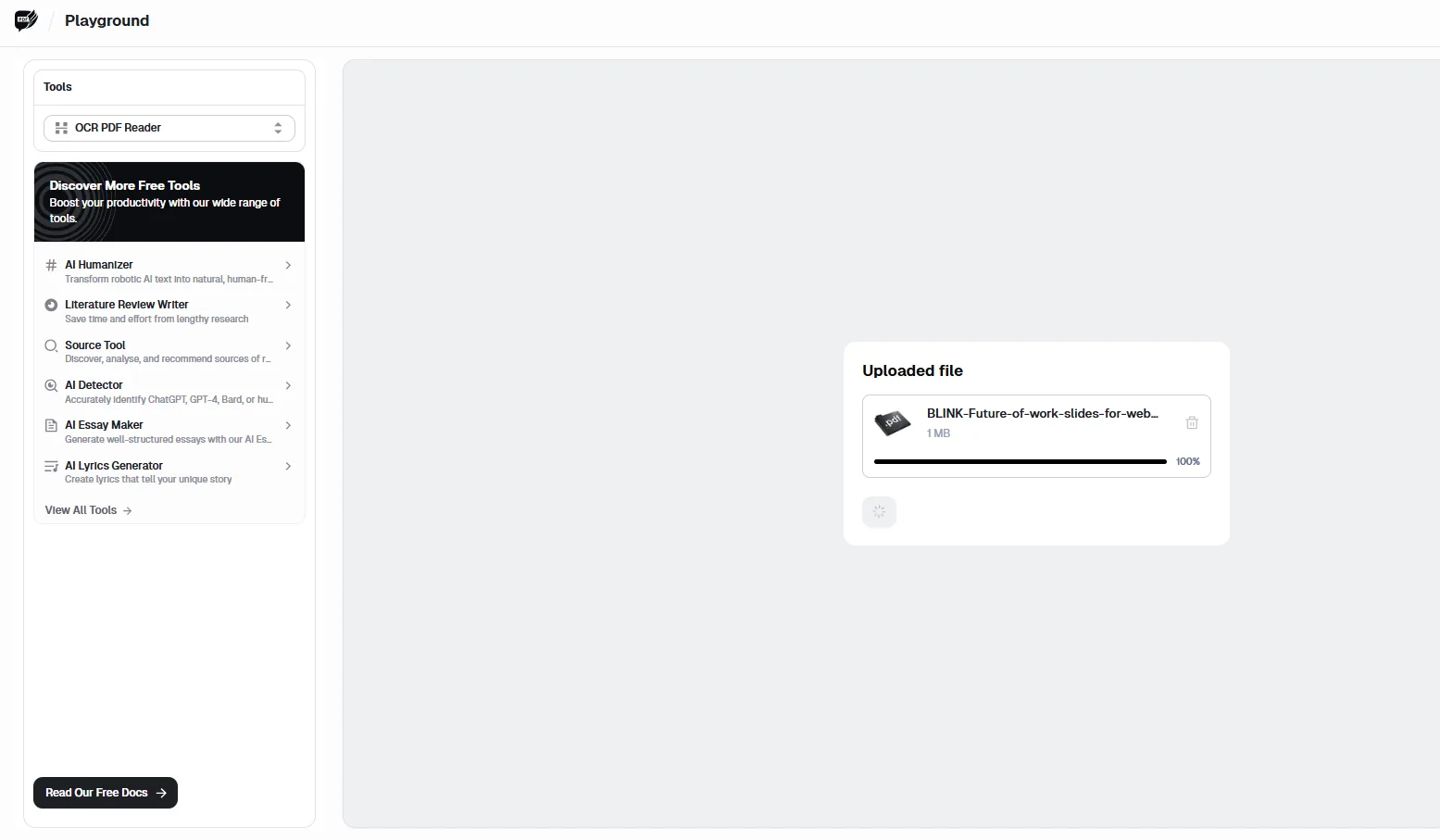
I tested this one out of curiosity more than anything. Basically it takes whatever document gets uploaded and converts it into a plain text format. It works, technically, but I’m not going to pretend this felt like some standout feature. It’s useful to have I guess, in the sense that it does what it says, but nothing about it felt particularly impressive or different from any basic OCR tool out there. It was nothing revolutionary, just functional.
AI Agent Creator
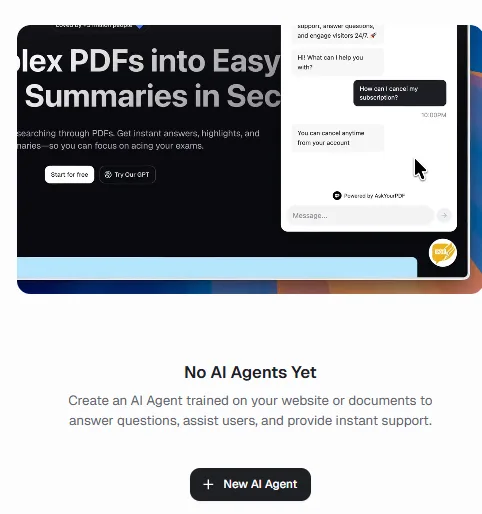
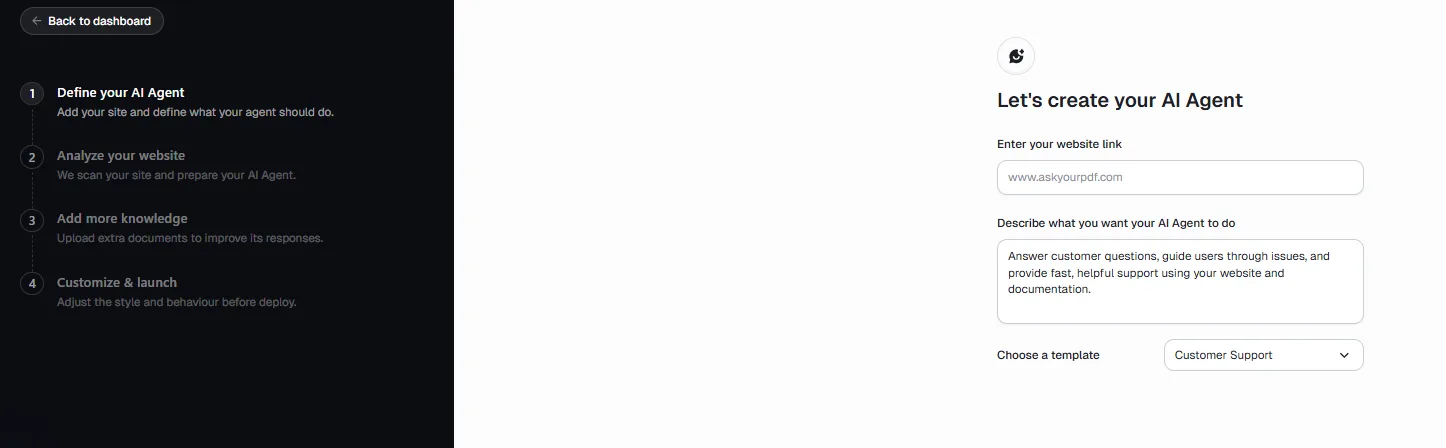
This one I only looked at rather than fully tested, mostly because building out and deploying a custom AI agent felt outside the scope of what I’m usually evaluating in these reviews, but I wanted to at least walk through the setup flow to understand what it offers. There is a multi step process, first defining what the agent is supposed to do, then entering a website link so it can analyze and pull context from that site, then an option to upload additional documents to expand its knowledge base, and finally a customization step before actually launching it. From what I saw walking through the setup, it looks genuinely useful for anyone wanting to build something like a customer support bot trained on their own site content and documentation. I didn’t push it further than reviewing the flow itself, but the structure of it seemed solid and reasonably intuitive.
Chat with Books
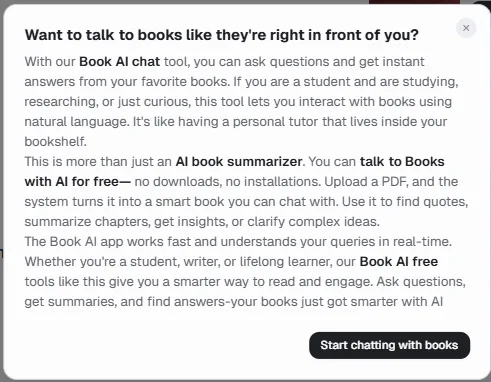
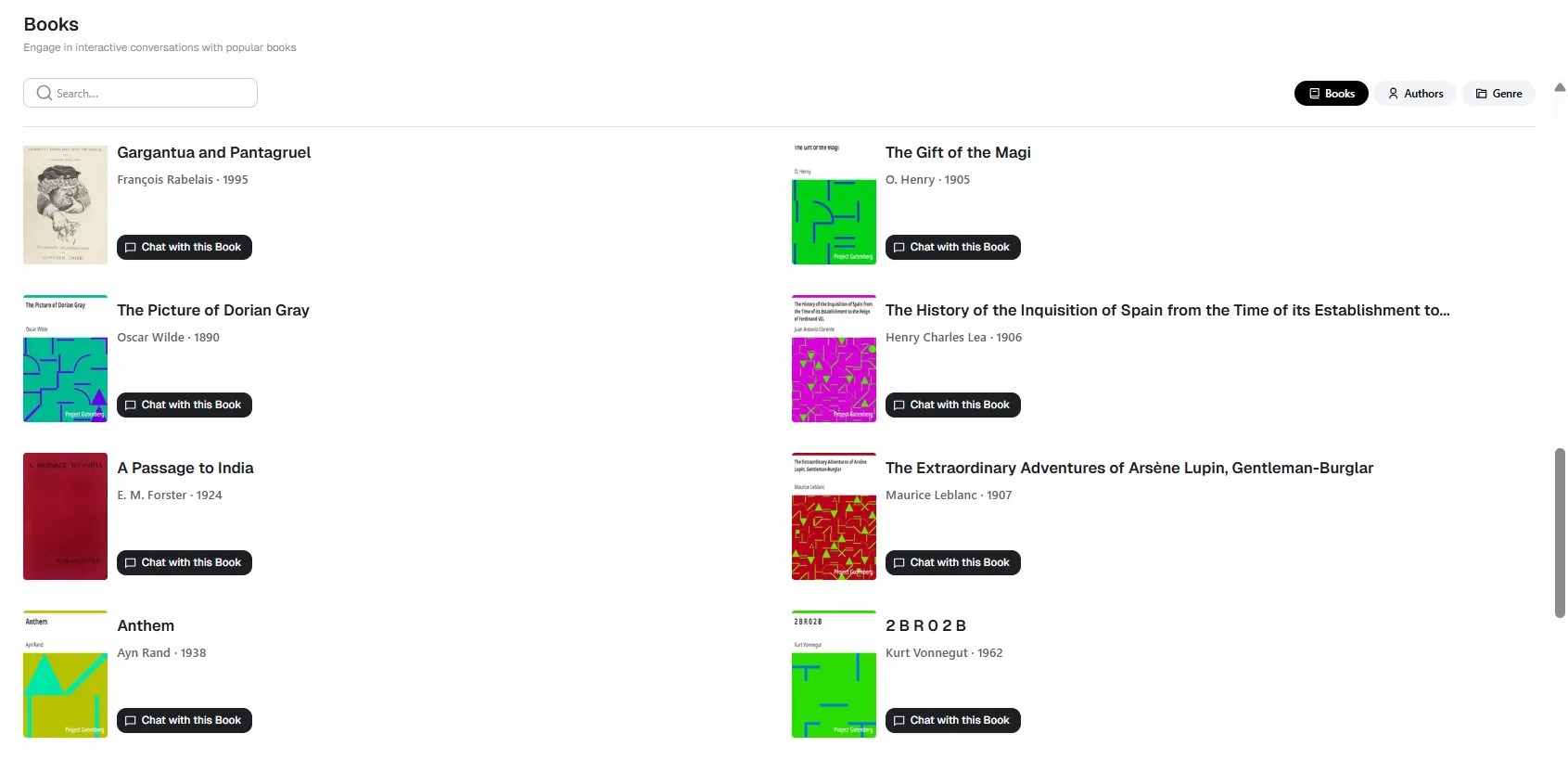
This one was a fun addition honestly, not something I’ve seen in other PDF tools I’ve reviewed so far. There’s a whole library of books available to chat with directly, and I tried this out with The Picture of Dorian Gray specifically. It correctly summarized the document context, picked up on the themes present in the book, and let me ask direct questions about the content just like I would with any uploaded PDF. The catch though, and it’s a pretty noticeable one, is that the library seems to skew almost entirely toward classics and older public domain works rather than anything more contemporary. IWhich made sense once I thought about it, since newer books would come with actual copyright restrictions that older public domain texts don’t have to deal with, but it does mean the library itself is pretty limited if someone’s looking to chat with anything more recent.
PDF Form Filler
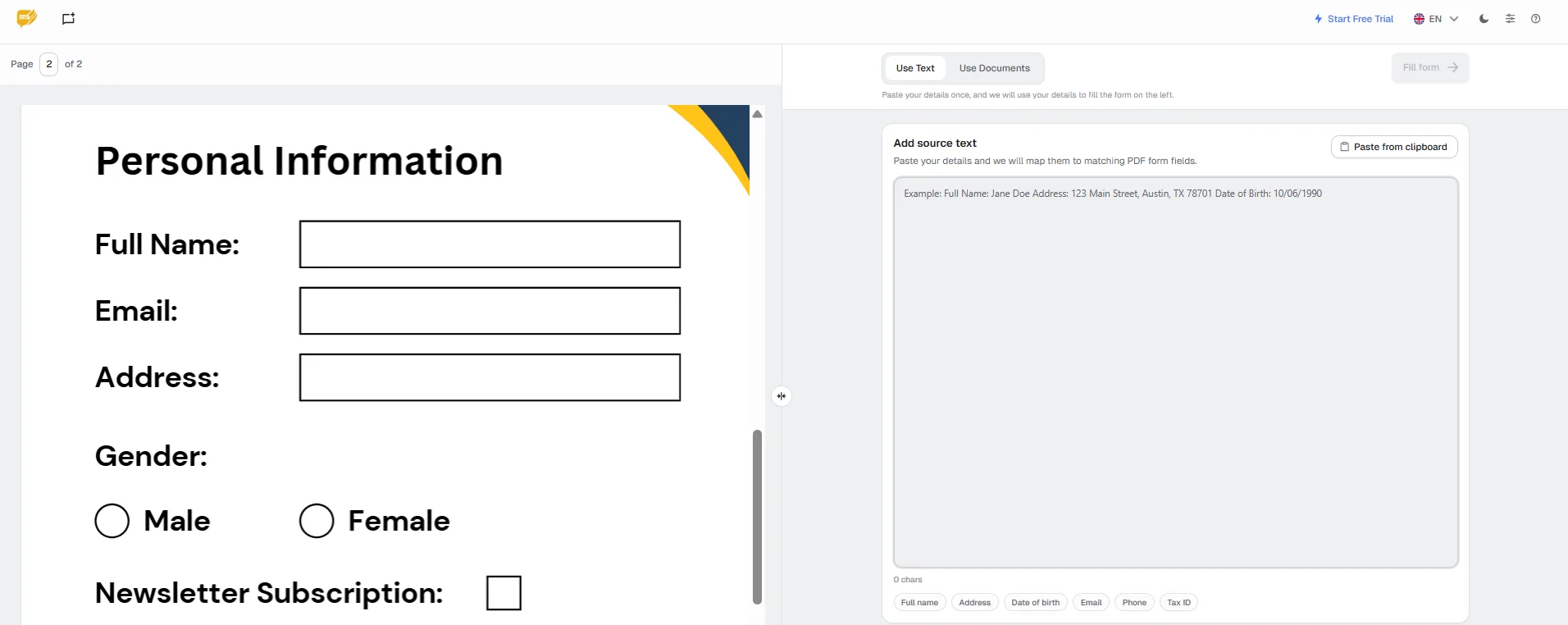
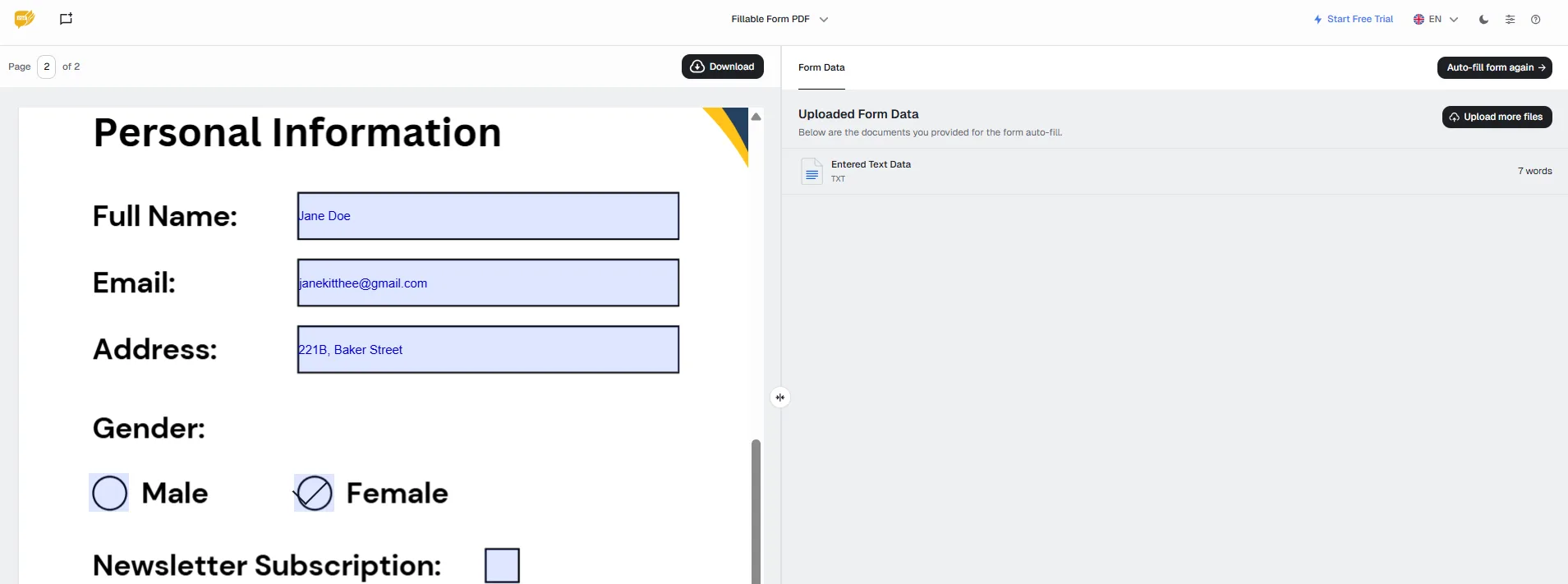
Genuinely one of the nicer surprises in this whole review. I gave it some sample information and it accurately placed everything into the correct fields on an actual PDF form, name, email, address, all mapped properly without me needing to manually drag or correct anything. I’m sure dedicated standalone PDF form fillers exist elsewhere and probably do this exact same thing, but having it built right into a broader PDF AI suite like this is a genuinely convenient touch that saves a step of needing to jump to a separate tool entirely.
Summarize
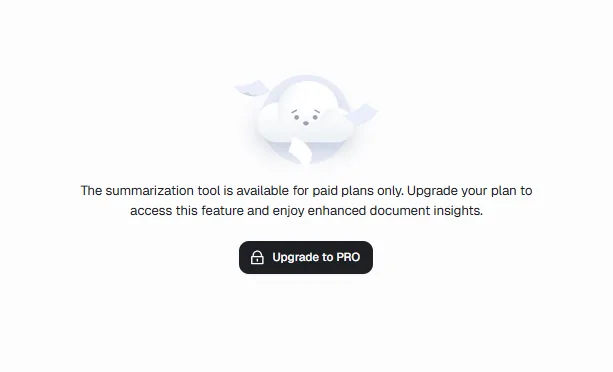
This is where things got a little frustrating. I tried getting a proper summary out of an existing conversation and it just wouldn’t let me, throwing up a message saying the summarization tool is locked behind a paid plan. What I did get instead was just that small context summary I mentioned earlier from when I first uploaded the document, but that’s not the same thing as an actual on demand summary I can request whenever I want. It kept nudging me toward asking follow up questions instead of just giving me the summary I was actually asking for, which felt like a deliberate push toward upgrading rather than a genuine feature limitation.
CoWriter
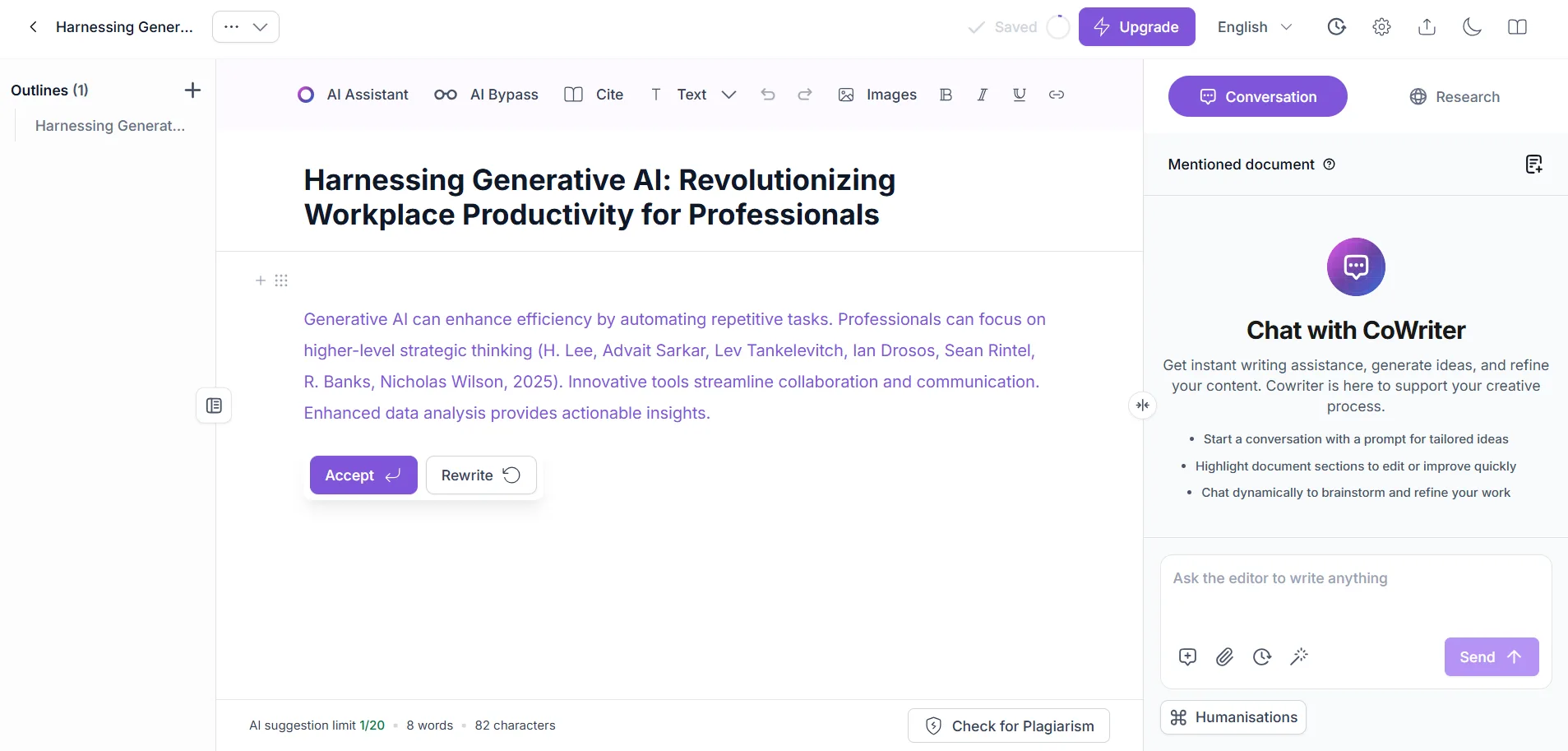
This one redirected me to a completely separate website, which was a bit of a point of contention for me honestly. It’s still technically part of the AskYourPDF ecosystem, but functionally it felt disconnected from the main platform rather than integrated into it. Once there though, it worked reasonably well for what it’s marketed as, I could give it a prompt and it would start writing, and I had the option to accept what it gave me, reject it, or ask for a rewrite. There’s a chat window alongside the actual writing space too, letting me ask it to edit whatever it had already generated rather than starting from scratch every time. I got around 20 AI pushes before hitting some kind of limit, and there’s also a highlight and improve function baked into the actual editor where selecting text triggers suggestions right there. It does what it markets itself as doing, functioning as an actual co-writing assistant rather than a full generation tool, but that redirect to a separate site still bugs me a little as a design choice.
Email Writer
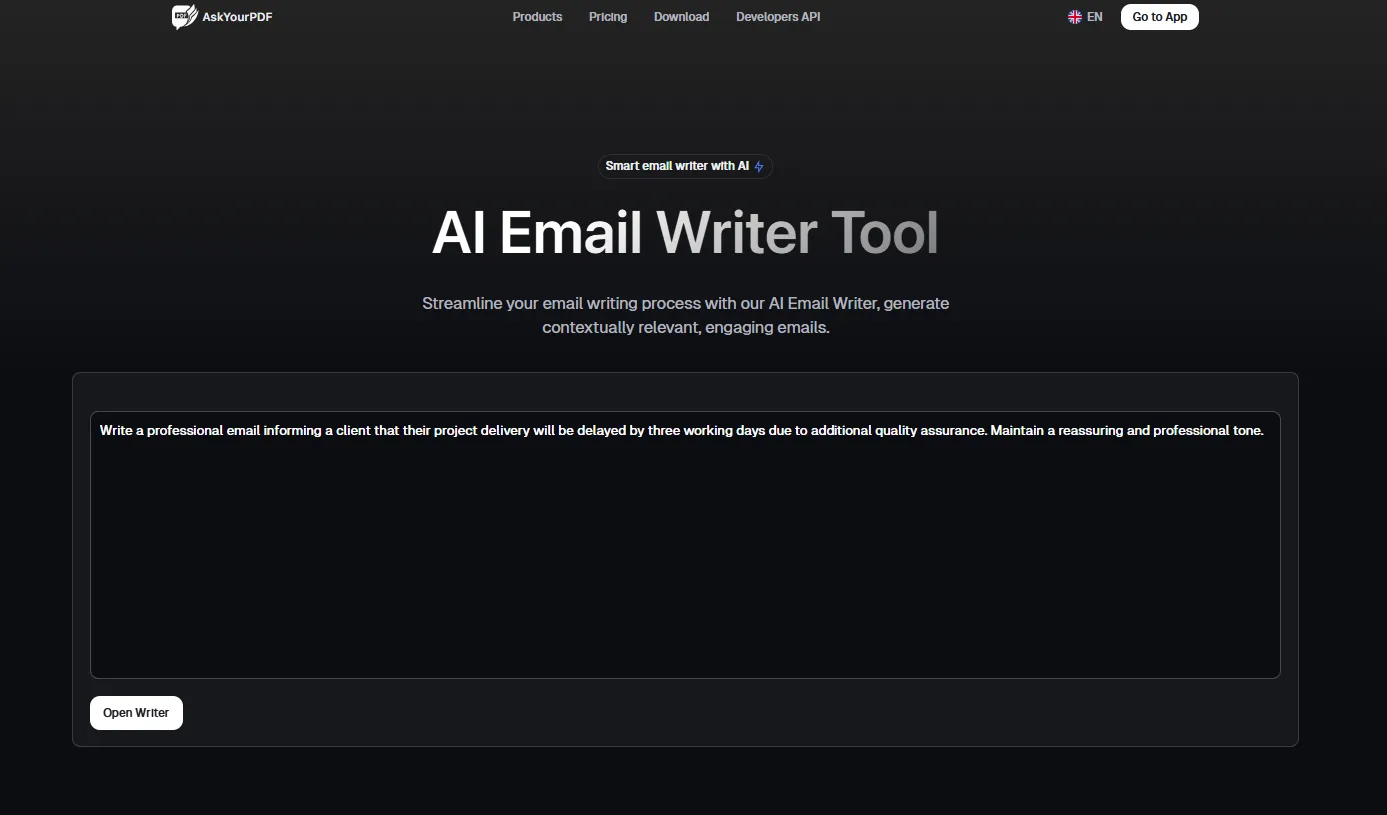
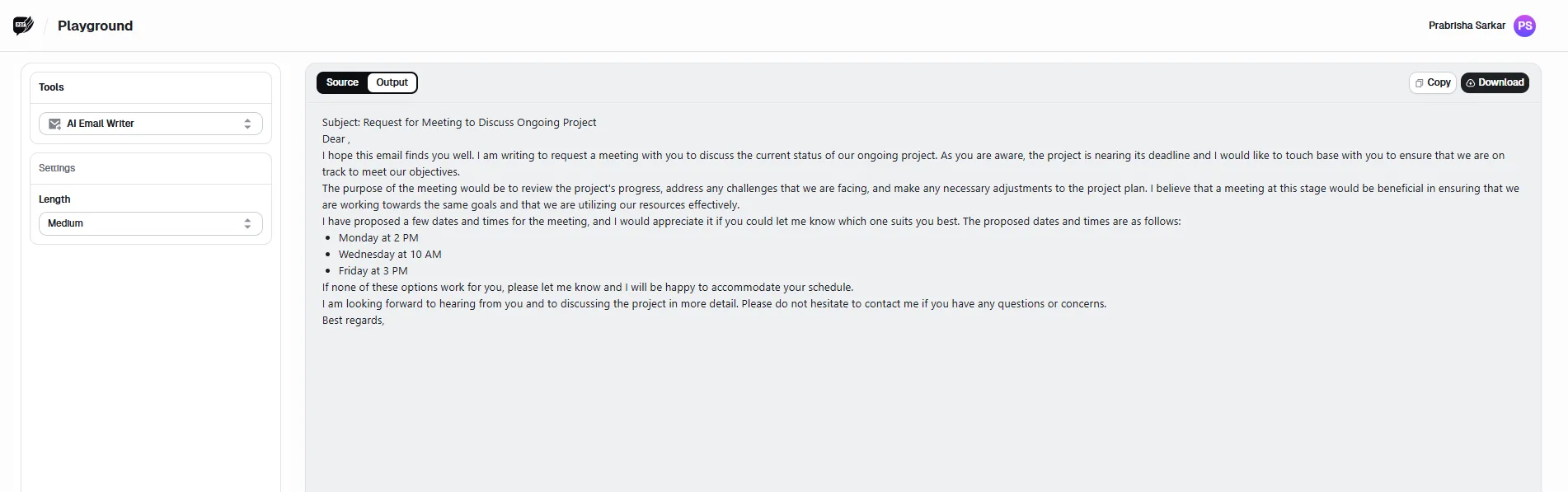
This was straightforward and it worked well. There’s a length control here too, ranging from very short all the way to very long, and each setting actually reflected a noticeably different output length rather than just marginal tweaks. I tested it with a fairly specific request about a delayed project delivery needing a reassuring, professional tone, and what it gave back hit that brief accurately, structured properly with a clear subject line and a courteous but confident tone throughout.
AI Detector and Humanizer
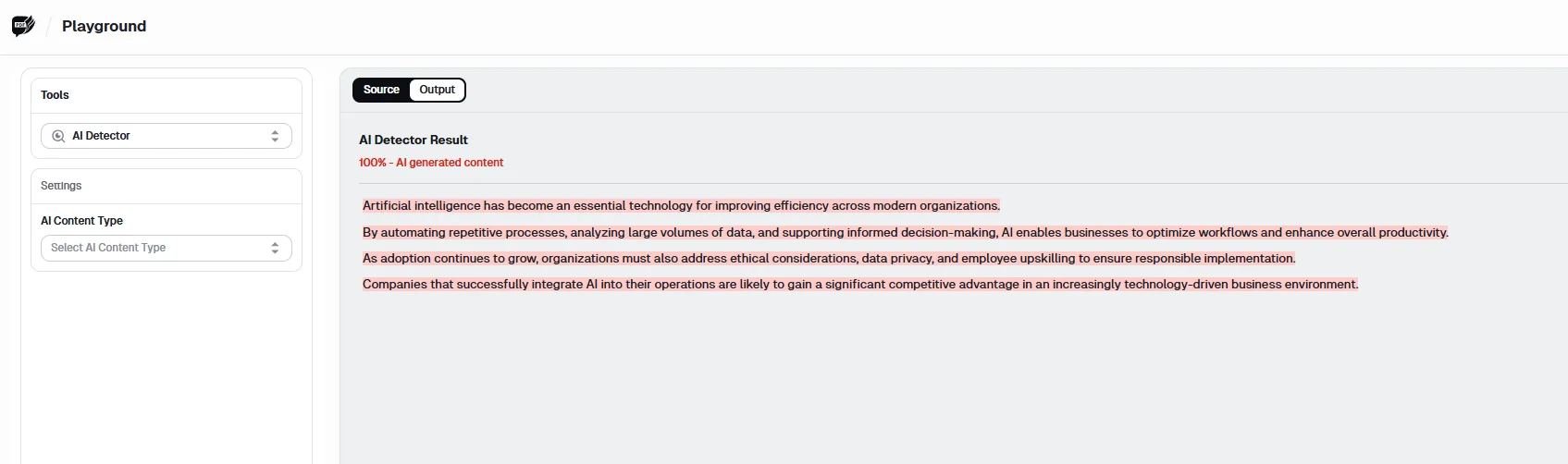
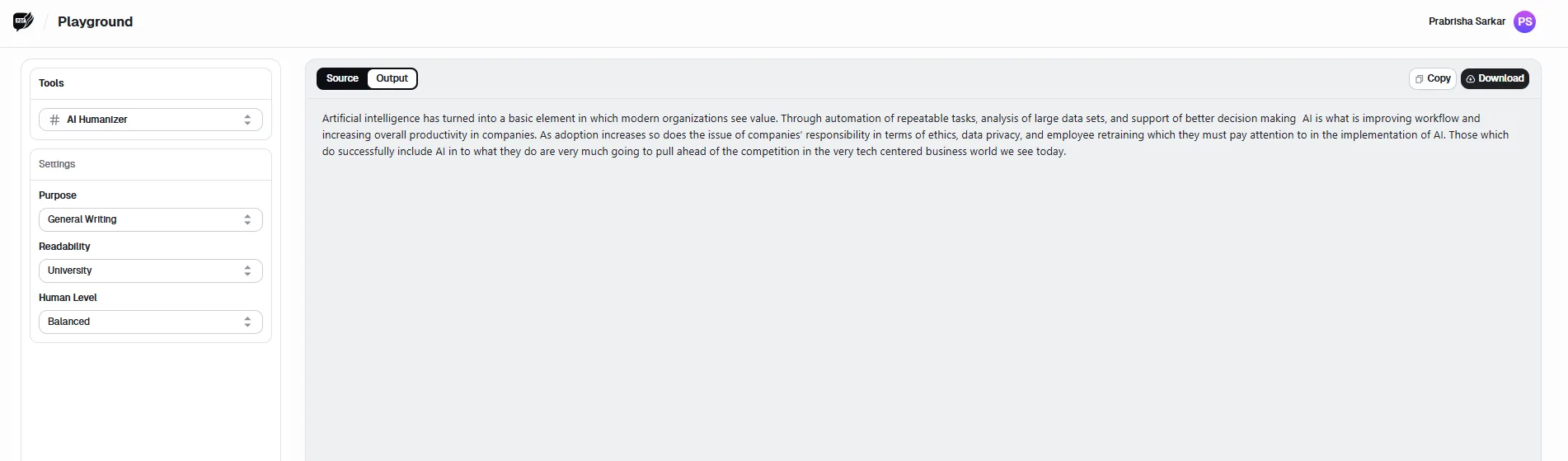
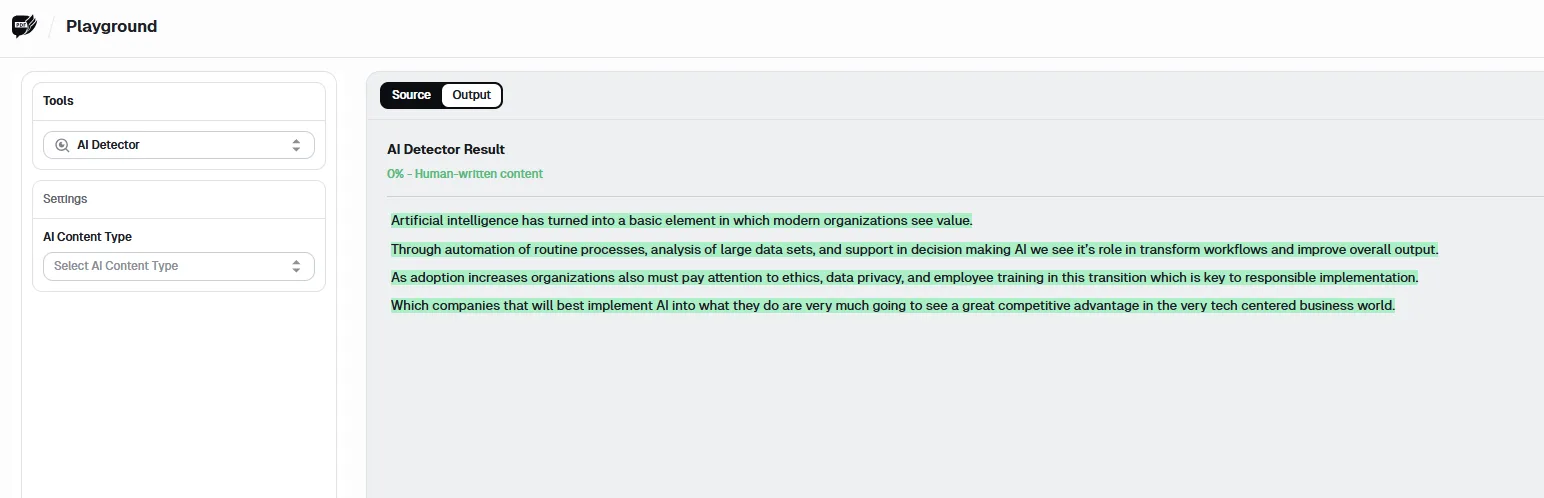
Okay so this is the part I want to spend the most time on because the results here were genuinely mixed and worth being upfront about. I started by running a completely AI generated piece of text through the detector, and it correctly flagged that as 100% AI. Then I took that exact same text, ran it through the humanizer, and fed the humanized output back into the detector. It came back as 0% AI, fully human according to their own system. On paper that looks like a great result, the humanizer clearly did something to the text that changed how the detector read it.
But here’s where it got confusing for me. I wrote something myself, genuinely from scratch, actual human writing with zero AI involvement at any point, and ran that through the same detector. It came back saying only 18% of the content was human written. That doesn’t track logically at all. If I wrote it myself, it should register as fully human, or at the very least close to it, not flag the vast majority of it as somehow AI influenced. My best guess honestly is that the detector might be keying in on certain phrasing patterns or words commonly associated with AI generated text, even when a human happens to write in a similar style. But an 18% human score for something I wrote myself just doesn’t make sense taken at face value, and it left me questioning how much I can actually trust this detector’s calibration.
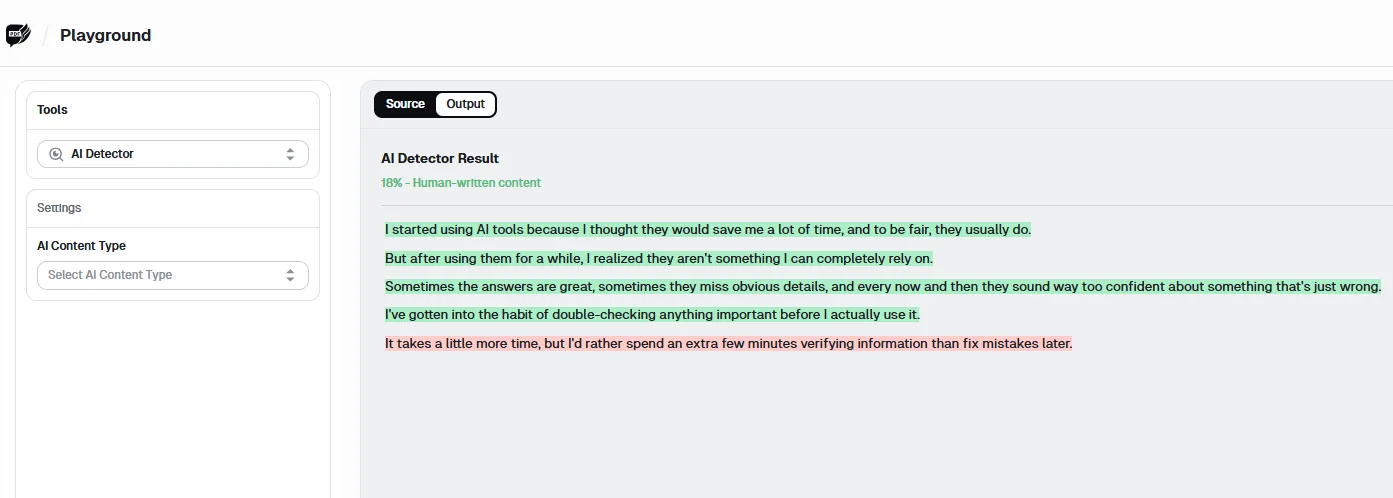
What that tells me, and I think this is worth flagging clearly, is that the detector might be somewhat biased toward validating its own humanizer’s output as human while being inconsistently strict, or even outright wrong, on genuinely human writing that doesn’t happen to match whatever pattern it’s trained to recognize as “human enough.” That’s the kind of inconsistency that makes me want to take any single result from this detector with a decent amount of caution rather than treating it as a fully reliable measure.
Literature Review
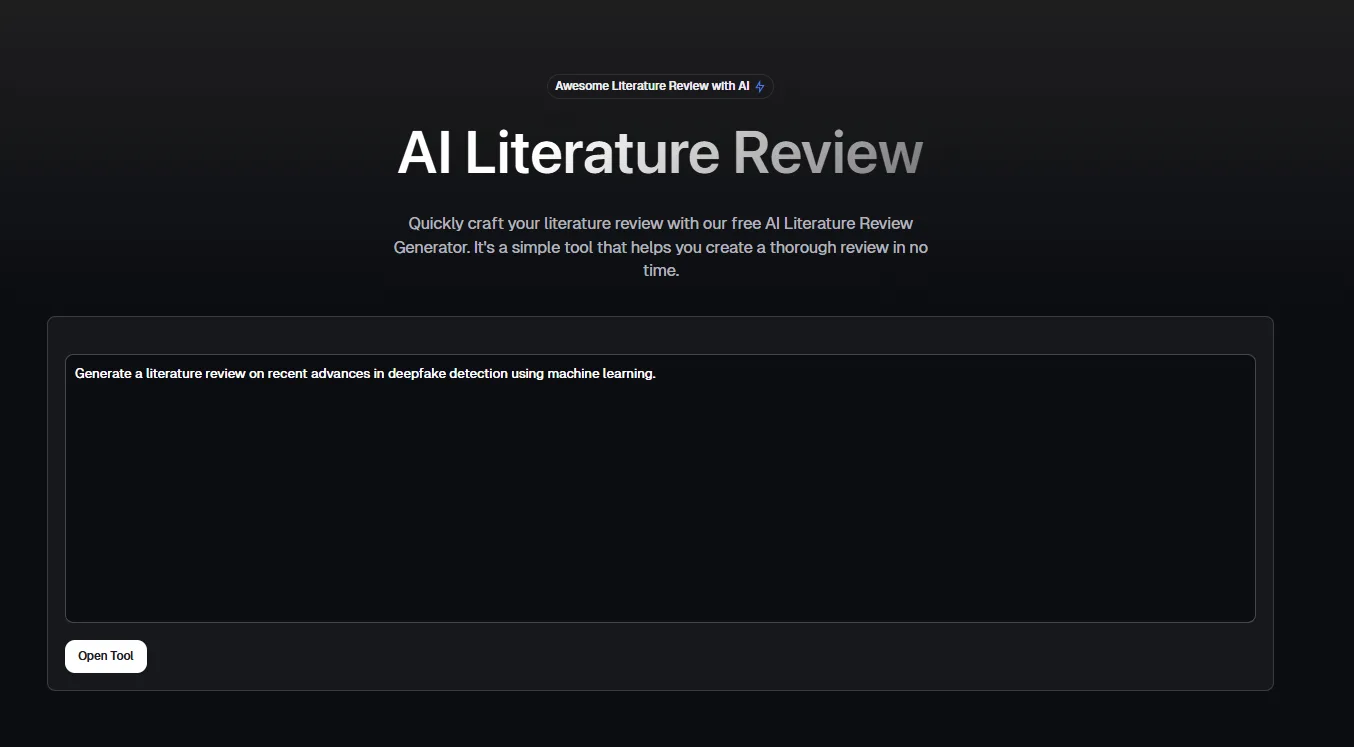
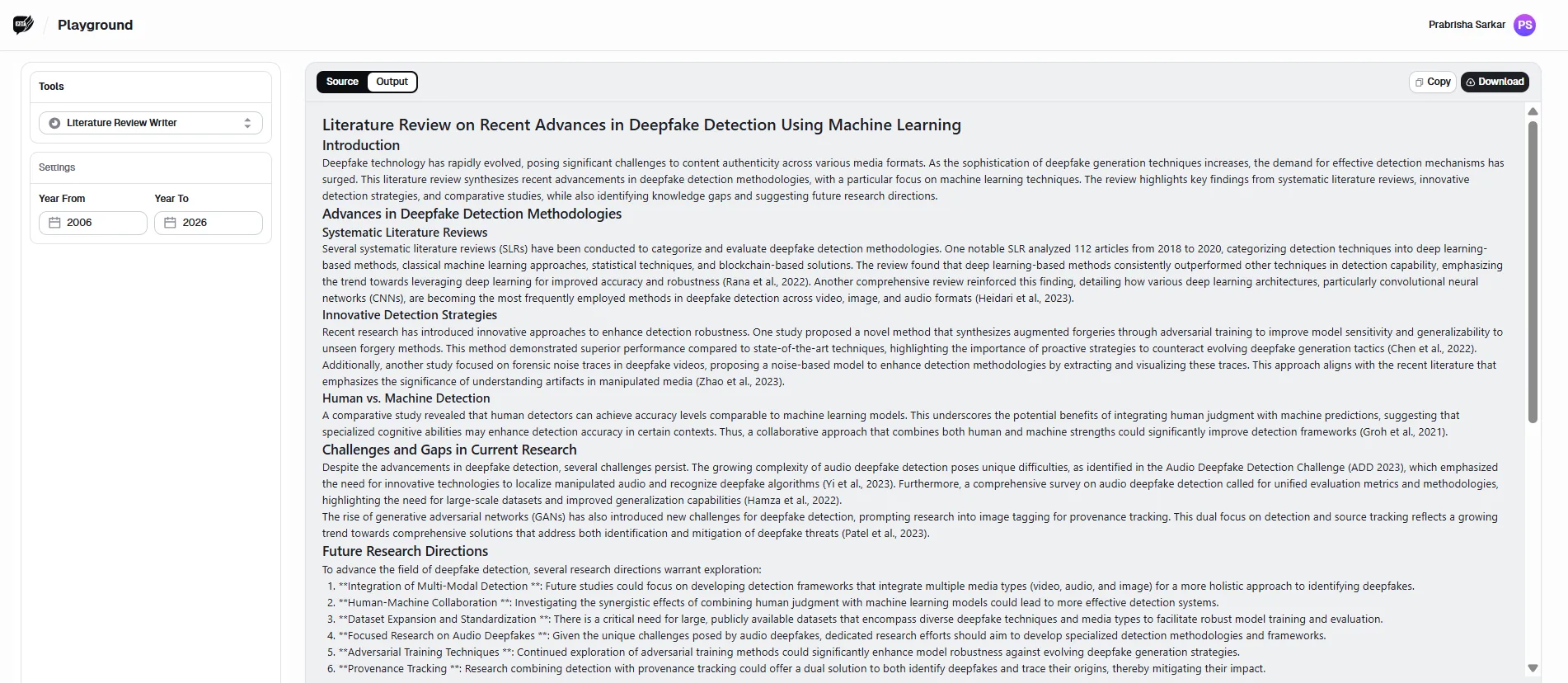
This one genuinely impressed me though, no caveats here. I asked it to generate a literature review on a specific research topic and the output was well structured, breaking things down into clear sections covering methodology trends, key findings across different studies, and areas where research still has gaps. What mattered most to me though was checking whether the citations were real, and every single reference I clicked through led to an actual, legitimate paper or page, nothing fabricated or broken. There’s also a settings panel letting me control the year range for sources being pulled, which is a genuinely useful bit of control for narrowing scope to more recent research specifically if that’s what a project calls for.

Podcast Generation
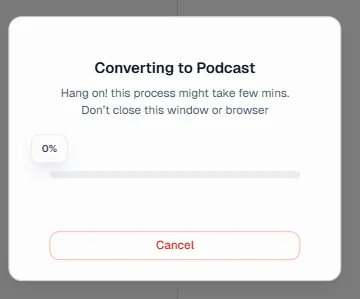
I tried this one out mostly because I was curious. The idea itself is solid honestly, upload a PDF and get some kind of audio conversation or narration generated out of its content, which would be genuinely useful for anyone wanting to consume a document while commuting or doing something else instead of reading. Except it just didn’t work, not once. Every single attempt gave me the exact same podcast creation failed message, sitting there at 0% with a progress bar that never moved past the starting point. I tried it across a few different PDFs too, thinking maybe it was something specific to one document type or file size, but the result stayed consistent no matter what I fed it. Genuinely disappointing given how promising the feature sounded on paper.

Performance, Reliability & Everyday Usability
It was mostly solid, but with a couple of specific issues I want to call out clearly rather than glossing over. The podcast conversion feature simply did not work for me at all, no matter how many times I tried it or which document I attempted it with. It just kept throwing a podcast creation failed message every single time. Not a one off glitch, a consistent failure across multiple attempts.
Beyond that though, everything else genuinely worked and worked well. Response times for the actual chat and analysis features were quick, no noticeable lag once documents finished processing, and I didn’t run into any hallucination issues across the multiple tools I tested here. The recurring subscription popups were annoying from a usability standpoint but never actually blocked me from completing what I was trying to do, just added friction to the overall experience.
Pricing, Free Plan & Limitations
The free plan here felt noticeably tighter than most other tools I’ve reviewed recently. I was limited to two conversations per day, which is honestly restrictive if someone’s doing any kind of serious document work rather than just casual occasional use.

Here’s the full breakdown, shown with annual billing applied since that comes with a 25 percent discount considered in:
Plan | Price | Document Limits | Usage Limits |
|---|---|---|---|
Free | $0/month | 100 pages/document, 15MB max, 1 document/day | 50 questions/day, 3 conversations/day |
Premium | $11.99 per month billed yearly | 2500 pages/document, 31MB max, 50 documents/day | 1200 questions/day, 50 conversations/day |
Pro | $14.99 per month billed yearly, marked Most Popular | 6000 pages/document, 877MB max, 150 documents/day | 100000 questions/day, 10000 conversations/day |
Enterprise | Custom pricing | Unlimited pages/document, 1431MB max, 1000 documents/day | Unlimited questions/day, unlimited conversations/day |
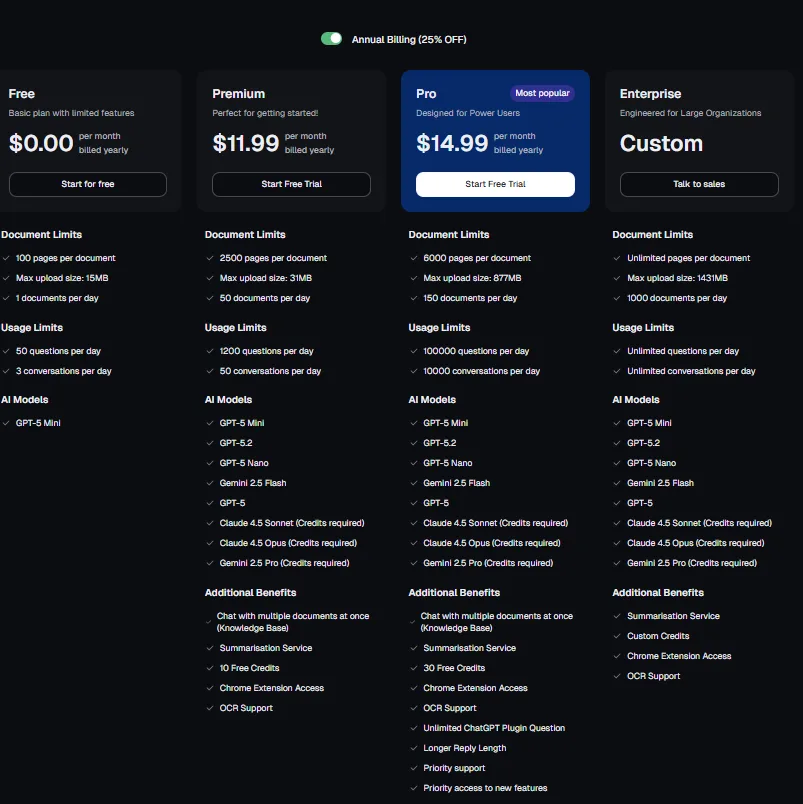
Pro also unlocks longer reply length, priority support, priority access to new features, and unlimited ChatGPT plugin questions on top of everything already listed. Given how restrictive the free tier felt during actual testing, upgrading to at least Premium feels almost necessary for anyone planning to use this regularly rather than just occasionally poking around.
Privacy, Data Handling & Account Control
- Data is not sold to third parties outside of approved use cases, and information isn’t used or transferred for purposes unrelated to the core functionality of the service
- AI features are powered through third party AI service providers, specifically including Anthropic and OpenAI, meaning input, output, and personal information get shared with and processed by those providers to enable the AI functionality
- Free tier uploaded documents remain stored for a maximum of 90 days before automatic removal from their servers
- File transfers and interactions use SSL encryption to protect data in transit
- Users can request deletion of their documents at any point, including a specific method of typing a delete command referencing the document ID directly within a chat interface
The reliance on third party AI providers for processing is worth being aware of, since that means data isn’t staying entirely within AskYourPDF’s own infrastructure, it’s being routed through external providers to actually power the AI responses. That’s fairly standard for tools built this way, but still worth knowing for anyone particularly sensitive about where their document content actually travels.
Comparison: AskYourPDF vs UPDF
Since the voice note specifically flagged UPDF as the closest comparison point here, given how both platforms lean into offering a huge spread of tools rather than staying narrowly focused, here’s how they stack up.
Feature | AskYourPDF | UPDF |
|---|---|---|
Chat with PDF | Yes, with length/format controls | Yes, multi file support up to 100 online |
AI Detector | Yes, but inconsistent results on genuine human text | No |
Humanizer | Yes, tested effectively against own detector | Yes, but no detector to validate against |
Literature Review | Yes, strong citation accuracy | Not present as dedicated tool |
Chat with Books | Yes, mostly classics | Not present |
Dark theme | Listed but non functional | No |
Free plan | Restrictive, 2 conversations/day | Generous, 10MB/5 files, multi file chat |
Pricing | $11.99 to $14.99 per month billed annually | $79.99 lifetime for Pro |
In my opinion, I’d end up favoring UPDF pretty clearly on value alone, mostly because of that lifetime pricing option against AskYourPDF’s ongoing monthly subscription model. But feature for feature, AskYourPDF actually edges ahead in a few specific areas, the detector and humanizer combo existing together at all is something UPDF simply doesn’t offer, and the literature review tool’s citation accuracy was genuinely one of the better implementations I’ve tested across every review I’ve done so far. If detector plus humanizer validation matters specifically, AskYourPDF wins that category despite its own consistency issues. If overall value and breadth without an ongoing subscription matters more, UPDF comes out ahead.
Final Verdict & Overall Score
What worked well for me was the conversation feature’s length and format controls, the literature review tool’s genuinely impressive citation accuracy, the PDF form filler working exactly as advertised, and having a detector plus humanizer combo in the same platform even with its flaws. The chat with books feature was a fun and functional bonus too.
Unfortunately though what didn’t work as well was the detector’s inconsistent scoring on genuinely human written content raised real questions about its reliability, the broken dark theme toggle, the podcast feature failing consistently across every attempt, the summarize tool being locked behind Pro despite context summaries technically existing for free, and those recurring subscription popups getting old fast.
I might keep using it for literature review and research specific work, without much hesitation, that feature alone justified a good chunk of my testing time. But for general everyday PDF chatting though, the restrictive free tier and some of those reliability hiccups make me lean toward other tools I’ve tested that offer more generous free access. I’d recommend this specifically to researchers and students who’d get real value out of the literature review and citation handling, while being upfront that the broader experience still has a few rough edges that need smoothing out before it becomes an easy blanket recommendation for everyone.
Overall score: 7/10.
Frequently Asked Questions:
Yes, in testing, every single citation generated by the literature review writer directed to legitimate, published papers with no fabricated sources. Users can also set custom publication date ranges to restrict citations to recent years.
The detector shows mixed reliability. While it successfully catches pure AI text and marks humanized content as human, it has demonstrated false positives by scoring 100% human-written content as low as 18% human.
While you receive a brief automatic context overview upon uploading a file, on-demand document summarization commands are locked behind a paid Pro plan.
AskYourPDF routes AI tasks through external providers (like OpenAI and Anthropic), encrypts data in transit with SSL, stores free-tier uploads for up to 90 days before automatic removal, and provides in-chat deletion commands via document ID.
Subscribe to our email newsletter to get the latest posts delivered right to your email.
Comments